The Ultimate App to Put Outfits Together and Find Your Style
Have you ever found a gorgeous top online but stopped dead in your tracks, wondering if it would actually go with those favorite jeans you live in? Yeah, me too. It’s the classic online shopping dilemma.
But what if you could become your own stylist, right from your browser? That’s exactly what I want to show you how to do with a modern app to put outfits together, and specifically, how a tool I built called TryThisFit makes it happen.
Finally, An App to Put Outfits Together Instantly
Picture this: you have a photo of yourself ready to go. You’re browsing a store online, see a shirt you like, and poof—you can instantly see how it looks on your own picture. I'm not talking about a generic chart. I’m talking about seeing the entire look—the color pairings, the style, the whole vibe—before you even dream of clicking "add to cart."
This is the magic of a good outfit builder. It completely strips away the guesswork and replaces it with pure creative confidence.
I created TryThisFit to be a super simple, no-accounts-needed way to make online shopping fun again. The whole point is to see how a new piece works with your body and your existing wardrobe. No complicated software, just you and your style, ready to experiment in seconds.
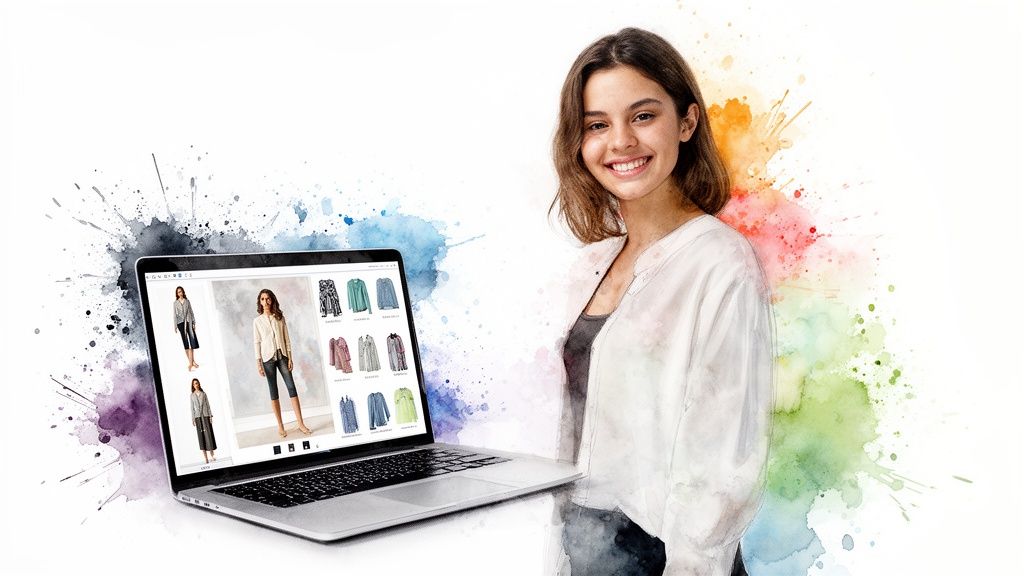
Why Visualizing Your Style Is a Game-Changer
Let’s be real. The toughest part of shopping online isn't finding cute stuff. It's that little voice in your head asking, "But will this really look good on me?" An outfit builder app shuts that voice down by giving you a real visual preview.
This simple shift from guessing to seeing has some incredible benefits:
- Discover Your True Personal Style: You can mix and match pieces you'd never think to pair, uncovering amazing new combinations hiding in plain sight.
- Save Time and Money: Seeing an outfit first means you're way less likely to buy something that just doesn't work. Fewer impulse buys, fewer annoying returns. Win-win.
- Shop Way Smarter: Instantly see if that new top from Zara or H&M actually vibes with the jeans you already own before you spend a dime.
I built this app because I truly believe styling should be an exciting journey of discovery, not a stressful guessing game. When you can actually see an outfit come to life, it gives you the confidence to try new things and really own your look.
How It Completely Redefines Your Shopping Experience
Think of it as your own personal magic mirror for the entire internet. It doesn't matter if you're scrolling through fast fashion on Shein, eyeing designer pieces, or hunting for gems on secondhand sites like Vinted and Depop. The process is always the same. The app becomes your digital mannequin, letting you preview any style you find online.
This gets even better when you use the free Chrome extension. It takes a couple of seconds to install, and from then on, you can just right-click any clothing image you find on any site and instantly see it on your photo. No more saving images, no more juggling a dozen tabs. The entire web becomes one giant, interactive closet.
Ready to see what I mean? Try it for yourself right now at trythisfit.com.
How an Outfit Builder App Solves Common Style Dilemmas
We've all been there. Here’s a quick look at how an app like TryThisFit helps with those everyday online shopping and wardrobe planning headaches.
| Dilemma | The App's Solution | Your Benefit |
|---|---|---|
| "Will this new shirt match my favorite skirt?" | You can virtually preview the new item with a photo of you wearing the skirt you already own. | No more guessing! You buy with the confidence that your new piece works with your wardrobe's style. |
| "I'm in a style rut and wear the same things." | Mix and match items from your closet and online stores in endless combinations on your own photo. | Spark your creativity. Discover new pairings and styles you never would have thought of on your own. |
| "I hate dealing with returns for clothes that don't match my 'vibe'." | Visualize the complete outfit—silhouette, colors, proportions—before making a purchase. | Fewer returns, more keepers. You save time, money, and the frustration of a purchase that looked better online. |
| "I'm not sure if this color will wash me out." | Instantly see how a new color looks against your skin tone and hair color on your photo. | Shop for your palette. Make color choices that complement you, not just the model in the picture. |
Ultimately, it’s all about taking back control and making the process of getting dressed—whether online or from your closet—feel fun and inspiring again.
Turn Any Online Store Into Your Personal Dressing Room
Okay, this is where the real magic kicks in. I’m going to show you how a super simple Chrome extension can turn any online store you love into your own private styling studio. The TryThisFit Chrome extension literally installs in a couple of seconds and adds a powerful little feature right into your browser, completely changing the way you shop.
Imagine you're scrolling through Zara, H&M, or even hunting for gems on Amazon. You find a top you absolutely adore. Instead of just tossing it in the cart and crossing your fingers, you just right-click the product image via the Chrome extension. Instantly, you can see how it looks on your photo. No more saving images, flipping between a dozen tabs, or trying to guess if a piece will work based on how it looks on a model.
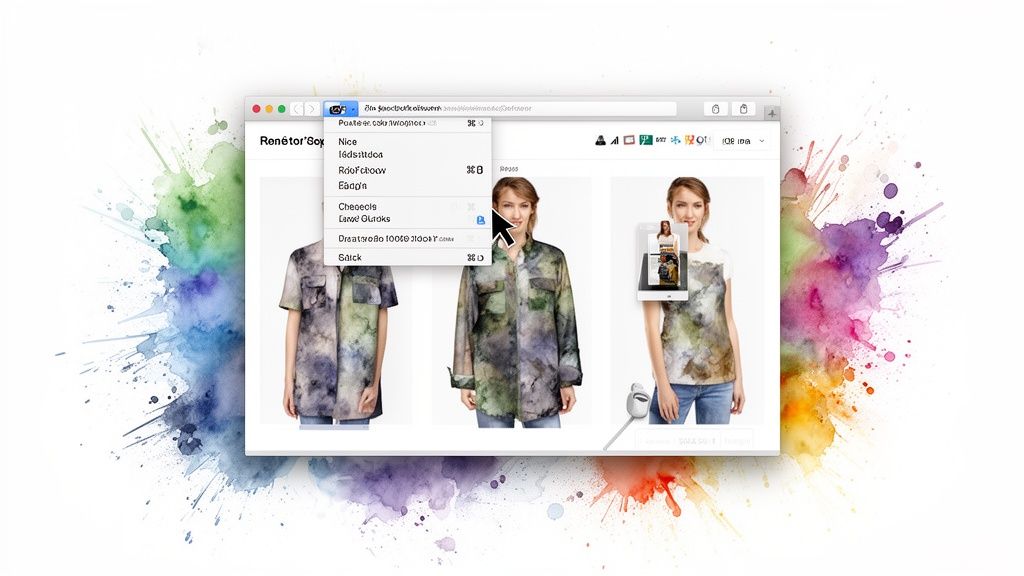
This process gives you an immediate preview that helps you decide if an item truly matches your style. It’s a quick, easy way to get a real feel for a piece before you even think about buying.
Mix and Match Across the Entire Web
Now for the best part—you aren't stuck with just one store. You can build an entire outfit pulling pieces from all over the internet. Find a cute top on Shein, pair it with some killer pants from H&M, and maybe even snag some vintage shoes from Vinted. The app lets you see how it all comes together in one cohesive look.
This is what I call total creative freedom! It lets you break down the walls between different retailers and mix high-end with high-street, turning the whole web into your personal, never-ending closet. If you want a closer look at how this works, the app has a whole guide on how to try on clothes online for free.
The Power of Instant Previews
This kind of easy integration is part of a much bigger shift in fashion tech. AI-powered outfit apps are riding a wave of cloud and AR-based shopping tools. In fact, cloud-based models are expected to take up about 69.3% of this market because they allow lightweight apps and extensions to do some seriously heavy lifting without bogging down your computer.
This isn't just about trying on clothes; it's about building confidence. When you can instantly see how an item looks on you, you're so much more likely to experiment with bold colors, new silhouettes, and fun combinations you might have shied away from before.
The whole idea of a personal dressing room can go even further, with some comprehensive Women Design platforms letting you design custom pieces to add to your virtual wardrobe. At the end of the day, this whole approach puts you back in control of your style. It’s fast, it's fun, and it makes shopping feel creative again.
How to Get Mind-Blowingly Realistic Style Previews
Let’s be real—the magic of any virtual try-on all comes down to the photos you use. This is the secret sauce. If you want a style preview that actually helps you decide "yes!" or "heck no," you need good ingredients. Think of it this way: a clear photo of you and a crisp shot of the clothing are your two non-negotiables.
For the picture of you, the goal is simple: give the app a clean, clear canvas to work on. Just stand up straight in a room with good lighting and face the camera head-on. I always recommend wearing something form-fitting, like leggings and a simple tank top, because it helps the AI see your actual shape without any bulky clothes getting in the way. It makes a huge difference. If you want a little more guidance, I've actually put together a quick guide on taking the perfect full-body picture specifically for this!
Prepping Your Clothing Images
Now for the fun part—the clothes! I've found that one type of photo works better than any other for getting those jaw-droppingly accurate results: the flat-lay. This is just a fancy term for laying a piece of clothing flat on a simple background.
This little trick gets rid of weird shadows and fabric bunching, letting the app see the item’s true shape, color, and any cool details. And you don't need a photo studio! Just find a spot on the floor or your bed with a contrasting color, lay your shirt or jeans down, and snap a quick pic from above with your phone. Easy.
This simple technique is an absolute game-changer when you're shopping on secondhand platforms like Vinted or Depop. You can't rely on professional studio shots there, so finding a listing with a good flat-lay photo helps you visualize the style with amazing accuracy.
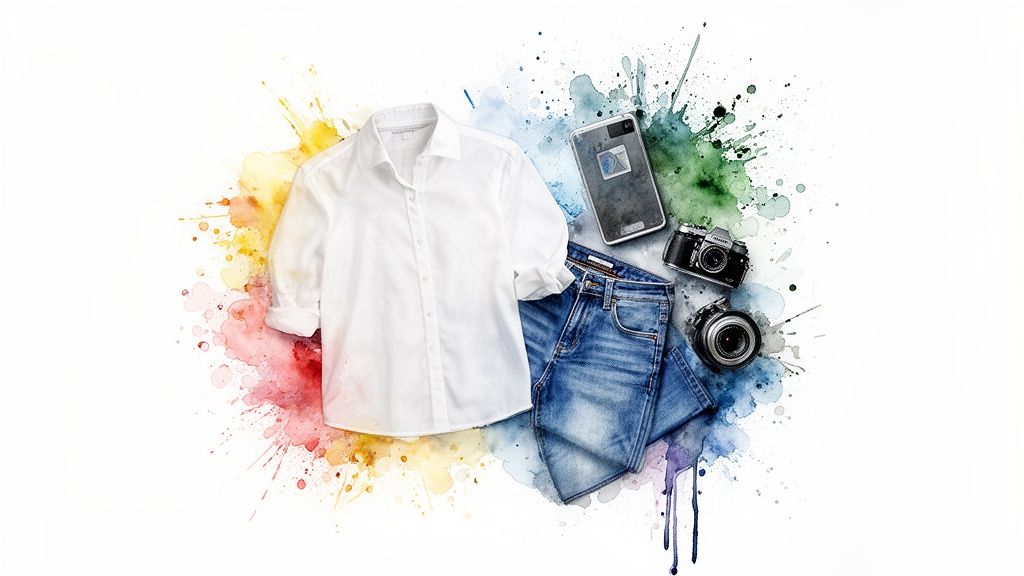
Of course, when you're browsing big retail sites like Zara, Shein, or Amazon, they do all the heavy lifting for you with their clean, professional product shots.
This is where the TryThisFit Chrome extension really shines. You just find an item you love, right-click their high-quality image, and boom—you get an instant, beautiful preview of how it’ll look on you. Taking these few extra seconds is what makes any app to put outfits together go from a fun gimmick to your most trusted styling tool.
Alright, you've got the basics down. Now for the really fun part: actually putting outfits together.
Let’s say you’re planning what to wear for a weekend brunch. Just upload your base photo, then start layering on pieces. Pull in that cute top you’ve been eyeing online, add a pair of jeans, and maybe a necklace you found on Etsy. This is where your creativity can really run wild.
You can instantly see how that same top looks in a different color or compare how your favorite jeans look versus a new skirt you're considering. It’s all about fine-tuning your look in seconds, so you can make those style decisions with total confidence.
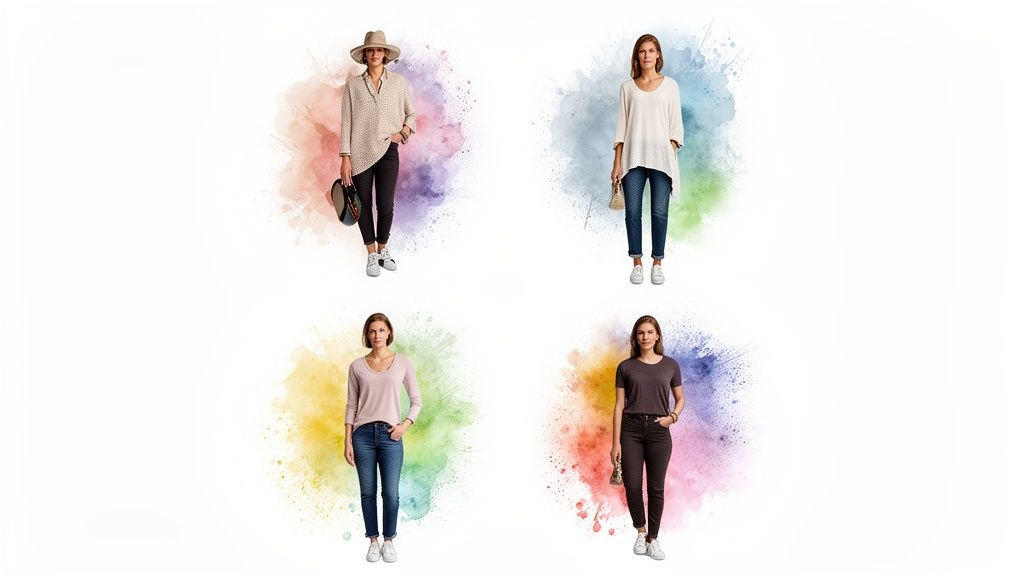
Compare and Save Your Best Looks
One of my absolute favorite features is being able to save every creation. When you build an outfit with TryThisFit, it automatically gets saved to your personal history page. This means you can easily compare different looks side-by-side without a million browser tabs open. It’s like having an infinite, perfectly organized closet right at your fingertips.
This is a game-changer for online shopping. Instead of just guessing, you can see exactly how different items look on you.
Build Out Your Virtual Closet
A digital wardrobe is an incredibly powerful tool, but it's only as good as what you put into it. The first step? Getting your actual closet in order. Seriously, knowing what you own is half the battle. Checking out some effective closet storage organization ideas can give you a huge head start before you even think about going digital. Once you’ve done a clear-out, you can start building its digital twin.
A well-organized virtual closet does so much more than just help you get dressed in the morning. It completely changes how you shop. You can instantly see how a potential new purchase will actually work with the clothes you already own and love.
I go into a lot more detail on this in my guide to creating the ultimate [https://trythisfit.com/virtual-closet-app] experience. It’s all about making your wardrobe smarter, not just bigger.
The Virtual Try-On Revolution is Here
Just a few years ago, these kinds of apps felt like a novelty. Today, they're a huge part of how we shop.
The global virtual try-on market was valued at around $9.17 billion in 2023 and is on track to hit an incredible $46.42 billion by 2030. What's driving this? It's all about the software. These solutions make up about 65.2% of the market, which tells you that the real magic is happening in smart, AI-powered apps and browser extensions—not clunky in-store hardware.
This explosive growth means the tools are only getting better, faster, and more intuitive every day. There’s never been a better time to jump in and start playing around. Ready to create your first look?
More Than Just Daily Outfits: My Favorite Creative Hacks
Sure, an outfit builder is fantastic for nailing your day-to-day style, but that's just scratching the surface. Where it really becomes a game-changer is when you get a little creative. I want to share a couple of my absolute favorite ways to use it: for secondhand shopping and planning epic event outfits. Trust me, this is where a virtual styling tool earns its keep.
<iframe width="100%" style="aspect-ratio: 16 / 9;" src="https://www.youtube.com/embed/yrAx960Ku2s" frameborder="0" allow="autoplay; encrypted-media" allowfullscreen></iframe>Find Hidden Gems on Secondhand Sites
Let's talk about secondhand shopping. I spend way too much time scrolling through Vinted and Depop looking for unique pieces, but there's always that one big catch—you can't try anything on. This is where an app to put outfits together transforms from a fun tool into your secret weapon for thrifting.
Instead of crossing your fingers and hoping that vintage blazer works with your favorite jeans, you can see it. Just grab the seller’s photo (flat lays are perfect for this) and pop it into the app. Suddenly, you can visualize exactly how it’ll look in your wardrobe. It’s given me the confidence to snag so many amazing pre-loved pieces I would have otherwise been too nervous to buy.
Nail Your Next Costume or Event Look
My other go-to creative use? Planning for special events, especially Halloween! Forget buying a dozen different costume pieces and just hoping they all magically come together. Now, I build the entire look virtually before I even think about clicking "add to cart."
For instance, you can instantly see if a witch hat completes the vibe of your Halloween costume. No more guesswork.
That quick visual check confirms you're on the right track before you've spent a dime. It's a ridiculously fun and smart way to get creative.
You can pull a hat from one store, a cape from another, and some killer boots from a third, all to see the final look on your own photo. The TryThisFit Chrome extension makes this a breeze—just right-click on any item from any website. It saves a ton of time and completely avoids that "what was I thinking?" moment when the packages arrive.
Being able to see how something looks before you buy it is a huge deal. It helps you make smarter choices, which means fewer returns. That's a massive win for your bank account and for the planet.
This is a big deal for online stores, too. Did you know that for online apparel, return rates can hit a staggering 30–40%? A lot of that is just because the style didn't work in person. Virtual styling tools tackle this problem head-on by letting you experiment digitally, leading to fewer costly returns and a much happier shopping experience for you. You can learn more about the impact of virtual try-ons on the market.
Ready to try it? Install the Chrome extension in 5 seconds and see for yourself how easy it is to plan your next killer look.
Got Questions? I've Got Answers
You've probably got a few questions buzzing around your head about how all this actually works. It's totally normal! Let's clear up some of the common ones so you can dive in and start creating amazing looks with total confidence.
So, How Does This Whole Thing Work?
It's actually a lot simpler than you might think. All you do is upload a decent full-body photo of yourself. From there, you just start adding images of clothes you're curious about.
The magic of TryThisFit then layers those clothing items right onto your picture. You get a super quick visual of the style and the vibe of the outfit in just a few seconds. Remember, the app is checking the look here, not the exact tailoring.
Do I Have to Sign Up or Create an Account?
Nope! And honestly, this is one of my favorite parts. You can head straight over to trythisfit.com and start playing around immediately. No annoying sign-up forms, no registration, no fuss. It’s all about getting you from "I wonder..." to "Ooh, I like that!" as fast as possible.
What's the Secret to Getting Good Clothing Photos?
For the best, most realistic preview, you really want to look for 'flat-lay' photos. You know the ones—where the piece of clothing is laid out perfectly flat on a simple, contrasting background.
These are awesome because they give the app a clean shape to work with. This trick works wonders whether you're grabbing a professional shot from a brand's website or just snapping a quick picture of something from your own closet.
Can I Really Use This on Any Online Store?
Yes, you absolutely can! This is where the real fun begins. The free TryThisFit Chrome extension is your new best friend for online shopping.
Just install it, and suddenly you can right-click on any clothing image from pretty much anywhere—Zara, H&M, Amazon, even your favorite secondhand shops—and instantly see how it looks on your photo. It’s like turning the entire internet into your personal changing room.
Ready to stop guessing and start styling with confidence? Give TryThisFit a whirl and watch your next favorite outfit come to life at trythisfit.com
Try Virtual Try-On Now
See how clothes look on you before you buy - works with any online store
Get Started Free