10 Best Online Image Flipper Tools of 2026
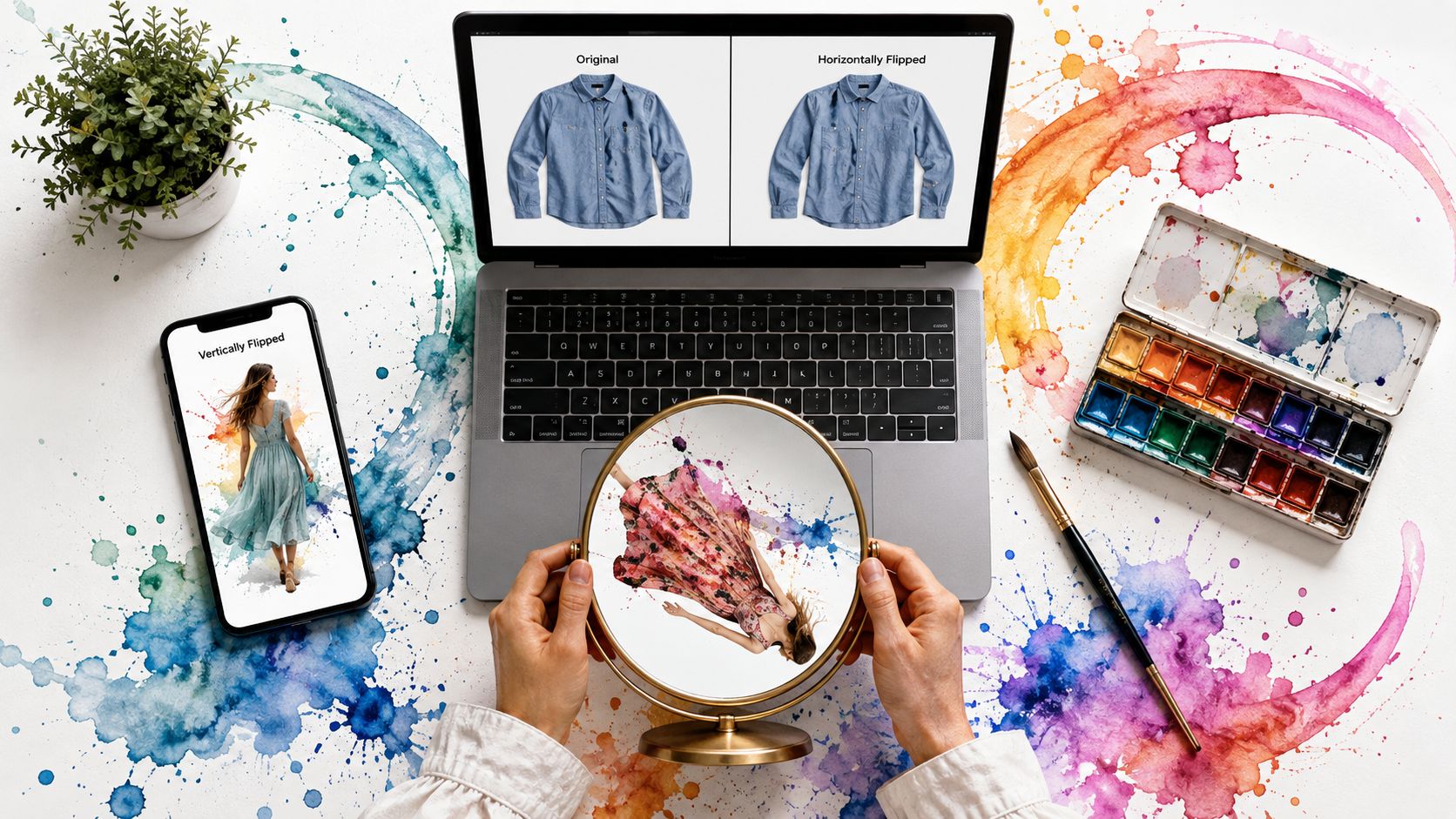
Ever found the perfect shirt, jacket, or flat-lay product photo, but it's facing the wrong way or looks better mirrored? An online image flipper solves that in seconds, and for clothing shots it can do more than make an image look neat, it can help you prep a photo for a virtual try-on workflow. If you're shopping Zara, H&M, Amazon, Shein, Vinted, or Depop, the fastest path is usually simple, flip the image first, then preview how it looks in a try-on app like TryThisFit. 3D rendering for mattress brands may be about another category, but the same visual principle applies, shoppers trust what they can inspect clearly.
The best tools here are the ones that disappear into the task. You upload, mirror, download, and move on, or, even better, you right-click a product image in Chrome and jump straight into a try-on preview without leaving the page.
1. Adobe Express
Adobe Express is a solid default when you want a clean browser tool that does not feel stripped down. It gives you a quick way to flip a photo and keep working with simple edits like crop, resize, and text, which helps if the image also needs to go into social content or a product mockup, similar to how people use the top Instagram post makers in 2026.
Why it works well
The main advantage is familiarity. Adobe's web tools are easy for non-designers to trust, and the browser workflow fits quick shopping tasks where you just want to see how it looks without learning a full editor.
It also fits clothing prep well. If a flat-lay top photo is oriented awkwardly, I can flip it, check the shape, and then move the image into a styling workflow instead of spending time in a heavier editor. That matters when the goal is a cleaner look for a virtual try-on preview, especially if the same image will later be tested in apps like TryThisFit.
Practical rule: use Adobe Express when you want a polished interface and a flip tool that sits inside a broader editing space.
The trade-off is straightforward, some advanced assets and edits sit behind paid access. For a basic mirror job, though, it is fast enough to be useful. Visit the tool at Adobe Express Flip Images Online.
2. Canva
Canva is the easiest pick if your image flip is part of a bigger visual project. It's especially comfortable for people who already use templates, text blocks, and brand assets, because the flip action lives inside the same editor.
Best for layout-heavy work
Canva makes the most sense when you're not just flipping a single photo, you're turning it into a post, mood board, or comparison graphic. That matters for shoppers who like to visualize outfits, save screenshots, and build a personal style board before buying.
The editor is friendly on both web and mobile, so it works well when a quick edit starts on desktop and finishes on a phone. The downside is the usual Canva trade-off, some features are locked to paid tiers, so the free experience can feel a bit fenced in.
For fashion shoppers, the upside is speed. Flip the image, drop it into a layout, and compare it against colors, accessories, or a saved try-on reference in one place. Check it at Canva Flip Image.
3. Pixlr
Pixlr is the better choice when you want a lightweight editor with a little more control. It offers two paths, Pixlr X for quick edits and Pixlr E for deeper work, so it can handle a simple mirror or a more careful cleanup session.
Fast flip, more control
The useful part is flexibility. You can flip horizontally or vertically, rotate to exact angles, and work with a wide range of formats, which is helpful when product images arrive in different file types from marketplaces or seller uploads.
That format support matters more than people expect. In shopping workflows, I often see mixed assets, a clean PNG from one listing, a JPG screenshot from another, and sometimes a WebP from a modern storefront. Pixlr handles that variety without making the process feel heavy.
If you like quick edits but hate being boxed into a single tool, Pixlr is one of the easiest balances between convenience and control.
It's not the cleanest free experience because ads can get in the way, and some upgrade prompts show up often. Still, for everyday flips and quick visual checks, Pixlr Rotate Images is reliable.
If you want a fashion-specific workflow after flipping, I'd keep how to change dress color in Photoshop nearby as a next-step reference.
4. Photopea
Photopea feels like Photoshop in a browser, which is exactly why some people love it and others bounce off it immediately. If you need layered control, PSD support, or the ability to flip just one element instead of the whole canvas, it's one of the strongest free web options.
For layered edits, not quick casual taps
Photopea is the right call when the image isn't flat and simple. If you're working with a product composite, a collage, or a mockup where the clothing image needs to be adjusted before a try-on preview, layer-level flipping gives you real precision.
The interface is dense, though. Beginners can do the basic job, but if your goal is to mirror a shirt photo and see the style, Photopea can feel like too much editor for too little outcome.
Use this when: the image has layers, masks, or smart objects, and you care about preserving structure before export.
I like Photopea most for prep work before a style test or blend. If you're already exploring visual combinations, blend 2 images together is a useful follow-up read after you flip and refine the source images. Start here: Photopea.
5. BeFunky
BeFunky is the friendly middle ground for people who want the flip button without the intimidation factor. Its Rotate tool makes horizontal and vertical flips easy, then you can move straight into effects, filters, or a small cleanup pass.
Guided editing with creative extras
This editor works well when you're not just correcting orientation, you're making the image feel better. That can help with secondhand listings, especially when a seller photo needs a cleaner presentation before you decide if the piece matches your style.
The UI is clear and beginner-friendly, so there's less friction than in a pro-style editor. The trade-off is obvious, many of the more interesting effects and tools are in the paid tier, so the free version is best for straightforward tasks.
A practical shopping use case is quick visual sorting. Flip a jacket, nudge the color feel with a light enhancement, and decide whether it belongs in your saved shortlist or not.
For a plain, approachable start, visit BeFunky.
6. Kapwing
Kapwing is built for creators, and that shows in how quickly it handles image mirroring alongside other content tasks. It's a good fit when your flip is part of a social post, a product teaser, or a GIF-heavy workflow.
Best when the image is only one asset
Kapwing's strength is convenience. You can flip images, and it also works with video and GIF content, which helps if you're mixing fashion assets with short-form social media posts or story content.
That matters for shoppers who document outfits visually. A mirrored image might be the first step, then text or stickers turn it into a shareable style board, wishlist card, or comparison post. The downside is the usual free-plan friction, export limits and possible watermarks can get in the way.
Practical rule: use Kapwing when your flip belongs inside a creator workflow, not when you just want the fastest possible standalone mirror.
If you're using screenshots from a website as your source image, how to copy image from website is a useful companion guide before you flip anything. Open the tool at Kapwing Flip Image.
7. iLoveIMG
iLoveIMG is the utility-first option for quick image corrections. It strips away extras and gives you a fast drag-and-drop path for rotating and flipping images, which is exactly what helps when you're handling several files in one pass.
The fastest bulk-friendly choice
This is the tool I'd reach for when the same edit needs to happen across a group of files. If you have multiple product photos from a marketplace listing, or a set of flat-lay images for a style test, batch handling saves time and keeps the workflow straightforward.
The site also fits a broader utility mindset. Basic use does not require an account, and the interface stays focused on the task instead of pushing creative extras you may not need. That matters when the job is purely visual correction, especially if you're preparing clothing shots for a virtual try-on check in an app like TryThisFit and want the files cleaned up before you compare silhouettes, symmetry, or sleeve placement.
Clean task tools are better than fancy tools when the only goal is to mirror an image and move on.
There is not much artistic control here, and that suits the use case. If you need a design suite, look elsewhere. If you need quick flips that do not waste your afternoon, start at iLoveIMG.
8. EZGIF
EZGIF is the safest pick when your image isn't static. It flips and rotates animated formats as well as regular images, which makes it especially useful for GIFs, WebP files, and other motion assets.
Animated assets need different handling
A normal flipper can be clumsy with animation, but EZGIF is built for that edge case. If you've ever needed to mirror a product loop, sticker-style asset, or social GIF, the tool earns its place.
The interface is basic, and that's not a flaw here. It keeps the file-moving process fast, and the format support makes it a better utility than many prettier editors. For people working with marketing assets or web graphics, that matters more than slick visuals.
One of the more useful visual details is frame-level control, which gives you more confidence when the output needs to stay consistent from start to finish. The site is still free and lightweight, so it's easy to test without commitment.
Use EZGIF Rotate when the file is animated and you need the mirror to hold up frame by frame.
9. PineTools
PineTools is the one I'd open when I want the fewest possible decisions. It gives you a one-screen flip with instant preview, so the whole job feels more like a quick utility tap than a mini editing session.
Best for one-off jobs
That simplicity is the value. If a photo is backwards, or a clothing image needs a horizontal mirror before you compare styles, PineTools gets out of the way and lets you inspect the result immediately.
The downside is the same thing that makes it fast. There isn't much room for creative editing, and that means it's not the place for layered mockups or polished presentation work.
Quick visual correction beats over-editing when the only question is how the image looks after a flip.
It's a good bookmark for shopping and resale work, especially when you don't want to think about menus or feature clutter. Open PineTools Flip Image when speed matters more than anything else.
10. LunaPic
LunaPic feels old-school, but it still gets the job done. Its Mirror/Flip action is immediate, and the rest of the editor adds enough extra controls to make it useful for small visual tweaks after the flip.
Useful when you want more than flipping
This is a practical fallback when you want a browser editor with a little more range than a single-purpose tool. You can mirror the image, then adjust color, perspective, or other simple settings without moving to a different app.
The interface looks dated, and the ads can be distracting, but the tool is still helpful for fast web-based work. That's especially true if you're cleaning up an image for a listing, a mood board, or a style preview.
For shoppers, the value is momentum. You mirror the garment photo, check the appearance, and keep moving instead of getting trapped in software setup.
Visit LunaPic if you want a free browser tool that still offers a few extra editing knobs.
Top 10 Online Image Flippers, Feature Comparison
| Tool | Core features ✨ | UX/Quality ★ | Value 💰 | Best for 👥 | Standout 🏆 |
|---|---|---|---|---|---|
| Adobe Express – Flip Images Online | ✨ One-click H/V flip; quick edits & export | ★★★★ Clean, beginner-friendly | 💰 Free plan; Premium assets | 👥 Casual creators & quick editors | 🏆 Trusted brand, smooth web workflow |
| Canva – Free Online Image Flipper | ✨ Flip elements + templates & brand kit | ★★★★ Very beginner-friendly | 💰 Freemium; Pro unlocks brand features | 👥 Social marketers & template users | 🏆 Rich template ecosystem |
| Pixlr – Rotate/Flip Tool (X/E) | ✨ H/V flip, rotate to exact angles; X/E modes | ★★★★ Fast, lightweight | 💰 Free w/ ads; paid upgrade | 👥 Quick editors & intermediates | 🏆 Two-mode editor flexibility |
| Photopea – Pro-style In-Browser Editor | ✨ Per-layer flips; PSD & Smart Object support | ★★★★ Powerful; denser UI | 💰 Free w/ ads; Pro removes ads | 👥 Advanced users needing PSD control | 🏆 Photoshop-like browser editor |
| BeFunky – Online Photo Editor | ✨ Flip via Rotate + effects/filters | ★★★ Beginner-friendly, guided | 💰 Freemium; Plus for premium effects | 👥 Beginners & creative tweakers | 🏆 Clear, guided UI for novices |
| Kapwing – Image Flip Tool | ✨ One-click flip for images, video & GIFs | ★★★★ Fast exports, simple flow | 💰 Free limits; paid removes watermarks | 👥 Social creators & short-form editors | 🏆 Multi-format flip (video/GIF) |
| iLoveIMG – Rotate & Flip (Batch) | ✨ Batch flip/rotate; drag‑and‑drop + API | ★★★★ Very quick, utility-focused | 💰 Free basics; Pro/API paid | 👥 Bulk processors & teams | 🏆 Fast batch processing |
| EZGIF – Rotate/Flip (Static + Animated) | ✨ Flip static + animated; frame-level tools | ★★★★ Lightweight, animation-focused | 💰 Free | 👥 GIF creators & animators | 🏆 Precise frame-level animation control |
| PineTools – Flip Image | ✨ Instant H/V preview; single-purpose tool | ★★★ Extremely fast, minimal | 💰 Free | 👥 One-off quick flips | 🏆 Fastest one-off flip tool |
| LunaPic – Mirror/Flip Tool | ✨ Mirror/flip + quick filters & retouch | ★★★ Feature-rich but dated UI | 💰 Free | 👥 Users wanting flips + quick edits | 🏆 Wide free feature set |
From a Simple Flip to Your Perfect Style
Now you have 10 practical online image flipper tools at your fingertips, and the win isn't just mirroring a photo. The smarter move is to use that flip as the first step in a visual shopping workflow, especially when you're looking at flat-lay clothing photos and want the clearest possible style preview before trying something on virtually.
That's where TryThisFit fits naturally. Its free Chrome extension lets you right-click product images on sites like Zara, H&M, Amazon, Shein, Vinted, and Depop, and it installs in a couple of seconds. It's built for quick visual decisions, so you can see how it looks, compare styles without leaving the page, and save time when you're deciding what to wear or what to buy.
Flat-lay clothing photos work best for the most accurate results, and that's a simple workflow advantage, not a technical gimmick. Flip the image if needed, preview the appearance, and use the result to judge style more confidently, whether you're shopping for everyday outfits, secondhand finds, or Halloween costumes.
If you want to revisit past experiments, check your saved try-ons in TryThisFit history. If you're ready to start, open the main app at TryThisFit and try a few clothing images today.
TryThisFit turns clothing photos into fast visual try-ons, so you can preview the appearance before you buy and make smarter style choices. Visit TryThisFit to try items on your own photos, use the free Chrome extension on shopping sites, and start seeing how outfits look in seconds.
Try Virtual Try-On Now
See how clothes look on you before you buy - works with any online store
Get Started Free