Best Apps for Clothing Design: 2026 Top Picks
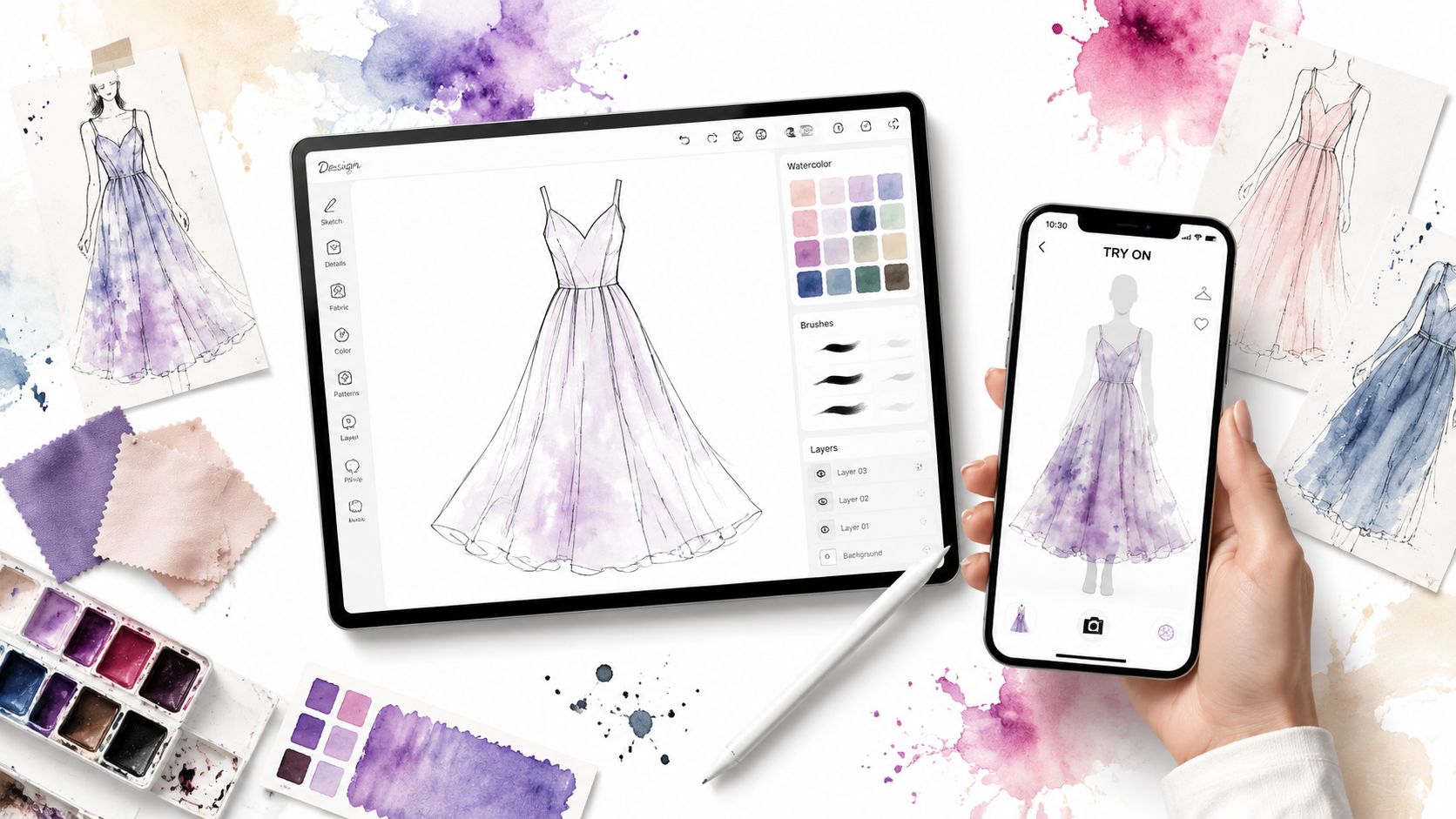
Ever dream of launching your own clothing line, then open a search result for “best apps for clothing design” and realize half the list is sketch apps while the other half is factory software? That gap matters. Designing a garment, building a production-ready pattern, and seeing how a look appears on you are related tasks, but they are not the same job.
That's the biggest mistake most roundups make. They treat fashion illustration, technical design, 3D prototyping, and personal style visualization like one category, when they solve very different problems.
Professional fashion teams already work inside a much broader digital stack than is commonly understood. Browzwear's designer guide notes that WGSN is used by 43,000 product designers and thought leaders across 32 global markets, and the same broader shift has pushed design workflows far beyond flat sketches. The strongest setups now blend concepting, 3D simulation, and production handoff instead of relying on one app to do everything.
If you want to create garments from scratch, you need tools like CLO, Browzwear, AccuMark, or Illustrator. If you just want to preview the appearance of an outfit before you buy it, post it, or style it, you need a different kind of tool entirely. That's where TryThisFit fits in. It lets you see how clothing looks on you in seconds, and the Chrome extension adds a right-click try-on option on shopping sites, including Zara, H&M, Amazon, Shein, Vinted, and Depop.
This guide separates those use cases clearly, then gets straight to the picks.
1. CLO 3D
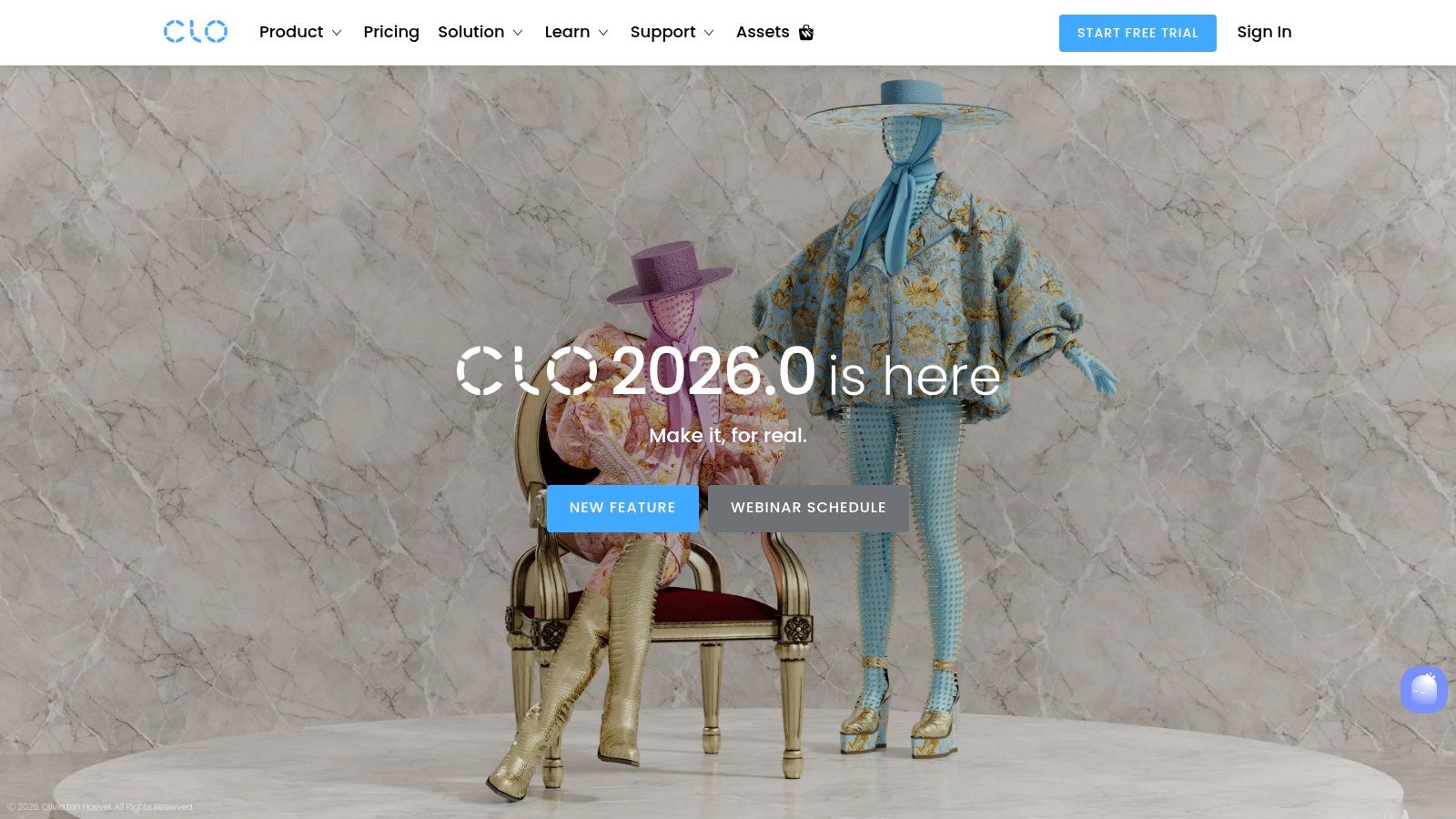
What do you need from a clothing design app: a garment you can build, fit, and hand off, or a quick way to see whether an outfit suits you? CLO 3D sits firmly in the garment creation camp. It is one of the clearest choices for designers who need realistic virtual prototyping built on actual pattern pieces.
CLO 3D links 2D pattern work to a live 3D garment, so edits show up where they matter. Adjust a sleeve cap, change fabric weight, tighten a seam, and you can review the result on the avatar right away. That feedback loop is why CLO shows up so often in fashion programs, freelance studios, and product development teams.
Where CLO earns its place
CLO is strongest when the goal is to test construction and appearance before sampling. It helps teams catch proportion issues, styling problems, and fabric behavior early, which can save time and reduce unnecessary physical samples.
A few practical strengths stand out:
- Pattern-first workflow: Useful for designers who build from garment logic, not just illustration.
- Convincing drape simulation: Good for checking volume, length, layering, and overall silhouette.
- Clear communication: A 3D sample usually answers fit and style questions faster than markup notes alone.
- Relevant professional skills: It matches the direction many apparel teams are already taking with digital development and AI tools used across modern fashion workflows.
Use CLO when you need to answer, “Will this garment work once it is constructed, fitted, and reviewed?” That is a different job from styling an outfit for personal use.
The trade-off is real. CLO takes time to learn, especially for designers coming from sketch-heavy workflows or traditional paper patternmaking. The interface makes more sense once you start thinking like a technical designer: pattern pieces, sewing relationships, fabric properties, avatar fitting, and revision cycles.
I usually recommend CLO to designers who want one platform that sits between concept and sample room. If your goal is production-aware garment development, it is a strong starting point. If your goal is personal outfit previewing, use a style visualization tool instead.
2. Browzwear VStitcher
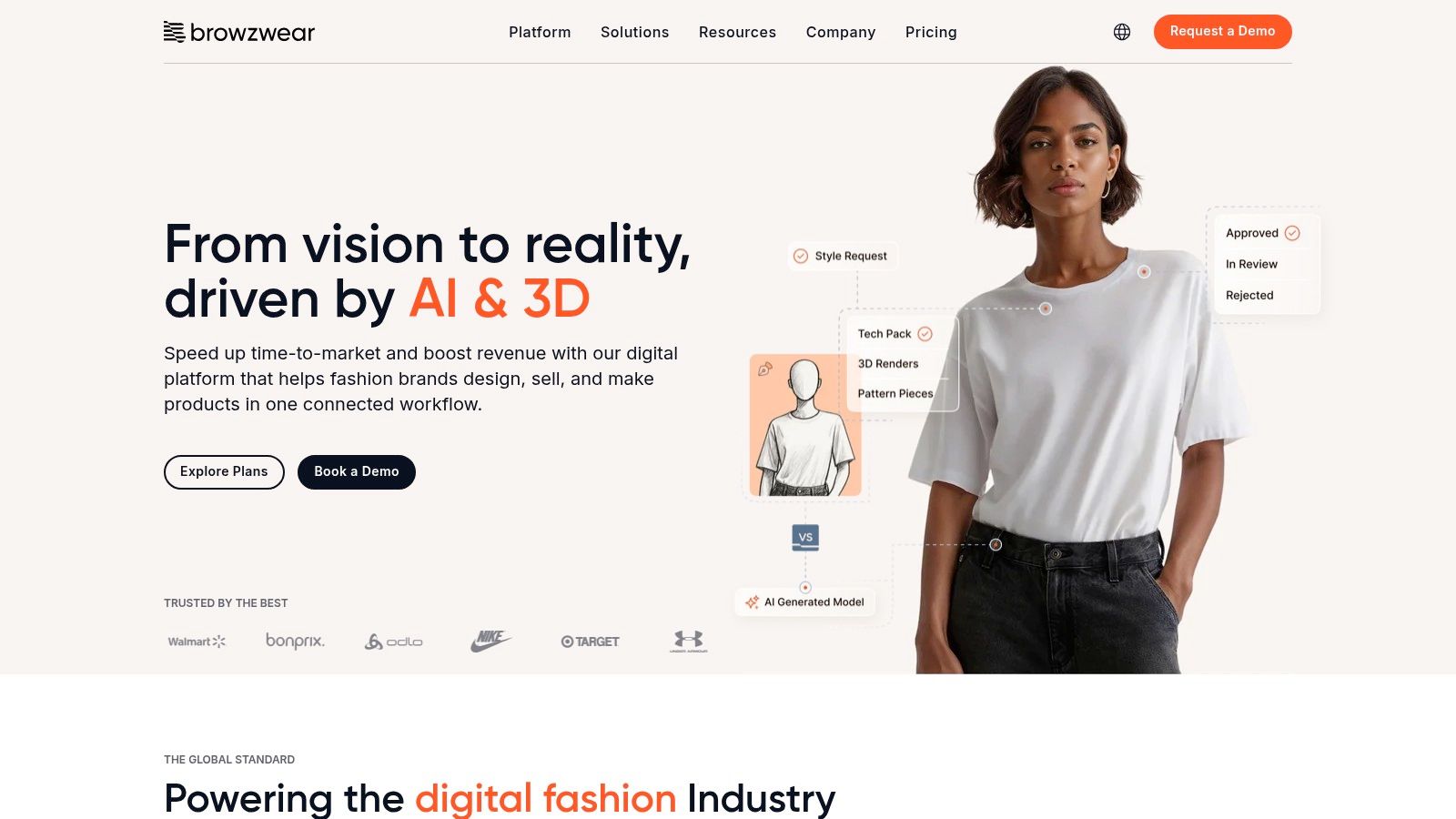
If CLO feels like the most recognizable 3D garment studio for many designers, Browzwear VStitcher feels like the serious operations platform. It's built for brands that need 3D design, fitting, grading, and collaboration to move through a real production pipeline.
At this stage, design software stops being a creative sandbox and starts acting like infrastructure. Large teams care about handoffs, libraries, approvals, merchandising views, and consistency across departments.
Best for bigger apparel pipelines
VStitcher handles 2D and 3D garment work well, but its main value shows up when multiple people touch the same style. Designers, developers, and merch teams can all work from a shared digital asset instead of passing static files around.
A few strengths stand out:
- Strong collaboration flow: Better suited to team environments than solo experimentation.
- Useful for grading and production logic: It supports the realities of apparel development, not just visualization.
- Good merchandising tie-in: Shared views and presentation tools help non-design stakeholders react earlier.
Browzwear makes the most sense when the bottleneck isn't drawing the garment. It's getting everyone aligned on the same version of the garment.
The downside is accessibility. Solo designers and very small labels may find it heavier than they need, especially if they don't have structured production processes yet.
If your interest is less “fashion sketch app” and more “where AI and production meet,” this sits comfortably inside the bigger conversation around AI for fashion.
3. Style3D Studio
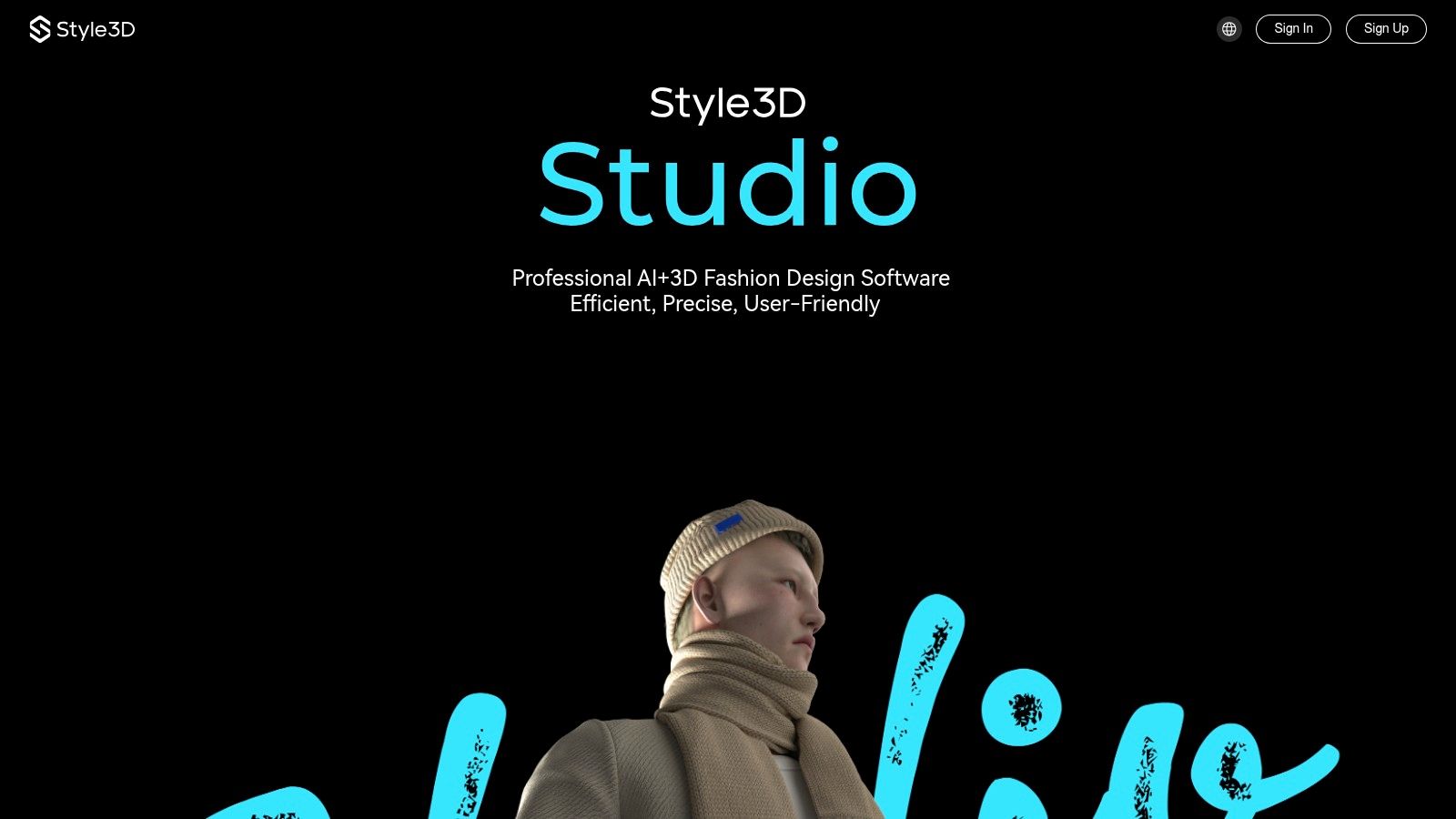
Style3D Studio stands out for one reason. It gives smaller apparel teams a faster path from garment idea to polished 3D review without forcing them into the heavier setup common in long-established enterprise systems.
That puts it in the garment creation side of this list, not the personal styling side. If your goal is building digital samples, reviewing fabric behavior, and presenting styles before physical sampling, Style3D is a serious option. If your goal is outfit planning or trying on looks casually, a consumer-facing tool from this broader guide to fashion and styling apps will fit better.
Best for fast 3D development with a modern feel
Style3D combines pattern-based garment building, simulation, avatars, material rendering, and review-ready outputs in a workflow that feels tuned for speed. I see the appeal for freelance designers, startup brands, and agile product teams that need strong visuals early but do not want the overhead that often comes with bigger PLM-centered systems.
A few strengths make it practical:
- Fast concept reviews: Useful for getting a style in front of decision-makers before a physical sample exists.
- Clean visual output: Materials, drape, and surface details read well enough for design reviews and early marketing use.
- Approachable for smaller teams: Easier to justify when the team needs 3D creation first and enterprise process control second.
The trade-off is depth across the full production chain. Teams with established factory workflows, strict grading requirements, or thoroughly standardized handoffs may still prefer tools built around larger-scale apparel operations.
Style3D makes the most sense for brands that want professional garment creation software with a current, visually polished workflow, especially in the stage between sketch approval and full production engineering.
4. Marvelous Designer
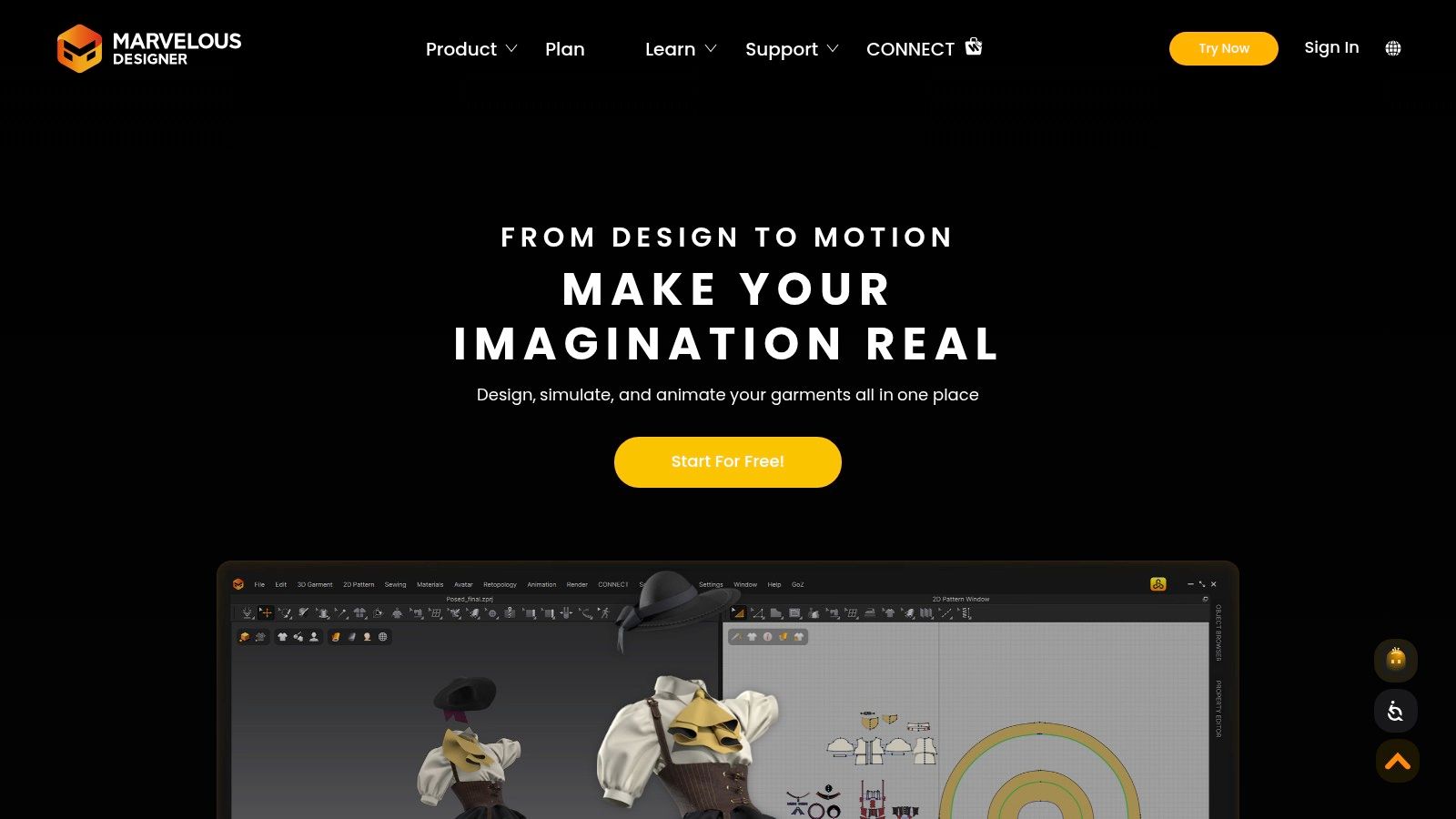
Marvelous Designer sits in an unusual place. It's loved by fashion visualizers, 3D artists, costume teams, and game artists because it's fast, tactile, and satisfying for garment draping. But it isn't the first app I'd choose for a full production apparel workflow.
That distinction matters. A lot of “best apps for clothing design” lists blur creative garment visualization with factory-ready development. Marvelous Designer is excellent at the first category.
Fast for look development
Its sewing and draping workflow feels intuitive once you get moving. You can build garments on avatars quickly and create soft-body clothing that looks convincing in renders, marketing visuals, and digital environments.
What works well:
- Rapid drape exploration: Great for seeing shape and movement early.
- Strong interoperability: Useful if your work crosses into animation, game assets, or digital campaigns.
- Creative freedom: Better for experimentation than rigid technical control.
What doesn't work as well is end-to-end production depth. You can absolutely design garments in it, but technical teams often still need another app for downstream apparel development.
If your goal is broad inspiration across style, shopping, and digital fashion tools, this belongs in the same wider universe as other best fashion apps, but it's still a specialized choice.
5. Gerber AccuMark
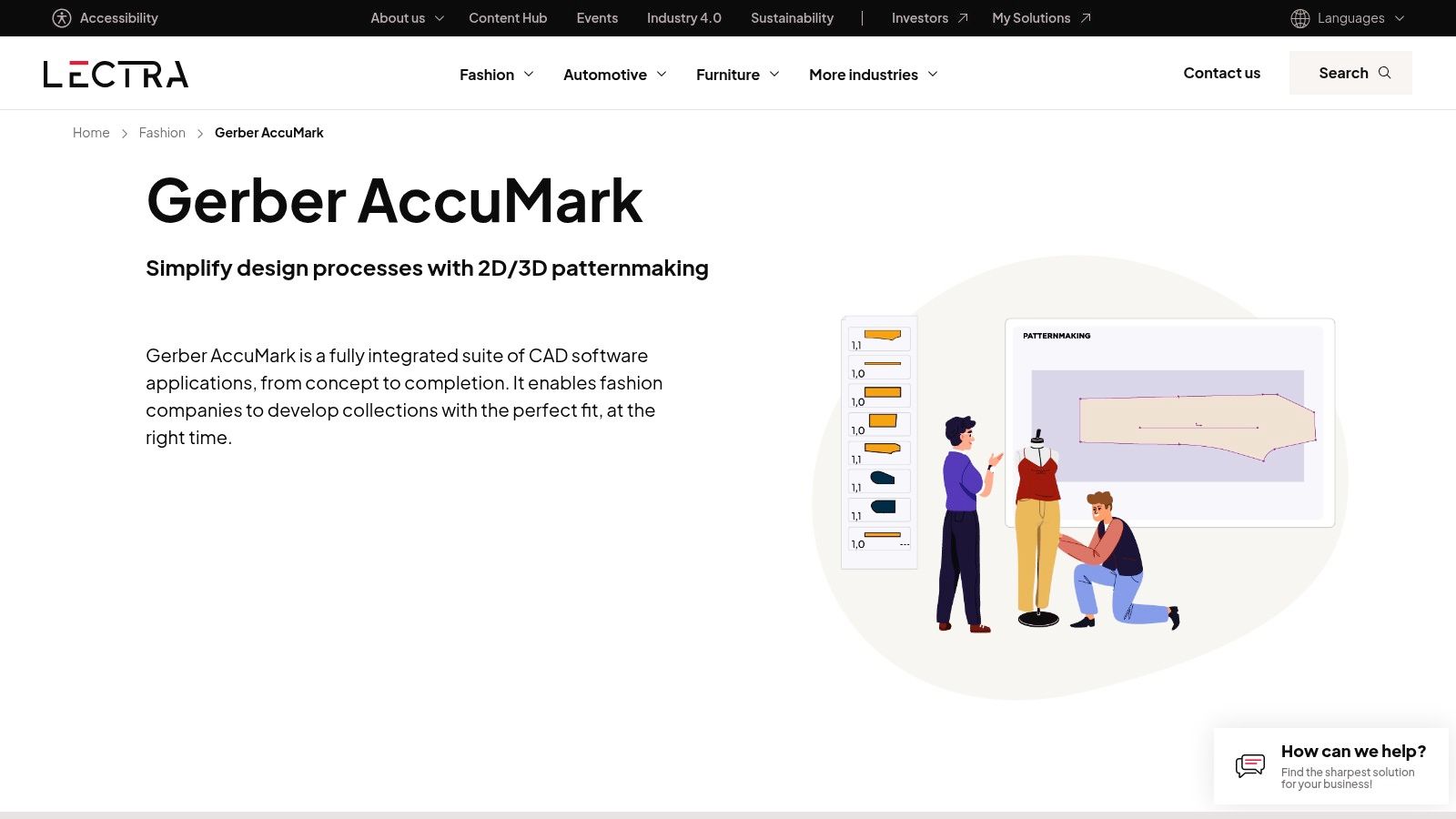
Gerber AccuMark belongs firmly in the garment creation side of this list. It is built for patternmaking, grading, marker work, and production preparation, not outfit visualization or casual design play.
That difference matters.
If the goal is deciding what to wear, testing personal style, or previewing looks on a body, this is the wrong category of app. If the goal is building accurate patterns that can survive a production handoff, AccuMark stays relevant for a reason.
Built for technical accuracy
AccuMark works best in teams that already have a technical design process. Pattern libraries, size consistency, grading rules, and factory communication are the priorities here. The interface can feel dated compared with newer 3D tools, but in many production settings, reliability matters more than visual polish.
I would choose it for workflows where mistakes in pattern data cost real time and money.
Its strengths usually show up in three areas:
- Pattern engineering: Strong control over pattern construction and edits.
- Grading discipline: Better suited to size-run management than creative sketch-first apps.
- Production handoff: Useful when technical files need to move cleanly toward manufacturing.
The trade-off is easy to understand. AccuMark will not give you the fast visual feedback of CLO or the tactile draping feel of Marvelous Designer. It asks you to work more like a technical designer than a fashion illustrator.
For hobbyists, that can feel heavy. For established brands, pattern rooms, and teams working closely with factories, it can feel dependable in exactly the right way.
6. Lectra Modaris
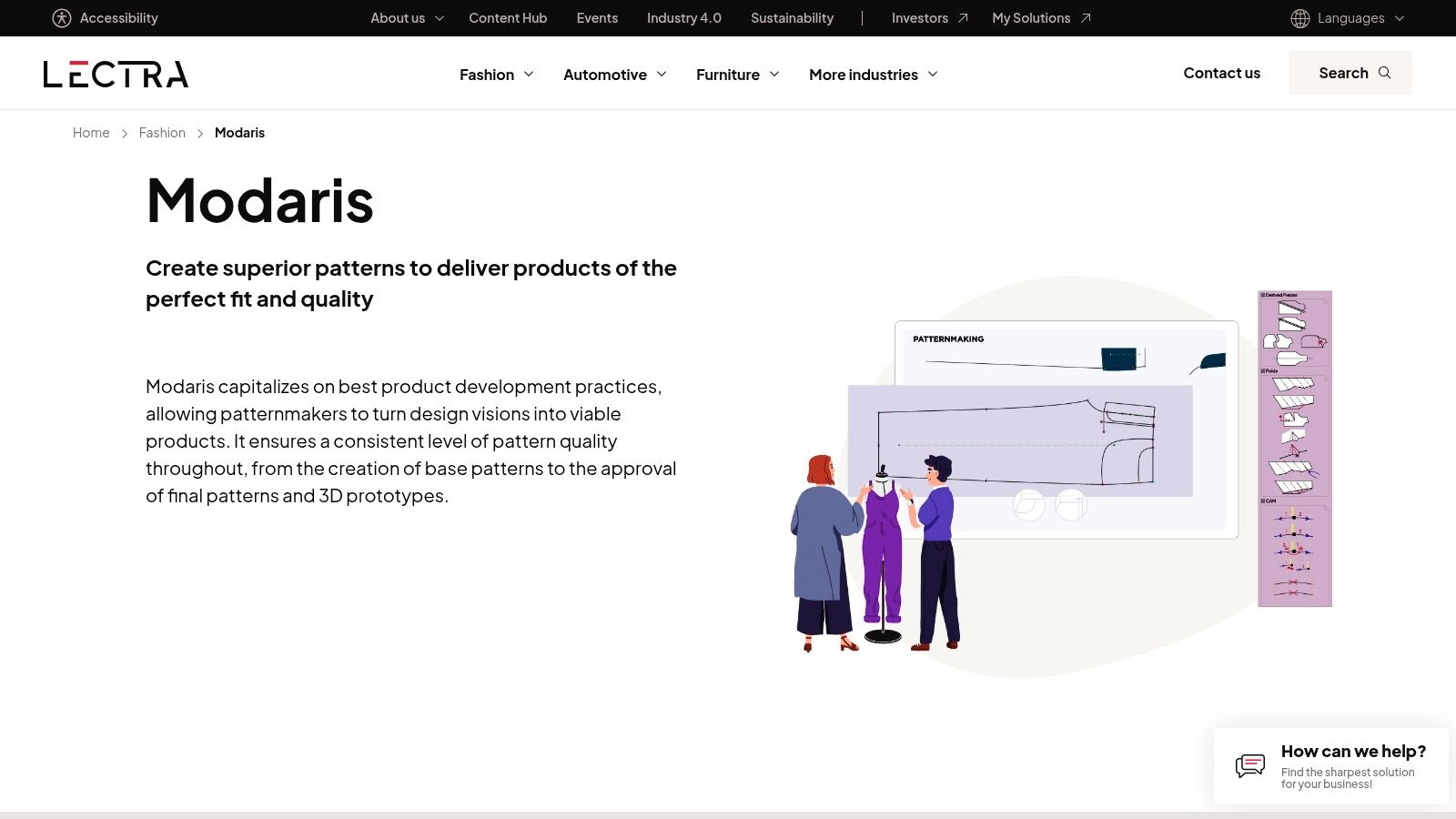
Lectra Modaris is one of those tools technical designers respect even when newer apps get more attention. It's built around precision patternmaking, grading control, and efficient adjustments.
I'd choose Modaris when the team already thinks in technical terms. If the conversation is about pattern logic, repeatable adjustments, and production integration, this is a strong fit.
A technical designer's tool
Modaris is less about creative spark and more about disciplined refinement. That can be exactly what a larger apparel organization needs.
Its value shows up in three places:
- Pattern precision: Strong when small adjustments need to stay controlled.
- Structured workflow: Better for formal development teams than casual creators.
- Production alignment: Works well in environments where design and manufacturing are tightly connected.
The weakness is obvious. It's not the friendliest starting point for someone who just wants to explore clothing ideas.
That's why I wouldn't call it the best app for clothing design in a universal sense. I would call it one of the best for technical pattern development inside established fashion workflows.
7. Optitex (EFI Optitex)
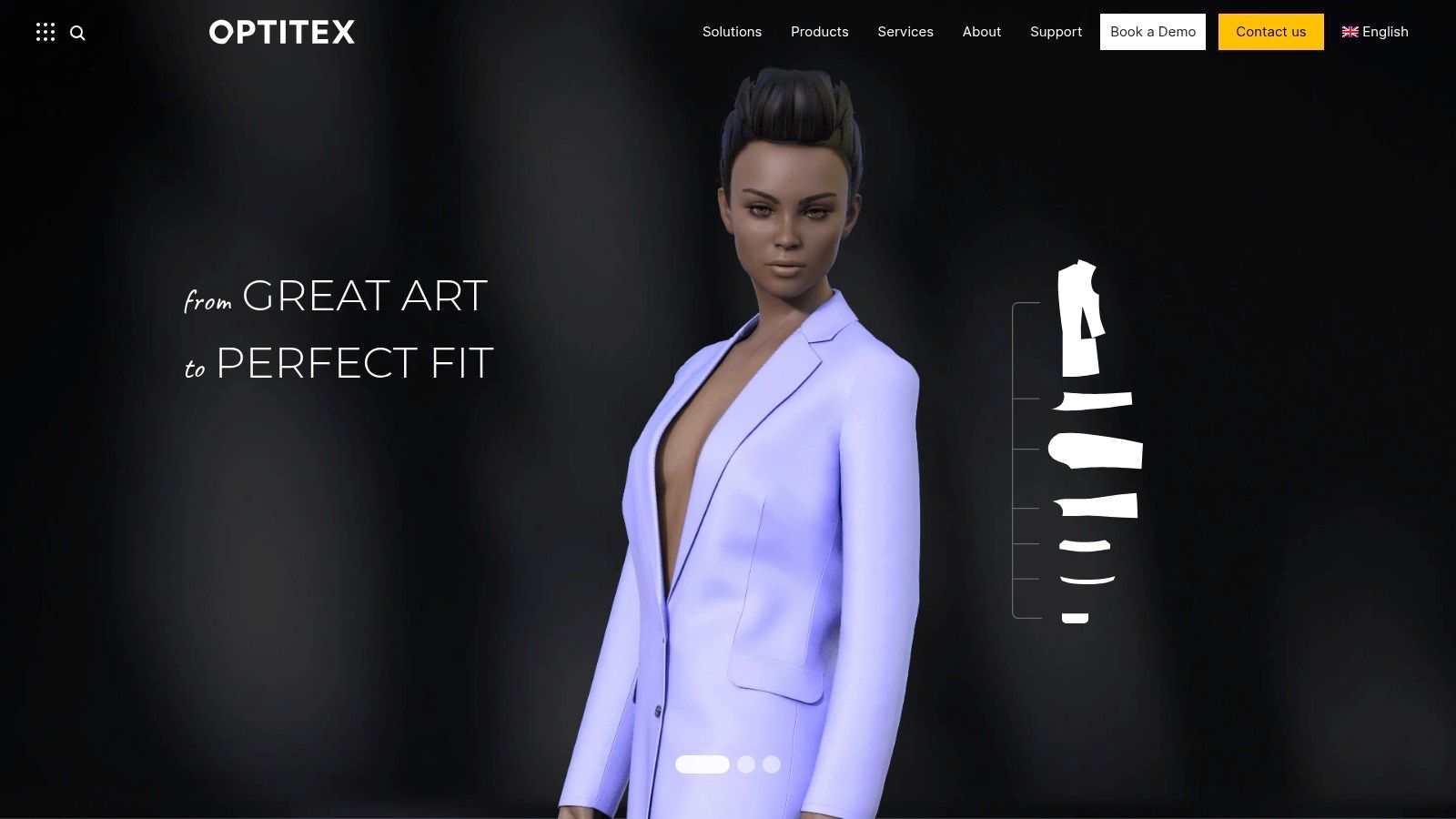
Optitex is a practical choice for teams that want CAD, 3D visualization, and production-oriented automation in one environment. It's less talked about in casual design circles, but inside manufacturing-minded apparel work, that's not a problem.
This is a system for people who care about workflow continuity. Patternmaking, grading, markers, visualization, and cut-room relevance all sit close together.
Where Optitex makes sense
Optitex works best when design decisions are tightly linked to downstream operations. You can build and visualize garments, but the larger appeal is the connection to production tasks.
That makes it useful for:
- Production-driven teams: Especially when cut-room and marker efficiency matter.
- Companies standardizing workflow: Fewer disconnected tools can mean fewer messy handoffs.
- Training environments with industry focus: It introduces students to production logic early.
The trade-off is community energy. Independent creators usually find more tutorials, peer support, and casual inspiration around CLO or Illustrator.
For a factory-facing workflow, though, Optitex is a serious contender.
8. TUKAcad (Tukatech)
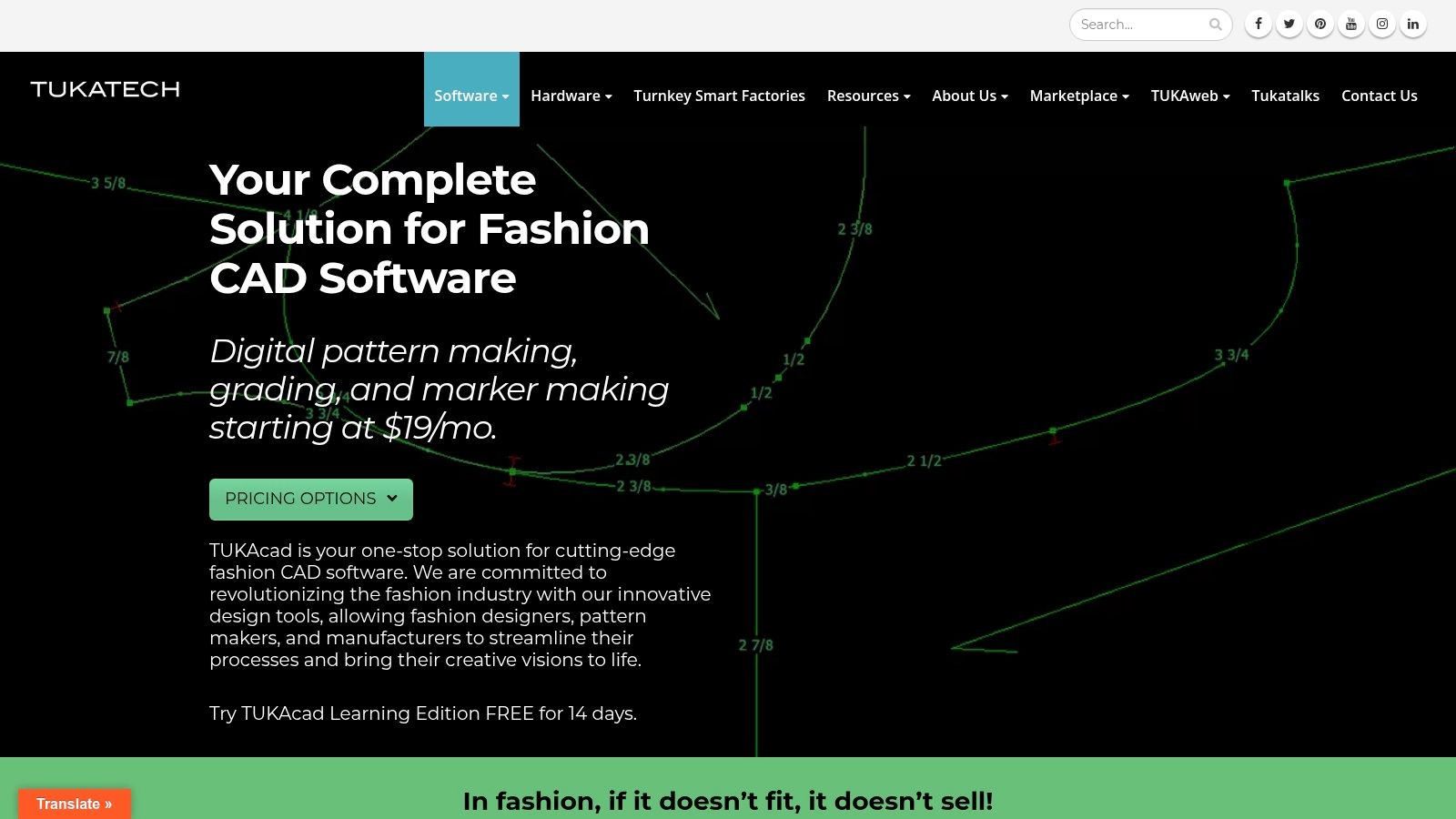
TUKAcad has always appealed to designers and pattern makers who want professional CAD without stepping straight into the heaviest enterprise stack. It's a practical middle-ground option.
For small to mid-sized businesses, that matters a lot. You might need real grading and marker tools, but you might not need the full operational complexity of a larger enterprise suite.
Good value for smaller pro teams
TUKAcad covers the core 2D CAD work well. Drafting, grading, and marker making are the heart of the product, and that's where it earns trust.
Here's the honest trade-off:
- What works: It gives smaller businesses access to serious pattern tools.
- What works less well: The overall polish and ecosystem don't always feel as slick as the biggest names.
- What to expect: If you want 3D depth, you'll likely pair it with TUKA3D or another visualization tool.
Smaller fashion businesses often don't need the most famous software. They need the software they'll actually learn, keep using, and connect to production.
That's where TUKAcad can be the right answer.
9. Adobe Illustrator
Adobe Illustrator is still the backbone of fashion flats, technical sketches, trim callouts, and vector artwork. If a designer tells me they want to work professionally in apparel, this is the first essential skill I mention.
The clearest current framing comes from Onbrand's overview of fashion design apps, which positions Illustrator as the tool for technical drawings and tech packs inside a broader three-stage pipeline. That's exactly right. Illustrator isn't the whole workflow, but it remains one of the essential parts.
Still the standard for flats and specs
Illustrator is precise, widely understood, and highly compatible with how fashion teams exchange artwork. It handles garment flats, print repeats, logo placements, trims, and spec-sheet visuals cleanly.
That's why it works so well alongside 3D tools:
- Illustrator for flats and technical detail
- 3D tools for garment visualization
- PLM or production systems for handoff
If your work includes decoration placement, branding, or stitched embellishment planning, a strong guide for branded apparel decoration pairs naturally with Illustrator-based apparel prep.
The limitation is obvious. Illustrator won't replace a true patternmaking or 3D simulation app by itself. It's the language of fashion specification, not the full factory.
10. Seamly2D
Seamly2D is the best pick here for designers, students, and makers who want measurement-driven pattern drafting without paying for enterprise software. It's open-source, capable, and much more serious than its zero-cost entry point suggests.
This one is easy to underestimate. If you judge software by shiny renders, Seamly2D won't win. If you judge it by whether it teaches sound parametric pattern thinking, it's excellent.
Best free patternmaking app
Seamly2D focuses on formula-based drafting and measurement logic. That makes it valuable for learners who want to understand how patterns are constructed instead of only dragging shapes around.
Its core strengths are simple:
- Free to use: Great for students and budget-sensitive creators.
- Parametric drafting: Useful when you want patterns driven by measurement rules.
- Flexible exports: Handy for printing or moving work into downstream tools.
The limitation is 3D visualization. You won't get the instant garment presence that makes CLO or Style3D so compelling.
That said, not everyone needs realistic avatars on day one. Sometimes the best app for clothing design is the one that gets you drafting, testing ideas, and learning pattern structure right now.
Top 10 Clothing Design Apps, Feature & Workflow Comparison
| Product | Key features ✨ | UX / Quality ★ | Value / Price 💰 | Target audience 👥 | Best for 🏆 |
|---|---|---|---|---|---|
| CLO 3D | 2D→real-time 3D draping, fabric libraries, tech packs | ★★★★☆ | 💰 High (enterprise/education) | 👥 Brands, schools, PD teams | 🏆 Realistic prototyping & fit visualization |
| Browzwear VStitcher | 2D/3D creation, grading, AI-assisted tools, Stylezone | ★★★★☆ | 💰 Quote / enterprise | 👥 Large brands & cross‑functional teams | 🏆 Production workflows & collaboration |
| Style3D Studio | AI-enhanced garment build, presentation, material libs | ★★★★☆ | 💰 Competitive tiers (freelancers) | 👥 Freelancers & small teams | 🏆 Modern AI features at lower cost |
| Marvelous Designer | Intuitive sewing/draping, strong cloth sim, DCC export | ★★★★☆ | 💰 Mid (indie → enterprise) | 👥 3D artists, lookdev, games & film | 🏆 Fast realistic garment concepting |
| Gerber AccuMark | Industrial patterning, grading, marker making, AccuMark 3D | ★★★★☆ | 💰 Expensive (enterprise) | 👥 Manufacturing & sourcing teams | 🏆 Production-grade CAD & data management |
| Lectra Modaris | Parametric pattern tools, integrated 3D, CAD interoperability | ★★★★☆ | 💰 Quote / enterprise | 👥 Large apparel orgs, technical designers | 🏆 Precision patternmaking & grading |
| Optitex (EFI) | 2D/3D CAD, cut-room integration, automation workflows | ★★★★☆ | 💰 Quote / enterprise | 👥 Production teams & cutters | 🏆 End‑to‑end production & automation |
| TUKAcad (Tukatech) | 2D pattern drafting, grading, marker + TUKA3D integration | ★★★☆☆ | 💰 More affordable (SMB) | 👥 Freelancers, small/mid businesses | 🏆 Budget-friendly professional CAD |
| Adobe Illustrator | Precision vector flats, repeat tools, Adobe ecosystem | ★★★★☆ | 💰 Subscription (creative cloud) | 👥 Designers & tech sketch artists | 🏆 Vector flats, print/graphics & tech packs |
| Seamly2D | Parametric measurement drafting, SVG/DXF/PDF exports, OSS | ★★★☆☆ | 💰 Free / open‑source | 👥 Learners, makers, cost‑sensitive teams | 🏆 Free parametric pattern drafting |
Start Designing and Styling Today
What do you need the app to do. Create a factory-ready garment, or help you decide whether an outfit works before you buy it?
That distinction matters more than the feature count. Garment creation software supports pattern drafting, grading, technical flats, fabric simulation, fit review, and production handoff. Style visualization tools answer a different question. They show how a look might read on your body, in your wardrobe, or in a shopping decision.
If the goal is professional development, choose the tool that matches the job instead of chasing the longest feature list. Illustrator is still hard to replace for flats, prints, and spec sheet work. CLO, Browzwear, and Style3D are stronger choices when 3D sampling and fit communication drive the process. AccuMark, Modaris, Optitex, and TUKAcad belong in workflows where pattern accuracy, grading, markers, and manufacturing data need to hold up beyond the design stage. Seamly2D is still a sensible place to learn pattern logic or build a low-cost drafting workflow.
The wider process matters too. Industry coverage of market research tools in fashion shows how teams test demand, track trends, and validate ideas before committing to development. In real apparel workflows, strong output usually comes from connected steps. Research, concepting, prototyping, revision, and launch.
Style planning deserves its own category.
A shopper, reseller, or creator usually does not need marker making or grading tables. They need a fast visual check. Does the jacket sit right with the trousers. Does the color work. Is the look worth buying, posting, or saving. WearView makes that split clear in its clothing design app overview, separating garment creation software from appearance-preview tools instead of blending them into one vague list.
TryThisFit fits that styling use case. It focuses on appearance preview rather than technical garment development. In practice, clean flat-lay product images usually produce the most useful previews for everyday shopping, resale sourcing, and outfit planning.
Choose based on output, not hype. If you need patterns, grading, and tech packs, use professional apparel software. If you want faster outfit decisions and clearer style visualization, use a tool built for that job.
Try Virtual Try-On Now
See how clothes look on you before you buy - works with any online store
Get Started Free