The 12 Best Chrome Extensions for Shopping in 2025
Ready to transform your online shopping from a guessing game into a strategic, money-saving, and wildly fun experience? You've landed in the perfect spot. The world of online retail is massive, but with the right tools, you can navigate it like a seasoned pro, snagging the best deals and making smarter choices every single time. That's where the magic of Chrome extensions for shopping comes into play. These tiny, powerful add-ons integrate directly into your browser, working silently in the background to become your personal shopping assistants.
Imagine effortlessly finding the lowest price for that gadget you've been eyeing, automatically applying hidden coupon codes at checkout, or even visually trying on an outfit from Zara or H&M before you click "buy." This isn't a futuristic fantasy; it's what a well-chosen browser extension can do for you today. These tools solve the most common shopping frustrations: overpaying, missing out on discounts, and the dreaded "it looked different online" return.
In this guide, I'm diving deep into the absolute best Chrome extensions designed to upgrade your entire shopping journey. I'll explore everything from automatic coupon finders like Honey and Rakuten to powerful price trackers like Keepa. Plus, I'll introduce you to game-changers like TryThisFit, an incredible extension that lets you visualize how clothes will look on you, a perfect solution for shoppers on Amazon, Vinted, and Depop. Let's get started!
1. TryThisFit
For anyone who has ever stared at a product photo online wondering, "But how would that actually look on me?", TryThisFit offers an ingenious and immediate solution. This AI-powered virtual try-on tool is a game-changer, transforming the guesswork of online shopping into a confident, visual experience. It stands out as one of the most innovative chrome extensions for shopping, allowing you to preview the appearance of outfits on your own body in seconds, directly from any retail site.
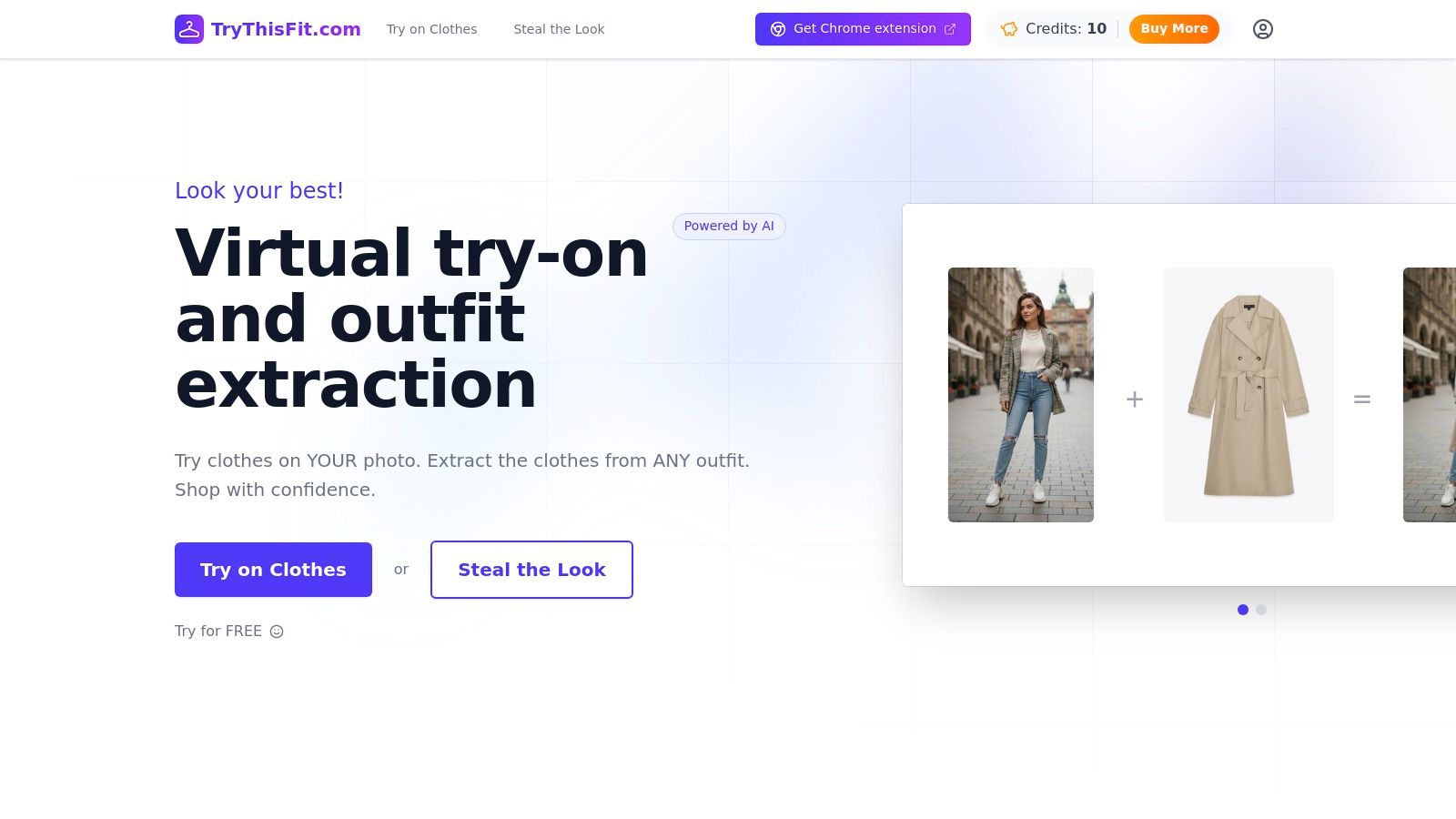
What makes TryThisFit so powerful is its seamless integration and incredible ease of use. Once you install the free Chrome extension (which takes just a couple of seconds), you can browse sites like Zara, H&M, Shein, or even secondhand marketplaces like Vinted. Simply right-click any clothing image and instantly generate a preview of you wearing it. There are no accounts to create or complex steps to follow. This frictionless process empowers you to visualize your style, experiment with new looks, and make much smarter purchasing decisions, avoiding returns.

Why It Excels
The core strength of TryThisFit lies in its universal applicability and privacy-conscious approach. Unlike brand-specific tools, the extension works across the web, making it an indispensable companion for any online shopper. It's particularly effective with flat-lay product photos, which are common on retail sites, leading to more accurate style visualizations.
Key Benefit: TryThisFit removes the "what if" from online shopping. You can instantly visualize how a piece of clothing's style, cut, and color will complement your body, dramatically reducing the risk of returns and saving you valuable time.
Ready to see how it looks? Install the Chrome extension in 5 seconds and discover your style on any site.
Pros & Cons
- Pros:
- No Account Needed: Start visualizing styles instantly without any sign-up friction.
- Universal Compatibility: Works on virtually any shopping site via the right-click feature in the Chrome extension.
- In-Page Previews: Compare outfits directly on the product page without opening new tabs.
- Privacy-Focused: The solo founder states that user data is never sold.
- Cons:
- Desktop-Centric: The experience is optimized for Chrome on a desktop.
- Image Dependent: Achieves the best results with flat-lay photos; angled or on-model shots may be less precise.
- No Sizing Info: The tool is for visualizing style and appearance, not guaranteeing a perfect fit.
The free Chrome extension is available at trythisfit.com and is a must-have for anyone serious about elevating their online shopping strategy.
2. Chrome Web Store – Shopping Extensions Category
Before diving into my curated list of specific tools, let's start at the source: the Chrome Web Store itself. Think of this as the grand, bustling marketplace where every single shopping extension lives. It’s the official and most secure place to discover, compare, and install tools that will revolutionize your online shopping, making it the essential first stop for anyone looking to build their perfect toolkit.
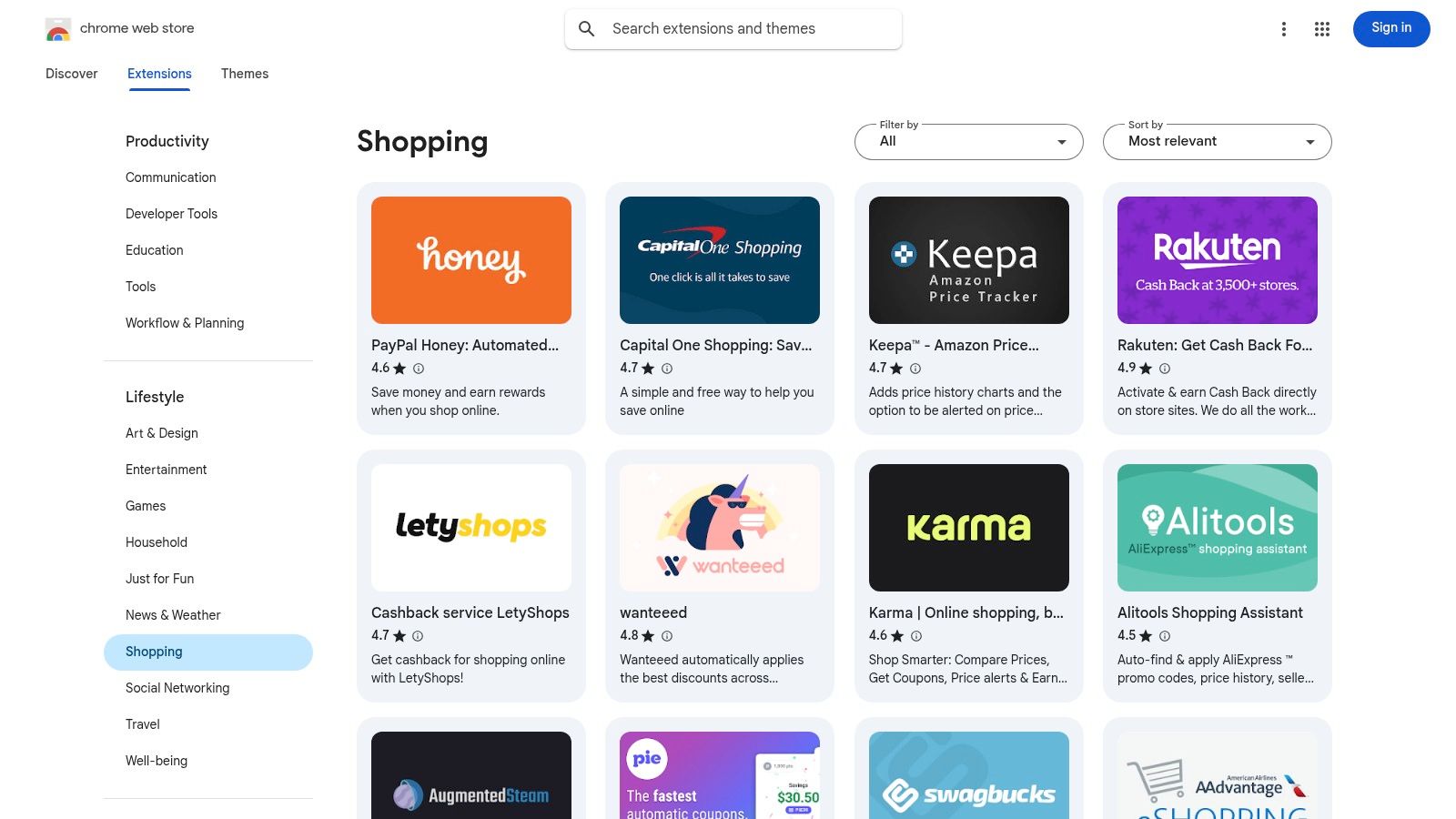
This platform is your authoritative hub for finding powerful chrome extensions for shopping, from major players to niche problem-solvers. The real value lies in the transparent community feedback. You can instantly see user ratings, read detailed reviews, and check the total number of installs, giving you a clear picture of an extension's popularity and reliability.
Why It's Your Go-To Discovery Hub
What makes the Chrome Web Store indispensable is the sheer breadth of options and the data it provides for making informed decisions. Instead of relying on third-party lists alone, you can directly compare tools side-by-side.
- Vast Selection: Discover extensions for everything from cashback and automatic coupons to price tracking and secondhand shopping aids.
- Safety First: Installing directly from the official store is the safest method. Each extension's page clearly lists the permissions it requires, so you know exactly what data it can access.
- Community Proof: Reviews from thousands of users provide honest, real-world insights into an extension's performance, helping you avoid duds and find hidden gems.
Pro Tip: Use the search filters to narrow down your options. Searching for specific needs like "price history" or "virtual try-on" can help you quickly find specialized tools tailored to your shopping style. While the quality can vary, the user data is your best guide.
Website: chromewebstore.google.com
3. PayPal Honey (Automatic coupons, price tracking, rewards)
If you're looking for an all-in-one savings powerhouse, PayPal Honey is a name that likely comes to mind. Acquired by PayPal, this extension is one of the most popular and comprehensive tools for automating savings. It moves beyond just finding coupons by integrating price tracking, seller comparisons on Amazon, and a rewards program, making it a robust addition to your shopping toolkit.
This extension shines by doing the hard work for you. As you shop, it works silently in the background, and when you reach checkout, it springs into action to test and apply the best available discount codes. This automated process makes it one of the most convenient chrome extensions for shopping, saving you both time and money without the manual effort of searching for codes yourself.
Why It's a Savings Staple
What makes Honey a go-to for millions is its triple-threat approach to savings. It doesn’t just stop at coupons; it offers a suite of features designed to ensure you're always getting the best deal possible, from initial purchase to long-term price watching.
- Effortless Coupon Application: Honey automatically scans and tests a massive database of coupon codes at checkout on over 30,000 sites, applying the one that gives you the biggest discount.
- Droplist Price Tracking: See an item you want but aren’t ready to buy? Add it to your Droplist, and Honey will notify you the moment the price drops.
- PayPal Rewards Integration: Earn cash back on eligible purchases, which you can redeem directly through your PayPal account, adding another layer of savings. For more on maximizing your savings, check out these smart online shopping tips.
Pro Tip: On Amazon, Honey’s features are particularly useful. The extension can compare prices from different sellers for the same item and check price history, helping you determine if you’re truly getting the best deal on the platform.
Website: www.joinhoney.com
4. Rakuten Cash Back Button
If getting paid to shop sounds like a dream, Rakuten makes it a reality. Its Cash Back Button is one of the most popular and straightforward chrome extensions for shopping, designed to automatically find and activate cash back offers as you browse. It’s the digital equivalent of a store employee handing you money back on your way out, all with a single click.
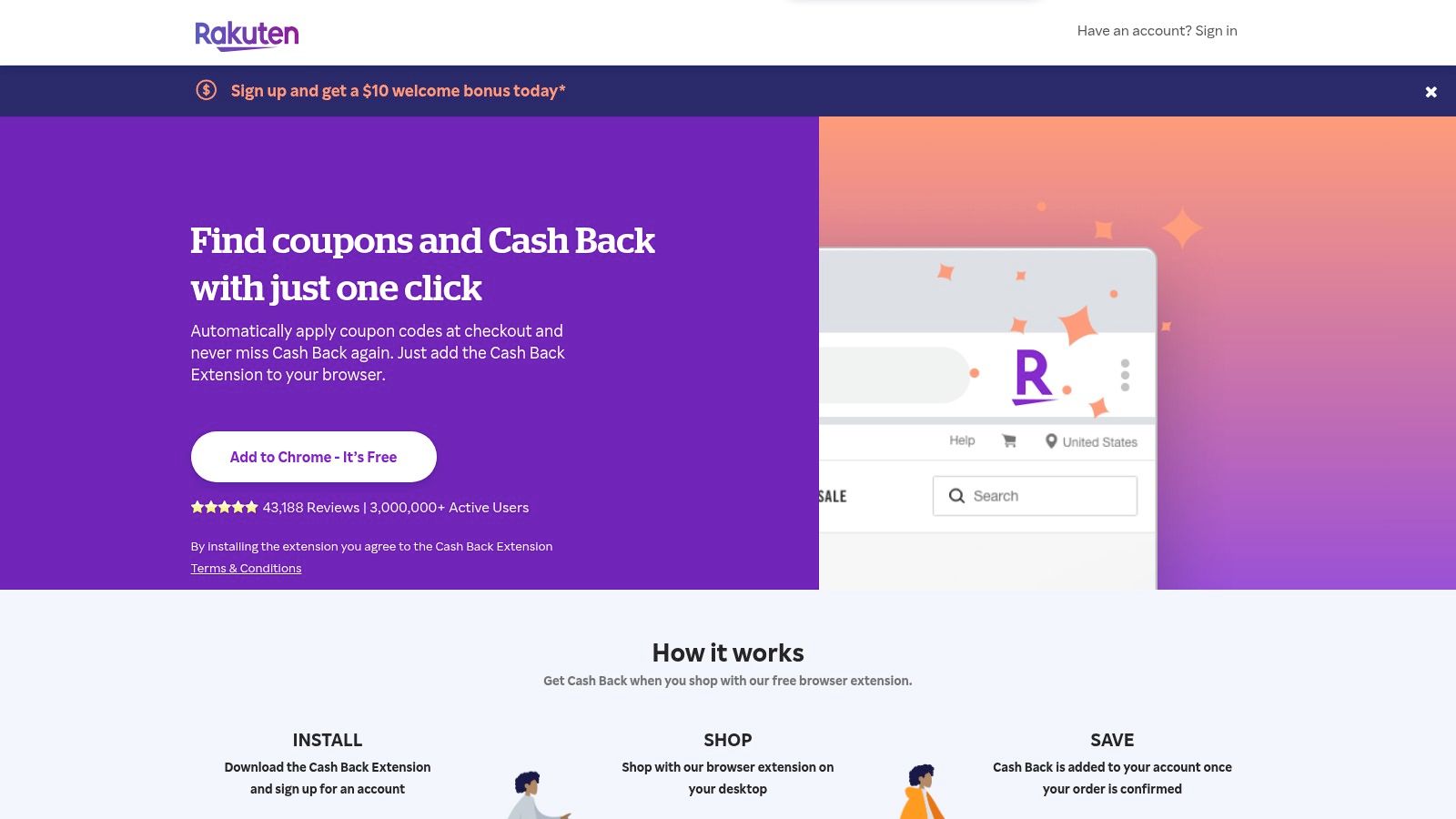
This extension seamlessly integrates into your shopping routine, alerting you with a pop-up whenever a cash back opportunity is available at a store you’re visiting. Beyond just cash back, it also scours the web for applicable coupon codes and automatically applies them at checkout, ensuring you get layered savings without any extra effort.
Why It's an Essential Money-Saver
What makes the Rakuten extension so powerful is its massive network and user-friendly design. It eliminates the need to manually visit the Rakuten website before shopping, turning every browsing session into a potential saving opportunity.
- Effortless Activation: Get a simple, one-click pop-up to activate cash back on over 3,500 stores, from major retailers to niche boutiques.
- Double-Dip on Savings: The extension doesn't just offer cash back; it also finds and applies the best discount codes at checkout.
- Search Engine Integration: See cash back rates directly in your Google, Yahoo, or Bing search results, helping you choose the most rewarding store before you even click.
Pro Tip: Payouts are sent quarterly via PayPal or a physical check once you've reached the minimum balance. To avoid tracking issues, make sure to activate Rakuten before adding items to your cart and avoid clicking other promotional links after activation.
Website: www.rakuten.com/sem2/button.htm
5. Capital One Shopping
Formerly known as Wikibuy, Capital One Shopping is a powerhouse extension that automates some of the most tedious parts of online bargain hunting. It’s an all-in-one tool designed to find coupon codes, compare prices, and earn you rewards, all without requiring you to be a Capital One customer. It works silently in the background, making it a fantastic set-and-forget solution for consistent savings.
This platform excels at automating the checkout process. When you're ready to buy, it springs into action, testing a library of coupon codes to find the one that gives you the biggest discount. Beyond coupons, it also discreetly checks other major retailers, including Amazon, to see if your item is available for less elsewhere, ensuring you rarely overpay.
Why It’s a Savings Powerhouse
Capital One Shopping combines three powerful features into one seamless experience: automatic coupons, price comparisons, and a rewards program. This triple-threat approach makes it one of the most comprehensive chrome extensions for shopping available.
- Automatic Coupon Testing: Say goodbye to searching for codes. The extension automatically applies the best available coupon at checkout across thousands of stores.
- Cross-Retailer Price Comparisons: While you shop, the tool checks for better prices at other stores and alerts you if it finds one, factoring in shipping and tax.
- Earn Shopping Rewards: On top of direct savings, you earn rewards on purchases at participating stores. These rewards can later be redeemed for gift cards.
Pro Tip: Let the extension run on major retail sites like Amazon. It will often pop up with a lower price from another seller you may not have considered, leading to unexpected savings. While some users may be mindful of its affiliate-based model, its effectiveness is hard to deny.
Website: capitaloneshopping.com
6. Keepa – Amazon Price Tracker
For the dedicated Amazon power-shopper, Keepa is an absolutely essential tool. While other extensions cover multiple stores, Keepa laser-focuses on providing the most detailed, comprehensive price history data available for billions of products on Amazon. It seamlessly integrates beautiful, easy-to-read price charts directly onto every Amazon product page, empowering you to instantly see if a "deal" is genuinely a good price or just marketing noise.
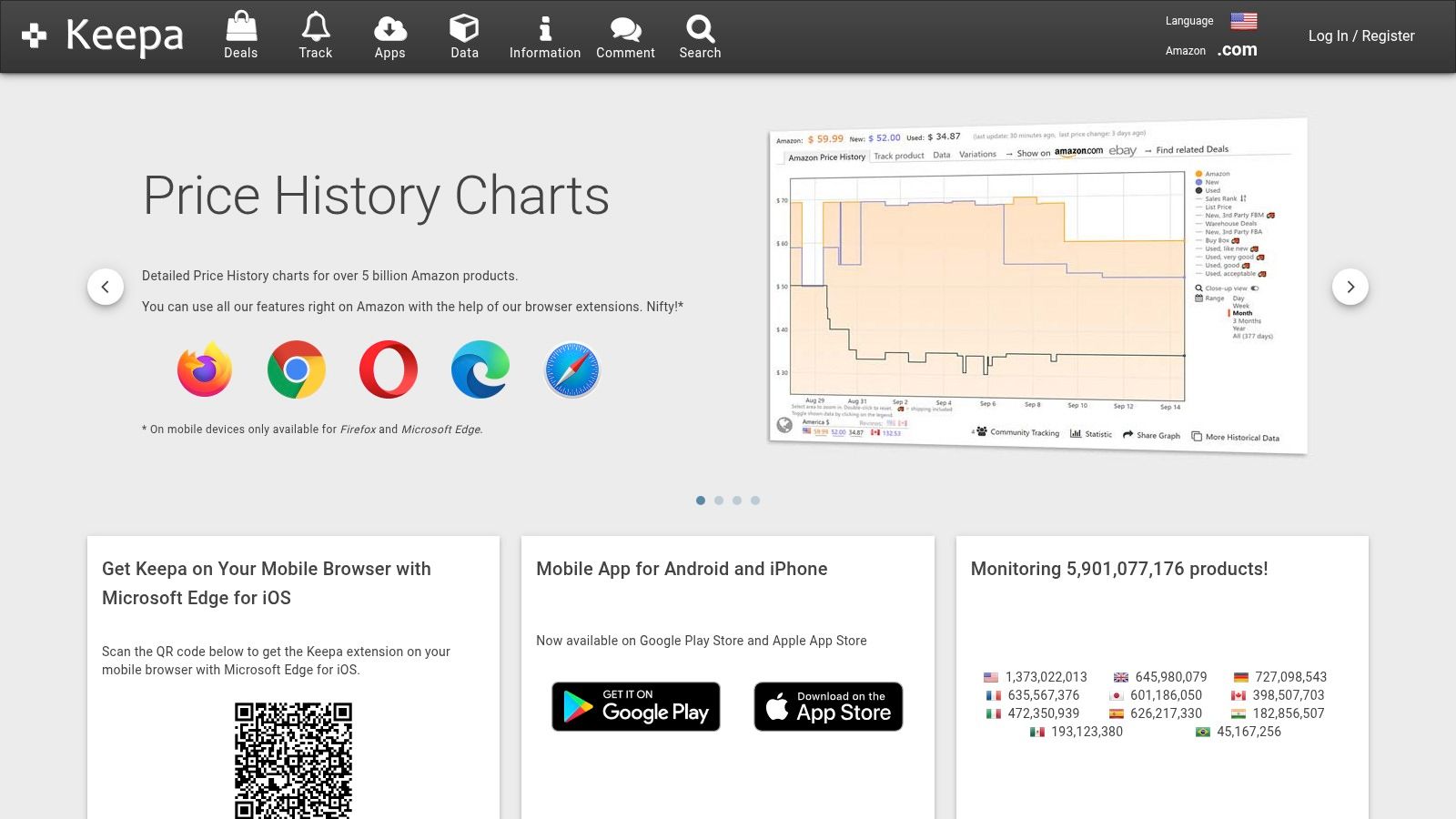
This extension is one of the most powerful chrome extensions for shopping specifically because it demystifies Amazon's dynamic pricing. With Keepa, you can track an item's price history over days, months, or even years, helping you identify seasonal price drops and the absolute best time to buy. You can also set up highly specific price-drop alerts and get notified when an item hits your target price, ensuring you never overpay.
Why It's Your Go-To Amazon Tool
Keepa's strength is its unparalleled data depth and reliability, all presented right where you need it. Forget switching tabs; the information is embedded directly on Amazon, making your analysis instantaneous and effortless.
- In-Depth Price History: See detailed charts showing new, used, and warehouse deal prices over time, giving you a complete market picture.
- Reliable Price Alerts: Set up tracking for specific price points on items across multiple international Amazon sites (.com, .co.uk, .de, etc.).
- No Account Needed (for core features): You can access the powerful historical price graphs without even creating an account, making it instantly useful.
Pro Tip: Look at the long-term price graph before making any major purchase on Amazon, especially during sales events like Prime Day or Black Friday. This historical context reveals whether a sale price is truly a record low or just a return to a previous standard price.
Website: keepa.com
7. CamelCamelCamel – The Camelizer
For savvy Amazon shoppers, The Camelizer is a legendary tool and an absolute must-have. This extension from CamelCamelCamel is the veteran, no-frills price tracker that lets you see the complete price history of virtually any product on Amazon. It's the ultimate way to sanity-check "deals" and ensure you're buying at the absolute best time, saving you from the regret of overpaying just days before a price drop.
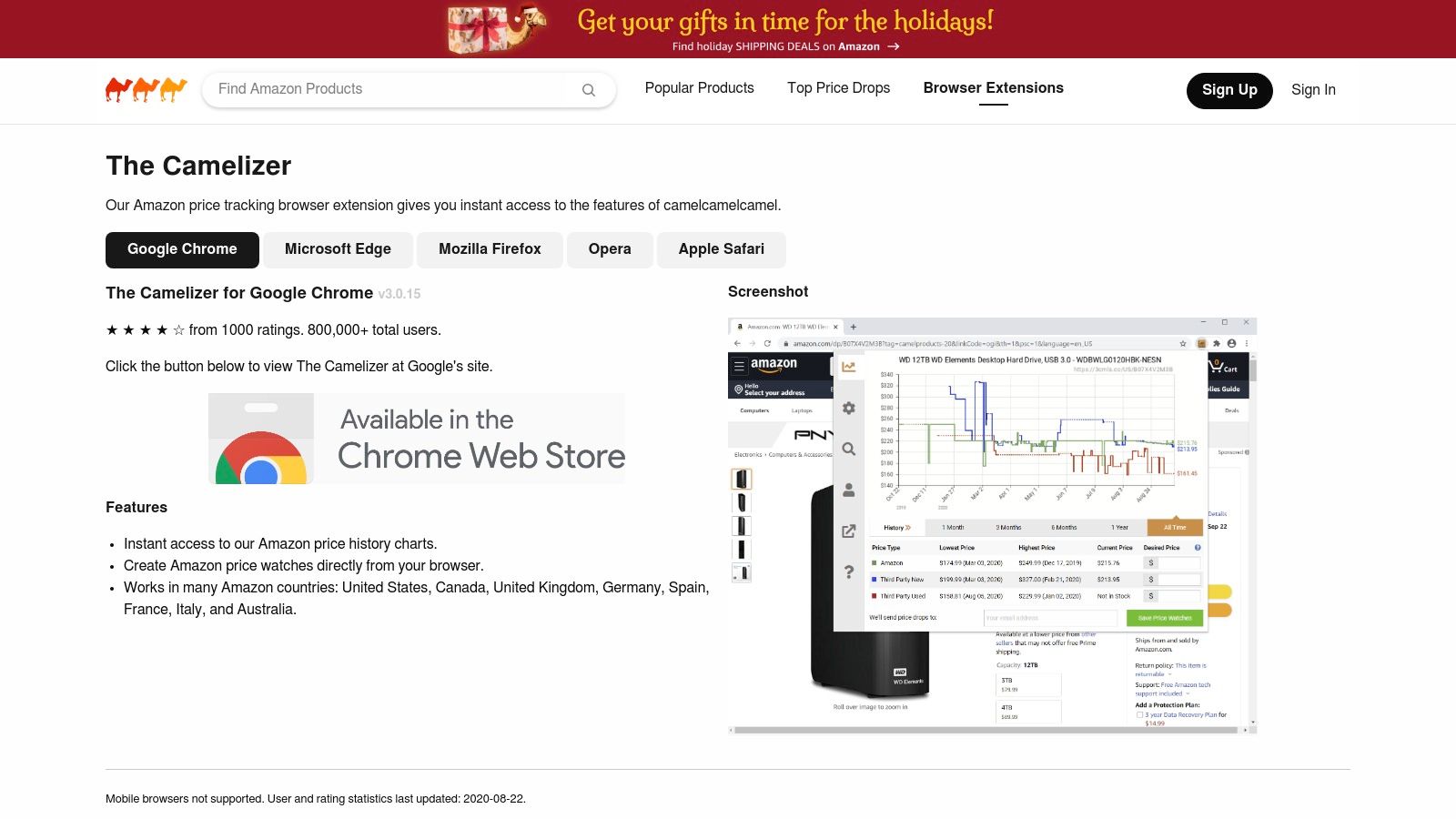
As one of the most established chrome extensions for shopping on Amazon, The Camelizer embeds a price history chart directly onto product pages. With a single click, you can see every price fluctuation over time, helping you identify patterns and decide whether to buy now or wait. It also allows you to set up price-drop alerts, sending you an email the moment a product hits your desired price.
Why It's Your Go-To Amazon Watchdog
What makes The Camelizer indispensable is its singular focus and reliability. It does one thing, tracking Amazon prices, and it does it exceptionally well. This simple, data-driven approach cuts through marketing hype and empowers you to make purchasing decisions based on historical facts, not just current listings.
- Historical Context: Instantly see if a "sale" price is genuinely a good deal or just a return to a previous price point.
- Set It and Forget It: Create price watches for items you want, and let the extension notify you when it's the right time to buy.
- Global Coverage: The tool works across multiple Amazon regions, including the US, UK, Germany, Canada, and more, making it useful for international shoppers.
Pro Tip: Before adding any big-ticket item on Amazon to your cart, click The Camelizer icon. Set a "desired price" slightly below the current one. You'll often be surprised how quickly you get an alert, saving you money with zero extra effort.
Website: camelcamelcamel.com/camelizer
8. ShopSavvy – Browser Extension
While many extensions focus solely on coupons or cashback, ShopSavvy excels at comprehensive price comparison across a vast network of retailers. It’s an essential tool for shoppers who want to ensure they’re getting the absolute best price, whether it's from a major online store or a local shop. It moves beyond Amazon-centric tools to give you a true market-wide view.
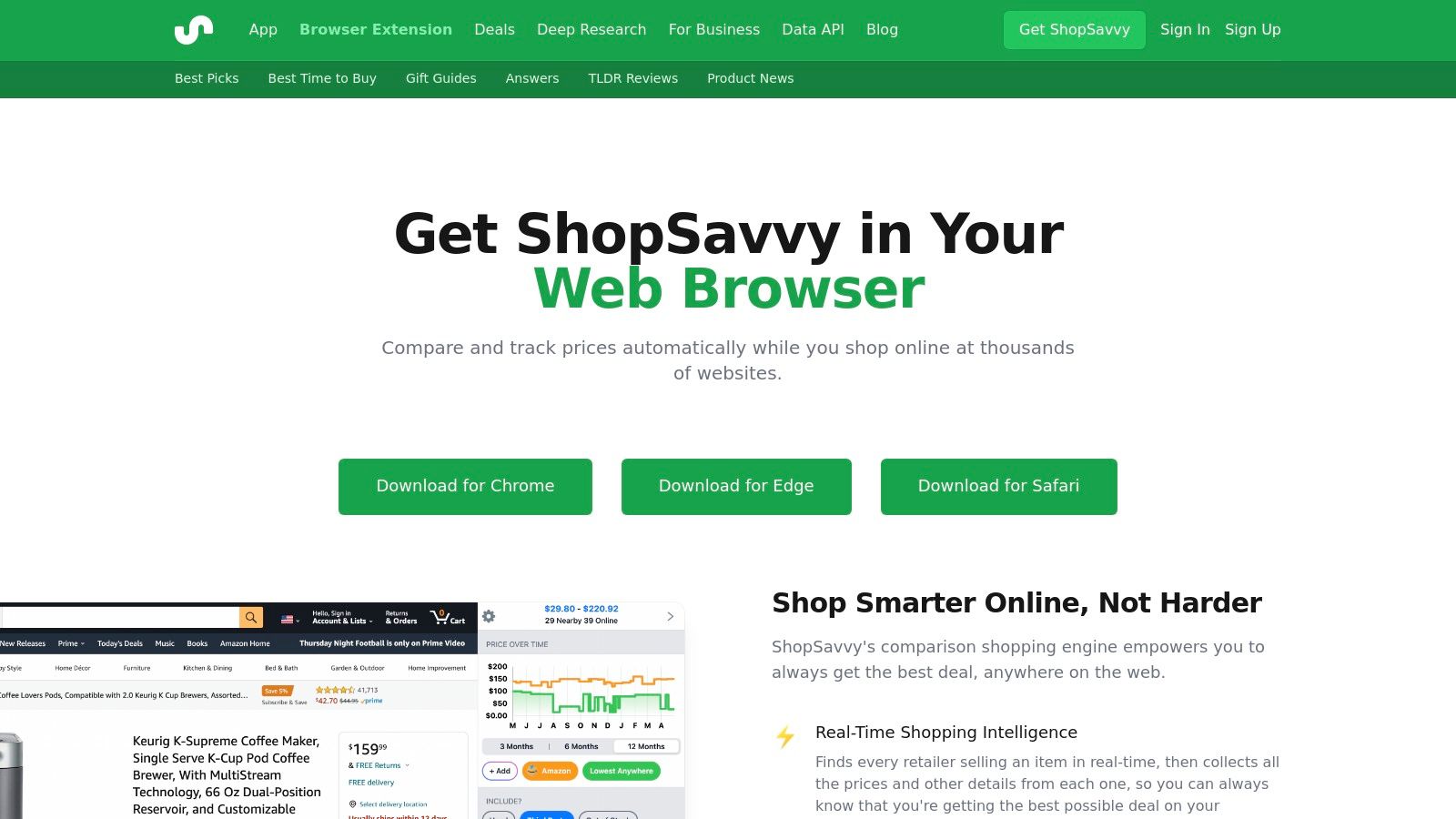
This platform is one of the most powerful chrome extensions for shopping if your primary goal is price discovery. While browsing a product page, ShopSavvy automatically scans over 60,000 retailers to find better deals, check stock availability, and even estimate shipping times. Its multi-retailer price history chart is a standout feature, letting you see how a product's price has fluctuated across different stores.
Why It's Your Go-To Price Comparison Tool
What makes ShopSavvy so effective is its broad reach and focus on transparent data. It empowers you to look beyond the obvious retailers and discover deals you might have otherwise missed, including options at nearby physical stores.
- Massive Retailer Network: Get real-time price comparisons from tens of thousands of online and local retailers, perfect for non-Amazon purchases.
- In-Stock and Local Checks: The extension checks for product availability and can even identify if a product is in stock at a store near you.
- Detailed Price History: Unlike tools that track history for just one retailer, ShopSavvy shows you price trends across multiple sellers, offering deeper market insight.
Pro Tip: Use ShopSavvy when you're making a considered purchase and want to explore every possible buying option. Its strength lies in uncovering deals from smaller or less-known retailers that other extensions might overlook.
Website: shopsavvy.com/browser-extension
9. RetailMeNot – Deal Finder (Codes, Cash Back & Coupons)
RetailMeNot has long been a household name for printable coupons, and its browser extension brings that same powerful saving-mentality directly to your checkout page. The Deal Finder is an efficient tool that scours the web for coupon codes and automatically applies them, while also layering on cash back opportunities from its own network. It streamlines the process of finding and testing codes into a single click.
This platform excels at combining two major savings methods: instant discounts from coupons and long-term rewards via cash back. While many extensions do one or the other, RetailMeNot integrates them into a seamless workflow, making it a strong contender among chrome extensions for shopping. Its large network means you’ll find offers for thousands of popular brands.
Why It's a Go-To Savings Tool
What makes the RetailMeNot Deal Finder so effective is its dual-action approach and trusted brand reputation. The extension is actively maintained and provides a clear path to both immediate and future savings.
- Coupon and Cash Back Stacking: It automatically tests available codes and then notifies you if cash back is also available, maximizing your total savings on a single purchase.
- Flexible Payouts: Unlike some platforms that only offer gift cards, RetailMeNot lets you cash out your earnings via PayPal or Venmo, giving you real money back.
- Vast Merchant Network: With coverage across thousands of retailers, from major department stores to niche online shops, it’s likely to find a deal where you’re shopping.
Pro Tip: Remember that extensions aren't the only way to save. Beyond specific extensions, you can also often visit retailers directly to find current discounts and deals. Always activate cash back offers before checkout to ensure they track correctly.
Website: www.retailmenot.com/dealfinder
10. Slickdeals – Browser Extension
For shoppers who trust the power of the crowd, the Slickdeals extension is a must-have. It harnesses the energy of its massive community of deal-hunters to bring you verified discounts and coupon codes directly on the sites you’re browsing. Instead of just algorithmic code-finding, it taps into a human-curated database of the best deals available right now, making it a powerful ally during checkout.
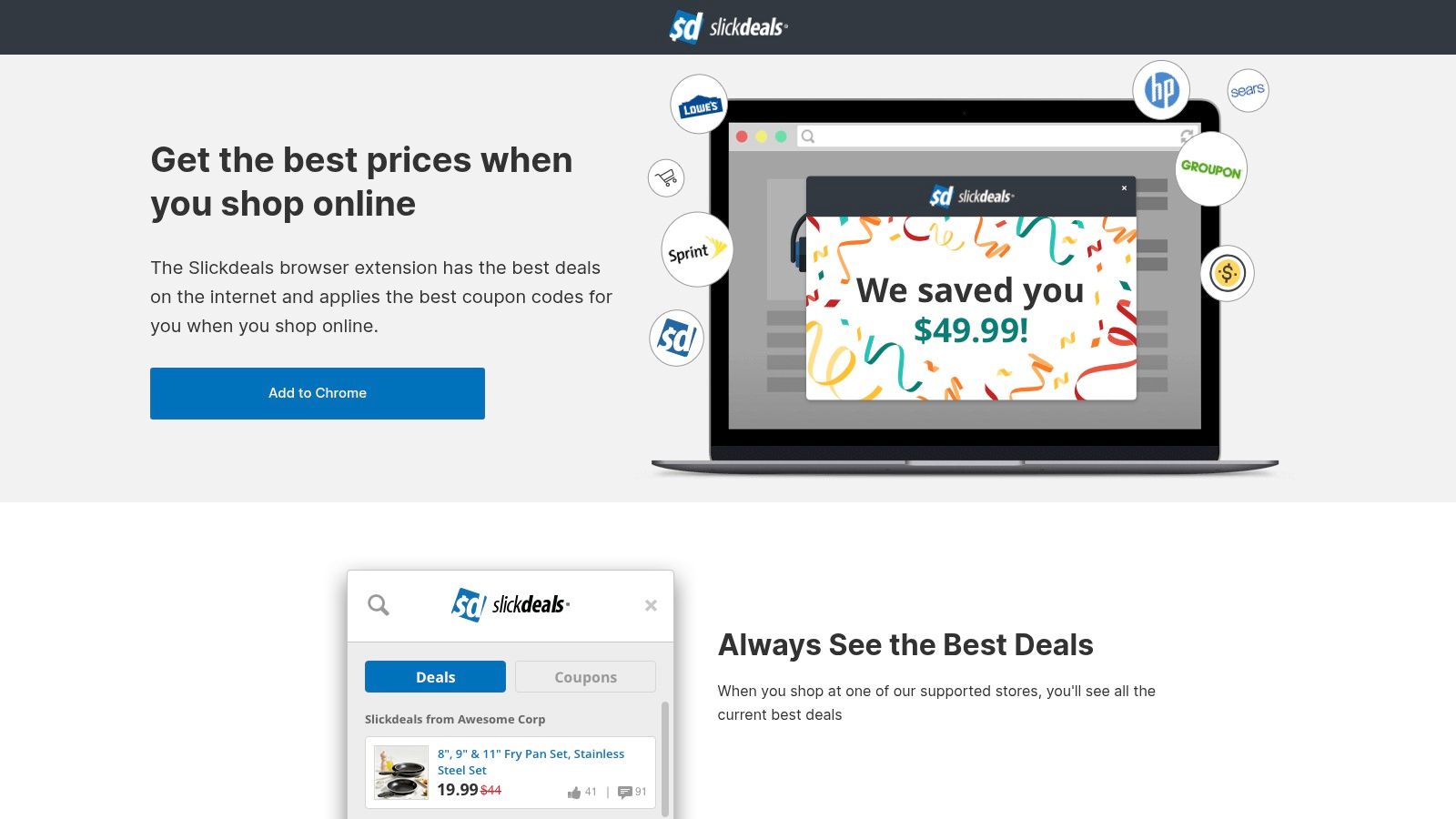
This tool excels at automating the coupon discovery process while you shop. It automatically tests and applies the best available promo codes when you reach checkout, and an optional cash-back program adds another layer of savings. The real magic, however, lies in its ability to alert you to broader, community-vetted store promotions you might have otherwise missed.
Why It's Your Community-Powered Savings Engine
What sets Slickdeals apart is its reliance on its dedicated user base. You aren't just getting a code; you're getting a deal that thousands of savvy shoppers have already upvoted, ensuring a higher success rate and better quality discounts.
- Community-Vetted Deals: Leverages a huge, active U.S. community to surface deals that automated systems might miss.
- Automatic Coupon Application: Seamlessly tests and applies the best coupon codes at checkout, saving you time and money without the manual work.
- Optional Cash Back: Earn rewards at many popular retailers, adding another dimension of savings on top of discounts.
Pro Tip: While the on-page deal alerts are helpful, you can customize their behavior in the extension's settings if you find them too intrusive. This lets you keep the powerful checkout features without constant pop-ups while you browse.
Website: slickdeals.net/extension/
11. TopCashback – Browser Extension
For shoppers who prioritize getting the highest possible cash-back rates, the TopCashback extension is a powerhouse. This tool automates the process of earning money back on your purchases by alerting you the moment you land on a partner store's website. It’s designed to be an unobtrusive yet powerful assistant that ensures you never miss a cash-back opportunity.
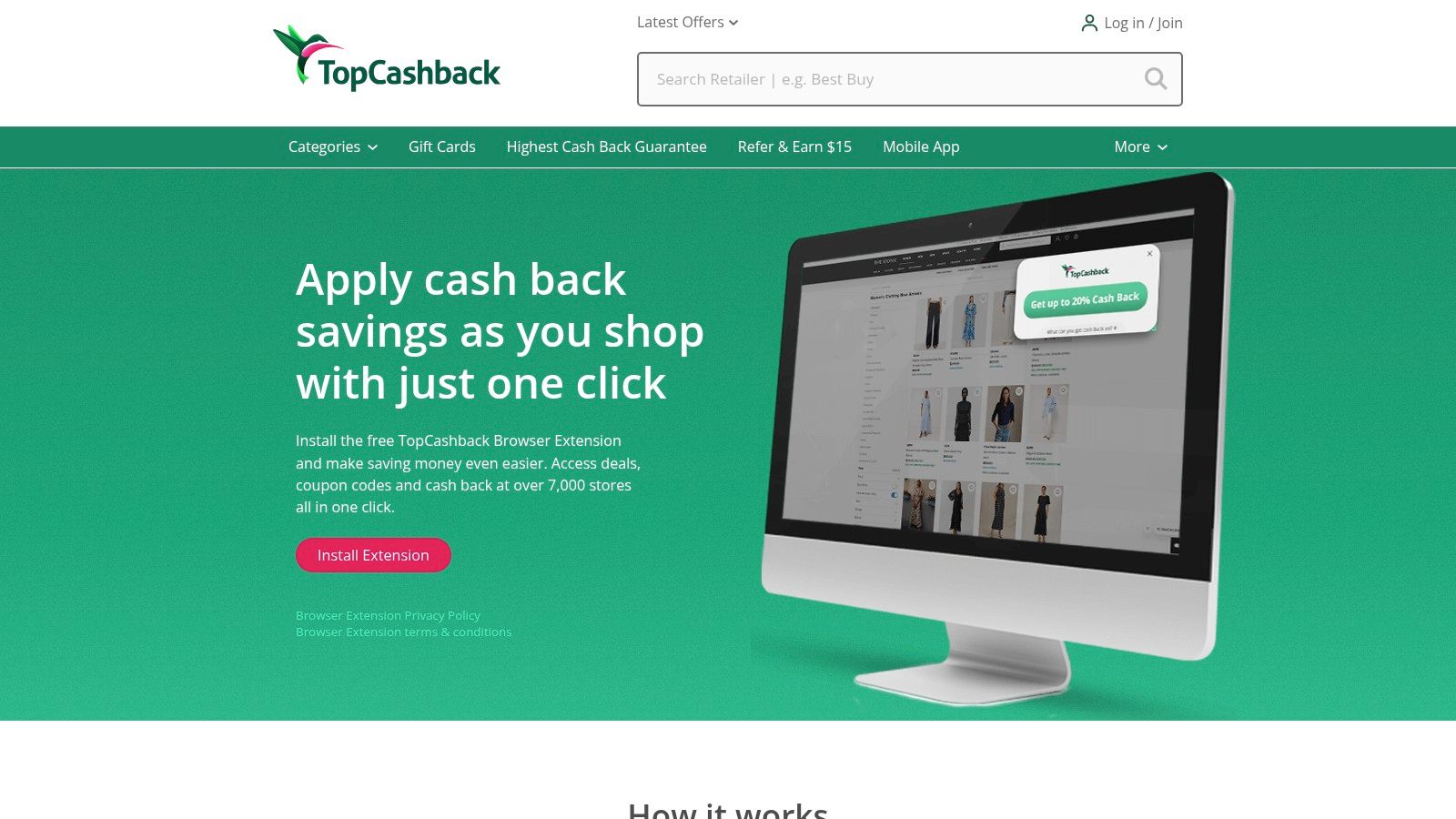
This extension stands out with its consistently competitive cash-back rates and a vast network of over 7,000 participating retailers. It even integrates directly into search engine results, displaying cash-back rate badges next to store links on Google and Bing, so you can compare potential earnings before you even click. This makes it an essential tool for maximizing savings across nearly every purchase you make online.
Why It's a Top-Tier Cash-Back Tool
What sets TopCashback apart is its commitment to offering high payout rates and a user-friendly experience that simplifies the entire cash-back process. The one-click activation is seamless, removing any friction between shopping and saving.
- Competitive Rates: Frequently offers some of the highest cash-back percentages available across a wide range of categories.
- Massive Retailer Network: With over 7,000 stores, your chances of earning cash back on a purchase are incredibly high.
- Search Integration: See cash-back rates directly in your search results, allowing you to make smarter shopping decisions from the start.
Pro Tip: While the extension is fantastic, always double-check that tracking is active before you check out. Sometimes ad blockers or other extensions can interfere, so confirming the TopCashback icon shows an active session ensures you get your rebate.
12. OctoShop (by Ibotta) – Price Compare, Cash Back, Alerts
OctoShop, now powered by the savings giant Ibotta, is a sleek and lightweight extension focused on two core shopping needs: price comparison and cashback. It operates cleanly in the background, automatically searching for lower prices when you’re on a product page and alerting you if a better deal exists elsewhere. It also simplifies activating cash back, ensuring you never miss out on potential earnings.
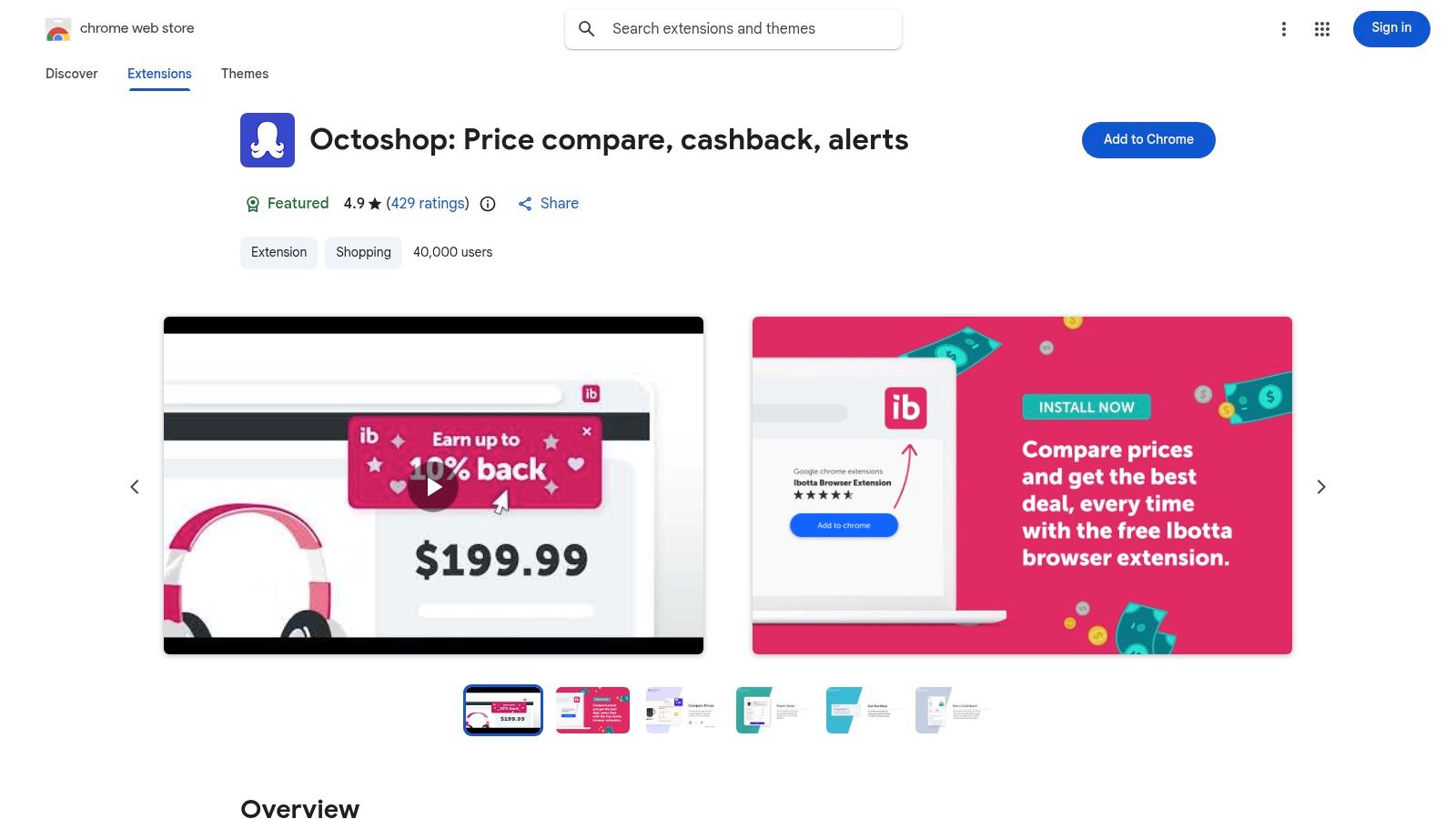
This tool is one of the best chrome extensions for shopping if you value a focused, uncluttered experience. Rather than overwhelming you with features, it excels at its primary job: showing you the "net price" after cashback and tracking specific products for price drops or restocks. This makes it perfect for patient shoppers waiting for the ideal moment to buy a specific item.
Why It's a Focused Savings Ally
OctoShop stands out by integrating its price comparison directly with Ibotta’s cash-back network, giving you a clearer picture of your final cost. It’s an efficient tool for methodical shoppers who plan their purchases.
- Net Price View: Uniquely calculates and displays the item's price after factoring in available cash-back offers, so you know the true final cost.
- Targeted Alerts: Set up notifications for price drops, low-stock warnings, and restocks on specific items you’re watching.
- Trusted Backing: Being part of Ibotta lends credibility and access to a robust network of thousands of retail partners. Many modern AI-powered shopping assistants are backed by established names, giving users extra confidence.
Pro Tip: Use OctoShop's tracking feature for high-demand items that frequently go out of stock, like popular electronics or limited-edition sneakers. The restock alert can give you the edge you need to snag it before anyone else.
Website: chromewebstore.google.com/detail/octoshop-price-compare-ca/ahajkaoongodcmoohkcceoklokapadfh
Top 12 Chrome Shopping Extensions — Comparison
| Product | Core features | Quality / UX ★ | Value / Price 💰 | Target audience 👥 | Unique selling points ✨ |
|---|---|---|---|---|---|
| 🏆 TryThisFit | Instant AI virtual try‑on via Chrome ext; no account; flat‑lay optimization | ★★★★☆ quick, privacy‑forward | 💰 Free Chrome extension; no paid tiers listed | 👥 Online & secondhand shoppers, costume planners | ✨ No‑account try‑ons; in‑page compare; founder‑led privacy |
| Chrome Web Store – Shopping Extensions Category | Centralized discovery, ratings, permissions & install details | ★★★☆☆ authoritative hub, variable listing quality | 💰 Free to browse & install | 👥 Anyone searching/installing shopping extensions | ✨ Central metadata, one‑click installs & filters |
| PayPal Honey | Auto‑apply coupons, Droplist price tracking, PayPal Rewards | ★★★★☆ large user base, convenient UX | 💰 Free; rewards via PayPal | 👥 Coupon seekers who want automated savings | ✨ Auto coupon testing + integrated PayPal rewards |
| Rakuten Cash Back Button | One‑click cash‑back activation, auto coupons, search overlays | ★★★★☆ clear payout flow (PayPal/check) | 💰 Cashback payouts; free extension | 👥 Cash‑back focused shoppers | ✨ Simple cashback workflow & store overlays |
| Capital One Shopping | Coupon testing, price comparisons, Shopping Rewards (gift cards) | ★★★☆☆ wide coverage; past litigation noted | 💰 Free; rewards redeemable for gift cards | 👥 Shoppers wanting price comparisons & rewards | ✨ Price comparison + rewards without card required |
| Keepa – Amazon Price Tracker | Amazon price‑history graphs, alerts, multi‑market support | ★★★★★ best‑in‑class Amazon data | 💰 Core features free; some advanced require account | 👥 Amazon power shoppers & deal verifiers | ✨ Deep historical charts across Amazon locales |
| CamelCamelCamel – The Camelizer | Amazon price charts, email price‑drop watches | ★★★★☆ veteran, lightweight tracker | 💰 Free | 👥 Amazon deal watchers who want simple alerts | ✨ No‑frills Amazon price watches & email alerts |
| ShopSavvy – Browser Extension | Real‑time price comparisons, in‑stock checks, multi‑retailer history | ★★★☆☆ good non‑Amazon coverage | 💰 Free | 👥 Shoppers comparing online + local availability | ✨ Local availability checks & multi‑retailer history |
| RetailMeNot – Deal Finder | Auto‑apply coupons, RMN Cash Back stacking & payouts | ★★★☆☆ large network, actively maintained | 💰 Free; cash back via PayPal/Venmo | 👥 Coupon & cash‑back seekers | ✨ Coupon auto‑apply + cash‑back stacking |
| Slickdeals – Browser Extension | Auto coupon testing, community deal overlays, optional cash back | ★★★☆☆ community‑vetted deals, some intrusive overlays | 💰 Free; optional rewards | 👥 Deal hunters who value crowd‑curated bargains | ✨ Community‑curated on‑page deal surfacing |
| TopCashback – Browser Extension | One‑click cash‑back activation, rate badges in search, multi‑browser | ★★★★☆ competitive cash‑back rates | 💰 Free; high cashback rates | 👥 Cashback maximizers & price‑sensitive shoppers | ✨ Competitive rates + broad browser support |
| OctoShop (by Ibotta) | Price comparison, net‑price after cash back, restock/price alerts | ★★★☆☆ clean product‑level tracking | 💰 Free; cash back via Ibotta | 👥 Shoppers wanting net‑price views & alerts | ✨ Net‑price view after cash back; restock notifications |
Start Shopping Smarter, Not Harder
You've just navigated the dynamic world of chrome extensions for shopping, and your browser is now poised to become the ultimate money-saving, style-visualizing, and deal-finding machine. I've journeyed through a powerful lineup of tools, from automatic coupon finders like PayPal Honey and Rakuten to diligent price trackers like Keepa and The Camelizer. Each extension offers a unique way to enhance your online shopping experience, transforming it into a strategic and rewarding adventure.
The core takeaway is simple: you no longer have to shop in the dark. The digital marketplace is vast, but with the right toolkit, you can illuminate the best deals, track price histories like a pro, and stack rewards without lifting a finger. Extensions like Capital One Shopping and OctoShop act as your personal comparison engines, ensuring you never overpay, while tools like Slickdeals tap you into a community of savvy shoppers who share the best discounts the moment they drop.
Choosing Your Perfect Shopping Toolkit
The sheer number of options can feel overwhelming, but the key is to build a personalized suite of tools that aligns with your specific shopping habits. Think of it as creating your own command center.
- If you're a deal-hunter who loves simplicity: Start with an all-in-one extension like PayPal Honey or Rakuten. They automatically apply coupons and offer cash back with minimal effort, making them fantastic foundational tools.
- If you're an Amazon power-shopper: You absolutely need Keepa or The Camelizer. Their historical price charts are non-negotiable for timing your purchases perfectly and spotting genuine sales versus artificial discounts.
- If you're a fashion enthusiast who values style and vision: This is where TryThisFit shines. While other tools focus on price, TryThisFit tackles the "what if?" of online fashion. The app allows you to visualize how an item will actually look on you before you add it to your cart, preventing style-related returns from retailers like Zara, H&M, and even secondhand marketplaces like Vinted.
Implementation and Final Thoughts
Remember to be mindful of browser performance. While it’s tempting to install every extension on this list, a cluttered browser can slow down. Start with two or three that address your biggest pain points and get comfortable with them. Pay attention to permissions and privacy policies, ensuring you understand what data each extension accesses. A smart shopper is also a safe shopper.
Ultimately, these chrome extensions for shopping are about empowering you. They level the playing field, giving you access to data and automation that was once out of reach. By combining a price tracker, a coupon aggregator, and a style visualizer, you create a powerful synergy that saves you time, money, and the frustration of a bad purchase. To truly master smart shopping, consider delving into insights like retailer clearance secrets that complement the efficiency of browser extensions.
Your online shopping journey is about to get a whole lot more exciting. You now have the knowledge and the tools to make every click count. Go ahead, install your chosen extensions, and step into a new era of smarter, more confident, and visually satisfying shopping.
Ready to stop guessing and start visualizing? While other extensions save you money, TryThisFit saves you from style uncertainty. Install the free Chrome extension in seconds to instantly preview how clothes from any online store will look on your body, helping you build the perfect outfit and shop with total confidence. Try it now at trythisfit.com to transform your fashion shopping experience today
Try Virtual Try-On Now
See how clothes look on you before you buy - works with any online store
Get Started Free