Discover how to find clothes by picture online fast
Ever see a fantastic outfit in a photo and think, "I need that"? Well, you're in the right place. Forget trying to guess the right keywords to search for—I'm going to show you how to find clothes by picture online, turning any image into a direct shopping link in just a few clicks.
You can instantly track down that must-have item using amazing tools like Google Lens, Pinterest Lens, or even the built-in visual search features on retailer apps. These tools scan your image and find the exact item or incredibly similar styles across the internet.
This isn't about endless, frustrating scrolling. This is about making shopping visual, quick, and way more fun.
Why Visual Search Is a Total Game Changer
Honestly, visual search has completely changed how I shop. Instead of fumbling for words to describe a specific vintage-style floral pattern, I can just show an app what I'm looking for. It saves so much time!
It truly opens up a whole new world of style discovery. You can start finding pieces from your favorite influencer's Instagram post, a scene from a movie, inspiring street style photos, or even an outfit a friend wore.
Basically, if you can see it, you can search for it. This makes shopping feel so much more intuitive, mirroring how we naturally find fashion inspiration—with our eyes.
Getting Started The Right Way
Before jumping into the specific tools, let's get the basic game plan down. This simple flowchart breaks down the process, from getting your picture ready to picking the best search method for the job.
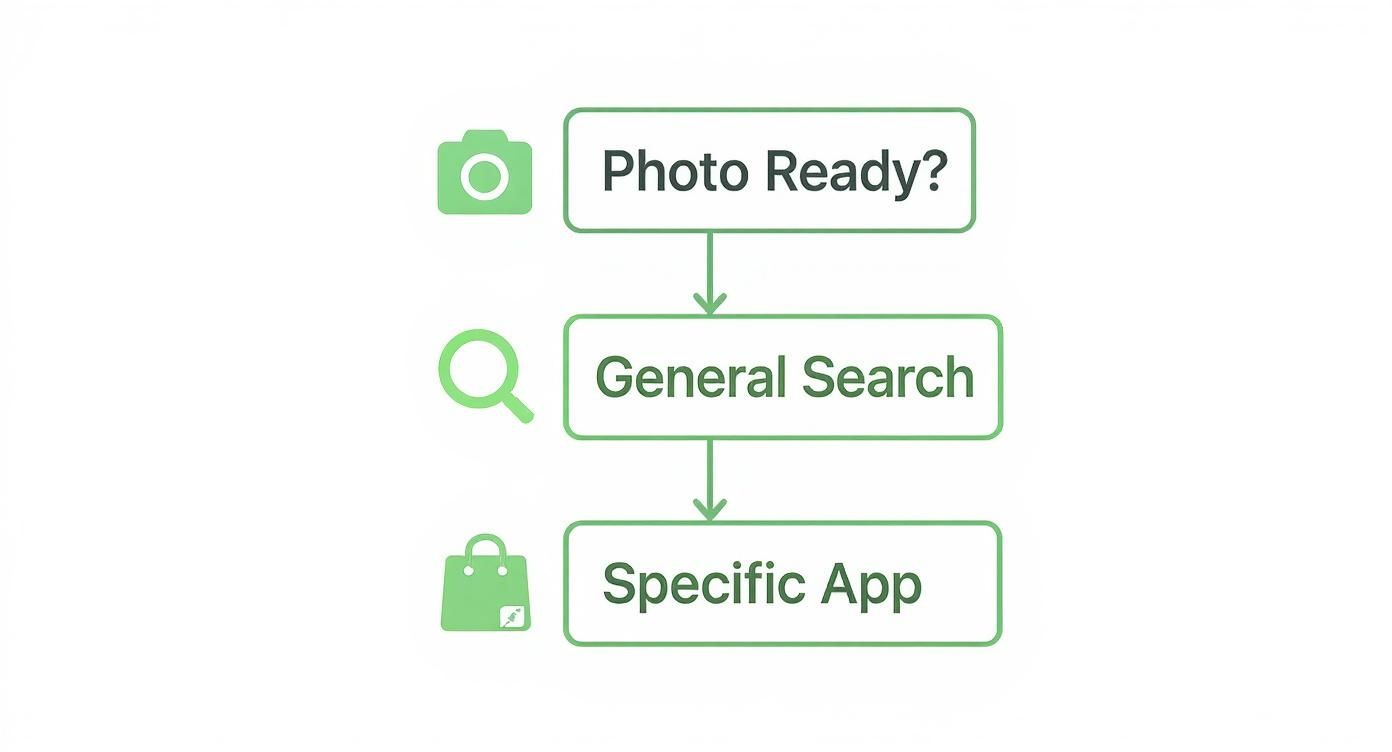
As you can see, it all starts with a clear photo. From there, you just decide whether you want to cast a wide net with a general search or use a more specialized tool.
Finding the item is the first win, but the real magic is seeing how it will actually look on you. That’s where a tool like TryThisFit becomes my secret weapon. Once you’ve located an item on Zara, H&M, or even Vinted, you can use the free Chrome extension to preview the style on a model that reflects your own look. The extension installs in a couple of seconds and works with a simple right-click.
It helps me make much more confident decisions without ever leaving my browser. Ready to give it a shot? Try it now at trythisfit.com.
Top Tools for Finding Clothes by Picture
Here's a quick comparison of the best methods for finding fashion from photos.
| Method | Best For | Speed | Ease of Use |
|---|---|---|---|
| Google Lens | Finding exact matches or similar items across the web. | Very Fast | Very Easy |
| Pinterest Lens | Discovering style inspiration and similar aesthetics. | Fast | Very Easy |
| Retailer Apps | Searching for items within a specific store's inventory. | Fast | Easy |
| Browser Extensions | Seamlessly searching from any webpage. | Very Fast | Easy |
Each of these tools has its strengths, so it's great to have them all in your fashion-finding arsenal.
Tapping Into the Magic of Visual Search Engines
Let's start with the heavy hitters: visual search engines. These are your absolute best friends when you've got a picture of an outfit you love and no idea where it's from. Think of tools like Google Lens and Pinterest Lens as your personal fashion investigators.
You feed them an image, and their AI scours the web in a flash, pulling up matches. It’s less like typing in boring keywords and more like going on a visual treasure hunt—the whole process is just more fun.
The shift to visual is no joke, especially in fashion. Over 36% of consumers have already used visual search while shopping, and most agree that a good picture is way more important than a text description. When it comes to clothes, that makes perfect sense—you need to see it.
Learning how to master these tools is the real secret. Each has its own personality, and knowing which one to use can make all the difference between a dead end and a "found it!" moment.
Google Lens: Your Go-To for Exact Matches
When I need to find a specific item, I head straight to Google Lens. It’s a powerhouse for precision. You can point your phone's camera at a friend's killer pair of boots or upload a screenshot you took from Instagram, and it gets to work.
Its strength is identifying the exact product and pointing you right to a retailer's website. If that dress or jacket is still being sold anywhere online, Google Lens is your best bet for tracking it down.
Pinterest Lens: The Ultimate Inspiration Finder
Now, Pinterest Lens is a whole different vibe. It's my secret weapon for inspiration. While it can find specific items, its real talent is in capturing the essence of a look.
You might search for a cool leather jacket, but what you’ll get is an entire mood board filled with similar styles and outfit ideas. It’s less about the immediate purchase and more about discovering your personal style. There are also a ton of other fantastic apps to find clothes from pictures that can expand your search arsenal.
My Pro Tip: Want to get the best results from either tool? Always start with a clear, well-lit photo. If you can, crop the image so it focuses only on the piece of clothing you’re hunting for. This helps the AI zero in on what you want.
Go Straight to the Source: Using Retailer Apps and Built-In Search Tools
Let's talk about one of the most underrated tricks in the book. Many of your favorite retailers like Zara, H&M, and even Amazon now let you search for clothes with a picture, using their own built-in visual search tools.
This method gives you incredibly specific results directly from a store you already know and trust. Instead of wading through the entire internet, you’re searching their exact inventory. It just cuts through all the noise.
How to Use a Retailer's Visual Search
It’s so much easier than it sounds. Imagine you spot a fantastic dress in a magazine and it just screams Zara. All you have to do is snap a picture, open the Zara app, and tap the little camera icon you'll see in the search bar.
Upload your photo, and voilà! The app will instantly show you similar styles they have in stock right now. It's a lifesaver for items that are nearly impossible to describe with words, like complex patterns or unique silhouettes.
The technology has exploded, and it's only getting bigger. Projections show that by 2025, around 30% of major e-commerce brands will have integrated visual search into their platforms. Zalando, for example, reported an 18% rise in customer engagement just from adding the feature.
You can also use this feature to hunt down items on massive sites like Amazon, which you can browse using my affiliate link. It makes finding a specific product a thousand times more direct.
It's Not Just for the Big Guys
This isn’t just a fast-fashion thing, either. More and more online boutiques and retailers are catching on to how powerful this is. The next time you're on a shopping app, take a second to poke around the search bar.
The real magic here is precision. When you know you love a certain store's aesthetic, their built-in search is the most direct path to finding what you want, fast.
Once you’ve found the item, the next step is figuring out how it will actually look. Even when I’m on a retailer’s own site, I still use the TryThisFit Chrome extension. With a quick right-click, I can preview the style on a model that looks more like me, which gives me a much better sense of the overall appearance.
For more ideas on putting together complete outfits from your finds, check out my guide on how to shop by the look.
From 'Found It' to 'Love It': Visualizing the Style
So you found it! That amazing top, those perfect jeans. Awesome. But let’s be real, finding the piece is only half the battle. The million-dollar question is always: how will it actually look on me?
This is the moment the whole online shopping experience can either fall flat or get incredibly fun. And honestly, this is where a tool like TryThisFit completely changes the game.

Full disclosure, I developed this free Chrome extension because I was tired of the guessing game! It lets you instantly see what an item looks like on a model that reflects your own body, right on the retailer's page. It’s my go-to for closing that frustrating gap between “I found it!” and “I know I’ll love it.”
See the Style Before You Buy
Picture this: you're deep into a Zara or H&M session, or maybe you're treasure-hunting on Vinted or Depop. Instead of squinting at product photos and just hoping for the best, you can get an immediate visual preview with the TryThisFit Chrome extension's right-click feature.
The extension installs in seconds, and better yet, there are no accounts needed. Just add it to Chrome and shop like you normally would. Spot something you like? A quick right-click on the clothing photo is all it takes for the app to generate an instant preview on your personalized model.
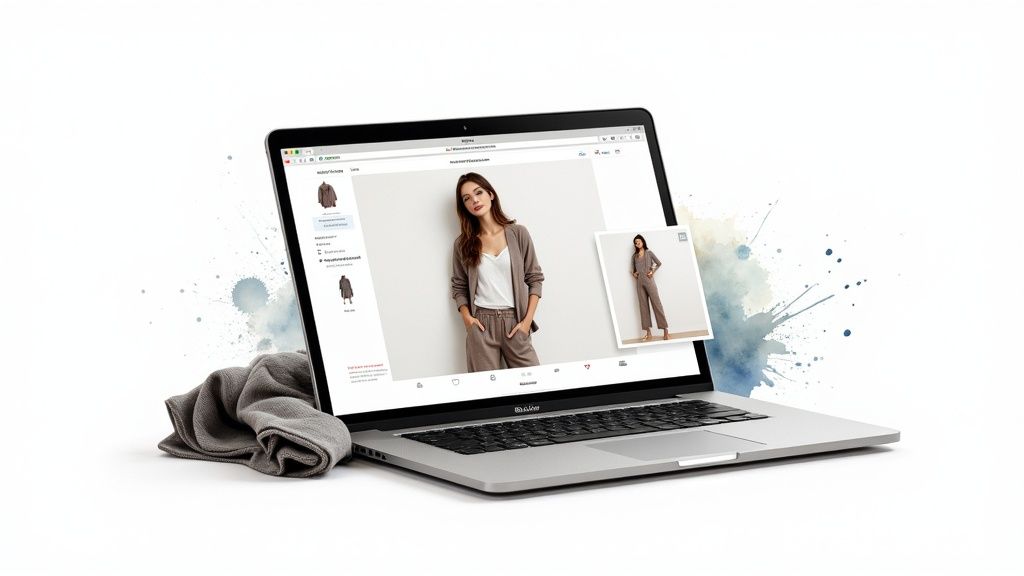
Now, this tech is all about helping you visualize the style—it’s not meant to determine sizing. Think of it as your personal digital stylist, giving you a sneak peek that helps you make way more confident decisions and seriously cut down on those annoying returns.
The whole point is to finally answer that nagging question: "Will I actually like how this looks on me?" A quick virtual preview gives you the confidence to either hit "add to cart" or keep on scrolling.
How to Get the Best Visual Previews
Want the most accurate style preview? The app works its magic best with flat-lay clothing photos. You know the ones—where the garment is laid out flat against a clean, simple background. Most retailers on sites like Amazon or Shein already use these.
A clear, flat-lay photo gives the AI the information it needs to understand the garment's true shape and drape. If you're curious about the nitty-gritty, you can dive deeper into how virtual fitting room technology creates these amazing visualizations.
Here are a few of my favorite use cases:
- Secondhand Shopping: This is a lifesaver on sites like Vinted or Depop, where returns can be a nightmare. Previewing a style first is just smart shopping.
- Online Shopping: When you’re scrolling through dozens of items on Amazon, Shein, Zara, or H&M, you can quickly visualize them to separate the gems from the duds using the Chrome extension.
- Planning Outfits: Want to test-drive a Halloween costume idea or a special occasion outfit without spending a cent? This is the perfect way.
Ready to completely transform how you shop online? Go ahead and install the free Chrome extension in 5 seconds to start seeing clothes in a whole new way. As a bonus, you can save all your try-ons to your personal /history page to look back on later.
Nailing the Search: How to Get Perfect Results Every Time
Getting great results when you're trying to find clothes from a picture isn't just about the app you're using. Trust me, it all comes down to the quality of the image you start with. I've learned a few simple tricks that can seriously boost your search accuracy.
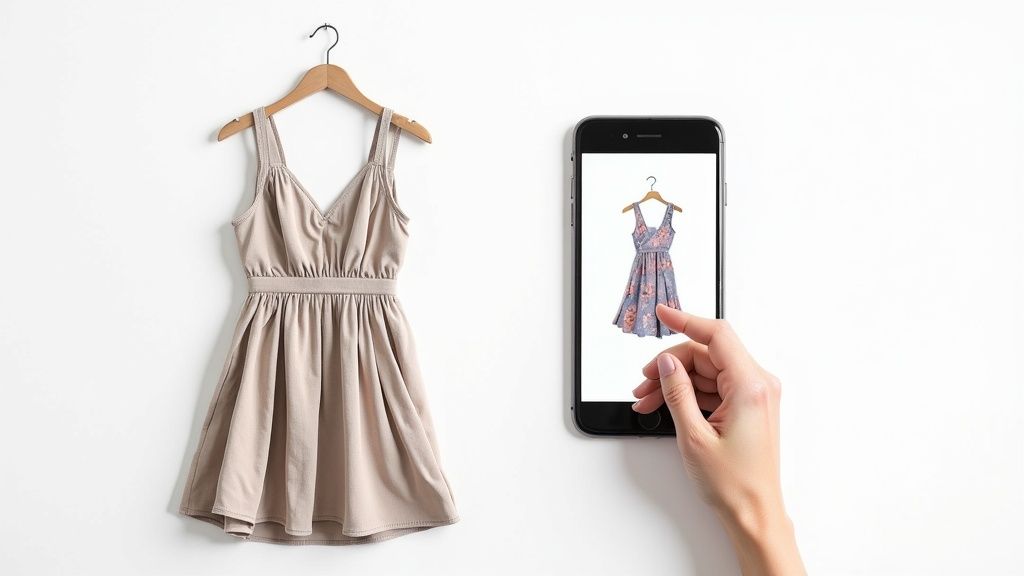
First things first: a high-quality, clear image is non-negotiable. A blurry or dark photo will just confuse the AI, sending you down a rabbit hole of irrelevant results. If your starting image is fuzzy, it’s worth taking a moment to see how to improve image quality.
Next up, crop it! Always crop the image to focus only on the item you want to find. This tiny step tells the search tool exactly what you're after by cutting out distracting backgrounds.
Little Tweaks for Better Matches
Good lighting is another game-changer. It helps reveal the fabric's true color and texture, which is critical information for the search algorithm. An evenly lit photo dramatically increases your chances of finding that perfect match.
I've found that flat-lay photos often work best, especially for getting a great style preview with TryThisFit. When you lay the garment flat on a neutral surface, the app can better understand its shape, giving you a much more realistic idea of its overall look.
This stuff isn't just a cool trick; it's changing the entire industry. By 2025, over 35% of fashion executives plan to use AI to help shoppers discover products, with visual search leading the charge. The AI in fashion market is expected to balloon to $1.75 billion in 2025.
Putting these tips into practice will make your visual searches so much more rewarding. Once you track down that must-have item on any site, you can use the TryThisFit Chrome extension to see how it looks. Go ahead and install the Chrome extension in seconds to start visualizing your next favorite outfit.
Your Burning Questions, Answered
I get asked all the time about the magic behind finding clothes from a photo. It’s one of those things that seems too good to be true, but I promise, it's real! I've put together answers to the most common questions I hear.
Can I Really Find the Exact Item from a Picture?
So, this is the big one, right? And the answer is... often, yes! If you're hunting for an item from a major retailer like Zara or H&M, and it’s from a recent collection, tools like Google Lens are shockingly good at tracking down the exact product page.
But what about older pieces or vintage finds? In those cases, you’ll usually get a fantastic lineup of "shop the look" options—super similar styles that nail the same vibe. This can be just as good, opening you up to new brands.
What’s the Best Kind of Photo to Use?
Think like a detective: you want clear evidence. A crisp, well-lit photo is your best friend here. Make sure the piece of clothing you’re after is the star of the shot by cropping out any distracting background noise.
A little pro-tip from my experience: for virtual preview tools like the one I built, a flat-lay photo is the gold standard. That just means a picture of the item laid out flat. It gives the tech the clearest view of the garment's shape, leading to a much more accurate preview of how the style will look.
Do These Visual Search Tools Cost Anything?
Nope! The best part is that all the heavy hitters are completely free. Google Lens, Pinterest Lens, and the image search features built right into your favorite retailer apps won't cost you a dime.
And the TryThisFit Chrome extension I created? Also totally free. You don't even need to make an account. Just install it and you can start generating style previews on any shopping site in seconds.
How Can This Help with Secondhand Shopping?
This is where visual search becomes a total game-changer. When you're browsing sites like Vinted or Depop, you can't exactly return something that doesn't suit your style. That's a huge risk!
When you spot a gem, just use the TryThisFit extension to right-click the image and get an instant preview of how that style might look on you. It takes all the guesswork out of the equation, so you can thrift with way more confidence.
The real magic is the speed. You can sift through dozens of listings, get a quick visual check on each one, and instantly know which pieces are worth a second look. No more buying blind!
Is My Privacy Safe When I Upload a Photo?
That’s a super important question. When you use big platforms like Google, you're subject to their privacy policies. It's always smart to have a general idea of how they handle your data.
As the solo founder of TryThisFit, I built the app from the ground up with privacy at its core. I’m not in the business of selling data; I’m in the business of helping you find your style. For a deeper dive into fashion tech, Branditok's comprehensive blog is an excellent resource.
Ready to stop guessing and start seeing? With TryThisFit, you can get an instant preview of how clothes will look on you, right on the store's website. It's the smartest way to shop, slash your returns, and build a closet you absolutely love.
Install the free Chrome extension in 5 seconds and see what you've been missing.
Try Virtual Try-On Now
See how clothes look on you before you buy - works with any online store
Get Started Free