Your Free Online Wardrobe Stylist For Instant Style Previews

Have you ever been scrolling online, found the perfect top, and then spent way too long wondering, "But how would it actually look on me?" I've definitely been there. What if you could skip the guesswork and see an outfit on your own photo before you even click "add to cart"?
That's exactly what you get with TryThisFit. It’s a super simple, free online wardrobe stylist that lets you visualize how clothes look right on a picture of yourself. The best part? It takes seconds, and you don't even need to create an account.

What Makes TryThisFit a Game-Changer?
Forget spending hours painstakingly cutting out images for a digital moodboard. I used to do that, and it was a total time sink. This clever little app was built to solve one problem: letting you see how clothes look on you, instantly.
Once you install the Chrome extension, which takes just a couple of seconds, you can browse your favorite sites like Zara, H&M, or even secondhand spots like Vinted and Depop. Find something you like? Right-click the image and select the try-on option. Boom. You get a preview right there.
A little pro-tip from my own experience: for the most accurate results, use flat-lay clothing photos. The app works wonders when it has a clean, flat image to work with, giving you a much clearer visualization of the style. It completely changes the way you shop online.
“I saved so much time and avoided returns by visualizing outfits before checkout.”
The Best Parts, Plain and Simple
So, what's to love? It really comes down to a few key benefits that make shopping so much easier and more fun.
- Instant Previews on Your Photo: Stop guessing and start seeing. You’ll know right away if a style is right for you.
- No Accounts Needed: Seriously, no sign-ups or logins. You can jump straight into styling your next look.
- Works Everywhere: The free Chrome extension works with any shopping site you can think of.
- Optimized for Style Visualization: The app is designed to work best with flat-lay photos, which gives you the most realistic preview.
- Shop Smarter: By seeing how it looks first, you save time, cut down on returns, and shop with way more confidence.
Ready to give it a spin? Try it now at trythisfit.com.
Comparing TryThisFit With Traditional Styling Methods
Here's a quick look at how this virtual stylist modernizes your shopping experience compared to the old-school way of doing things.
| Feature | TryThisFit | DIY Styling (Moodboards/Collages) |
|---|---|---|
| Preview Method | Instant AI overlay on your photo | Manual image cutting and pasting |
| Speed | Under 5 seconds per item | Minutes to hours per outfit |
| Convenience | Right-click on any shopping site | Requires saving images and separate software |
| Cost | Completely free | Free, but very time-consuming |
Honestly, this is your shortcut to making confident style decisions without all the usual hassle and doubt. And it’s not just for buying new stuff!
I’ve found the app is amazing for secondhand platforms. Imagine seeing how that cozy vintage sweater on Vinted looks on your frame or previewing a wild Halloween costume from Depop without having to buy it first. It’s a total game-changer for thrifting. Plus, you can always visit your saved looks at /history to compare different outfits.
Get started now at trythisfit.com—no forms, just instant style.
Why You Need A Virtual Stylist In Your Life
Let’s be honest, we’ve all been there. You see a gorgeous dress online, buy it, and the second it arrives, you know it's going straight back. What a waste of time and money! This is exactly why a free online wardrobe stylist completely changes the game.
https://www.youtube.com/embed/KMxA4pWARaY
Imagine this: you're browsing Zara or scrolling through Vinted, and with the Chrome extension's right-click feature, you can instantly see that exact item on your photo. No more guessing if the color is right or if the cut will suit your style. You see it. You know.
This isn't just about avoiding returns, though. It's about finally unlocking your personal style without any of the risk. You could build an entire vacation wardrobe from your couch or see if that wild Halloween costume is actually a good idea before you add it to your cart.
Discover Your Style Effortlessly
Whether you're building a capsule wardrobe or making a split-second decision on a secondhand gem from Depop, a tool like this helps you shop smarter. It’s like having a fashion-savvy best friend on call 24/7. I've found it's a lifesaver for experimenting with bold patterns I'd normally be too shy to try.

And this isn't just some passing fad. The move to digital styling is huge. The global online personal stylist market is expected to rocket from $95 billion in 2023 to an incredible $1,200 billion by 2032. That kind of growth tells you one thing: people are craving a more personalized way to shop.
This tool isn't just for buying new clothes. I use it to get creative with pieces I already own, seeing new combinations I hadn't thought of before.
This kind of tech finally closes that frustrating gap between seeing a flat image on a website and knowing how it’ll actually look on you. It replaces the guesswork with genuine confidence. For a closer look at the technology, my guide on AI-powered shopping assistants is a great place to start.
So, are you ready to stop guessing and start visualizing? Install the Chrome extension in 5 seconds and see what you've been missing.
Get Started In Less Than A Minute
Ready to jump in and start playing with your style? What I absolutely love about TryThisFit is how ridiculously fast it is to get going. There are no annoying sign-up forms or complicated installs. It’s all about instant gratification.
Your first move is to grab the free Chrome extension. Seriously, it installs in a couple of seconds.
You can snag it right here: Install the free Chrome extension.
Once that’s done, you just need two things: a photo of yourself and some pictures of clothes you’ve been eyeing. The whole process is designed to be super intuitive, so you can go from "I wonder how that would look" to seeing it on yourself in seconds.
Prepping Your Photos For The Best Previews
Want the most impressive virtual try-ons? I’ve found that using flat-lay photos of clothes makes a huge difference. That’s just when the item is laid out flat on a simple, uncluttered background. This gives the app a crystal-clear view of the garment's shape and style.
Taking a moment to find a good photo pays off big time. You'll be blown away by how accurate the previews look when you start with a clear image.
My favorite feature? No account is needed. I just uploaded my photo straight into my browser, and because it’s never sent to a server, my privacy stays completely intact. It’s a huge plus for me.
With your photo and the extension ready, you can start building outfits from literally any website. This is where a free online wardrobe stylist becomes your secret weapon. Imagine seeing how that top from Zara or those pants from H&M actually look on you before you even think about clicking "buy."
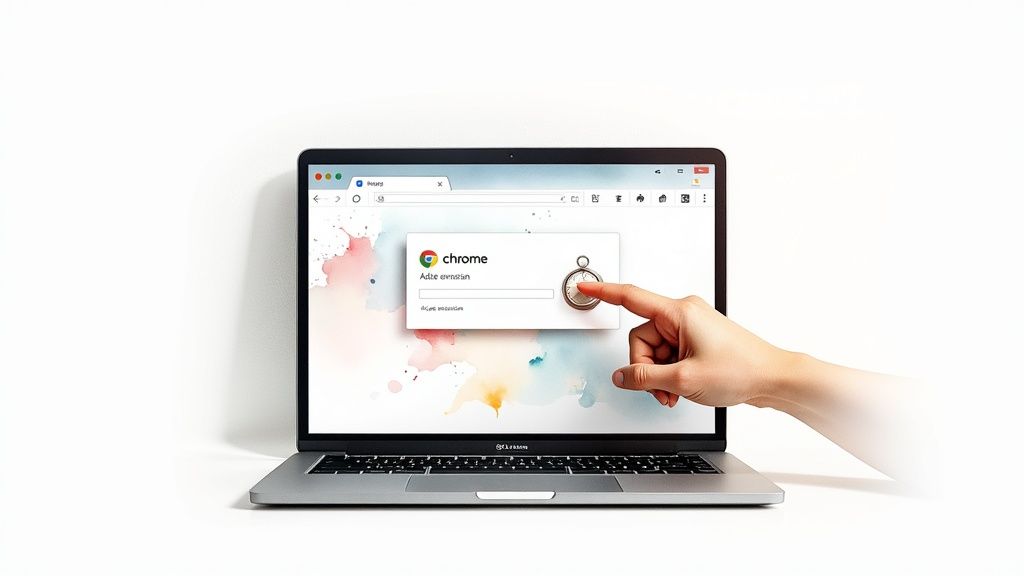
There’s no software to download and no need to juggle different apps. It’s all about speed and convenience, taking the guesswork out of your shopping and letting you get creative without any of the usual hassle.
Want to give it a spin? Try it now at trythisfit.com.
Try On Clothes Directly From Your Favorite Shopping Sites
This is where the magic really happens. Once you have the TryThisFit extension installed, it seamlessly becomes part of your regular online shopping routine. Picture this: you're scrolling through Zara, H&M, or hunting for gems on Amazon. You spot a piece you love, but that old familiar question pops up: "Will this actually look good on me?"
Instead of guessing, now you can know. Just right-click on the product's image and hit the try-on option. In a flash, the extension will overlay that exact piece of clothing onto your uploaded photo. You get an instant preview, making it ridiculously easy to compare different styles on the fly.
A Smarter Way to Shop Everywhere
I've found this feature to be an absolute game-changer on secondhand marketplaces like Vinted and Depop. You know how those sales are often final? Being able to visualize how a pre-loved piece will look takes so much of the risk out of thrift shopping. It’s saved me from more than a few purchases I would have regretted.
The ability to instantly preview items on any site has completely changed how I build my wardrobe. It's not just shopping; it's smart style discovery.
And this isn't just a niche tool; it's the future of how shopping will work. The virtual try-on market is exploding—it was valued at a massive $9.17 billion in 2023 and is expected to climb to over $46 billion by 2030! Why the boom? Because shoppers want more confidence and a personal touch. It's a win-win, helping you make better choices and reducing returns.
You can also use these previews to get creative and build entire outfits. Find a top you love on one site? See how it pairs with a skirt you found on another. This is how you can truly start to shop by the look and curate a wardrobe that feels perfectly you.
From Photos To Full Outfits: The Pro-Level Strategy
Want to know the secret to getting mind-blowingly accurate virtual try-ons? It’s all in the photos of the clothes. Seriously.
When you're shopping, look for items that are laid flat on a neutral background. Think a white t-shirt on a dark wood floor, or black jeans on a light-colored rug. Good, even lighting helps the tool see every detail, giving you a way more realistic result.
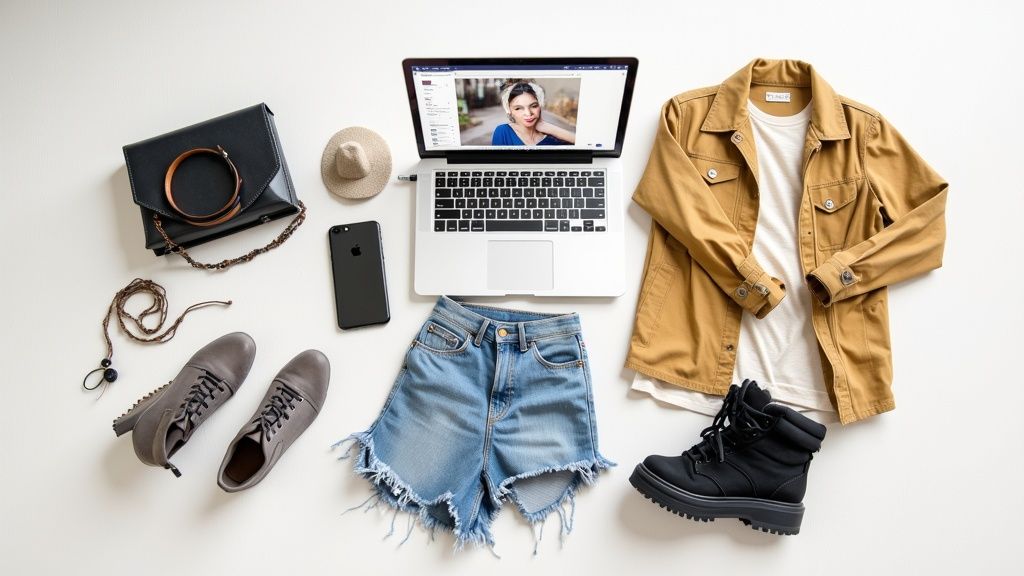
But the real fun isn't just seeing how one shirt looks. It's about building entire outfits. Once you do a virtual try-on, that image gets saved to your personal history page. Think of this as your secret style laboratory where you can mix and match all the items you've tried on to see what actually works together.
A Single Item Is Just The Beginning
This is how you go from just playing around to becoming a master wardrobe planner. No more guessing if that amazing top you found on Amazon will go with the skirt you’ve been eyeing on Zara. Just "try on" both using the extension, and then see them together on your history page. It’s the ultimate sanity check before you click "buy."
Suddenly, you can plan your outfits for the whole week or figure out your entire vacation wardrobe without pulling a single thing out of your closet. It's a massive trend, too—the market for outfit planner apps hit $150 million in 2024. You can read more about the growth of outfit planning apps if you're curious!
My absolute favorite hack is using the history page for my secondhand shopping. I'll save a few cool finds from Vinted or Depop, then virtually pair them with items I already own. It's a total game-changer for deciding if something is actually a good find.
This is exactly what a great clothes planner app should empower you to do. It’s about ditching the impulse buys and creating a closet filled with outfits you're genuinely excited to wear.
Ready to build your first lookbook? Give it a try at trythisfit.com and unlock your inner stylist.
Got Questions? I've Got Answers
Diving into a new tool always brings up a few questions. I get it! Let's clear up some of the common things people ask when they start using a virtual stylist like TryThisFit.
Is My Photo Kept Private?
Absolutely. Your privacy is a top priority. When you upload a photo of yourself, it stays right there in your browser on your own device. It’s never sent to a server, so you can experiment with new styles with total peace of mind.
The "Try-On" Option Isn't Showing Up! What Do I Do?
This happens sometimes, and it's usually an easy fix. If you right-click on a piece of clothing and don't see the try-on option, just hit the refresh button on your browser. A quick page reload is often all the Chrome extension needs to kick into gear.
Also, double-check that your cursor is directly over the clothing image itself when you right-click.
What Kind of Clothing Photos Give the Best Results?
Great question! For the most realistic virtual try-on, look for flat-lay photos. These are the pictures where the garment is laid out completely flat on a surface.
While photos of clothes on mannequins can work pretty well too, I've found that flat-lays consistently produce the most accurate and impressive visualizations. They are the gold standard.
Do I Need to Create an Account to Save My Outfits?
Nope, no account needed! One of the coolest parts is that your entire try-on history is automatically saved to your browser's local storage. This is a game-changer for comparing different outfits you've put together.
Think of the /history page on the site as your personal digital lookbook. It’s the perfect spot to revisit your favorite combinations and really nail down your style before you make a purchase.
It makes it so simple to jump back in and see everything you've created without the hassle of another username and password.
Ready to stop guessing and start seeing how clothes will look on you? Give TryThisFit a spin and completely change the way you shop online. Install the Chrome extension in 5 seconds and let the fun begin
Try Virtual Try-On Now
See how clothes look on you before you buy - works with any online store
Get Started Free