Your Ultimate Guide to a Virtual Costume Maker
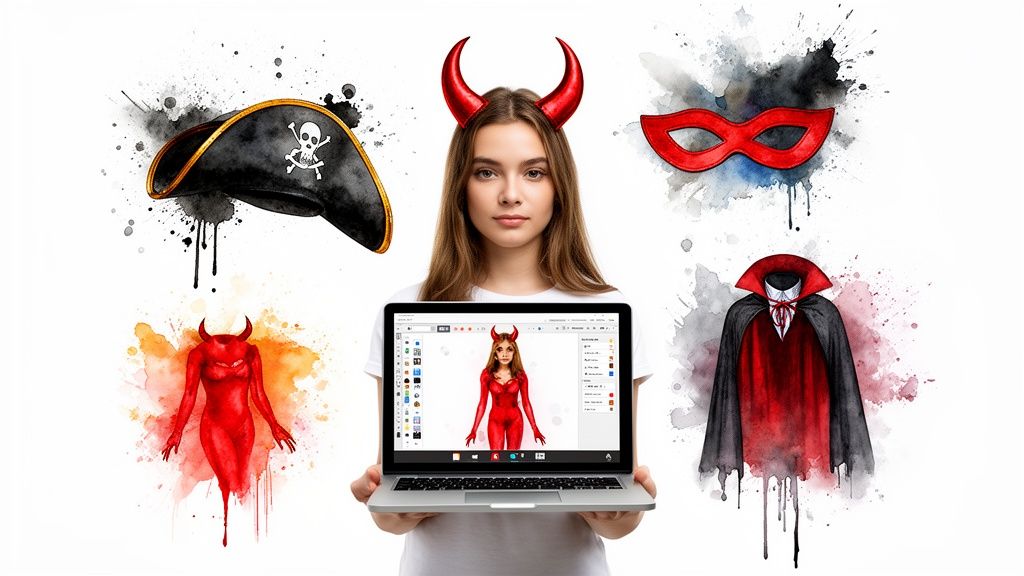
Ever found the perfect costume online but hesitated, hit with that classic doubt: “But how will it look on me?” It's a common feeling. A virtual costume maker completely changes the game, letting you see the style, colors, and overall vibe on your own photo before you even think about clicking “buy.”
This is about ditching the guesswork for good and discovering your perfect style.
Visualize Any Costume Instantly
Think of it as your own personal dressing room that lives right in your browser. With a tool like TryThisFit, you can upload a photo of yourself and instantly preview costumes you find on any website. You can finally see if that killer Halloween look from Amazon or a wild party outfit from Zara truly works for your style.
What's really cool is how fast it is. There are no accounts to create, so you can go from browsing to seeing how it looks in literally seconds. I’ll walk you through how to create your first amazing virtual look in under a minute.
The Rise of Virtual Try-On
This isn't just a fun gimmick; it's a massive shift in how people shop. The technology behind virtual costume makers, known as virtual try-on technology, is exploding because everyone wants to preview items before they buy, without the pain of shipping and returns.
In fact, the global market is projected to skyrocket, growing at a massive 25.8% CAGR through 2026. This boom is a huge win for anyone planning a costume. Just imagine right-clicking a costume on any site like Shein or H&M and seeing it on your body in a flash—no account needed.
Why a Virtual Costume Maker Beats Traditional Shopping
Let's be real—the old way of shopping for costumes online is a gamble. You're scrolling through endless pages, looking at model photos, and just hoping for the best.
Here’s a quick breakdown of why using a virtual tool is so much better.
| Feature | Virtual Costume Maker (TryThisFit) | Traditional Online Shopping |
|---|---|---|
| Instant Visualization | See any costume on your own photo in seconds. It’s a great preview of the style. | You’re stuck guessing how it might look based on a model who likely has a different body type. |
| Convenience | No accounts needed! The Chrome extension lets you try on unlimited items instantly as you browse. | Juggling dozens of browser tabs, forgetting what you liked, and endless scrolling. Sound familiar? |
| Avoid Returns | Decide with confidence if a style works for you, which means way fewer returns and less hassle. | "Bracketing"—ordering multiple styles, knowing most of it is getting shipped right back. |
| Creative Freedom | Mix and match pieces from different stores like Amazon, H&M, and Vinted to build a truly unique look. | You're stuck with what one store offers, making it tough to create a custom combo. |
When you put it side-by-side, the difference is crystal clear. You get more confidence, more creativity, and way less frustration.
Ready to see the magic for yourself? Give it a try right now at trythisfit.com.
Try On Costumes From Any Online Store
Okay, this is where the real fun begins. What if I told you that you’re not limited to one store’s costume section? With the TryThisFit Chrome extension, the entire internet becomes your personal styling room. I use this all the time, and it's a total blast.
Getting started is a breeze. Just install the free Chrome extension, which takes just a couple of seconds. Head over to any of your favorite sites—I'm talking H&M, Shein, Amazon, or even a thrifter’s paradise like Vinted or Depop.
See a piece you like? Simply right-click the product image and hit 'Try This Fit'. Bam! The app generates a preview of you wearing it right there on the page. No more guesswork.
Your All-Access Pass to Online Fashion
This little right-click feature is an absolute game-changer, especially when you're piecing together a totally unique look from different places.
Imagine this: you find the perfect vintage jacket on Depop and a cool graphic tee from Zara. Instead of just hoping they'll work together, you can instantly see how each item's style looks on you, letting you build a cohesive outfit with total confidence.
My favorite part is how it completely unleashes your creativity. You're no longer stuck with one store's vision. You can pull inspiration from anywhere online and see if it actually works for your style before you spend a dime.
To really appreciate how cool this is, it helps to understand a bit about virtual try-on technology. This kind of magic is becoming way more common, and for good reason!
The entire process is designed to be incredibly simple, just like this flow shows.
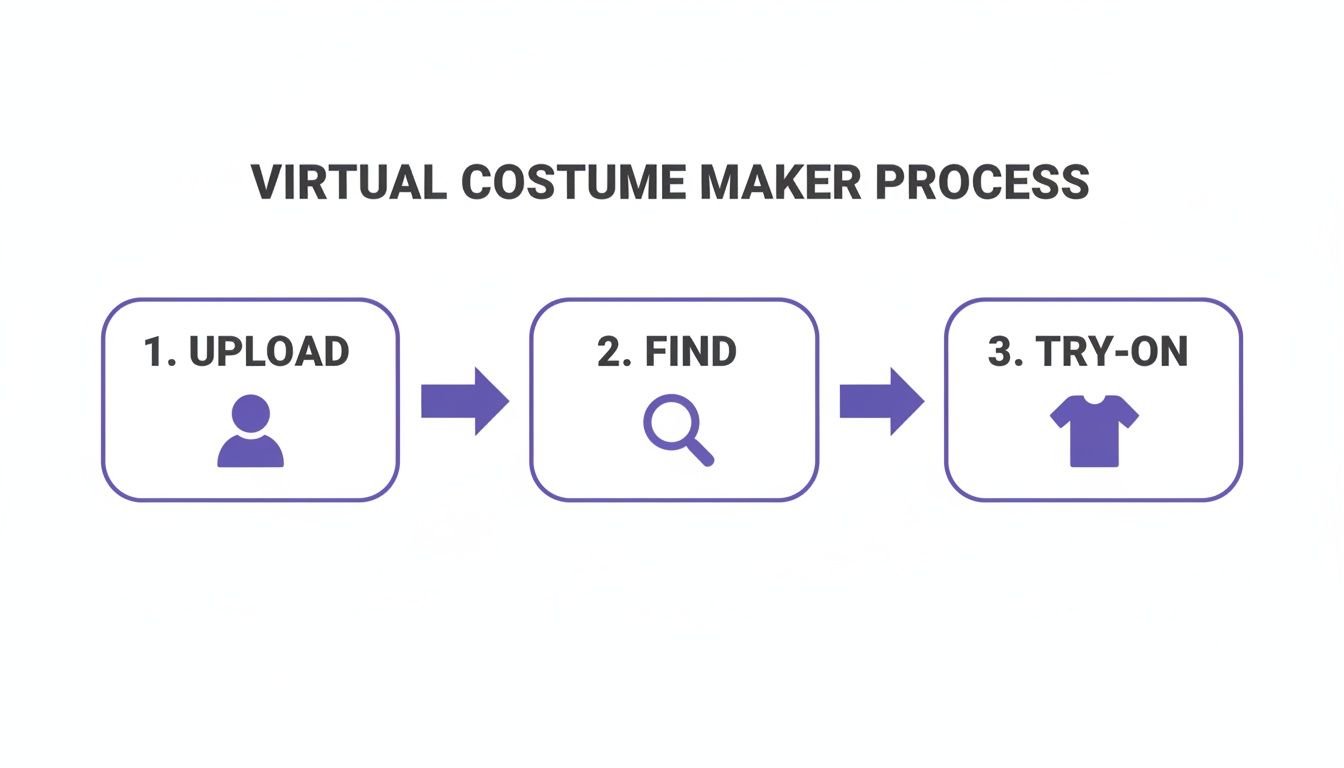
The real takeaway here is how it removes all the usual friction. You go straight from discovering an item to seeing how it looks on yourself.
The Tech Making It All Happen
Virtual costume makers are a huge part of the apparel industry's push for better online shopping. The tech is getting so good, and it’s why the market is projected to grow at an incredible 26.4% CAGR. People want more immersive ways to shop from home, and this is it.
For your costume planning, this means you can see how a spooky dress from ASOS or a wild jacket from H&M actually fits your vibe, all from your browser.
So forget about juggling a dozen open tabs or trying to remember which awesome piece you saw on which site. This tool streamlines everything. Ready to give it a shot? Install the Chrome extension in 5 seconds and let the fun begin.
Nailing the Perfect Clothing Photo
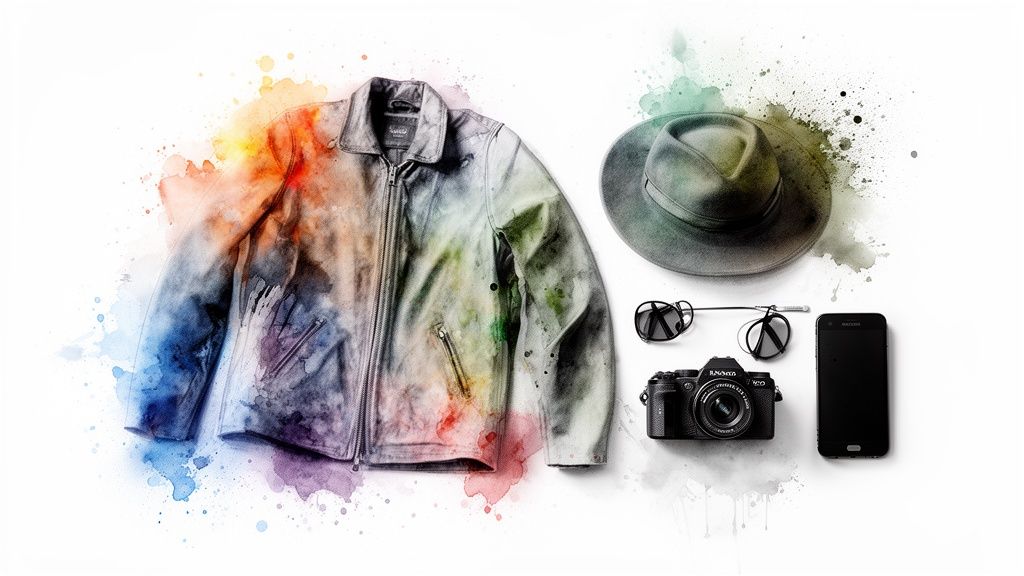
If you want your virtual costume previews to look jaw-droppingly real, the photo of the clothing you use is everything. I’ve learned from countless try-ons that flat-lay photos work best. That’s when you lay a garment completely flat against a simple background.
Why? Because the AI can see the item’s true shape and design, free from any weird stretching or angles you’d get from a mannequin. A crisp, clean photo is the difference between a so-so preview and a truly mind-blowing look at your finished costume.
Snagging the Best Images from Shopping Sites
When you’re scrolling through big-name stores like Zara or H&M, or even hunting for the perfect Halloween costume on Amazon, keep an eye out for those professional, flat product shots. Most online shops include them right alongside the photos of models wearing the clothes.
This gets even easier with the TryThisFit Chrome extension. Just find one of those clean, flat images, right-click it, and you can instantly see that piece on your own photo. It's the key to a more accurate visualization of the style.
Tips for Secondhand and DIY Photos
What about when you're thrifting on Vinted or Depop? The photos can be a bit of a wild card. If the seller hasn't posted a flat-lay picture, don't be shy—ask for one!
And if you’re taking your own photos of costume pieces you already own, here are a few of my go-to tricks to get it right every time:
- Find a simple backdrop. A clean floor or a plain bedsheet works great. You want the clothing to pop, so contrast is your best friend.
- Let there be light! Natural light is king. Place your item near a window to avoid funky shadows that can mess with the details.
- Get right on top. Shoot straight down from a bird's-eye view. This captures the garment's true shape without any distortion.
A little effort into the clothing photo sets you up for an amazing preview. A clear, flat-lay image gives the AI the best possible data to work with, which means you get a much more believable and exciting glimpse of your final costume.
Of course, the photo of your clothes is only half the equation. You also need a great photo of yourself! For all the best tips, check out our guide on how to take the perfect full-body picture.
Putting Your Entire Costume Together
A virtual costume maker is for so much more than just previewing a single shirt. This is your personal workshop for building a complete, head-to-toe masterpiece. Seeing how all the different pieces click together is what separates a good costume from a legendary one.
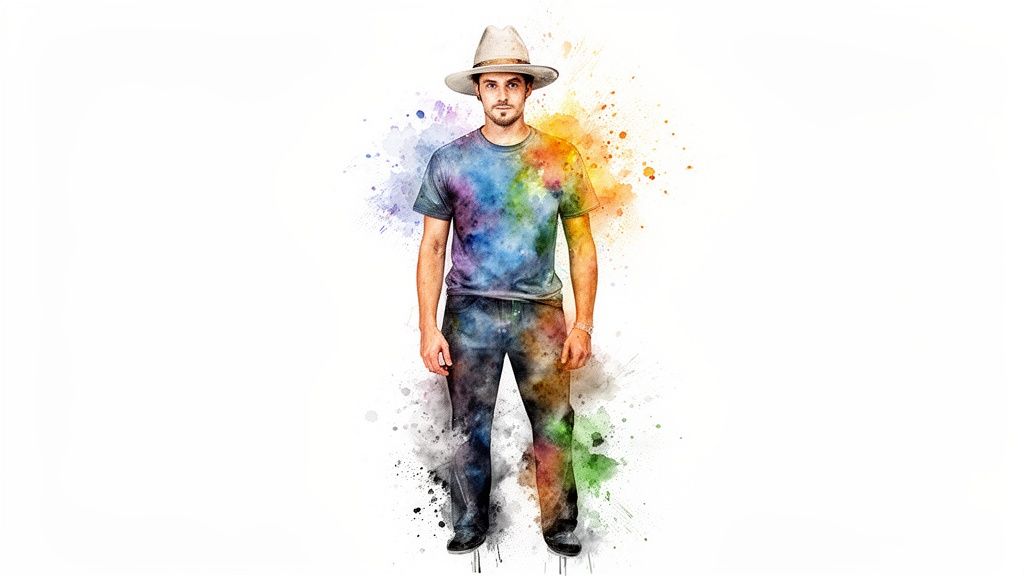
This is where you get to play fashion designer. You can finally mix and match cool finds from completely different online shops to create something no one else will have. Imagine grabbing a pirate shirt from Amazon and pairing it with some perfect trousers from Zara on your own photo, all in seconds.
Building Your Look, Piece by Piece
The whole process is a blast and completely frees you from being stuck with one store's collection. You're not just a shopper anymore; you're the stylist. This gets seriously powerful when you use the free TryThisFit Chrome extension—it literally takes a few seconds to install and changes everything.
Here's the workflow I've found works best:
- Find your anchor piece. Every great outfit starts with one key item. Maybe it's a killer jacket from H&M or a unique pair of boots you found on Depop.
- Try it on instantly. With the extension, just right-click on the item and see it on your photo.
- Build out from there. Now the fun begins. Start hopping between sites to find the other parts. See a top on Shein that might work? Right-click and layer it on. Found the perfect pants on Vinted? Add them to the look.
You can keep layering and swapping items endlessly. Every combination you create gets saved to your /history page, which is brilliant for comparing different versions of your costume side-by-side. If you have an eye for the fundamentals of costume design for theatre, you'll find this virtual styling process even more rewarding.
Why This is the Future of Shopping
This isn't just a neat trick; it's quickly becoming how people expect to shop. The AI driving virtual try-on is expected to be a multi-billion dollar market because it slashes returns and gives shoppers way more confidence. For the 80% of Millennial and Gen Z consumers who want shopping to be an interactive experience, being able to see a ghostly gown from Shein on their own body isn't a bonus—it's a must-have. Learn more about these virtual try-on market trends.
This shift gives you the power to be bolder and more certain in your costume choices. If you’re hunting for inspiration, check out our guide on https://trythisfit.com/costume-ideas-for-themed-parties for awesome concepts. Ready to start creating? Try it now at trythisfit.com and bring your complete costume vision to life.
Saving and Comparing Your Favorite Looks
Let’s be honest, planning a costume usually means drowning in a sea of open browser tabs. It’s chaotic. You find a great top on one site, cool pants on another, and by the end, you can’t even remember what you liked.
This is where a tool like TryThisFit completely changes the game. Every single outfit you preview gets saved directly to your personal history page. Suddenly, that chaos turns into a clean, visual library of all your potential looks. It's less about frantic searching and more about creative curation.
Your Personal Costume Lookbook
I like to think of the history page as my own private digital closet. It’s a space where every idea—from a wild Halloween concept to a sleek party outfit—is stored and ready for a second look.
As you browse stores like Zara or H&M with the Chrome extension, each try-on automatically lands in this gallery. You can build a massive collection of possibilities without ever breaking your flow or losing track of a single item.

You're not just buying a costume anymore; you're building and perfecting a complete vision.
How to Compare Looks Like a Pro
To really make the most of this, here’s a simple workflow I’ve come to swear by:
- Go wild with the try-ons. Seriously, don't hold back. Click on everything that even remotely catches your eye. The more options you have, the more confident your final choice will be.
- Head to your history. After a good browsing session, pop over to your saved try-ons at trythisfit.com/history to see everything you’ve collected.
- Set up the final showdown. Open your top two or three contenders in different tabs. Seeing them side-by-side makes the winning choice jump right out at you. It’s that simple.
This organized process is a lifesaver. It helps you become a more decisive planner and guarantees you’ll end up with a costume or outfit that you genuinely love, with zero regrets.
This method completely shifts how you approach online shopping, turning guesswork into confident style choices. Ready to build your own lookbook? Start trying on your favorite styles now.
Got Questions? I've Got Answers
Jumping into a virtual costume maker is a total blast, but it's natural to have a few questions. I've been there! Here are the answers to the things I get asked most often, so you can start creating with confidence.
Can This Tool Actually Tell Me if a Costume Will Fit?
This is the big one, and the honest answer is no. A virtual try-on tool is your style sidekick, not your tailor. It's built to show you how a costume looks on your body—the silhouette, the colors, how the pieces work together. It’s all about nailing the vibe and visualizing the style.
Think of it as a magic mirror for style, not a measuring tape. You'll still need to use the retailer's size chart to find the right size. The app helps you fall in love with the look; the size guide makes sure it feels as good as it looks.
What Kind of Photos Get the Best Results?
Your photo choices make a huge difference in getting a realistic preview. After tons of experimenting, I've figured out the perfect combo.
- For the costume: Go for a flat-lay photo. That's where the item is laid out flat on a simple background. This gives the AI a super clear view of the garment's true shape and works best.
- For your picture: A clear, full-body shot is your golden ticket. Stand up straight in good lighting, and try to have a non-distracting background. I also suggest keeping your arms uncrossed so the AI can map the costume onto your body perfectly.
Do I Need to Create an Account to Start?
Nope, and this is one of my favorite things about TryThisFit! You can start playing with costume ideas the second you land on the website.
There are no sign-ups, no logins, and no accounts needed. Just head over to the site or install the Chrome extension and dive right in. The tool cleverly saves your history right in your browser for you. It’s instant fashion fun.
Does the Chrome Extension Work on Any Website?
Just about! The extension is a total game-changer for online shoppers. It's designed to work on pretty much any retail site you can imagine.
It’s fantastic for big players like Amazon, Zara, and H&M. But where it really shines is on secondhand marketplaces like Vinted or Depop, where you find unique gems. If you see an image of a costume piece, you can almost always just right-click and see how it looks.
Ready to take the guesswork out of your costume planning? With TryThisFit, you can see your vision come to life in seconds, no matter where you shop.
Try Virtual Try-On Now
See how clothes look on you before you buy - works with any online store
Get Started Free