AI Image to Image: A Visual Revolution in Online Fashion
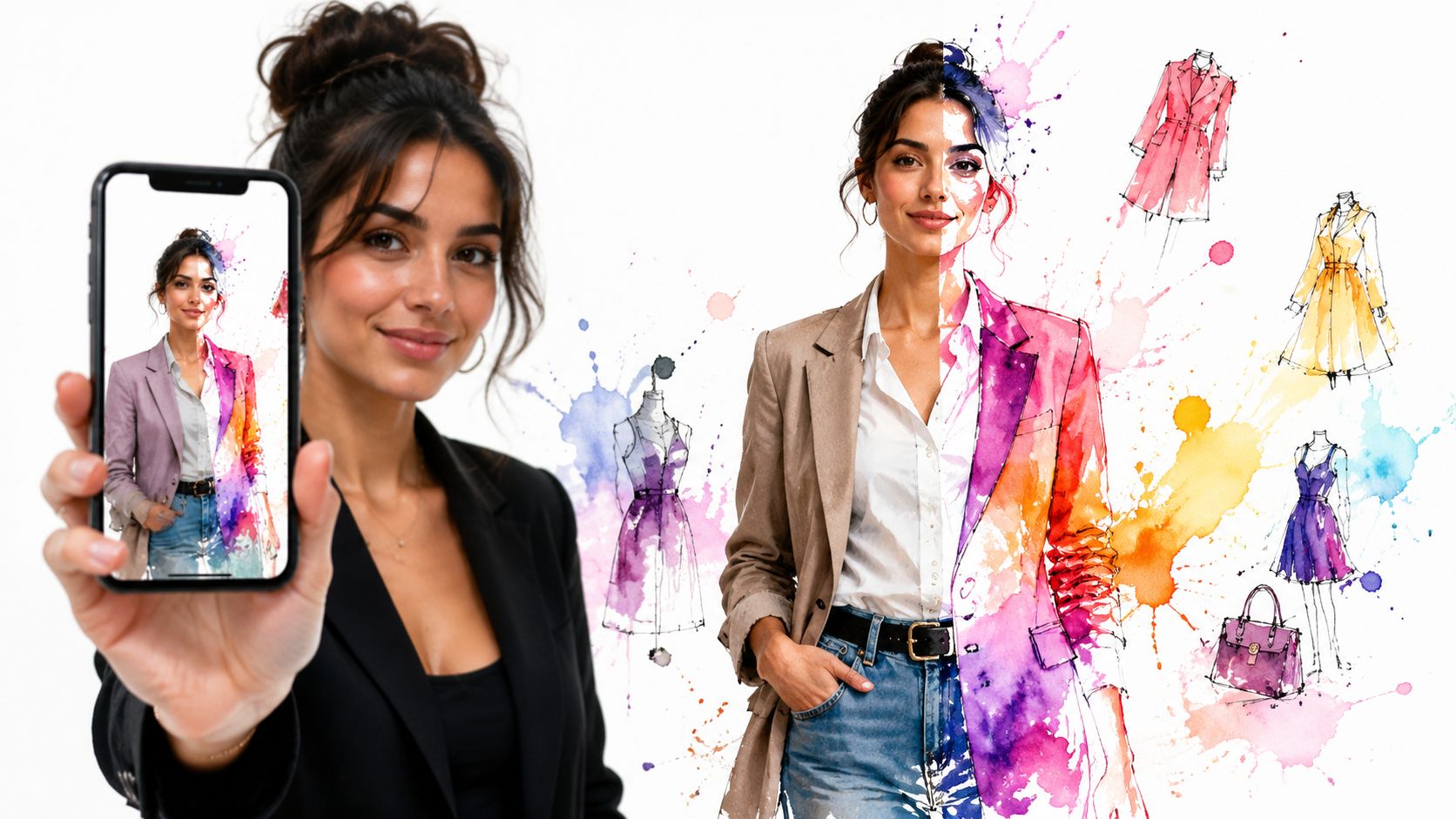
You've probably done this recently. You find a jacket on Zara, a dress on H&M, or a great secondhand piece on Vinted, then stop cold because the product photo looks good on the model but tells you almost nothing about how it will look on you.
That little gap between “I like this item” and “I'm ready to buy it” is exactly where AI image to image gets exciting. Instead of guessing, you can use a photo of yourself and a photo of the clothing to see how it looks, visualize the style, and preview the appearance before you click checkout.
The Magic of Seeing Before You Buy
Online fashion has always had one frustrating blind spot. You can zoom in, read reviews, compare colors, and still have no clear sense of whether a blouse will feel polished, relaxed, dramatic, or totally wrong once it's on your body.
That's why AI image to image feels less like a technical feature and more like a shopping superpower. It takes one image as a starting point, then transforms it using another image or a set of instructions, so you get a new visual that answers the question shoppers care about most: how will this style look on me?
The scale of this shift is huge. Between mid-2022 and early 2024, people created over 15 billion AI-generated images, a pace that Everypixel notes reached a visual milestone that photography itself took 149 years to hit after the first photograph in 1826.
That number matters because it shows this isn't a niche experiment anymore. AI image tools have moved from novelty to everyday utility, and fashion is one of the most natural places to use them.
Why fashion makes this technology click
Clothes are visual first. Before sizing charts, materials, or shipping details, most shoppers want a fast instinctive answer: does this outfit match my taste, my vibe, and the way I want to show up?
AI image to image helps with that exact moment. Instead of imagining a trench coat from a flat product card, you can turn that product image into a personal preview and get much closer to a real decision.
The real win isn't technical accuracy for its own sake. It's removing hesitation when you're one tab away from buying.
That's also why tools built around virtual try-on experiences feel so approachable. They take a complex AI process and make it useful in the same place you already shop, browse, compare, and save ideas.
What Is AI Image to Image Generation
At its simplest, AI image to image generation means giving the system a starting image and asking it to transform that image while keeping important parts recognizable. In fashion, that often means keeping your pose and overall look, then changing the clothing.
A helpful way to think about it is a digital artist. You hand over your selfie, show a second image of a coat or dress, and say, “Keep me, but restyle the outfit so I can preview the appearance.” The AI doesn't paste the clothing on like a sticker. It rebuilds the image so the garment looks naturally worn.
What the model is actually doing
Under the hood, image-to-image systems learn visual patterns from huge image and text datasets. They learn what sleeves look like, how denim folds, where shadows should fall, and how clothing changes the overall silhouette of a person in a photo.
Then they use your image as a guide rather than starting from nothing. That's the key difference. A text-only image generator invents a scene from words, while image-to-image starts with a real visual anchor and transforms it.
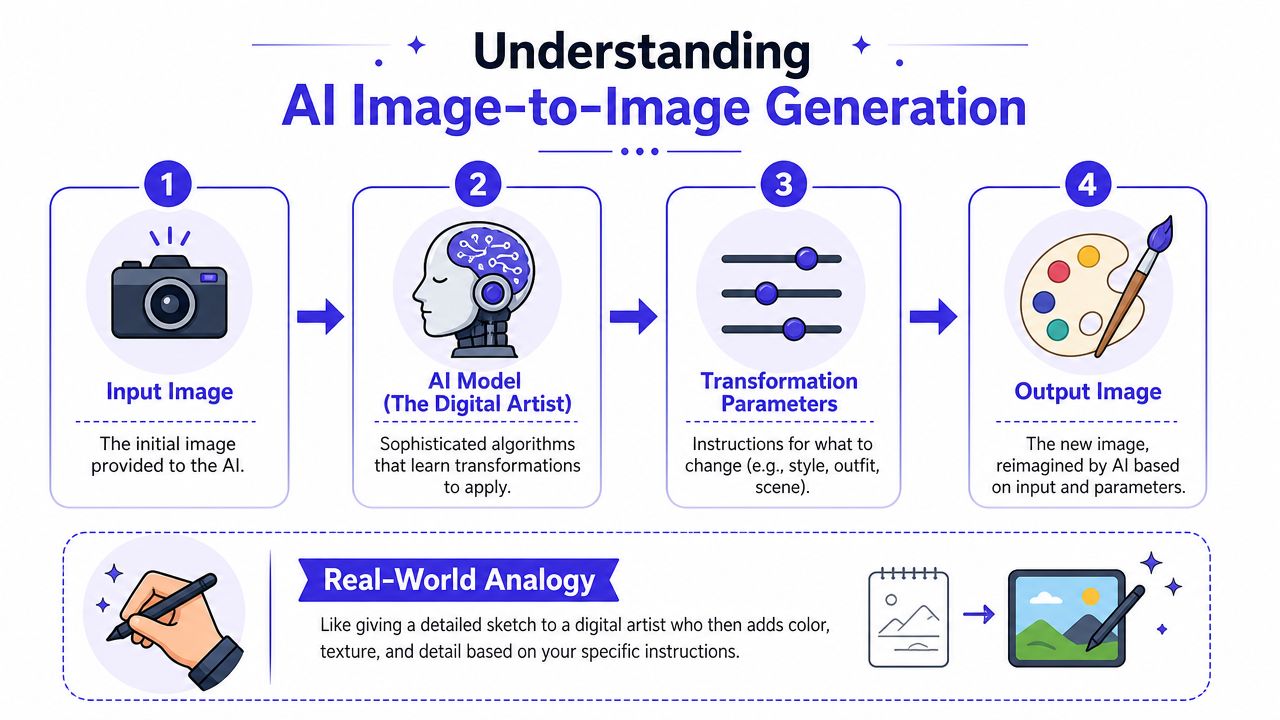
Here's the basic flow:
-
You upload a person photo
The AI uses this as the foundation for pose, body outline, and general composition. -
You provide a garment image
This could be a flat-lay product photo, a store image, or another clothing reference. -
The system maps the change
It decides where the shirt, coat, skirt, or costume should appear and what visual details to preserve. -
You get a new preview image
The output shows how the style may look on you, with the garment reimagined onto your image.
What it does well and what it doesn't
Given the common confusion, it's important to be direct. AI image to image is strong at showing style. It's not a sizing tool.
Models trained on over 400 million image-caption pairs can reach 85% accuracy in predicting visual attributes such as color, pattern, and silhouette, but they can't determine physical fit metrics like sizing or waist measurements, as explained in this ESCP analysis of AI image generation limits.
Practical rule: Use AI image to image to see how it looks. Don't use it to decide whether an item will physically fit your measurements.
That distinction makes the whole category easier to understand. If your goal is style discovery, outfit comparison, or confidence before buying, this technology is highly useful. If your goal is exact sizing, you still need the retailer's size chart.
For more examples of how these tools connect specifically to clothing workflows, the AI for fashion overview is a useful next read.
The Key Ingredients for a Perfect Virtual Try-On
A good virtual try-on usually comes down to three ingredients working together. If one of them is weak, the result can look a little strange even when the AI itself is strong.
Your photo sets the stage
The person image gives the system structure. Clear lighting helps, and so does a pose where your body outline is easy to read.
If your arm crosses over your torso, or the image is dark and blurry, the model has to guess more. More guessing usually means more visual artifacts.
The clothing image matters more than most people think
For fashion try-ons, flat-lay photos are especially helpful. Computer vision researchers have identified flat-lay clothing photos as the strongest input format for virtual try-on models, with up to 15% higher accuracy in style reconstruction compared with draped or hanger-based photos, according to this overview of AI image generation and apparel visuals.
That makes intuitive sense. A flat-lay image shows the full garment shape with fewer folds, fewer shadows, and less confusion about where one part ends and another begins.
The AI needs to understand what to preserve
The last ingredient is the model's internal understanding of the scene. It has to know which parts belong to you, which parts belong to the clothing, and what should stay locked in place.
That's why fashion image-to-image is harder than a basic style filter. The system has to preserve your overall appearance while swapping the garment in a believable way.
A simple checklist helps:
- Choose a clear person photo with visible shoulders, torso, and natural lighting.
- Prefer flat-lay product images when you can, especially for tops, dresses, and outerwear.
- Avoid cluttered screenshots where logos, text overlays, or busy backgrounds cover the garment.
- Keep expectations visual. The goal is to preview style, not confirm measurements.
If you're comparing tools for apparel previews more broadly, this guide on how to choose an accurate mockup generator is useful because it breaks down what makes an output feel convincing instead of obviously synthetic.
People also mix up visual try-on with measurement tools. If you want to understand where that line sits, the discussion around AI body measurements helps separate style preview from size estimation.
From E-Commerce to Your Closet Practical Use Cases
The fun part of AI image to image is how quickly it stops feeling abstract. Once you use it in a fashion context, the technology becomes very concrete. It helps with decisions you already make every week.
Shopping on major retail sites
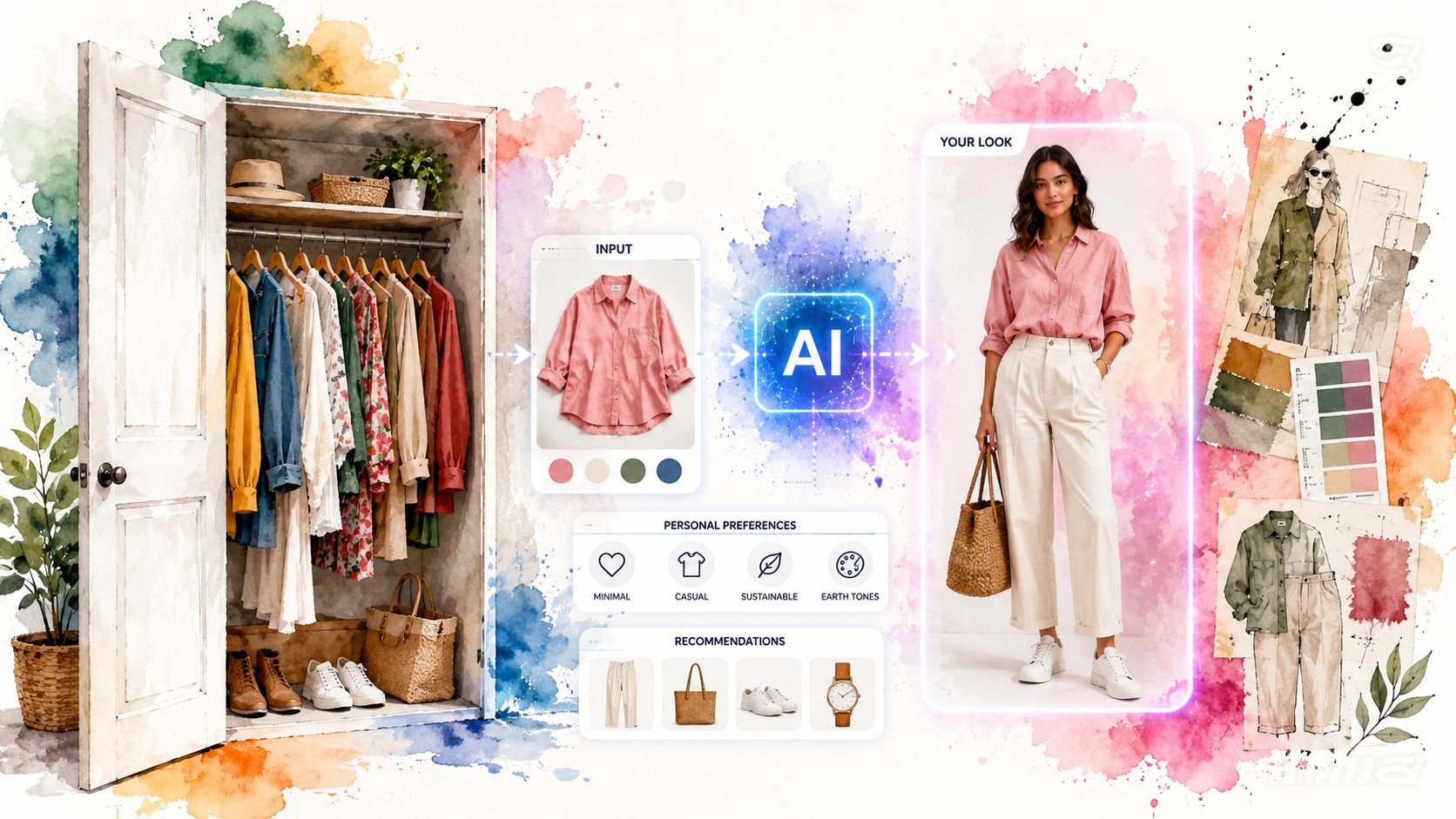
This is the most obvious use case. You're browsing Zara, H&M, Amazon, or Shein and find something promising, but the model photo doesn't match your body shape, styling preferences, or wardrobe.
A virtual try-on preview gives you something closer to your real decision process. Instead of asking, “Do I like this campaign image?” you ask, “Do I like this style on me?”
That matters because fashion returns are expensive and common. Online apparel shopping sees return rates of about 30% to 40% in major markets such as the US and Europe, and virtual try-on tools are projected to reduce those returns by up to 25% by helping shoppers visualize the style and preview the appearance more accurately, according to this history of AI-powered image generation in retail contexts.
Secondhand finds and one-off pieces
Secondhand shopping is where image-to-image gets especially useful. On Vinted or Depop, you usually get fewer product photos, less polished presentation, and no chance to try before buying.
That's a perfect match for style preview tools. You can take a single product photo and turn it into a more personal visual before committing to a unique item that may disappear if you wait too long.
A secondhand listing often gives you one shot to decide. A style preview makes that decision less of a gamble.
Costumes, events, and style experiments
The same idea works for Halloween costumes, themed parties, concerts, and travel packing. Sometimes you're not solving a shopping problem so much as testing a look.
A costume jacket can feel playful in a product image and completely wrong once you picture it on yourself. Image-to-image helps you test the vibe early, before you spend time and money building the whole outfit.
Everyday wardrobe planning
There's also a quieter use case that people end up loving. You can compare options before buying a replacement basic, a trend piece, or a seasonal layer.
Try a trench coat versus a cropped jacket. Compare a bright knit with a neutral one. See whether a vintage-inspired dress feels romantic, dramatic, or just not you.
Here are a few situations where this works well:
- Retail browsing: Check how a Zara blazer or H&M dress looks in your own style context.
- Marketplace hunting: Preview one-off listings from Vinted or Depop before someone else grabs them.
- Affiliate shopping: Compare clothing finds on Amazon fashion listings without relying only on product models.
- Costume planning: Test Halloween looks before ordering accessories and extras.
If you want to keep your experiments organized, it helps to save and compare outputs over time instead of making the decision in one sitting.
Your Instant Try-On Workflow with TryThisFit
You spot a jacket while scrolling, like the color, hesitate on the shape, and want one answer fast. Would this look like you, or just look good on the model?
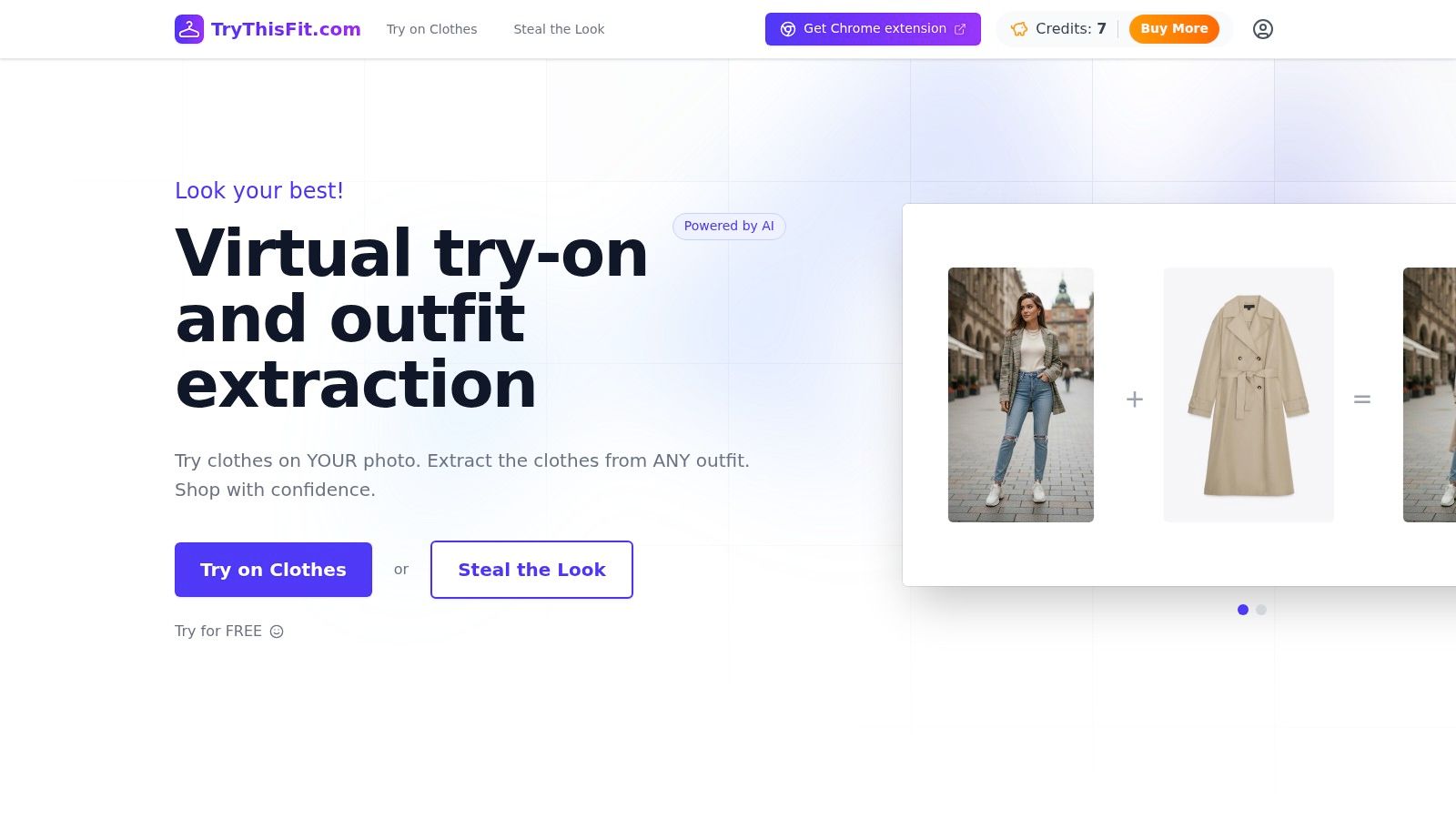
That is the moment a practical workflow matters. AI image to image can sound abstract until you use it on a real dress, coat, or costume piece you were already thinking about buying. Then it starts to feel less like “AI” and more like a fitting room that travels with your browser.
One point trips people up early. Product photos are often flat, cropped, or shot from a single angle, so the tool has to fill in missing visual clues. Results can still be useful, especially for judging the overall vibe, silhouette, and color impact on your own photo.
TryThisFit gives you two simple ways to do that.
-
Use the main app
Upload your photo, add the garment image, and generate a preview. This works well if you already saved a few screenshots and want to compare them in one session. -
Use the Chrome extension while browsing
Install the free Chrome extension. Then right-click a product image on the store page and start a try-on without downloading files first.
The second option feels especially natural for fashion shopping because it matches how people already browse. You see something interesting, test it, keep it or discard it, and move on. No tab chaos. No folder full of random screenshots.
A fast session usually looks like this:
- Choose one clear photo of yourself and reuse it for consistency.
- Browse a retail or resale site until something catches your eye.
- Send the item image into the try-on flow from the page you are already on.
- Check the preview and ask a simple question: does this belong on your shortlist?
That last step matters more than it sounds. Virtual try-on is strongest when you treat it like a style filter, not a final sizing verdict. It helps you rule out pieces that clash with your proportions, your usual outfits, or the mood you want, before you spend money or wait for shipping.
There is also a small convenience that ends up mattering a lot. If a tool is quick, you use it. If every test feels like a project, you stop after one or two items and go back to guessing.
If you like comparing options over time, you can also review saved looks in your try-on history. That helps when three black coats seem nearly identical on the product page but give off very different energy once you see them on yourself.
A good first test is a category with a clear visual payoff. Jackets, dresses, and event outfits usually make the value obvious right away.
Limitations and the Ethical Side of AI Imagery
AI image to image is useful, but it's not magic in the literal sense. Some images come out smooth and convincing. Others show odd sleeve shapes, strange fabric edges, or small details that don't quite line up.
That usually happens when the source images make the model guess too much. Busy backgrounds, low lighting, heavy overlap between arms and torso, or incomplete garment photos all increase the chance of visual errors.
What to expect from the output
The healthiest expectation is simple. Use the result to judge the style story, not the physical construction of the item.
If a generated image helps you decide that a leather trench feels too dramatic, or that a bright cardigan gives the outfit the energy you wanted, it's doing its job. If you want to know whether the waist measurement works for you, the AI image shouldn't be the final authority.
A few habits improve your results:
- Start with clean images that clearly show both you and the garment.
- Use flat product photos when possible because they're easier for the model to interpret.
- Compare multiple outputs if one result looks slightly off.
- Double-check retailer details for sizing, fabric, and return policy.
Privacy matters too
Fashion photos are personal. If you upload your image to any tool, it's fair to ask what happens next.
That's one reason solo founder projects can feel different. The promise I'd look for is straightforward handling of your photos and clear boundaries around data use, especially whether user data is sold. If a tool is vague about that, I'd hesitate.
You should never have to trade your comfort with personal photos for the convenience of a style preview.
Ethics also includes honesty about what the image represents. A try-on preview is a visual aid. It helps you discover your style, narrow choices, and shop with more confidence. It shouldn't pretend to replace real garment specs, human judgment, or retailer sizing information.
Conclusion Start Visualizing Your Perfect Style Today
You spot a coat online at midnight, love it on the model, and still hesitate. The primary question is simple. Will it look like you when it shows up at your door?
AI image to image makes that question easier to answer. For fashion, its real value is practical. It turns a flat product photo into something closer to a fitting-room preview, so you can judge the vibe, the silhouette, and the overall style before you buy.
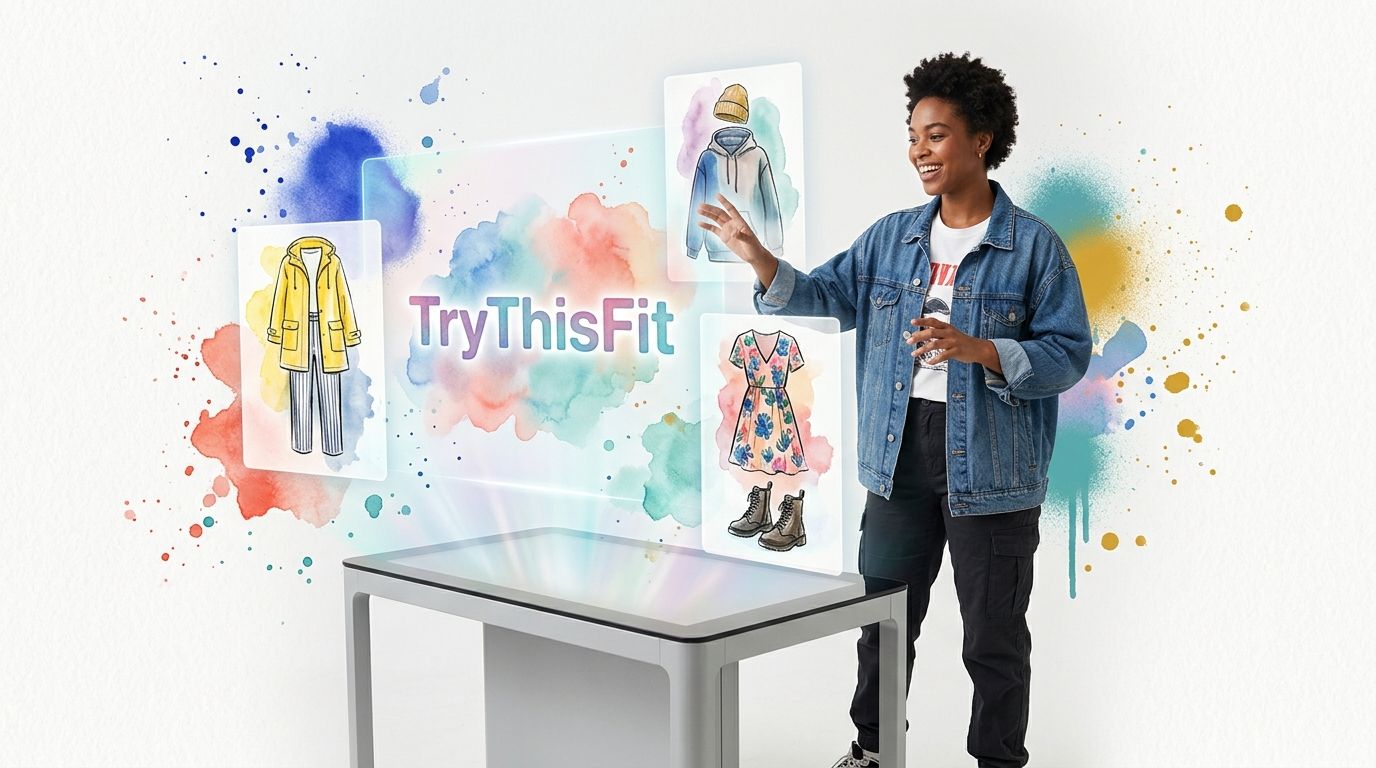
That shift matters. Online shopping usually asks you to do a lot of mental work. You have to translate studio lighting, model proportions, and polished styling into your own life. A virtual try-on closes part of that gap. It helps you compare options faster, spot outfits that feel right, and pass on pieces that looked better in theory than they do on your photo.
A good place to start is one item you are already debating. Try a blazer for work, a dress for an event, or a costume piece for a themed party. The goal is not to prove that AI is clever. The goal is to answer a very human question: would I actually wear this?
That is why tools like TryThisFit feel useful so quickly. You test a look on your own image, learn what suits your style, and shop with a little more clarity. After that, plain product photos can feel like buying glasses without ever putting them on.
Try Virtual Try-On Now
See how clothes look on you before you buy - works with any online store
Get Started Free