10 Best Apps for Clothing Designers in 2026
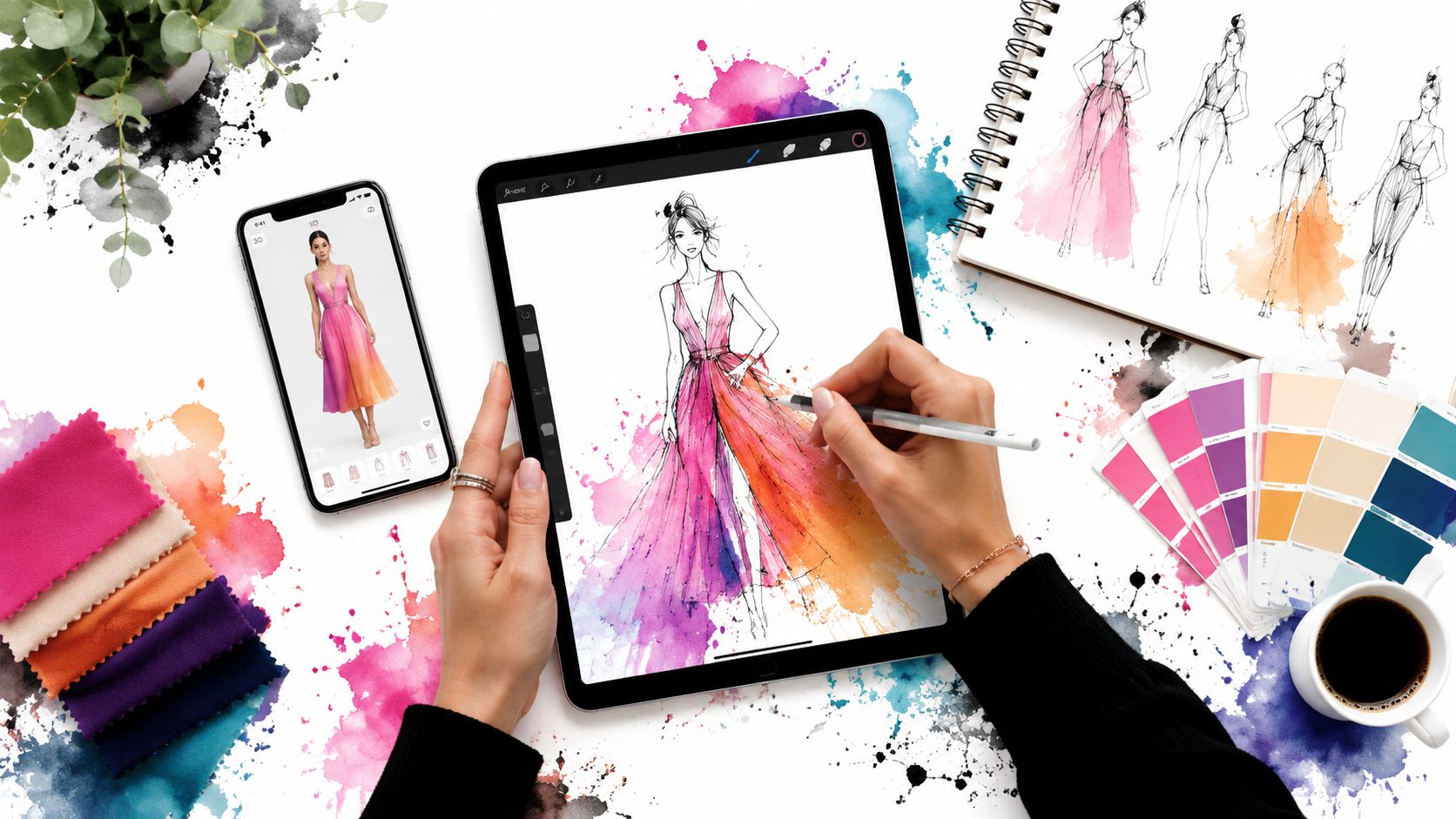
A designer starts with a sketch on paper, a fabric swatch on the desk, and a deadline that is already too close. By the time that idea becomes a tech flat, a pattern, a 3D sample, and a line presentation, the wrong software choice can slow every handoff.
Choosing apps for clothing designers is really about choosing a workflow. A common trap is searching for one platform that handles everything well. In practice, that usually leads to compromises. Patternmakers need precision. 3D teams need believable simulation. Small brands and students often need lower monthly costs and a shorter learning curve, even if that means giving up some enterprise features.
That split matters in this list. It covers both ends of the market, from systems used by established apparel teams to accessible tools that let indie designers test ideas without buying into a full enterprise stack. I group them by the jobs they do best: patterning, 3D prototyping, and visualization.
There is also a practical reason to include consumer-facing tools in the conversation. Styling and virtual try-on apps can help designers study outfit behavior outside the studio, spot merchandising patterns, and pressure-test ideas against real wardrobe contexts. For a shopper-side view of that category, the PhotoMaxi virtual try-on app guide offers useful context. Designers exploring AI-assisted concept work can also review AI tools for fashion design workflows to see where these newer systems fit before or after CAD.
No single app covers the entire job well. The better approach is to build a stack that fits your stage of work, your budget, and your technical depth.
1. CLO 3D
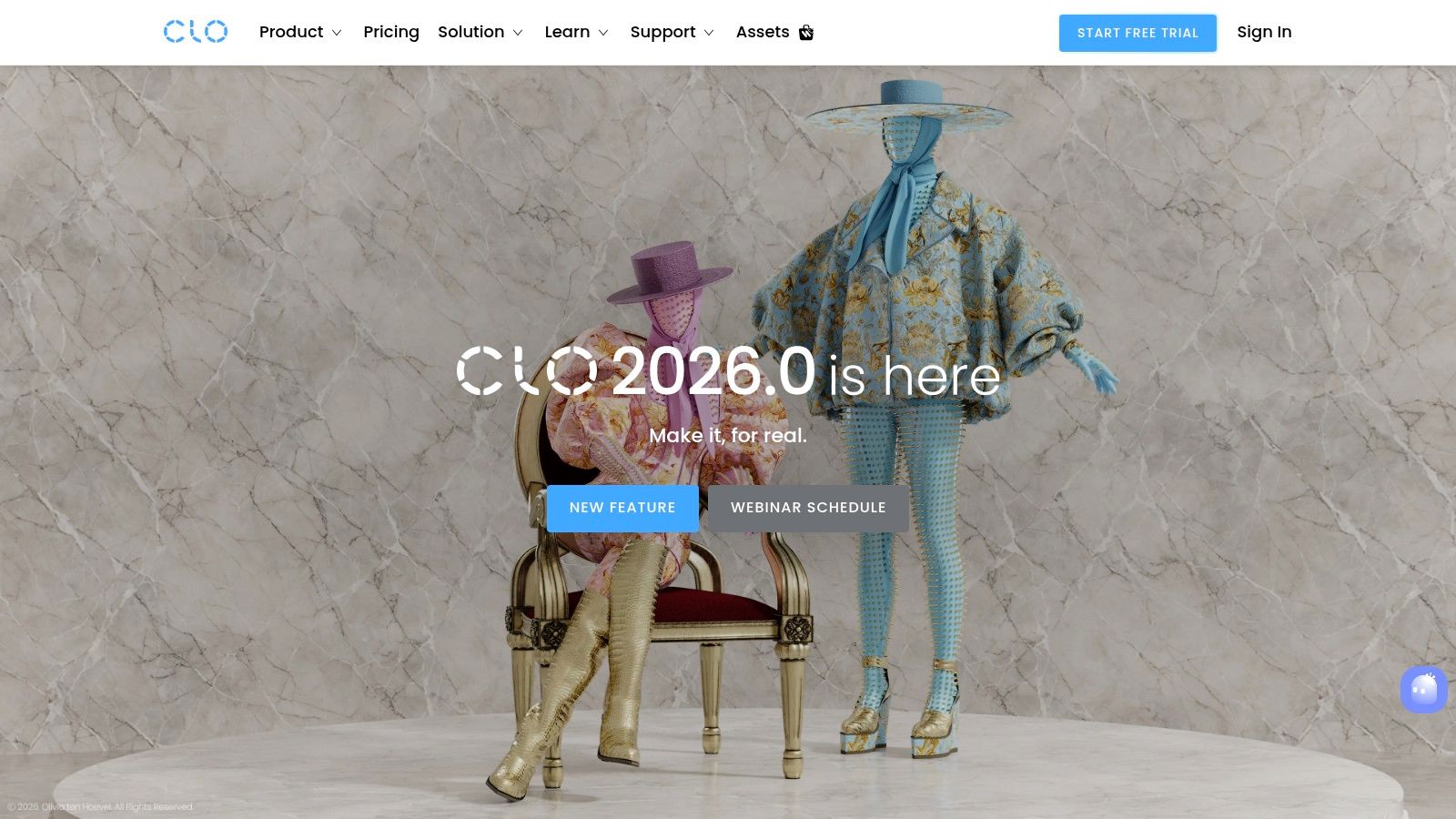
CLO 3D is the app I suggest first when a designer wants to move from sketches into believable digital garments. It has become the reference point for 3D apparel workflows because it lets you build from actual patterns, simulate drape, and review the garment before anyone cuts fabric.
Techpacker describes CLO as “currently the most widely used 3D fashion design tool across the industry”, and that tracks with what is commonly observed in practice. The big reason isn't novelty. It's operational value. Designers can evaluate proportions, fabric behavior, and construction ideas much earlier in the process.
Where CLO earns its place
CLO is strongest when you already think in garment construction, not just in silhouettes. If you understand patterns, seams, and fabric behavior, the software feels like a serious design environment instead of a rendering toy.
A few things it does well:
- Real garment simulation: Fabric presets, sewing logic, and drape visualization make styles look convincing early.
- Pattern-based workflow: You can work from imported patterns or build and edit directly in the system.
- Collaboration support: Shared reviews and web-friendly outputs make communication easier across teams and vendors.
Practical rule: CLO pays off fastest when the same person, or tightly connected team, handles both design intent and technical development.
The trade-off is obvious. CLO has a learning curve. Designers who only want mood-board-level visuals often bounce off it, while technical designers usually stick with it because it connects visual feedback to actual garment logic.
If you're exploring how AI and 3D are blending in fashion workflows, this piece on AI for fashion adds useful context.
2. Browzwear VStitcher
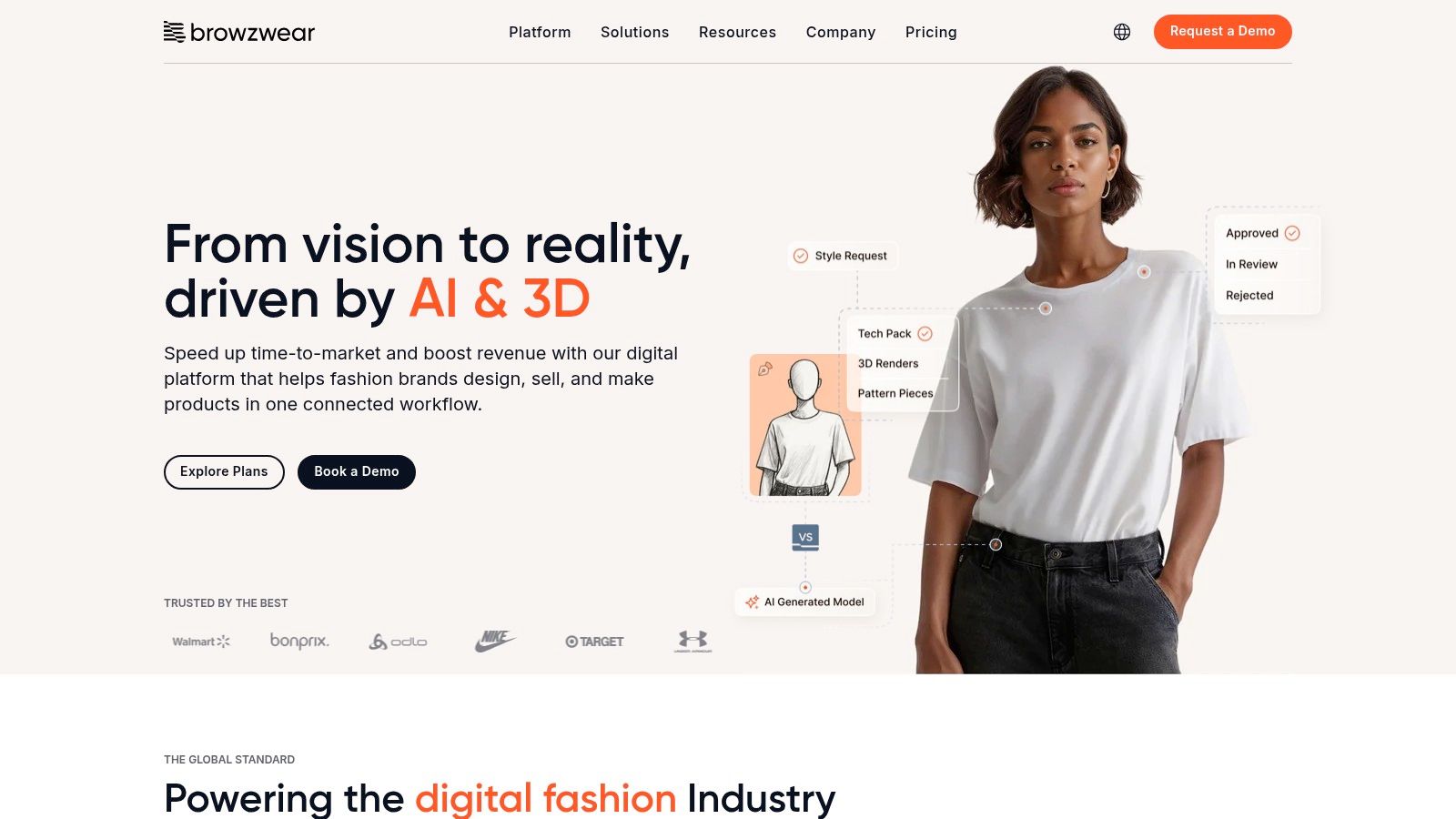
Browzwear sits in a different lane from CLO. It feels less like a designer's sandbox and more like a production system for organizations that need merchandising, development, and review teams aligned around the same digital garment.
Many indie designers often make the wrong comparison. Browzwear isn't trying to be the easiest creative tool. It's trying to make pre-production more structured and easier to hand off at scale.
Best for larger workflows
If your workflow includes buyers, developers, sourcing teams, and internal approvals, Browzwear starts to make sense quickly. Browzwear's own 2025 roundup also highlights how designers often rely on separate apps like Vogue Runway, Pinterest, and Miro Board for inspiration and mood boards before they even start formal design work, which reinforces how fragmented the front end of the workflow can be (referenced in the background summary).
That matters because Browzwear is strongest after inspiration. It helps teams move from concept into shared digital review.
- VStitcher: Detailed 3D apparel prototyping.
- Lotta: Faster styling and material iteration.
- Stylezone: Cloud sharing and presentation for internal or buyer review.
Browzwear works best when the garment is already part of a business process, not just a personal design experiment.
The downside is accessibility. Pricing isn't positioned like self-serve creative software, and solo designers may find the setup heavier than they need. But for structured apparel teams, that extra process is the point.
For designers watching how garments translate into personal styling and digital appearance, AI clothing try-on is a useful adjacent category to follow.
3. Marvelous Designer
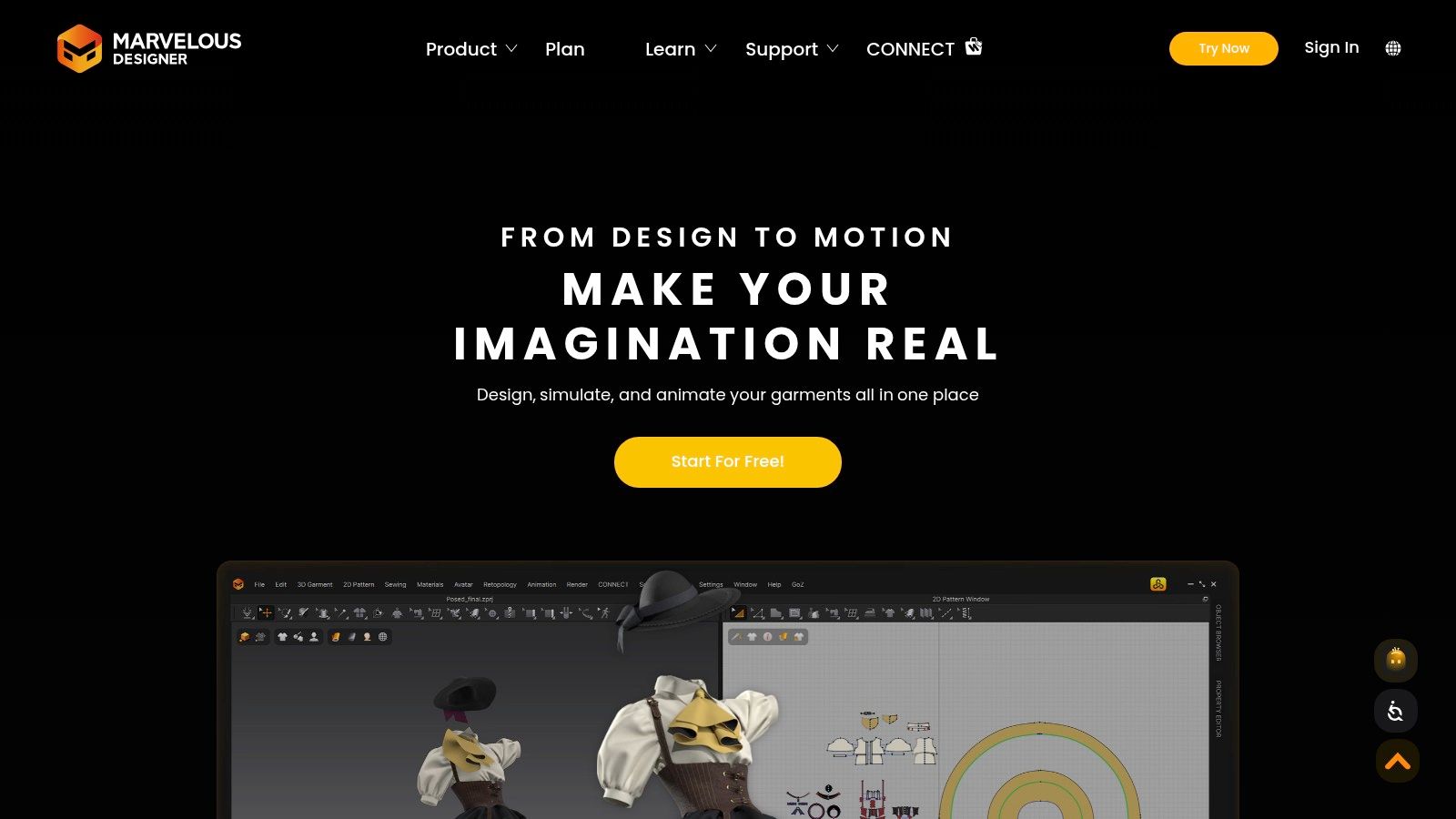
Marvelous Designer is often the fastest way to get a silhouette into motion. If CLO feels like a production-minded garment lab, Marvelous Designer feels like a creative draping studio that happens to be digital.
That's why fashion designers, costume teams, and CG artists all keep reaching for it. You can explore volume, folds, tension, and shape very quickly.
What it does better than most
Marvelous Designer is especially good when the question is visual. How does this sleeve fall. Does this skirt hold enough volume. What happens when I tighten the waist or exaggerate the shoulder.
That speed makes it attractive for early concept development and presentation work. It also plays well with broader 3D ecosystems, so it can slot into pipelines that go beyond apparel production.
Still, there are limits:
- Great for drape exploration: Strong for visualizing movement and silhouette.
- Less complete as production CAD: It isn't the first choice for deep grading or enterprise apparel handoff.
- Accessible for learners: Many designers find it less intimidating than heavier enterprise systems.
A practical note here. Marvelous Designer helps you preview the appearance of garments beautifully, but that doesn't automatically make it the right tool for factory-ready pattern development. Some teams use it upstream for exploration, then switch tools when the technical work gets serious.
If you're working with appearance previews and style visualization more broadly, this look at 3D body measurements is relevant context.
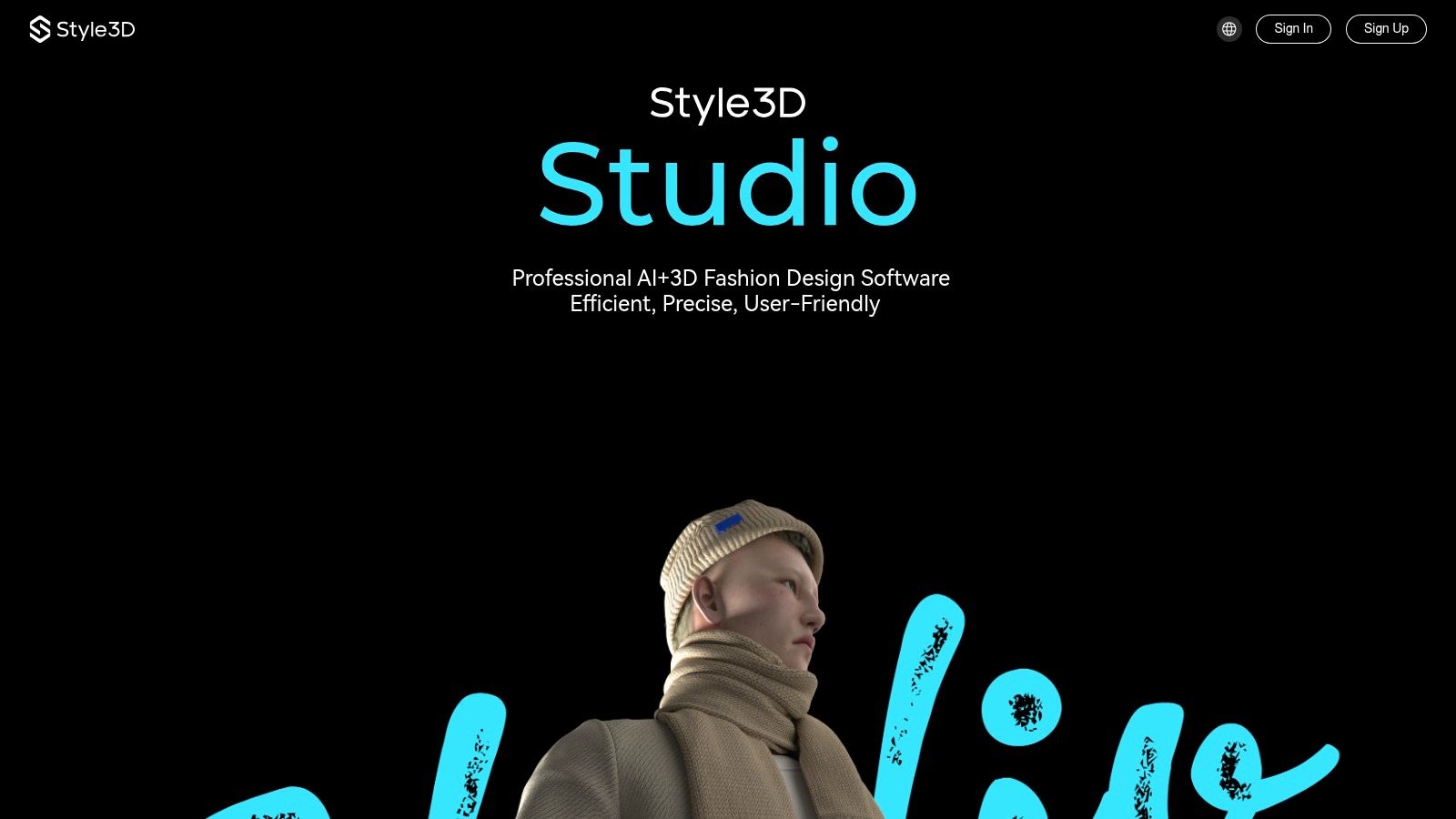
4. Style3D Studio
A small design team usually hits the same wall at some point. They want better 3D output for reviews, sales meetings, or investor decks, but they are not ready for the cost, setup time, or process weight of a full enterprise CAD stack. Style3D Studio sits in that middle ground.
That position matters in a list like this. Some tools here are strongest in pattern engineering. Others are better for drape exploration or final visuals. Style3D is one of the clearer hybrid options for designers who want 3D prototyping and presentation quality in the same workflow, with cloud collaboration built in.
Where it fits best
Style3D makes the most sense in the 3D prototyping and visualization stages of apparel development. If your process starts with patterns elsewhere and you need fast digital samples, polished garment views, and easier remote review, it can be a practical choice.
I usually point designers to it when they care about three things at once:
- Screen-ready garment visuals: Helpful for line reviews, client approvals, and digital selling.
- Cloud-based collaboration: Useful when design, merchandising, and approvals happen across locations.
- Faster iteration support: AI-assisted features and integrated tools can reduce some manual back-and-forth.
The trade-off is clarity. Style3D can look very capable in demos, but the real question is how well your specific workflow fits its subscription tiers, file handling, and team setup. That is especially important for indie labels and students trying to bridge into more professional pipelines without overbuying.
It also helps fill a gap between consumer-facing style exploration and production software. A styling app can help you study what silhouettes people respond to. A production CAD system handles technical output. Style3D sits closer to the commercial middle, where a design needs to look convincing, reviewable, and ready for the next decision.
5. Gerber AccuMark
A designer can get away with rough files early on. A factory cannot. Gerber AccuMark earns its place once the work shifts from concept to pattern accuracy, grading control, and marker efficiency.
This is the patterning stage of the workflow, not the visualization stage. If CLO 3D, Marvelous Designer, or Style3D help you review fit and presentation, AccuMark handles the technical file discipline that production teams rely on. That distinction matters, especially for indie brands growing out of freelancer workflows and into repeatable manufacturing.
Where AccuMark fits best
AccuMark makes the most sense for teams that need dependable 2D pattern development and clean production handoff. It is widely used in environments where mistakes in grading or marker planning turn directly into cost, delay, or fit inconsistency.
It tends to be a practical choice for:
- Patternmakers and technical designers: Stronger for spec-driven work than concept development.
- Production teams managing size runs: Helpful when grading rules need to stay consistent across styles.
- Brands working closely with factories: Better suited to manufacturing-ready outputs than design presentation.
What I tell clients is simple. If the biggest risk in your process is a weak handoff to production, AccuMark deserves a serious look.
The trade-off is usability. Newer designers often find it less intuitive than style-led apps, and small labels may not need this level of technical control on day one. But for brands moving beyond samples and into repeated production, that learning curve can pay for itself in fewer corrections and cleaner approvals.
6. Lectra Modaris
A designer signs off on a style, the pattern room starts building it, and the intensive work begins. That is the point where Lectra Modaris earns attention. It is built for pattern development teams that need precision, revision control, and production logic, not just a fast visual mockup.
For brands sitting between indie agility and enterprise discipline, Modaris often marks a turning point. It gives technical teams tighter control over blocks, fit corrections, and pattern changes across a line, while still offering 3D tools for earlier review. That makes it relevant in the patterning and prototyping stages of the workflow, especially for labels growing beyond informal sample-room processes.
Where Modaris fits best
Modaris usually makes sense when pattern accuracy drives cost, fit, and factory communication. I recommend it most often to teams dealing with garments requiring precise fitting, multi-piece constructions, or development cycles where the same style gets revised repeatedly before approval.
Its practical strengths include:
- Advanced 2D pattern development: Better suited to technical pattern work than concept sketching.
- 3D review tied to pattern data: Helpful for checking proportion and construction decisions before more samples are cut.
- Team-oriented workflow: A stronger fit for companies with dedicated patternmakers, developers, or structured production teams.
The trade-off is clear. Modaris is not the quickest app to learn, and smaller labels may find it heavier than they need in the early stages. But once a brand starts managing larger assortments or more demanding factory handoffs, that structure can save time in revisions and reduce preventable errors.
7. EFI Optitex
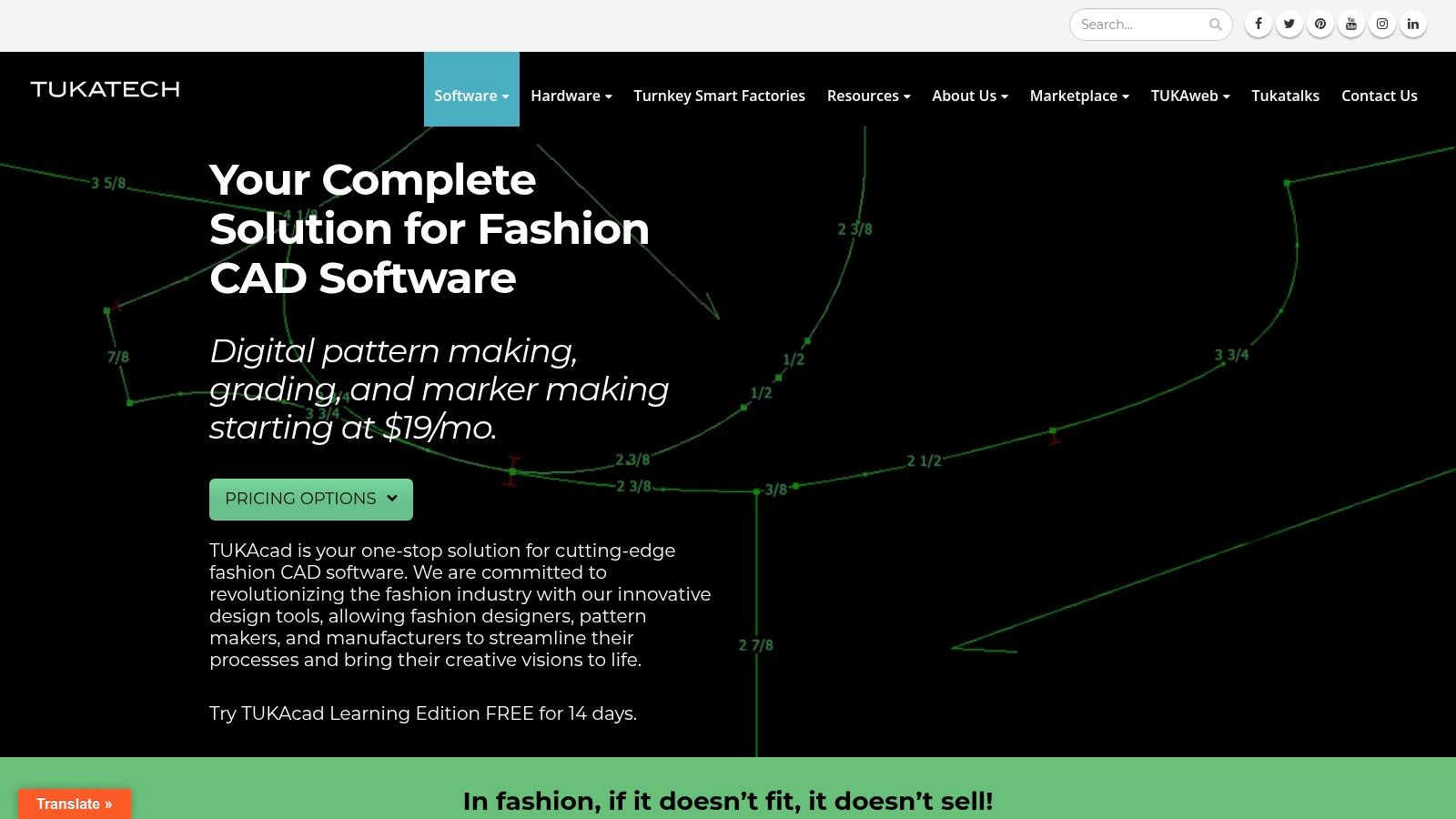
Optitex sits in the camp of end-to-end apparel systems that connect 2D pattern development, 3D visualization, and production-facing output. For some organizations, that cohesion is more valuable than having the most artist-friendly interface.
The practical advantage is straightforward. Teams don't have to keep rebuilding the same garment logic across disconnected apps.
Better for systems-minded teams
Optitex usually lands well with companies that care about process consistency. If you need fabric testing workflows, production outputs, and broader enterprise connectivity, it has a strong case.
Its profile is usually strongest when these needs overlap:
- 2D and 3D in one chain: Less fragmentation between pattern and visual review.
- Fabric-driven simulation: Better when material behavior matters to approvals.
- Enterprise stack logic: Useful for companies already managing structured production workflows.
The catch is the same one that affects many enterprise-focused tools. Solo designers can find it heavy, both in interface and in buying process. If you're an indie label, you may get to the answer faster with a lighter stack.
8. TUKAcad
TUKAcad is one of the easiest recommendations on this list for students, freelancers, and small studios that need real patternmaking software without jumping straight into enterprise complexity. It stays grounded in the everyday tasks that keep apparel work moving.
That focus matters because not every designer needs a full 3D platform first. Sometimes the immediate need is clean digital patternmaking, grading, and marker work at a price and learning curve that feel manageable.
Best value for practical pattern work
TUKAcad is strongest when you want a fashion-specific CAD environment that doesn't hide behind opaque pricing. It also benefits from education support, which makes it more approachable than some older-school systems.
What stands out most:
- Patternmaking and grading focus: Good for day-to-day apparel development.
- Transparent pricing structure: Easier to evaluate before you commit.
- Training support: Helpful for classrooms and self-taught users.
For many emerging designers, a dependable 2D CAD tool is a better first purchase than an ambitious 3D suite they'll only use halfway.
The limitation is clear. If 3D visualization is central to your workflow, TUKAcad won't replace tools built for simulation and garment appearance. But as a patternmaking workhorse, it's a very sensible option.
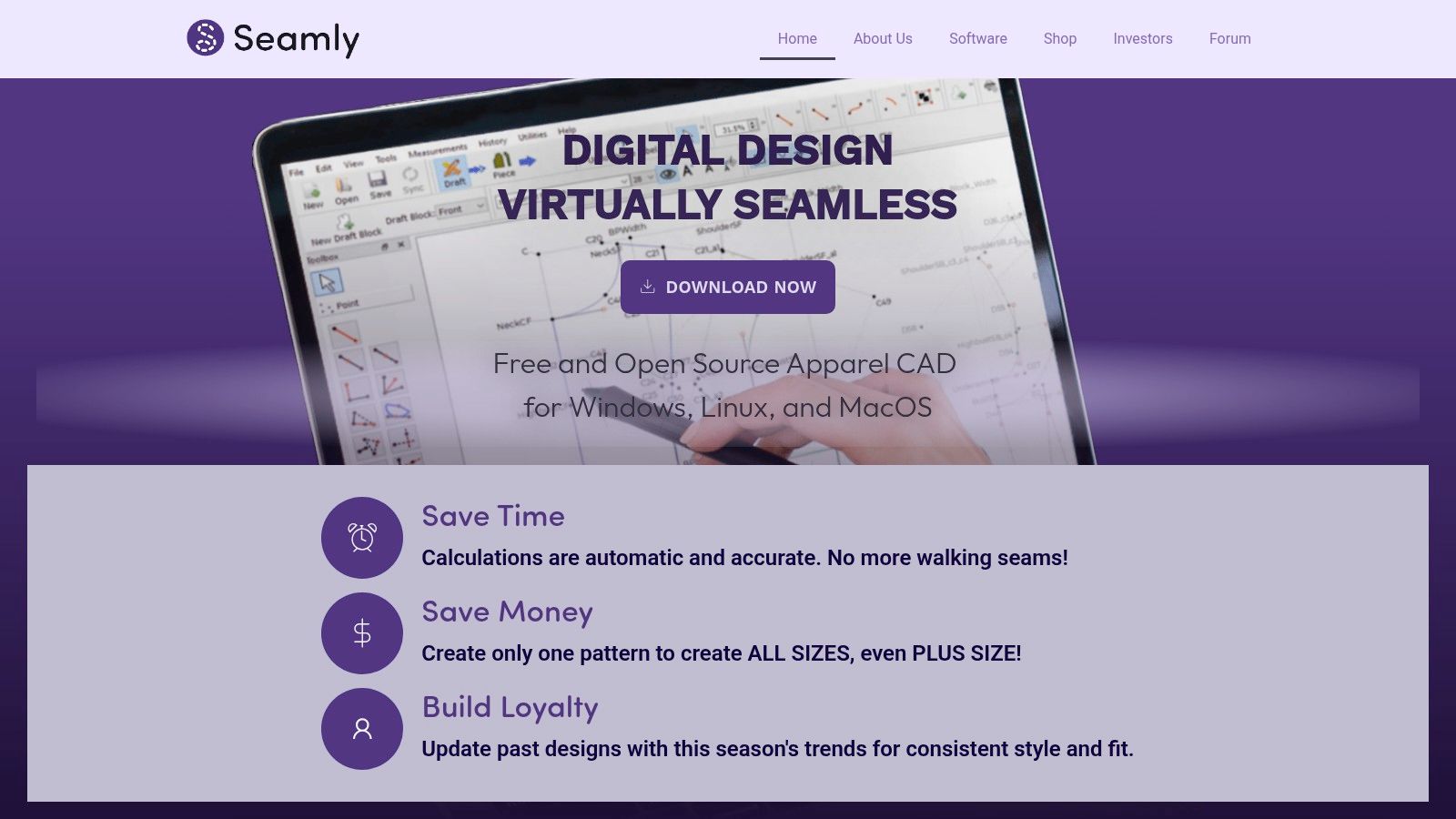
9. Seamly2D
Seamly2D is the budget-conscious outlier here, and I mean that in a good way. It's open source, measurement-driven, and surprisingly useful if your brain likes precision more than polish.
For indie designers and educators, that matters. You can learn parametric pattern logic without locking yourself into a subscription from day one.
Why it still deserves attention
Seamly2D isn't slick. The interface feels technical, and that's part of the learning experience. But if you need reusable patterns driven by measurements and formulas, it offers a lot of value.
Its best use cases are easy to spot:
- Custom pattern logic: Helpful for measurement-based drafting.
- Education and experimentation: Low financial risk for students and teachers.
- Cross-platform access: Useful if your setup isn't Windows-only.
The weakness is just as clear. There is no built-in 3D simulation layer, so you won't use it to preview style appearance on an avatar. This is pattern drafting software first and last.
10. Adobe Illustrator
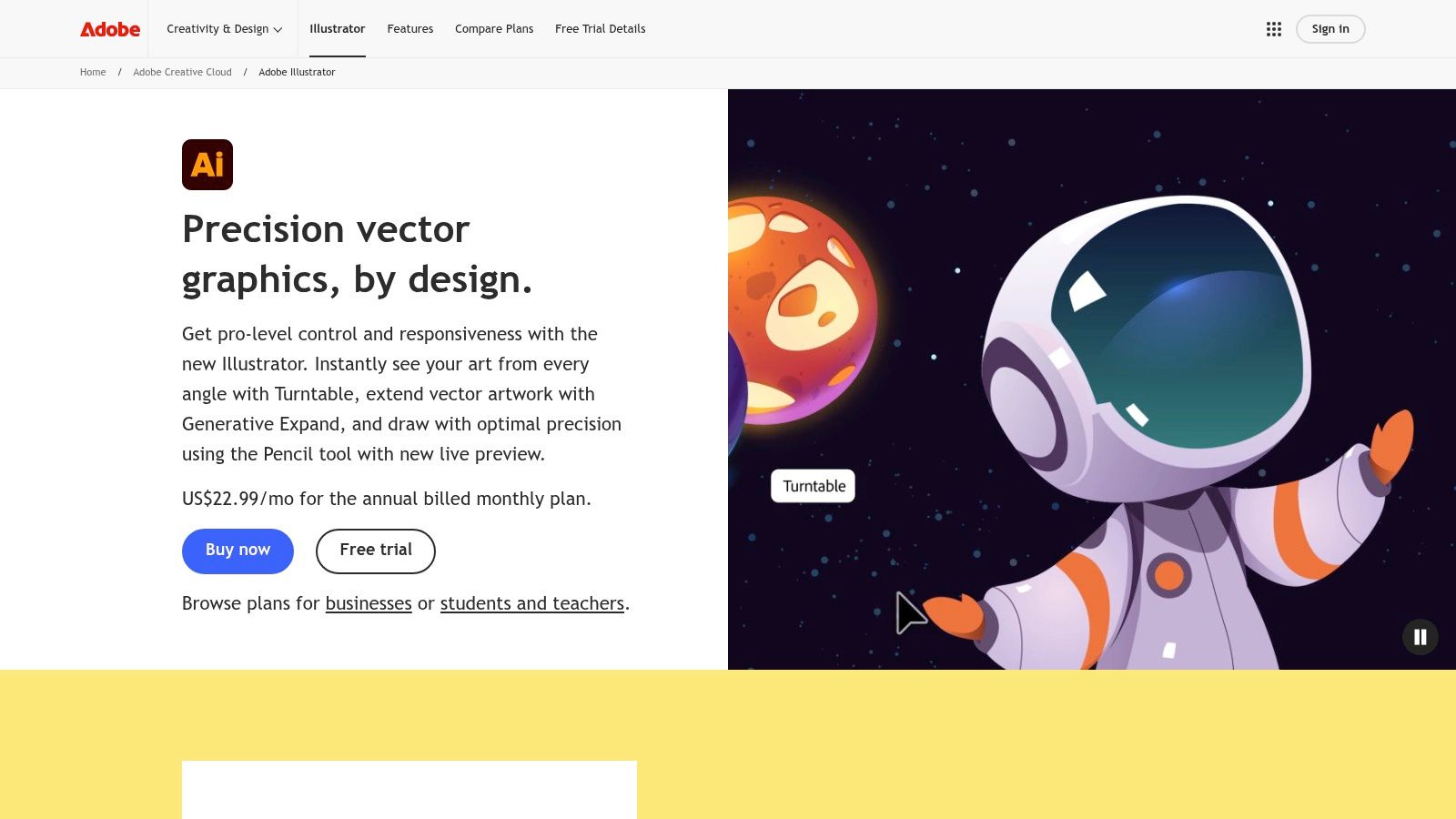
A designer can sketch in Procreate, build a sample in CLO, and review fit in 3D. The factory still asks for a clear flat, labeled construction details, print artwork, and a readable tech pack page. Illustrator keeps showing up because it handles that handoff well.
For fashion teams, Illustrator earns its place in the workflow through precision and familiarity. Vendors, freelancers, technical designers, and print partners already know how to read AI and PDF outputs, which reduces back-and-forth once development gets serious. That matters more than flashy features.
Its real strength is system building. I usually recommend setting up reusable templates early: flat libraries, stitch callouts, graded colorways, label placements, packaging marks, and approval-page formats. Done well, Illustrator becomes less of a drawing app and more of a documentation engine for the brand.
It also has clear limits. Illustrator will not give you pattern engineering like Gerber or Lectra, and it will not give you believable drape simulation like CLO or Browzwear. Designers choosing tools by workflow stage should treat Illustrator as a Visualization and technical communication layer, not a replacement for patterning or 3D prototyping software.
That makes it one of the most practical crossover tools in this list. Students can learn it without buying into an enterprise stack, indie labels can run whole tech pack workflows inside it, and larger brands still use it alongside PLM, CAD, and 3D platforms.
- Best use: Flats, tech packs, print repeats, trim sheets, and line presentations.
- Main trade-off: Powerful, but file organization and template discipline make the difference between speed and chaos.
- Works best with: Pattern and 3D tools, not instead of them.
Top 10 Apparel Design Apps, Feature Comparison
| Tool | Core focus & key features ✨ | Target audience 👥 | UX / Quality ★ | Pricing / Value 💰 | Top strength 🏆 |
|---|---|---|---|---|---|
| CLO 3D (CLO Virtual Fashion) | True-to-life 3D draping, pattern import/editing, CLO‑SET, asset marketplace ✨ | Freelancers → enterprise 👥 | ★★★★☆, realistic fit & diagnostics | Subscription (checkout) 💰 | Realistic simulation & broad industry adoption 🏆 |
| Browzwear VStitcher (Lotta / Stylezone) | 3D prototyping, Lotta styling, cloud showrooms, fabric workflows ✨ | Brands & enterprise teams 👥 | ★★★★☆, production-focused accuracy | Quote-based (sales) 💰 | Enterprise pre-production & ROI-proven workflows 🏆 |
| Marvelous Designer | Fast 2D→3D drape, auto-fit avatars, asset store ✨ | Fashion creatives & CG/VFX freelancers 👥 | ★★★★, quick iteration & strong tutorials | Tiered licensing (varied) 💰 | Rapid shape exploration & ease-of-use 🏆 |
| Style3D Studio | 3D design + AI-assisted workflows; cloud rendering ✨ | Freelancers & small studios 👥 | ★★★☆, strong visuals; evolving tools | Trial + channel pricing (varies) 💰 | AI-assisted visuals & fast content creation ✨🏆 |
| Gerber AccuMark (by Lectra) | Robust PDS, AccuMark 3D, PLM/manufacturing integration ✨ | Large apparel & technical textile teams 👥 | ★★★★, mature, production-proven | Enterprise quote (high) 💰 | Production-grade CAD with tight PLM ties 🏆 |
| Lectra Modaris (incl. Modaris 3D) | Advanced pattern development, grading, 3D prototyping ✨ | Pattern teams & manufacturers 👥 | ★★★★, deep pattern power | Sales/quote pricing 💰 | Expert patternmaking & technical support 🏆 |
| EFI Optitex (2D/3D) | 2D PDS + 3D simulation, fabric testing & enterprise stack ✨ | End-to-end apparel enterprises 👥 | ★★★★, cohesive design→production UX | Quote via partners 💰 | Design-to-production coherence & fabric fidelity 🏆 |
| TUKAcad (Tukatech) | Digital patternmaking, grading, marker-making; training ✨ | Students, small studios & educators 👥 | ★★★☆, practical & teachable | Clear public pricing & learning edition 💰 | Accessible pricing + education resources ✨ |
| Seamly2D (open source) | Parametric, measurement-driven pattern drafting (GPLv3) ✨ | Indie designers & educators 👥 | ★★★, powerful but technical | Free / Open Source 💰 | Parametric patterns & zero cost (OSS) 🏆 |
| Adobe Illustrator | Vector flats, tech packs, color & CC ecosystem ✨ | Fashion illustrators & tech pack creators 👥 | ★★★★, universal acceptance & plugins | Subscription (Creative Cloud) 💰 | Industry-standard flats & vast ecosystem 🏆 |
Your Digital Design Future Starts Now
A common apparel workflow still looks like this. Sketches happen in Illustrator, a tech pack goes to the factory, and the team spends days answering fit questions that a digital sample could have exposed in the first review. That is why software choice matters. Analysts at Business Research Insights estimate the fashion design software market at USD 41.57 billion in 2025, projected to reach USD 70.82 billion by 2035, with an 8.6% CAGR, and they report that digital platforms are already standard across much of the industry.
The better question is where software removes the most friction in your own process.
Designers who need cleaner patterns, grading, and production accuracy should start with the patterning layer. That usually means TUKAcad or Seamly2D for accessible entry points, and AccuMark or Modaris for teams that need deeper production control and can justify the training time. If sample revisions are eating your margin, 3D prototyping tools such as CLO 3D, Browzwear, Style3D, Marvelous Designer, and Optitex can shorten review cycles before fabric is cut. For visualization, flats, tech packs, line sheets, and presentation assets, Illustrator still holds its place because factories, freelancers, and merchandising teams already know how to read the files.
That distinction matters because these tools do not solve the same problem.
Some are built for enterprise pattern rooms with strict handoffs to PLM, markers, and manufacturing. Others make sense for an indie label, a freelance technical designer, or a student building range plans on a limited budget. The trade-off is rarely feature count alone. It is cost, onboarding time, file compatibility, and whether your team will use the software well enough to change the workflow.
AI is accelerating the visualization side of the stack. Straits Research estimates the global AI in fashion market at USD 1.99 billion in 2024 and USD 2.78 billion in 2025, with a projection to USD 39.71 billion by 2033. In practice, that shows up in faster concept iteration, presentation support, merchandising mockups, and content production.
There is one useful category outside core CAD that deserves attention. Consumer-facing styling apps can give designers a clearer view of how outfits are read by actual shoppers, especially in image-first environments where styling context influences perceived fit and purchase intent. TryThisFit is a practical example for that kind of market observation and personal style testing, even though it is not a garment development tool.
Start with the stage that is currently causing rework. Add software in layers. That is how small brands avoid paying for enterprise complexity too early, and how larger teams build a stack that matches real production needs instead of buying features they never operationalize.
Try Virtual Try-On Now
See how clothes look on you before you buy - works with any online store
Get Started Free