How to Model Clothes: Pro Tips for At-Home Photo Shoots
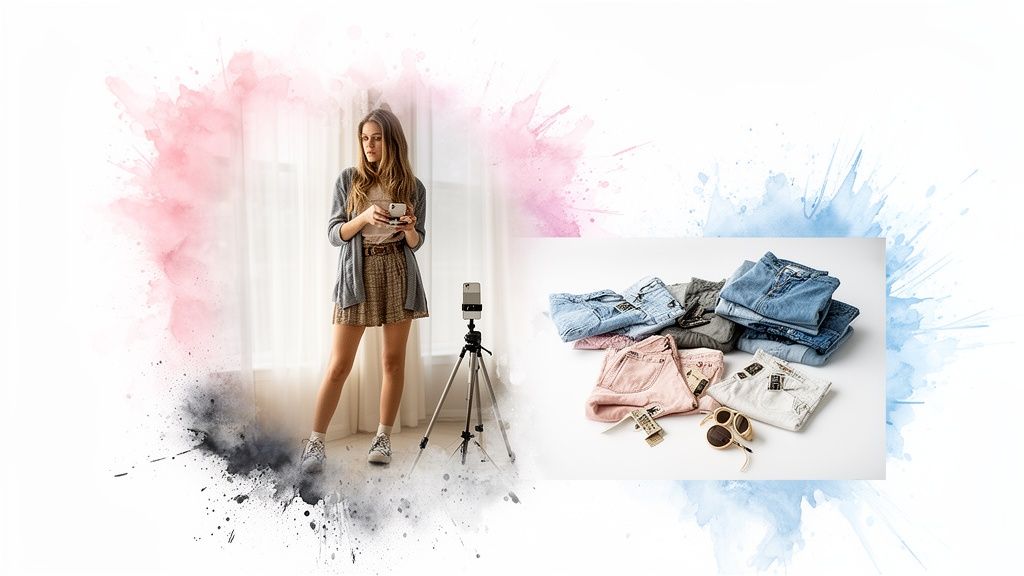
Ready to take amazing photos of your clothes right from home? You don't need a fancy studio or a professional photographer. Honestly, it all comes down to three simple things: finding great light, setting up a clean background, and planning your look ahead of time.
With your smartphone and a little bit of know-how, you can capture incredible shots for your blog, social media, or even your secondhand listings on Vinted and Depop.
Your Quick Start Guide to Modeling Clothes at Home
Alright, let's turn your living room into a photo studio! I'm going to walk you through the essentials to get you started fast. These are the tips and tricks I personally use to get great results, and they work whether you're a seasoned content creator or just starting out. The goal here is to make this fun, not a chore.
Before I even think about setting up my camera, I have a secret weapon: virtual styling. I use the TryThisFit app to get a sneak peek of how an outfit will look on my body. It's so easy—I just upload a photo of myself and a flat-lay pic of the clothes, and boom, instant preview. This has saved me so much time by helping me ditch looks that don't work before I go through the hassle of a full shoot.
This whole virtual try-on thing isn't just a niche trick; it's exploding. The market hit a massive USD 9.17 billion in 2023 and is on track to hit an incredible USD 46.42 billion by 2030. It’s clear this is the future of how we shop and style.
My At-Home Modeling Workflow
I’ve boiled my entire process down to a simple, repeatable flow. It's just three steps: style it virtually, find your light, and then—and only then—start shooting.
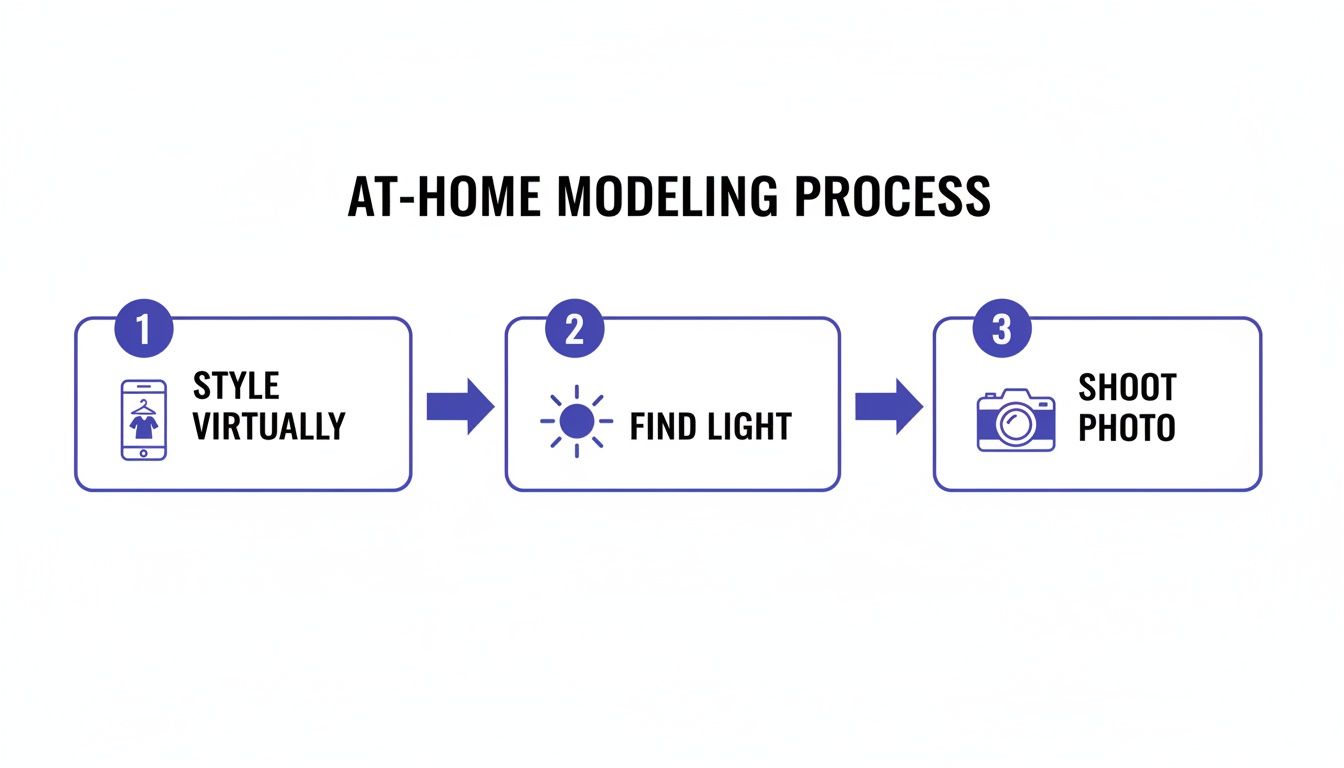
Starting with that virtual preview makes everything else so much smoother because you’re only putting effort into outfits you already know are winners.
My favorite hack for making this even faster? The app’s free Chrome extension. When I'm browsing online at places like Zara or just scrolling Amazon for ideas, I can right-click any clothing image and see how it looks on me instantly. It’s a total game-changer for planning looks. For more ideas on this, check out my guide on how to take great photos for clothes.
At-Home Modeling Techniques at a Glance
There are several ways to showcase your clothes, each with its own strengths. Here's a quick breakdown to help you decide which method is right for your shot.
| Technique | Best For | Pros | Cons |
|---|---|---|---|
| On-Body (Self-Timer) | Showing style, drape, and movement for social media or blogs. | Authentic, shows how clothes look in real life. | Can be tricky to get the right angle and focus alone. |
| Flat Lay | E-commerce listings (Depop, Poshmark), minimalist aesthetics. | Simple, highlights details, no model needed. | Doesn't show how the fabric moves on a person. |
| Mannequin / Hanger | Selling online, creating a consistent look for a shop. | Provides shape without a model, easy to light consistently. | Can look static or cheap if not styled well. |
| Ghost Mannequin | Professional e-commerce, creating a high-end "hollow" look. | Looks very professional, shows the garment's interior. | Requires advanced photo editing (Photoshop skills). |
Choosing the right technique depends entirely on your goal, but mixing and matching can give your feed or store a dynamic, engaging feel!
While this guide gives you a fantastic running start, if you're serious about taking your content to the next level, I highly recommend checking out a comprehensive UGC creator course. It’s a great way to really dive deep and master the craft.
For now, let’s get you shooting. Let's make your next at-home photoshoot a massive success
Get Your Photoshoot Looks Right Before You Even Start
The absolute best clothing photos I've ever taken started long before my camera even came out of its bag. Want to know my secret weapon for learning how to model clothes like a pro? I plan everything digitally. Gone are the days of just hoping an outfit will look good on camera. Now, I preview it all first.
This little trick has completely changed how I prep for a shoot. I can build out entire mood boards and collections of outfits that I know will look amazing. It's also been a lifesaver for my wallet when I'm shopping online for new pieces, saving me from that frustrating buy-and-return cycle.
Plan Your Looks with a Virtual Preview
My go-to for this is the TryThisFit app, specifically its free Chrome extension. Whether I'm browsing new arrivals on Zara and H&M, or hunting for gems on Vinted and Depop, the Chrome extension lets me instantly see what an item will look like on me. Seriously, all I do is right-click on a clothing photo, and boom—I get a preview on my own body.
It's been a game-changer for figuring out if a color will wash me out or if a certain cut is actually flattering before I commit. The best part? It works perfectly with a flat-lay clothing photo, which is how almost every online store shows their stuff. This lets me "model" dozens of looks in minutes without ever leaving my browser.
Curious? You can start playing around with it right now over at trythisfit.com.
A Total Game-Changer for Online Shopping
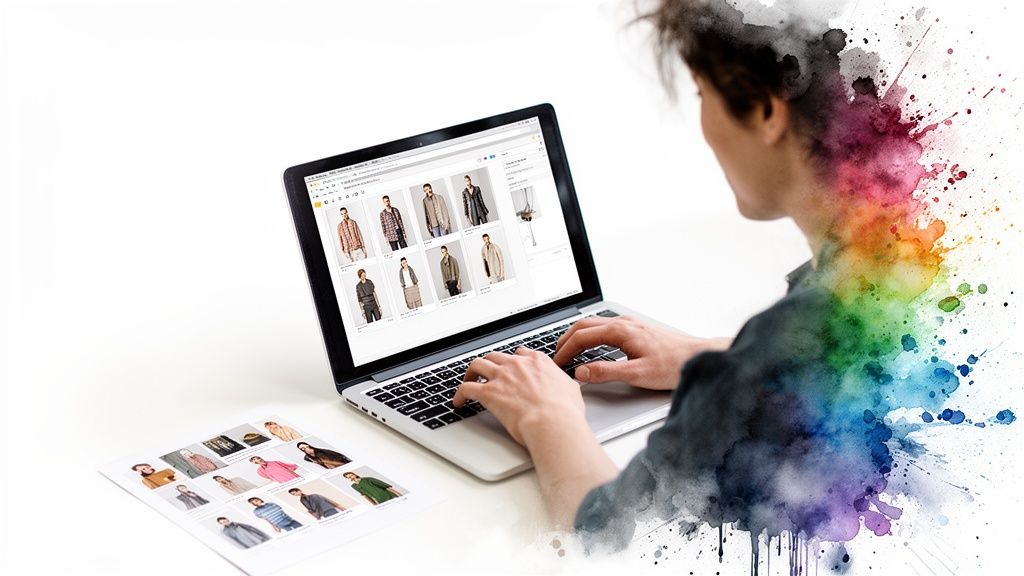
Honestly, the sheer convenience is what makes this tool so brilliant. The Chrome extension installs in a couple of seconds and completely transforms how you shop online. No more guessing if that top from Shein or that dress from Amazon is going to be a hit or a miss.
Here’s a quick peek at how ridiculously easy it is to use while you're browsing.
See that? A simple right-click and you've got a "Try on this item" option. The entire internet just became your personal closet. I use this for way more than just shopping—it's perfect for discovering my style, planning outfits for a night out, or even checking out Halloween costumes.
All your try-ons get automatically saved to your personal history page, which basically becomes a living inspiration board for your next photoshoot. It’s incredibly fast, you don't need to make an account, and it works on pretty much any site you can think of.
Why not see for yourself? Install the free Chrome extension and start building your next killer look right now.
Create Stunning Flat Lay Photos That Pop
Let’s be real—a fantastic flat lay is so much more than just a picture of a shirt on the floor. It's how you can expertly model clothes without ever stepping in front of the camera! It’s also my secret weapon for getting the most accurate and exciting style previews with virtual try-on tools. I'm going to walk you through my personal method for creating flat lays that truly grab attention and make your clothes look absolutely incredible.
Mastering flat lay photography is an art, but I promise it's one you can pick up in no time. The whole idea is to present the garment clearly, almost like a beautiful blueprint for an outfit. This is a must-know skill if you're selling on secondhand sites like Vinted or Depop, and it's hands-down the best way to get a phenomenal result when visualizing your style.
Why a Good Flat Lay Is a Game Changer
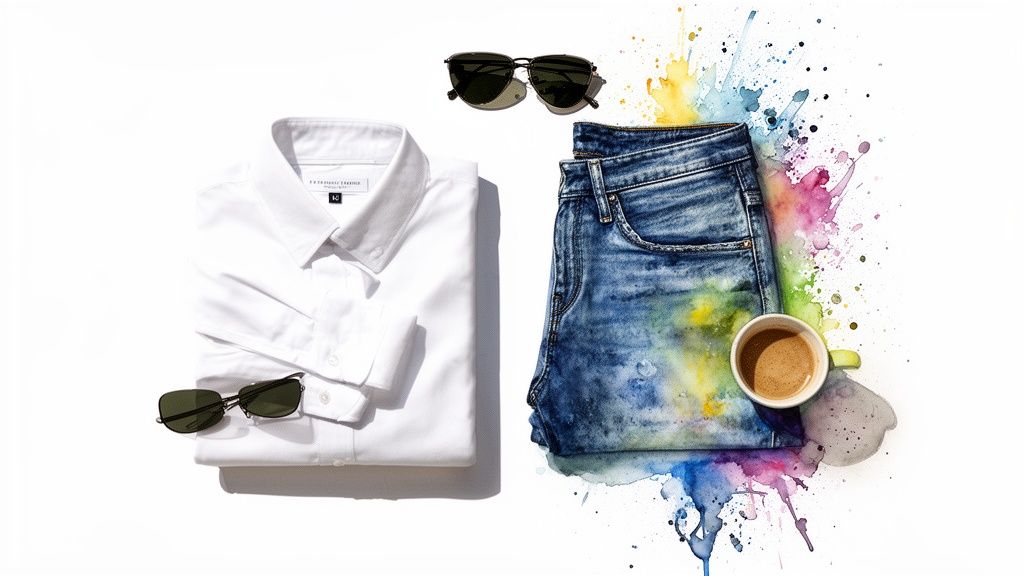
Whenever I use an app like TryThisFit, I can't stress this enough: the quality of the clothing photo is everything. A clean, well-lit, and wrinkle-free photo, shot from directly overhead, is what allows the app to perfectly render the style on your body. Trust me, a blurry, wrinkled, or poorly lit photo just won't give you that "wow" moment you're looking for.
It's no surprise that the apparel and clothing segment leads the pack in virtual try-on use, especially as e-commerce keeps booming. In fact, this segment snagged the largest revenue share back in 2023. This is where high-quality flat lays—the sweet spot for TryThisFit—truly shine, as they're optimized to deliver precise style previews for clothes you find anywhere online. You can dig into the numbers and see just how massive this trend is by checking out the virtual clothing try-on market data.
My Pro Tip: Before you even think about laying that garment down, steam or iron it! Wrinkles are the #1 enemy of a good flat lay. They distort the item's true shape and cast ugly little shadows, which can seriously throw off your style preview.
Simple Steps for a Perfect Flat Lay
Ready to create your own? It’s way easier than you think. You don’t need a bunch of fancy equipment, just a little attention to detail.
- Find Your Light: Natural, indirect light is your absolute best friend. Set up near a large window, but make sure you’re out of any direct sunbeams. Harsh sunlight creates hard shadows, while that soft, diffused light gives you a much cleaner, more professional look.
- Choose a Clean Background: A simple, neutral background is key. Think a light-colored wood floor, a clean white poster board, or a simple rug. You want the focus squarely on the clothing, not a busy or distracting backdrop.
- Compose with Confidence: Lay the item completely flat and meticulously smooth out every single wrinkle. The most critical part? Shoot directly from above. This top-down angle is essential for preventing distortion and getting a truly accurate virtual try-on result.
Following these simple rules will instantly level up your photos and, more importantly, dramatically improve how you visualize styles online. For a deeper dive, I’ve put together a full tutorial on this. You can learn even more in my detailed guide on flat lay clothing photography. Now, let's bring these clothes to life
Alright, your lighting is dialed in and your background looks fantastic. Now for the really fun part—making those clothes come alive! This is where you get to ditch any awkwardness and just have a blast. Honestly, the best photos come from capturing genuine movement and energy. Your confidence is what sells the outfit.
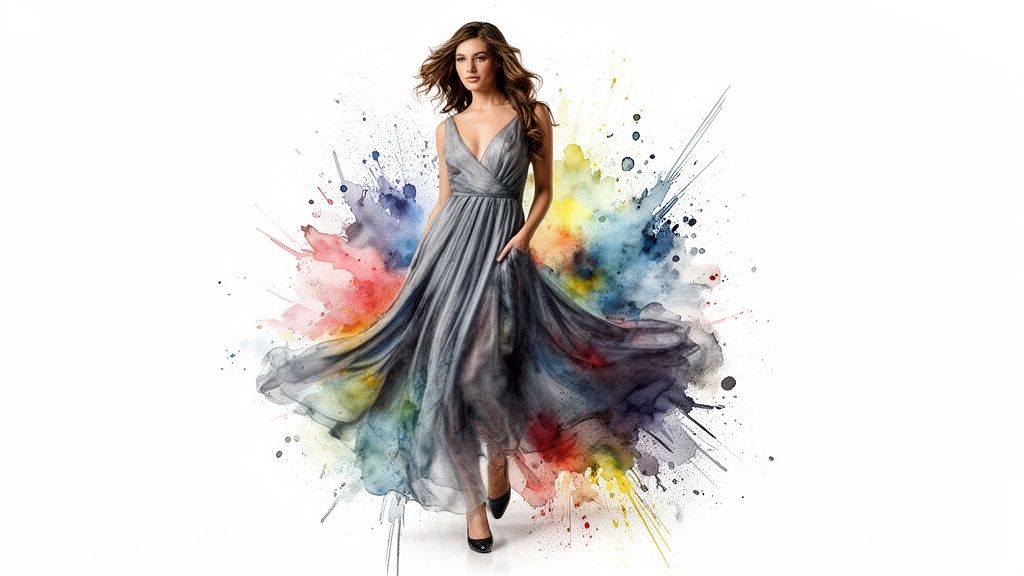
Forget about stiff, static poses. The secret is to think in terms of motion. Even the smallest actions can make a world of difference. Try walking toward the camera, giving a skirt a little twirl, or just casually sliding a hand into a pocket. These simple movements show off how the fabric drapes and flows, giving everyone a much better feel for the garment’s true personality. You want to look effortlessly cool, not like a mannequin.
Master a Few Go-To Poses
You really don't need a huge library of poses to look amazing. I have a few go-to stances that are my secret weapons for almost any outfit, and they’re super easy to learn.
My absolute favorite is creating a subtle "S" curve with your body. Just pop one hip out to the side, bend the opposite knee slightly, and let your shoulders relax. It’s an instant game-changer that creates a dynamic and super flattering shape.
Another great trick is to give your hands something to do. Don’t just let them hang there! Rest a hand on your hip, gently brush your hair back, or hook a thumb in your belt loop. These little details make the pose feel intentional and natural. The biggest mistake I see is people slouching or holding their bodies too rigidly. Stand tall, breathe, and let your personality shine through. If you want to get more comfortable in front of the lens, it’s worth taking a minute to learn more about snapping a great full body picture.
See Your Outfit in Action Before You Shoot
Here’s a little trick I use before I even think about picking up my camera: I get a sneak peek of how an outfit will actually look on me. This is where a tool like TryThisFit has become indispensable. I can just snap a flat-lay of an outfit, and in a few seconds, see it on my body. It’s a huge time-saver and helps me decide if a look is even worth shooting.
My Personal Tip: I love using the virtual preview to play around with styles I wouldn't normally grab off the rack. It’s a zero-risk way to find some unexpected gems that look incredible on you!
This is also an absolute lifesaver when I’m shopping online for new pieces. I use the free Chrome extension when I’m browsing sites like Zara, H&M, or even Vinted. I can just right-click on any piece of clothing and instantly see how it might look on my body—no account needed, and it only takes a few seconds.
It’s the ultimate confidence boost before you start posing. Try it yourself at trythisfit.com and see what I mean
Bringing Your Photos to Life with a Few Final Touches
<iframe width="100%" style="aspect-ratio: 16 / 9;" src="https://www.youtube.com/embed/-IP5GXVXtCg" frameborder="0" allow="autoplay; encrypted-media" allowfullscreen></iframe>You’ve got the shots! Now for the fun part: making those photos shine. A few simple, final tweaks can take a good picture and make it absolutely magnetic. I'll show you my entire editing process, which I do right from my phone with free apps.
The goal here isn't to create a fantasy version of your clothes. It’s all about making the photo look as incredible as the outfit did in real life. My edits are always super light—I stick to tiny adjustments in brightness, contrast, and color saturation. This makes the clothing details pop without misrepresenting the item, which is crucial if you're selling online. No one wants to deal with returns because a filter made a red dress look orange!
Fine-Tuning Your Images for That "Wow" Factor
Think of this step as restoring the magic, not inventing it. Cameras don't always capture the depth and vibrancy our eyes see, so a gentle boost helps bring that back. I usually start by nudging the brightness up just a hair, then add a touch of contrast to sharpen the details and textures.
If the colors look a little washed out, a tiny increase in saturation can breathe life back into them. But be careful! The trick is to enhance, not distort. Getting good at this final polish is a game-changer for clothing photos. Digging into some top photography tips can give you a major advantage, even when the advice is meant for other products.
This level of visual accuracy is everything in online fashion. After all, the picture is the product until it lands on the customer's doorstep. Traditional apparel returns hover around a staggering 35% globally, often because of a mismatch between expectation and reality. But here’s the exciting part: brands using virtual try-on tech have seen those returns plummet to as low as 12%, while their conversions have shot up by 25%. It's clear that helping people visualize an item is the future, and you can read more on how virtual clothing platforms are leading the industry if you want to geek out on the data.
Closing the Loop From Virtual to Reality
Okay, this is my absolute favorite part of the whole process. Once my edits are done and the photo looks perfect, I immediately go to my TryThisFit history page. All my virtual try-ons are saved there, letting me compare the final, edited shot side-by-side with the digital preview I created earlier.
It's such a cool moment, seeing how a look I imagined on-screen translated so beautifully into a real-world outfit. This simple comparison sharpens my styling instincts and makes my next shopping spree that much smarter.
This is what I mean by closing the loop—going from digital inspiration to a tangible style you can see and feel. It’s about more than just snapping a picture; it’s about truly owning your look from the first spark of an idea to the final, fabulous photo.
Ready to perfect your own style loop? Try it now at trythisfit.com and see just how easy it is to bring your next favorite outfit to life.
Alright, let's dive into some of the questions I hear all the time about modeling clothes from home and using virtual tools to level up your style game. I’m pulling back the curtain and sharing my go-to tips for anyone just getting started.
What’s the Easiest Way to Start Modeling Clothes at Home?
Honestly, the best way to start is to just start. Seriously, keep it simple! You don't need a professional studio. Just grab your smartphone, find a spot next to a window with that gorgeous natural light, and use a plain wall as your backdrop. That’s it.
To shake off those first-time jitters, start by taking pictures in outfits you already adore. It's a huge confidence booster. I also find it incredibly helpful to use a tool like TryThisFit to plan my looks ahead of time. When you already know an outfit looks great on you virtually, you walk into the shoot with so much more certainty. The biggest thing is to have fun with it!
How Can I Make Clothes Look Good in Photos Without a Model?
For this, flat lay photography is your secret weapon. It’s a genuine art form and the perfect way to showcase clothes when you’re not in the picture. The key is to lay your garment on a clean, uncluttered surface—think a light-colored wood floor or a simple, neutral-toned rug.
My non-negotiable rule? Make sure the item is completely wrinkle-free. A steamer is your best friend here! Position your setup so natural light comes in from the side; this creates soft, beautiful shadows that give the fabric depth and texture. It’s the clearest way to show off an item, and bonus, these exact photos work flawlessly for getting an accurate style preview with the app.
Does a Virtual Try-On Show if Clothes Will Fit Me?
This is such an important question! The app is all about helping you visualize the style—how the cut, color, and pattern of a garment will look on your unique body shape. It's a magic mirror for aesthetics, not a replacement for a measuring tape.
It’s designed to answer questions like, "Does this silhouette flatter me?" or "Is this print too busy?" When it comes to the nitty-gritty of sizing, you absolutely need to check the retailer's official size chart. The app helps you fall in love with the look first, so you know it's worth digging into the sizing details.
Which Websites Work with the TryThisFit Chrome Extension?
Okay, this is my absolute favorite part. The magic of the free Chrome extension is that it works on nearly any shopping website you can imagine. If you see a photo of an outfit you like online, you can pretty much guarantee you can right-click and "try it on" instantly.
I’m constantly using it while browsing my go-to shops like Zara and H&M, but it's also a game-changer for hunting down gems on secondhand sites like Vinted and Depop. It works just as well on massive retailers like Amazon, Shein, and ASOS. It truly turns the entire internet into your personal dressing room.
The best part is the speed. The Chrome extension installs in just a couple of seconds and you don't need an account to start using it. It’s designed to be instant, easy, and totally private.
This has completely changed how I discover and shop for new styles online.
Ready to stop guessing and start visualizing? See how your favorite styles look on you in seconds. Get started with TryThisFit and install the free Chrome extension in 5 seconds.
Try Virtual Try-On Now
See how clothes look on you before you buy - works with any online store
Get Started Free