Try clothes online before you buy: Visualize outfits on your photo instantly
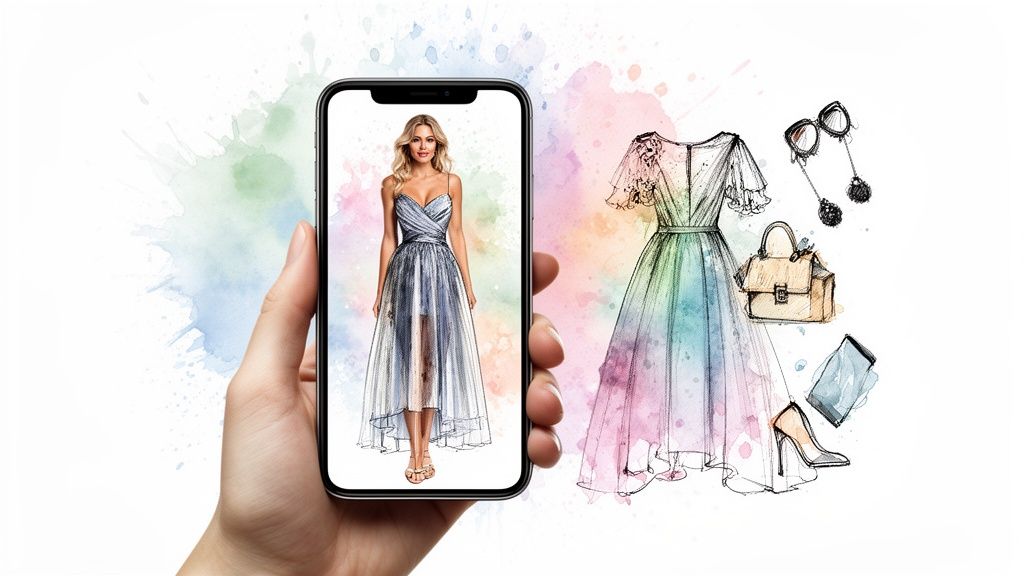
Ever found that perfect dress on Zara but stopped short, thinking, "Will that style actually look good on me?" I’ve been there. But what if you could try clothes online before you buy? I'm talking about using a virtual try-on tool to instantly see how a specific style or color looks on your own photo, giving you the confidence to click that "buy" button.
Visualize Your Perfect Outfit Instantly
You know the feeling. You've spent an hour filling your online cart with amazing finds, only to close the tab because you just can't be sure they'll work. The initial excitement disappears, replaced by the nagging thought of having to deal with returns.
What if you could finally close that gap between what you see on the model and what you see in the mirror?
This guide is all about the incredible tech that lets you do just that—previewing styles on yourself in a matter of seconds. It’s less about checking the exact size and more about nailing the overall vibe, the color, and the complete look. It's time to bring the fun back to online shopping by taking the guesswork out of the equation.
The Rise of Virtual Style Previews
This isn't some futuristic fantasy; it's a huge shift in how we're all starting to shop. The global market for this kind of virtual try-on technology ballooned to $12.5 billion in 2024 and is on track to smash nearly $49 billion by 2030.
Why the explosion? Shoppers want more confidence, and retailers desperately want to reduce returns. In fact, these tools can slash returns by up to 40%! If you're curious, you can read the full research about these market trends and see just how fast things are changing.
This tech puts the power back in your hands, helping you make smarter, more personal style choices. It's a game-changer for:
- Exploring new styles: Ever wonder if you can pull off that bold floral print? Now you can see for yourself, instantly.
- Secondhand shopping: Trying on is a no-go on sites like Vinted or Depop. A virtual preview is the next best thing.
- Building outfits: See how that new top from H&M actually pairs with the jeans you already have in your closet.
How It Works In Seconds
Getting started is surprisingly easy. With a tool like the app at trythisfit.com, you can start playing with styles right away, and no accounts are needed.
For the most seamless experience, the free TryThisFit Chrome extension is the way to go. It installs in a couple of seconds. You can then browse any site you love—from Zara to Shein—and simply right-click any clothing image to see how it looks on you.
Alright, let's get you ready for your virtual styling session! The secret to a jaw-droppingly accurate style preview all comes down to the photos you use. A little bit of prep here makes a huge difference.
Nailing Your "Before" Photo
First up, a great picture of you is the foundation for everything, so let's make it a good one!
The goal is a clear, full-body shot where you're standing straight and facing the camera. Just let your arms hang naturally at your sides—no need for fancy poses.
Good lighting is your best friend. Stand near a window for some natural daylight. This avoids any weird shadows that might mess with how the new clothes look.
As for what to wear in your photo, keep it simple and snug. Think leggings and a fitted tank top. This creates a clean slate, allowing the app to perfectly map the new clothes onto your body's shape.
If you want the full-on director's cut, I’ve put together a complete guide on how to take the perfect full-body picture for virtual try-ons.
The Real Pro-Tip: It's All About the Clothing Photo
Okay, here’s the trick that completely changed the game for me. For the most stunning and realistic results, you want to find flat-lay photos of the clothes you're eyeing. This is when an item is laid out perfectly flat, showing its true shape.
This is an absolute game-changer when you're hunting for gems on secondhand sites like Vinted or Depop. Sellers on those platforms almost always include flat-lay shots, giving you the perfect image to work with.
When you spot a great flat-lay image, all you have to do is right-click and use the TryThisFit Chrome extension to see it on yourself instantly.
This one simple step makes it so much easier to try clothes online before you buy, especially with pre-loved items. Taking a second to find the best possible clothing photo is your ticket to a preview you can actually trust.
Your Guide To Using A Virtual Try-On Tool
Alright, this is where the magic happens! Let's walk through exactly how you can try clothes online before you buy with a virtual tool. I've poured a ton of effort into making this process incredibly fast and ridiculously simple—you don't even need an account. Just instant style previews.
You can either pop over to the main web app to upload your photos manually, or you can grab the super-handy Chrome extension for a more integrated, on-the-fly experience.
Getting Started The Easy Way
The process couldn't be more straightforward. First, you'll upload that full-body photo we prepped earlier. Then, you just upload a picture of the clothing item you've got your eye on.
A quick tip from my experience: flat-lay clothing photos work best for most accurate results.
In just a few seconds, the app does its thing and spits out a preview showing you how that item’s style and color look on your body. It's an amazing way to gut-check if a particular vibe is right for you before you even think about adding it to your cart. To get a better sense of how the tech works behind the scenes, you can check out my guide to AI clothing try-on.
The Ultimate Shopping Companion: The Chrome Extension
Now, if you want a truly seamless experience while you're actually shopping, the free TryThisFit Chrome extension is an absolute game-changer. It installs in a couple of seconds, and I promise, your online shopping will never be the same again.
Imagine you're browsing your favorite stores—Zara, H&M, Amazon, or even scrolling through secondhand gems on Depop and Vinted. You see something you like. Instead of wondering, you just right-click on the clothing image, select "TryThisFit" from the menu, and boom—an instant preview appears. No more downloading images or juggling tabs. It just works.

Nailing these three things—good lighting, natural posture, and simple attire—gives you the perfect canvas to visualize all those new styles. It makes a huge difference in the quality of your try-on.
And honestly, this is quickly becoming the new normal for online shopping. It's not just a novelty; by 2025, a staggering 92% of Gen Z shoppers expect to see AR tools like this while they shop. Why? Because it solves a real problem. Virtual try-ons have been shown to slash return rates by up to 40%, which is a massive win for both shoppers and the planet.
Web App vs Chrome Extension
So, which one should you use? It really just depends on how you like to shop. The web app is perfect if you've already got some photos saved, while the extension is your best friend for spontaneous, in-the-moment browsing.
Here's a quick comparison to help you choose the best way to visualize your style.
| Feature | TryThisFit Web App | TryThisFit Chrome Extension |
|---|---|---|
| How It Works | Upload your photo and a clothing photo manually. | Right-click any clothing image on any shopping site. |
| Best For | Trying specific items from saved images or screenshots. | Spontaneous browsing and comparing items live on retailer sites. |
| Speed | Very fast, generates a preview in a few seconds. | Instant, no need to save or upload images. |
| Setup | None needed, just visit the website. | A quick, one-time installation. |
Both options are designed to give you a powerful way to see how clothes actually look on you before you commit. If you're curious about the nuts and bolts, you can learn more about how virtual try-on platforms operate.
Ready to see it for yourself? Install the Chrome extension in 5 seconds and completely transform the way you shop.
Bringing the Dressing Room to Any Website
<iframe width="100%" style="aspect-ratio: 16 / 9;" src="https://www.youtube.com/embed/h3NtrgMsXk0" frameborder="0" allow="autoplay; encrypted-media" allowfullscreen></iframe>This is where a virtual try-on tool becomes your absolute secret weapon. Instead of just guessing how something might look, you can actually see a preview of it on your photo. It completely flips the script, turning passive browsing into an active, personal styling session.
Let's talk about how this plays out in the real world. Say you're scrolling through the new arrivals on H&M. With the TryThisFit Chrome extension (which takes about two seconds to install), you can just right-click three different tops and instantly see how each one vibes with your look.
It’s an absolute lifesaver on massive sites like Amazon, too. You can finally cut through the noise and find the styles that actually feel like you.
Unlocking Secondhand and Niche Finds
But where this tool really shines is on secondhand sites like Vinted or Depop. Trying clothes on is obviously impossible there, which can make you hesitant to click "buy." Now, you can get a fantastic visual of how that vintage jacket or one-of-a-kind sweater will actually look in your wardrobe.
The whole point is to make seeing yourself in new styles a natural, effortless part of how you shop. It’s all about building a closet full of clothes you're genuinely excited to wear.
Why This is More Than Just a Cool Trick
This shift towards virtual style previews isn't just a gimmick; it's quickly becoming a shopping essential. Back in 2019, the market for this technology was just getting started. By 2024, it exploded to an estimated $3.45 billion.
Virtual try-ons are tackling the problem of returns head-on. By letting you see a preview of an outfit on your body in seconds, they bridge that frustrating gap between what you see online and what you get in real life. Discover more insights about virtual fitting market trends.
This tech is also brilliant for planning ahead. Thinking about a Halloween costume? You can preview different character styles before spending a dime. The possibilities are pretty much endless:
- Your Favorite Big Retailers: Use the Chrome extension to get previews on Zara, H&M, Shein, and more.
- Secondhand Gems: Get a style preview for unique finds on Vinted and Depop.
- Amazon Deep Dives: Quickly compare the look of multiple items without leaving the page.
- Outfit Building: See how a new piece might look with pants or a skirt you already own.
Ready to see the magic for yourself? The best way is to just give it a go. Install the Chrome extension in 5 seconds and get a taste of the future of online shopping.
Making Smarter Style Decisions
Alright, you’ve generated a few virtual try-ons. Now the real fun begins! You're no longer guessing—you have a visual preview of how that new style actually looks on your body. The next move is to really dig in and decide if it's a piece you’ll be excited to wear.
Don't just stop at "Do I like it?" Instead, start asking the right questions. How does that color play with your skin tone? Does the cut create a silhouette that feels like you? This is about connecting with your own unique aesthetic.
Curate Your Personal Lookbook
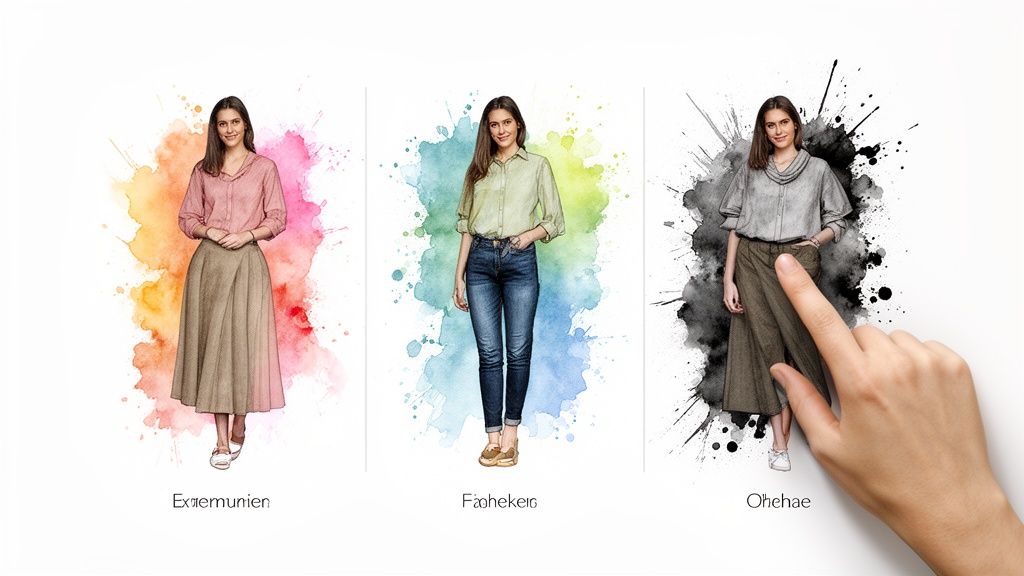
One of my favorite tricks for making confident choices is to build a little digital lookbook. As you generate try-ons—especially when you’re flying through different sites with the super-handy TryThisFit Chrome extension—save the ones that give you that "wow" feeling.
The app automatically tucks away all your previews, so they're always ready for you in your try-on history. This instantly creates a personalized gallery where you can compare different outfits side-by-side. It makes it so much easier to spot which top, dress, or jacket is the clear winner.
Remember, the goal here is to visualize the style, not to confirm sizing. Use these previews to build a wardrobe that genuinely feels like you. It’s all about answering one question: "Does this outfit make me feel amazing?"
Building Your Style Intuition
When you consistently try clothes online before you buy, something amazing happens: you start to build a powerful style intuition. You begin to recognize patterns in the cuts, colors, and fabrics that you naturally gravitate towards. To take this even further, you can start exploring things like the principles of mixing prints and textures.
Over time, this practice makes online shopping so much faster and way more intentional. You'll get much better at spotting pieces that just work, which means less time scrolling and fewer disappointing returns. For more on this, I've actually put together a whole guide on how to shop for clothes online more strategically.
This visual feedback loop is a total game-changer. It transforms shopping from a gamble into a fun, creative process of self-expression. Ready to start building your own lookbook? Try it now at trythisfit.com and see your favorite brands on you in seconds.
Got Questions? Let's Talk Virtual Try-Ons
Jumping into something new like virtual try-ons is exciting, but I know it can feel a little uncertain at first. I get asked about this stuff all the time! So, I've put together answers to the most common questions to clear everything up. My goal is to get you feeling totally confident and ready to visualize your next great look.
Let's tackle what's on your mind when you first start to try clothes online before you buy.
Does This Tell Me What Size I Am?
This is the big question, and it's a super important one! Think of this tool as your personal style previewer. Its superpower is showing you how a piece of clothing actually LOOKS on your body—the style, the color, the whole vibe. It's fantastic for answering the question, "Do I even like how this looks on me?"
But, it's not a measuring tape. It doesn't analyze your exact dimensions to recommend a size. I can't stress this enough: always, always double-check the retailer's own size chart before you hit "buy." The app is your style guide, not your tailor.
What Kind of Clothing Photos Work Best?
From all my testing and tweaking, I've found a clear winner: flat-lay photos of clothing give the best results. This is just what it sounds like—the shirt, dress, or pants are laid out completely flat, showing their true shape without any weird angles or wrinkles.
The good news? Tons of online stores and sellers on sites like Vinted and Depop already shoot their clothes this way. A crisp, well-lit product photo taken straight-on from the front is your golden ticket to a great virtual try-on.
Is My Data Safe When I Upload My Photos?
Absolutely. As the solo founder behind this, your privacy is everything to me, and I built this tool on that foundation from day one. Your photos are only used for one thing: to generate your try-on. They are never, ever sold or shared with third parties. Period.
The real peace of mind comes from this: no accounts are required to use the service. You can hop on, use the tool, and hop off completely anonymously. It's all about giving you a fun, helpful way to shop smarter, without you having to worry about your data.
Upload your picture, see your new look, and go about your day. It’s that simple and secure.
Can I Use This on Any Online Store?
You bet! And honestly, this is one of my favorite parts. The free TryThisFit Chrome extension lets you try on clothes from pretty much any website you can imagine via a simple right-click.
So, whether you're checking out new arrivals at Zara and H&M, scrolling through options on Amazon, or hunting for a bargain on Shein, Vinted, or Depop, the extension works on any site. The whole idea was to make it fit right into how you already shop, turning the entire internet into your personal changing room.
Ready to stop guessing and start seeing? The best way to get it is to just do it. Give TryThisFit a spin and see for yourself how your favorite styles actually look on you—in seconds.
Try Virtual Try-On Now
See how clothes look on you before you buy - works with any online store
Get Started Free