Try on outfits online: Visualize Your Style and Shop Confidently
I think we’ve all been there. You find the perfect dress online, it looks amazing on the model, so you click "add to cart" and cross your fingers. But let's be honest, half the time it's a total gamble, leading to the dreaded hassle of repackaging and returns. What if you could finally ditch the uncertainty and try on outfits online before you ever hit "buy"? It's not science fiction—with the right tools, you can see how any piece of clothing looks on you in seconds.
This is where guesswork gives way to genuinely confident style choices.
The End of Online Shopping Guesswork
Imagine finding a killer dress on Zara or a pair of jeans on Amazon and, with a single click, seeing how they actually look on your body. Not on a model, but on you. This guide is all about showing you how to do just that. I’m going to walk you through how some simple AI magic can help you visualize the style and appearance of any outfit, from any store.
It’s a complete game-changer, turning a frustrating game of chance into an empowering act of self-expression. It’s time to stop guessing and start seeing.
Why Visualizing Outfits Matters
Online shopping for clothes is bigger than ever, but so are the returns. Did you know that a staggering 20-30% of all clothing bought online gets sent back? That’s way higher than what you see in brick-and-mortar stores, and it costs retailers billions. The reason is simple: we can't tell how something will truly look. By giving you a realistic preview of an item’s appearance, virtual try-on tools are helping to slash those return rates. For a deeper dive, you can explore the impact of virtual try-on technology.
The frustration is completely relatable. You spot a great top online, but you’re left wondering how the cut will sit on your frame or if that specific shade of green will wash you out. This uncertainty usually ends in one of two ways: you either skip the purchase altogether, or you buy it and it ends up back in a box.
I created TryThisFit to solve this exact problem. I was tired of the guesswork and wanted a dead-simple way to see any outfit on my own photo, from any store, without jumping through hoops like creating an account or downloading clunky software.
A Smarter Way to Discover Your Style
Instead of trying to piece together a mental image from product photos, you can now get an instant visual preview. The difference is night and day.
Here’s a quick comparison showing the difference between traditional online shopping and using a virtual try-on tool to guide your decisions.
The Old Way vs The Smart Way to Shop
| Shopping Method | Style Visualization | Decision Confidence | Time Spent | Return Likelihood |
|---|---|---|---|---|
| Traditional Shopping | Guesswork from model photos | Low | Hours of browsing | High |
| Using TryThisFit | Instant preview on your body | High | Minutes per item | Low |
See what I mean? It’s not just about avoiding returns—it's about having the freedom to truly explore your style. You can finally take a chance on those bold patterns or edgy silhouettes you were too hesitant to try before, all from the comfort of your couch.
Ready to give it a shot? You can install the free Chrome extension in 5 seconds and completely change how you shop on sites like Amazon starting right now.
Getting Your Photos Ready for a Perfect Preview
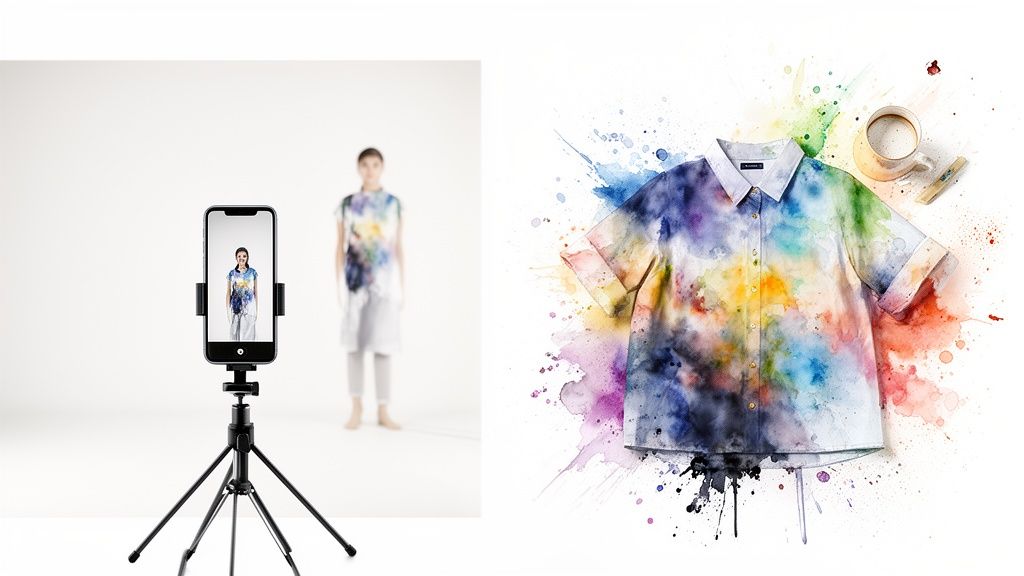
Alright, let's get you set up for the magic! To get an amazing, true-to-life preview when you try on outfits online, all you really need are two key images: a photo of yourself and a picture of the clothes.
I’m going to walk you through exactly how to prep these because, trust me, nailing these two elements makes a night-and-day difference in how accurately you can see your new look.
Think of your personal photo as the canvas. A clean, clear, full-body shot of you in something simple and form-fitting is the absolute best way to go. You can grab one in seconds with your phone against any plain background.
Getting the lighting right is also a huge part of this. You don't need a fancy studio setup, but understanding a few essential lighting techniques for photography can really make the colors and details of the clothes pop. Honestly, just facing a window for some even, natural light works wonders!
Choosing Your Model Photo
For your "model" picture, the best pose is standing straight and facing the camera directly. This gives the app a super clear view of your silhouette, which is how it accurately shows you the cut and style of a garment.
Here are a few pointers to get that perfect shot:
- Wear form-fitting clothes. Think leggings and a simple tank top. This is my go-to recommendation because it prevents any extra bulk from confusing the shape of the clothes you want to try on.
- Find good, even lighting. Try to avoid any harsh shadows or standing with a bright light behind you. Facing a window gives you that soft, flattering light that lets the tech see you clearly.
- Use a simple background. A plain wall is perfect. This helps the AI focus 100% on you, which means a much cleaner final result.
- Capture your full body. Make sure you’re in the frame from head to toe! This gives you the most complete and realistic preview.
For a deeper dive, I’ve actually put together a whole guide on exactly how to take the perfect full body picture for virtual try-ons.
The Secret Sauce: Flat-Lay Clothing Photos
Now, let's talk about the clothes. While the app is smart and can handle different kinds of product images, the absolute best, most realistic results come from using 'flat-lay' images. This just means the clothing is laid out flat on a surface, showing its true shape without being stretched on a hanger or a mannequin.
I actually designed the app to work best with flat-lay photos. They provide the cleanest, most direct outline of a garment, which allows for a way more precise and believable visualization of how it will look on your body.
When you're shopping online, especially on sites like Vinted or Depop where sellers take their own pictures, keep an eye out for these flat-lays. They are your golden ticket to a fantastic preview.
It’s a simple trick, but it completely changes the game when you try on outfits online. Go ahead and give it a shot at trythisfit.com and you'll see exactly what I mean.
Your Instant Dressing Room in a Browser
<iframe width="100%" style="aspect-ratio: 16 / 9;" src="https://www.youtube.com/embed/ARN4xSc-4hI" frameborder="0" allow="autoplay; encrypted-media" allowfullscreen></iframe>Alright, this is where the real magic happens. Forget clunky apps or complicated software. I want to let you in on a secret weapon that’s about to completely change how you shop online: the TryThisFit Chrome extension. It’s built to be so simple, you won't even have to think about it.
Getting set up is a total breeze. Seriously, you can install the free Chrome extension that installs in a couple of seconds. Once it's in your browser, the way you shop is transformed. No accounts to create, no programs to download, and no fussing with saving images. It's pure, instant style visualization.
How It Works on Any Store
Picture this: you're browsing your favorite stores like Zara, H&M, Shein, or even scrolling through gems on secondhand marketplaces like Vinted. You spot something you love. Instead of opening a new tab or saving the image to your desktop, you just right-click on the product photo.
And just like that, you see a preview of how that item looks on your picture, right there on the page. It’s an amazing way to try on outfits online without ever breaking your shopping stride. This tool gives you immediate style feedback, helping you make confident decisions in a snap.

The whole idea of virtual dressing rooms is becoming a massive part of modern shopping. I mean, the virtual try-on technology market was valued at an incredible $9.17 billion in 2023 and is expected to rocket to $46.42 billion by 2030. That explosive growth is all thanks to shoppers who want a more personal, confident way to see how clothes will actually look before hitting "buy."
More Than Just Shopping
This instant feedback loop isn't just about making better purchases; it's about discovery. It lets you experiment with styles you might have been too hesitant to try before. Suddenly, every online store becomes your personal styling playground. For a deeper dive into how this all works, check out the guide on how to create your own virtual dressing room.
The core idea behind the app was to make style visualization accessible to everyone, everywhere. It needed to be fast, private, and work on any site I loved to browse. No friction, just fun.
The convenience is just undeniable. Whether you're comparing a few different dresses side-by-side or just curious if that new trend is right for you, the power to see it first is just a right-click away.
Ready to see for yourself? Install the Chrome extension in 5 seconds and take it for a spin on your next online shopping adventure. You'll wonder how you ever shopped without it.
Building Your Entire Look Virtually
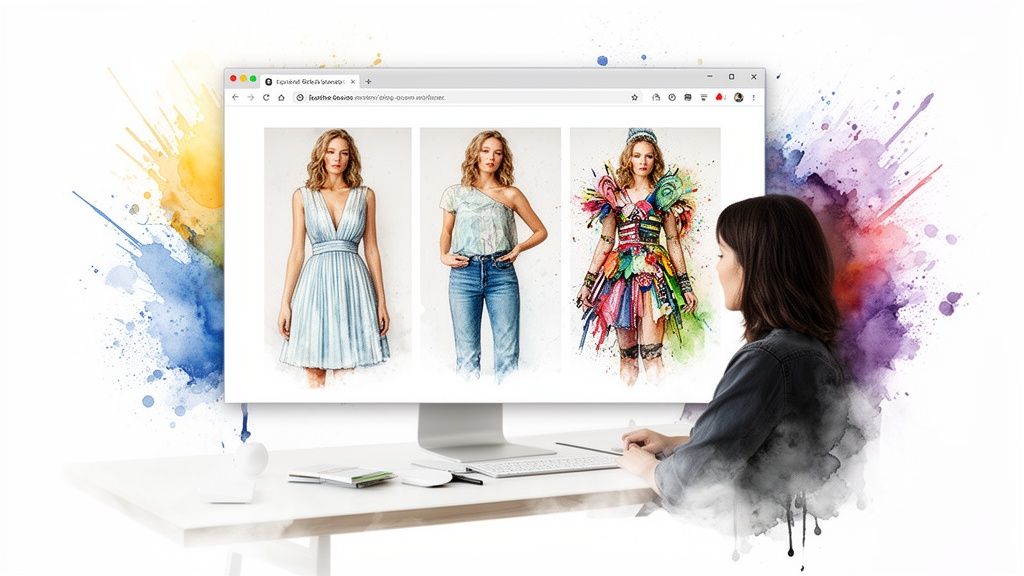
Seeing a single item on your photo is cool, but building a complete look from different stores? That's a total game-changer. This is where you can finally let your creativity run wild and see how all those individual pieces you've been eyeing actually come together to form a killer outfit. Honestly, it's the ultimate way to try on outfits online without ever leaving your browser.
Let's say you're hunting for a new dress on Amazon and you're stuck between a few different styles. Instead of just guessing and hoping for the best, you can instantly see how each one actually looks on your body, side-by-side. That kind of visual comparison makes the decision so much easier because you're not just reading reviews; you're seeing the style for yourself.
Mix and Match Across Any Store
The real fun kicks in when you start pulling pieces from all over the web. Ever wonder how that perfect top you spotted on Zara would look with those amazing pants from H&M? With the TryThisFit Chrome extension, you can find out in seconds.
Just hop over to each item on its own site, right-click the product image, and the app does its magic. This feature is incredible for building a wardrobe that actually works together, making sure new purchases will truly complement what you already own or plan to buy. It's so much more than single-item shopping—it’s true outfit creation. You can dive deeper into this idea in the guide on using an outfit maker with your own clothes.
Plan Themed Looks and Costumes with Ease
And hey, this isn't just for your everyday fashion! Planning a Halloween costume or a themed party outfit has never been simpler. Forget buying a pre-packaged costume that never looks quite right—now you can build your own unique look by pulling pieces from various online stores.
My goal was to create a tool that feels like a digital scrapbook for your style. It’s about more than just a single purchase; it’s about discovering new combinations and building a wardrobe you truly love.
You can try on a skeleton catsuit from one shop and pair it with a spooky accessory from another, visualizing the entire ensemble before you spend a dime. Think of all the time you'll save and the last-minute panic you'll avoid when you already know your costume pieces look fantastic together. The possibilities are absolutely endless.
Keep Track of All Your Style Discoveries
As you explore and create all these different looks, you'll probably want to remember your favorites. I've got you covered! Every combination you generate is automatically saved to your personal history page.
Think of it as your private style inspiration board. You can go back and revisit your favorite looks, compare different outfits, and keep a visual record of all the amazing styles you’ve discovered.
To see all your past creations, just head over to your personal try-on history page. It's a fantastic way to keep your fashion ideas organized and ready for when you decide to pull the trigger on a purchase. Ready to start building your dream wardrobe? Try it now at trythisfit.com and see what amazing looks you can create.
Pro Tips for Getting the Best Results
Alright, you’re ready to become a virtual styling pro! I’ve spent countless hours playing around with this, and I've figured out the secret sauce to getting those super crisp, what-you-see-is-what-you-get previews every single time. It really just comes down to giving the tech the best ingredients to work with.
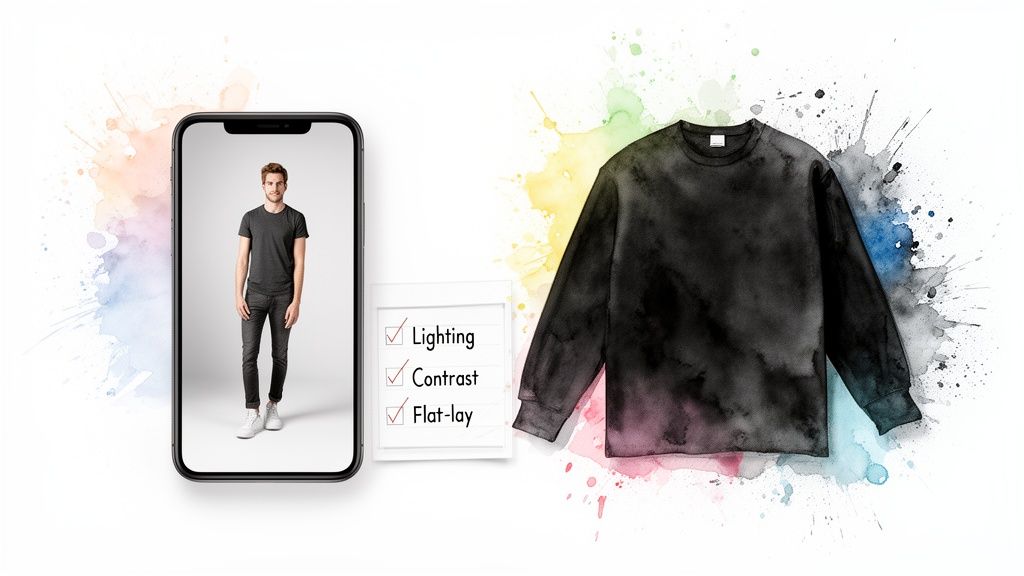
If you remember one thing, make it this: flat-lay clothing images are your best friend. Seriously. When a shirt or pair of pants is laid out flat against a simple background, the app gets a perfect, clean outline to work with. The result? A much more believable and accurate preview of how it’ll actually look on you.
Nailing the Perfect Product Shot
Think about when you're scrolling through resale sites like Vinted or Depop. You'll see all kinds of photos, but make it a habit to hunt for those flat-lay shots. While the app is smart enough to handle photos of clothes on models, you'll see a night-and-day difference in the final preview when the image is clean and unobstructed.
A couple of other things to watch for:
- Ditch the Distractions: A photo with a super busy or patterned background can sometimes confuse the tool, making it harder to get a precise outline of the garment. Simpler is always better.
- Contrast is Key: Look for photos with good, clear lighting where the clothing really pops against the background. This little detail helps create a super sharp preview on your own photo.
Trust me, taking an extra moment to find the best possible product photo makes all the difference. It’s the key to truly visualizing a piece in your wardrobe.
I built TryThisFit to be a simple, powerful tool that just works. The goal is to help you shop smarter and find your style with confidence, not to collect your data. That's why no account is ever needed.
Your Privacy Comes First, Always
Speaking of confidence, I want you to feel completely secure here. As a solo-founder project, I take your privacy very seriously. You’ll notice there are no accounts to create or hoops to jump through. Your personal info stays exactly where it should: with you.
Your photos are only used for that split second when you're generating a style preview. They are never stored, and they are definitely never sold. It’s just a straightforward, private way to explore your style with zero strings attached.
The whole point is for this to be fast, fun, and all about helping you see how things look. With the free Chrome extension that installs in seconds, you can take this instant dressing room with you to any site you shop on—from Zara to that cool indie boutique you just found.
Ready to see how much of a difference these little tweaks can make? Go ahead and try it now at trythisfit.com.
Your Top Questions, Answered
Let's tackle some of the questions I hear all the time about how to try on outfits online. I want to give you the real-deal, straightforward answers so you can jump in, have fun, and start seeing your style in a whole new way.
Does This Tool Tell Me If Clothes Will Actually Fit?
That's a fantastic question and a super important one! Right now, think of this tool as your personal style visualization mirror, not a sizing guide. It’s all about helping you see how the vibe of an outfit—the cut, the color, the overall shape—looks on your body.
It’s perfect for answering questions like, "Can I pull off that silhouette?" or "Does that color wash me out?" For the nitty-gritty of sizing, you'll still want to rely on the brand's official size chart before you hit 'buy'.
Can I Seriously Use This on Any Online Store?
You bet! That’s the whole point. The free TryThisFit Chrome extension is designed to work pretty much anywhere you shop for clothes online.
Once it's installed (which takes about two clicks), you can take it for a spin on major sites like Zara or H&M, find amazing deals on Shein, or even hunt for unique pieces on secondhand marketplaces like Vinted and Depop. If you can see an image of the clothing, you can try it on. Just find something you love, right-click, and let the magic happen.
Is It a Hassle to Set Up? And What About My Data?
I promise you, it could not be easier. There are no accounts to create and no clunky software to download. You can either pop over to the main site at trythisfit.com and upload your photos directly, or grab the super-lightweight Chrome extension.
And about your data? I take this incredibly seriously. This is a solo project, and my reputation is everything. Your photos are only used for the few seconds it takes to generate your try-on. They are never sold, never shared, never stored. It’s built to be fast, private, and just plain easy to use.
What Kind of Clothing Photos Give the Best Results?
Okay, pro tip time! For the most jaw-droppingly realistic previews, you’ll want to look for flat-lay photos. You know the ones—where the clothing is laid out perfectly flat on a simple, clean background. Most online stores use these for their main product shots.
While the tool is smart and can often figure out what to do with other types of photos, flat-lays give the AI the clearest possible outline of the garment. This translates into a much more accurate preview of how the item’s true shape will look on your body.
At the end of the day, this is all about making online shopping more creative, more confident, and way more fun. You get to play with styles you might have been too nervous to try before and build a closet that truly feels like you.
Ready to ditch the guessing games and start seeing what works? With TryThisFit, you can see how any outfit looks on you in seconds. Install the free Chrome extension in 5 seconds and completely change how you shop online.
Try Virtual Try-On Now
See how clothes look on you before you buy - works with any online store
Get Started Free