Virtual Try on Amazon: Preview Clothes & More Instantly
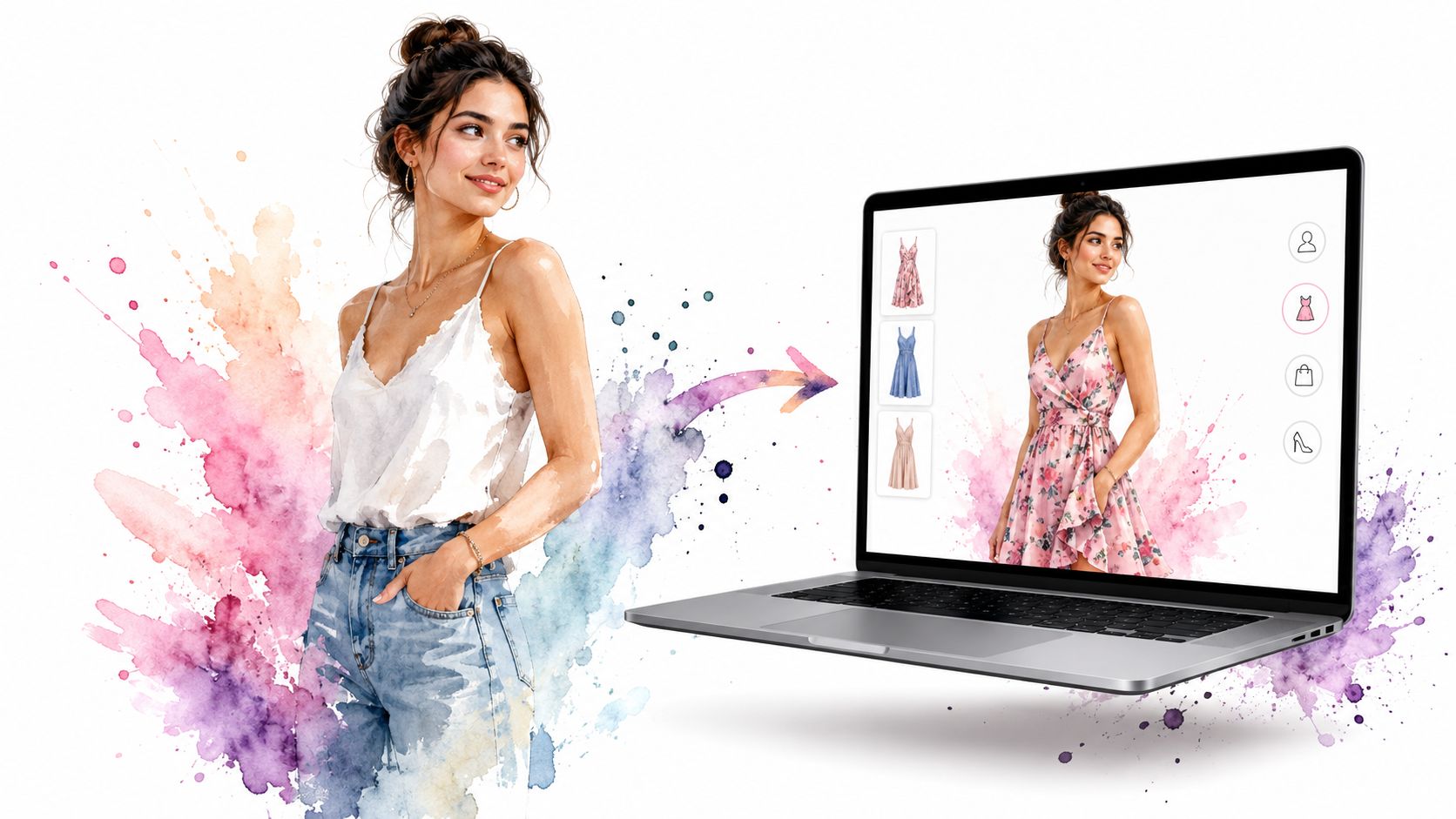
You're on Amazon, you've found a dress that might be perfect, and the product photos still leave you guessing. The color looks right, the cut seems promising, but you still can't tell how the style will look on you once it's off the product page and in real life.
That's the frustrating part of shopping for clothes online. You can zoom in, swipe through reviews, and compare sellers for half an hour, yet still end up wondering whether the outfit gives the vibe you want.
The Big Question Can You Virtually Try On Amazon Clothes
The short answer is not natively for clothes.
Amazon did launch Virtual Try-On for Shoes in 2022 for thousands of styles, but there's still no official apparel try-on feature for shirts, dresses, jackets, or pants in that public feature rollout, as reported by TechCrunch's coverage of Amazon's shoe try-on launch. That's why so many people search for virtual try on Amazon and end up finding advice that only applies to sneakers.
That gap feels especially odd because the broader category is moving fast. The global virtual try-on market was estimated at USD 9.17 billion in 2023 and is projected to reach USD 46.42 billion by 2030, growing at a 26.4% CAGR from 2024 to 2030, according to Grand View Research. In other words, shoppers clearly want better ways to preview the appearance of products before buying.
Why this matters more for clothes
Shoes are relatively simple to preview. Clothing is where significant hesitation kicks in.
A shirt can feel polished, relaxed, dramatic, oversized, or awkward depending on how it looks on your body photo. A dress can read elegant in a product shot and completely different once you visualize the neckline, sleeve length, and silhouette on yourself.
Practical rule: For clothing, the biggest question usually isn't “Does this item exist?” It's “Do I like how this style looks on me?”
That's also why virtual try-on tools keep expanding beyond a retailer's built-in feature set. If you want more context on where the category is headed, this roundup on augmented reality for businesses gives a useful view of how brands are applying AR and visualization tools across commerce.
So what should you use instead
If you're trying to preview clothes rather than shoes, you need a tool that works outside Amazon's own limited interface.
A helpful place to start is this explainer on what a virtual try-on app does, because it makes the core idea very clear: the goal is to see how an item looks and visualize the style, not to promise sizing accuracy.
That distinction matters. Once you stop waiting for Amazon to add clothing try-on itself, a much better option opens up.
Your Secret Styling Weapon for Amazon and Beyond
You find a blazer on Amazon that looks sharp in the product photos, then spot a similar one on Zara and a vintage version on Depop five minutes later. The problem is not finding more options. It is seeing which one feels like you.
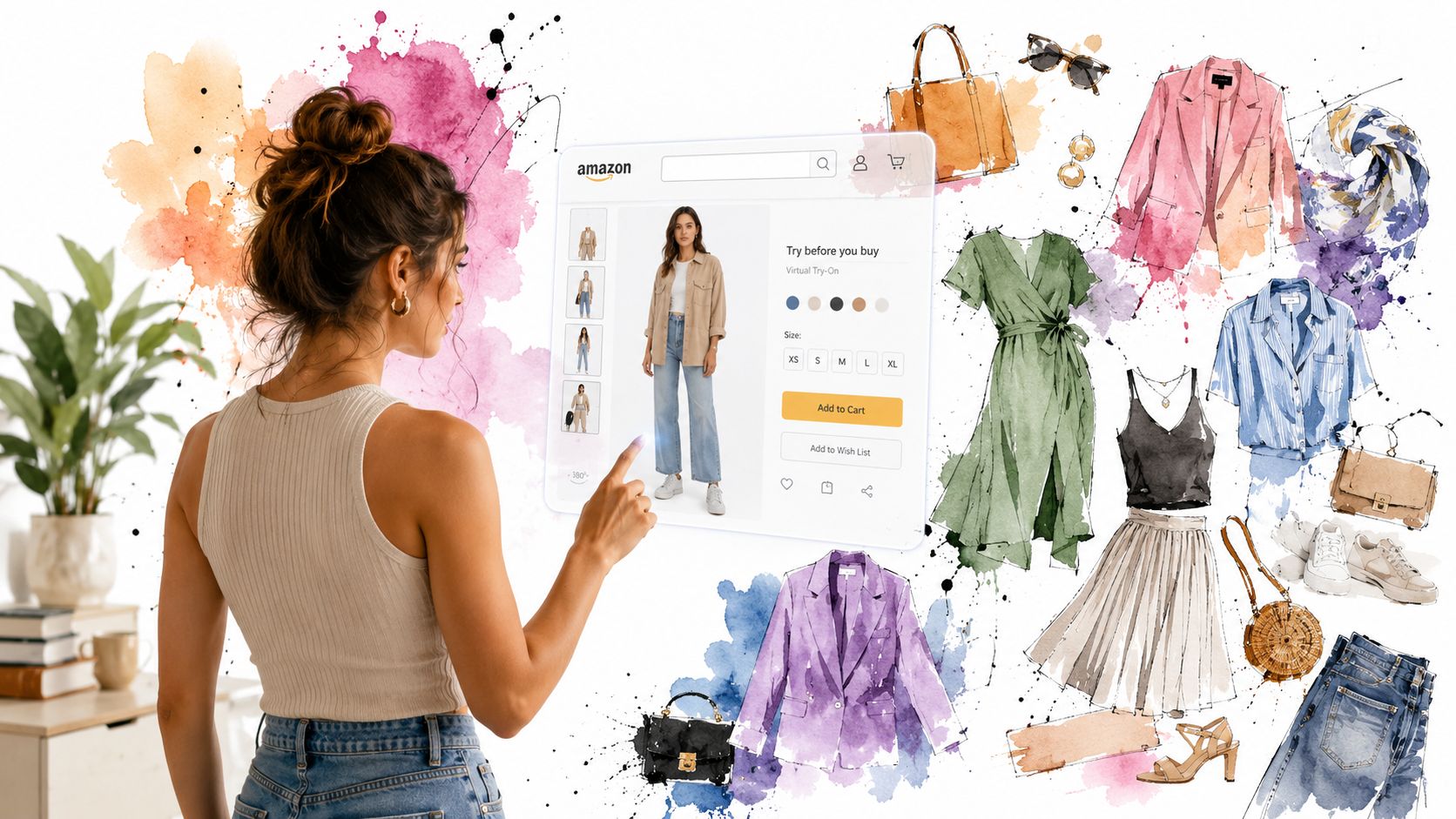
TryThisFit solves that in a practical way. Instead of relying on Amazon to add clothing try-on, you use one tool to preview how pieces look on your photo across Amazon and other stores. That changes the whole shopping flow, especially if you compare items across multiple tabs and marketplaces instead of buying from one retailer at a time.
What makes it useful in real life
The appeal is simple. It adds convenience without turning shopping into a project.
You can preview a look quickly, start without a long setup, and keep browsing instead of saving product images and bouncing between tabs. If you shop the way a lot of style-conscious people do, comparing Amazon with H&M, Shein, Vinted, or resale finds, that ease matters.
It works especially well for:
- Amazon clothing browsing: Check how a top, coat, or dress reads on you before it goes in the cart.
- Secondhand shopping: Preview a resale piece before committing on sites where returns can be limited or annoying.
- Style comparison: Put a polished blazer, soft cardigan, and edgier jacket into context fast when your taste is pulling in different directions.
- Event or costume planning: Test individual pieces before you order a full look and hope it comes together.
The tools people keep using are the ones that fit regular shopping habits, not the ones that feel like a demo.
Why this setup sticks
Store features come and go. Personal style decisions happen everywhere.
A browser-based tool makes more sense because it follows your actual behavior. You might start with Amazon basics, compare prices elsewhere, then end up on a resale site looking for something with more character. If you want the practical workflow, this guide to using the Chrome extension for virtual try-ons shows how people use it while browsing.
The payoff is clear: you get a visual check before buying, sort out your style faster, and make fewer blind guesses. That is the part Amazon's built-in experience still misses for clothing.
Instantly Try On Amazon Finds with the Chrome Extension
You're on an Amazon product page, the item looks promising, and a crucial question hits fast. Would this suit me, or am I about to order another maybe?
That is where the Chrome extension earns its place in your shopping routine. Instead of guessing from model photos, you can start a try-on from the product image itself and keep browsing while you compare pieces. For clothing, that is the missing step Amazon still does not handle well on its own.
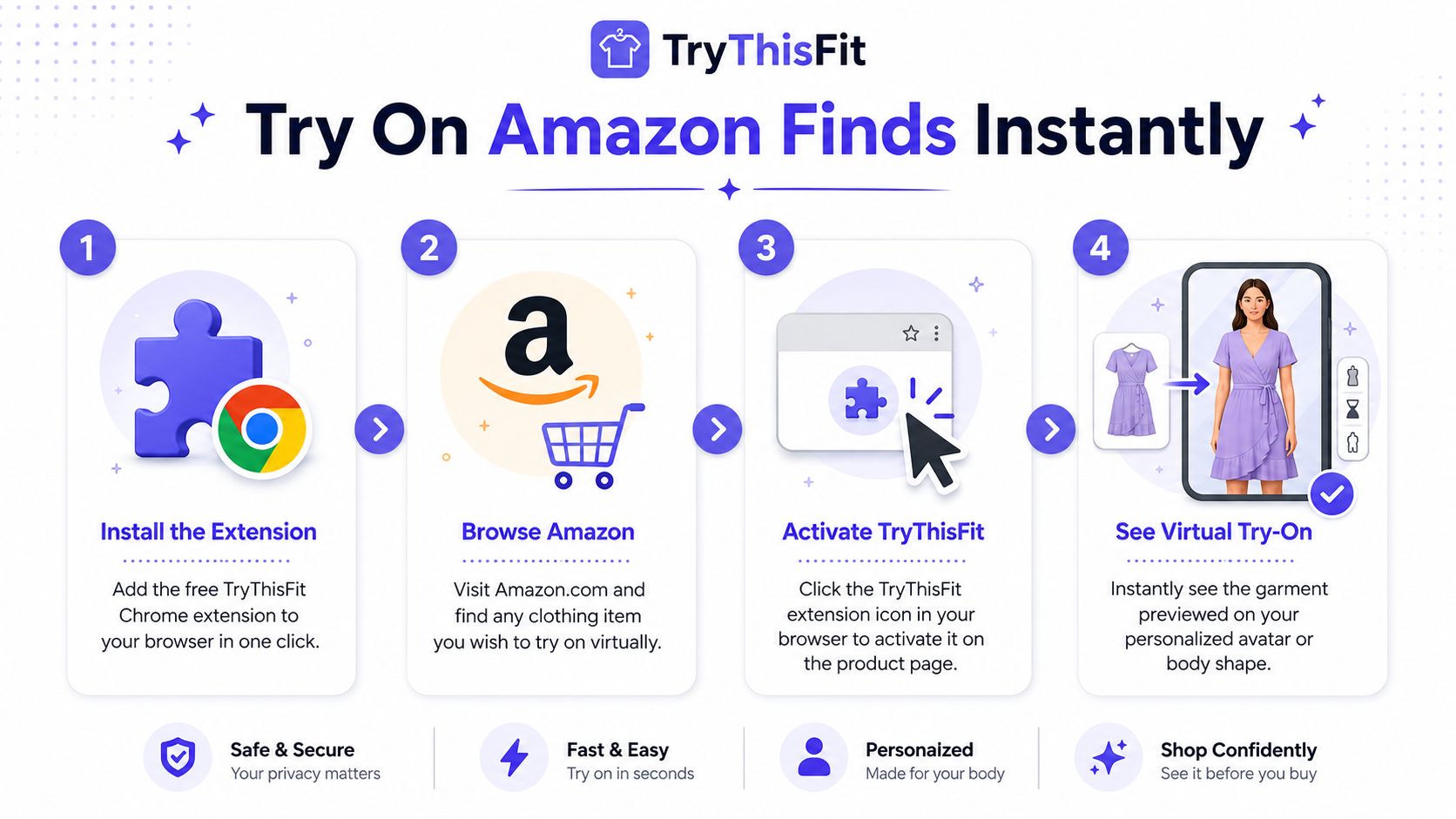
The setup is simple
Use it like this:
-
Install the extension
Add it to Chrome once, then leave it there for the next time you shop. -
Open any Amazon clothing page
Pull up the item you want to test. Tops, dresses, jackets, trousers. If there is a usable product image, you can preview it. -
Right-click the product image
Choose the extension's try-on option from the menu. That keeps the process inside your normal browsing flow. -
Select or upload your photo
The preview is generated using your image, so the result feels personal instead of generic. -
Try the next piece right away
Now the fun begins. Swap from a fitted blazer to a slouchy cardigan, or compare two dresses with completely different moods, without rebuilding the process each time.
If you want the exact clicks and screens, this step-by-step guide to using the Chrome extension for virtual try-ons shows the workflow clearly.
Why the right-click flow works so well
Good shopping tools respect your attention. This one does.
You do not need to save product images to your desktop, rename files, or keep bouncing between tabs just to answer a style question. The extension trims that friction down to one action on the page you are already viewing. For anyone who shops visually, that speed matters because style decisions are often about quick comparison, not long setup.
There is also a practical upside for sellers. Better product imagery makes these previews easier to judge, which is one reason strong merchandising matters in the first place. Brands working on that side of the equation can learn from a data-driven Amazon listing strategy.
Here's a short demo if you want to watch it first:
<iframe width="100%" style="aspect-ratio: 16 / 9;" src="https://www.youtube.com/embed/ra2vfoHu7us" frameborder="0" allow="autoplay; encrypted-media" allowfullscreen></iframe>It works across your whole shopping trail
A key advantage is not limited to Amazon.
If you start with Amazon basics, then check Zara for outerwear or browse resale for something with more personality, the same extension habit still works. That makes it feel less like a store feature and more like a personal styling shortcut you can use anywhere you shop online.
For readers trying to solve the actual virtual try on Amazon clothes problem, this is the practical fix. Amazon's native tools stop short at apparel. The extension lets you test real clothing finds as you browse, which is what most shoppers wanted in the first place.
Tips for Getting the Best Style Previews
A good try-on result starts with the images you choose. The app can do a lot, but the input still matters.
If you want the preview to feel more natural, use a clean photo of yourself and choose product images that show the garment clearly. Small changes here make a visible difference.
Start with your own photo
The most reliable body photo is simple and well lit.
Try these basics:
- Stand straight: A natural front-facing pose usually gives the cleanest styling preview.
- Use even light: Window light or bright indoor light helps the clothing details show up better.
- Keep the outfit underneath simple: Fitted basics usually make the overlay easier to visualize than bulky layers.
- Avoid cluttered backgrounds: A clean background keeps the result focused on the clothing.
If your first result looks a little off, the fix is often the source image, not the garment.
Flat-lay photos work best
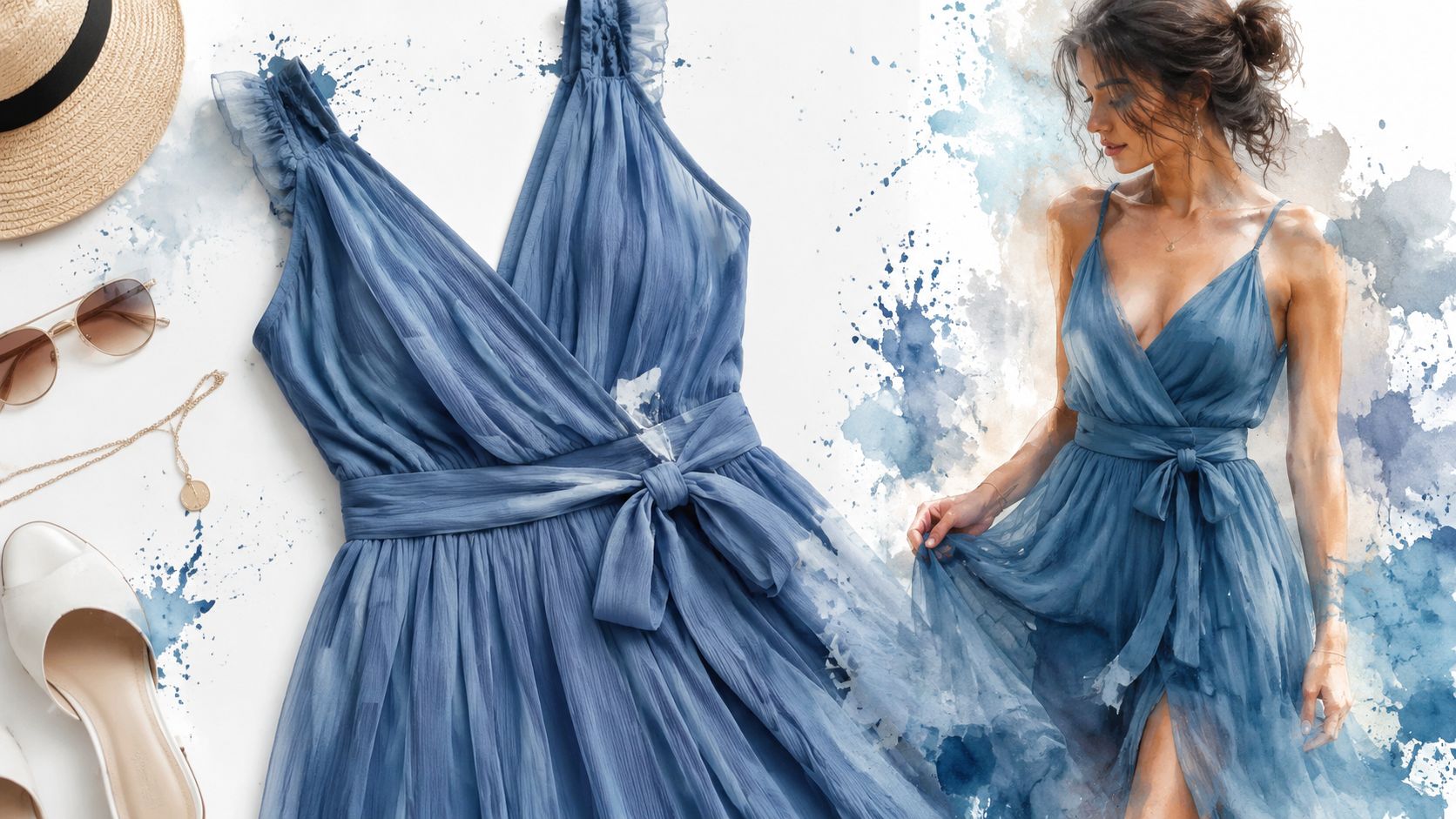
This is the big one. Flat-lay clothing photos work best for the most accurate AI-generated results, and photos with models can create unwanted face swaps or visual distortions, as noted on TryThisFit.
That's especially useful on Amazon, where listings may include model shots, hanger shots, and flat product images in the same carousel. If there's a flat-lay image available, pick that one first. It usually gives a cleaner style preview.
Flat product photos tend to produce a clearer result than heavily styled editorial images.
If you sell online or just like understanding why some listings look more usable than others, this guide to a data-driven Amazon listing strategy offers a helpful lens on product presentation.
Know what virtual try-on can and can't tell you
Virtual try-on is for appearance and style, not physical sizing.
It can show whether the neckline feels too sweet, whether the color washes you out, or whether wide-leg pants create the silhouette you want. It does not determine whether the item will physically fit your measurements, and it doesn't replace size charts or your own judgment. That same limitation is stated clearly in TryThisFit's guidance: virtual try-on services show how clothing looks and the style, not whether it will physically fit in terms of measurements.
For stronger results with your body photo, this guide on taking a full body picture for virtual try-on is worth a look. It's one of those small things that improves the whole experience fast.
Go Beyond Amazon: More Styling Scenarios
Amazon is only the starting point. Ultimate fun starts when you use the same try-on workflow across the rest of your shopping life.
Secondhand gets a lot easier
Secondhand shopping is full of great pieces and terrible uncertainty. A vintage blazer on Depop can look incredible on a hanger and completely miss your style once you picture it on yourself. A quick preview helps you sort the genuine finds from the almost-right experiments.
I use this most with pieces that are hard to judge from a listing alone. Slip skirts, oversized jackets, old denim, random statement tops. Those are the items that can feel special, but they can also turn into expensive closet decor if the shape is off.
Event dressing gets simpler too
Event outfits usually involve more guesswork than everyday shopping. You are not just picking one item. You are trying to create a whole mood.
Halloween is the easiest example. You can test separate pieces from different stores and see whether the costume reads the way you want before you order anything. The same approach works for weddings, birthday dinners, concerts, themed parties, and vacation looks where the vibe matters as much as the clothes themselves.
A few situations where visual try-on helps:
- Comparing statement pieces: See whether a satin dress, sharp blazer, or dramatic sleeve feels like you.
- Mixing stores in one look: Pull basics from Amazon, then add vintage, resale, or boutique pieces without guessing how the outfit comes together.
- Testing riskier buys: Sequins, metallic fabrics, bold prints, and costume pieces are much easier to judge visually first.
- Planning around your real wardrobe: Use the preview to check whether a new item fits the style direction you already wear.
Save the looks that keep pulling you back
The best outfit choices are not always instant. Sometimes the right look is the one you come back to the next morning.
That is why the saved try-on history feature is useful. It gives you a clean way to compare looks later instead of relying on memory, screenshots, or a dozen open tabs.
At that point, TryThisFit stops feeling like a neat Amazon add-on and starts acting more like your personal dressing room for the whole internet.
Your New Shopping Reality Plus Common Questions
Shopping changes once you can see an Amazon find on your own body before checkout. The process feels less like guessing from model photos and more like styling with intent. You can rule out shapes that miss, catch pieces that surprise you, and buy with a lot more confidence.
That is the key shift here. Amazon's built in try-on barely helps if you are shopping for actual outfits, because clothes are the hard part. A tool like TryThisFit fills that gap by letting you preview clothing from Amazon and other stores in a way that matches how people really shop.
Common questions
Is my data safe?
The privacy approach is simple. Your data is not sold, and you can start without creating an account. For plenty of shoppers, that makes trying it feel much lower pressure.
What if the preview looks a little off?
That can happen. The fastest fix is usually better input. Use a clear front facing photo of yourself, and pick a product image where the clothing is visible, flat, and not blocked by hands, hair, or heavy styling.
Does this work on phone too?
The browser extension is best on desktop, especially if you like right clicking items while you browse Amazon or bounce between tabs. If you want to test a piece more directly, the main app is a good place to start.
Is it only for Amazon?
No. That is part of what makes it useful. You can preview pieces from Amazon, then compare them with items from Zara, H&M, resale sites, or smaller boutiques when you are building a full look.
If you are tired of buying clothes based on hope, start with TryThisFit and see your picks on you before you order. You can use the main app, or install the free Chrome extension and right click clothing images on Amazon, Zara, H&M, Shein, Vinted, and more in a few seconds.
Try Virtual Try-On Now
See how clothes look on you before you buy - works with any online store
Get Started Free