AI Clothes Changer: Virtually Try on Outfits Instantly
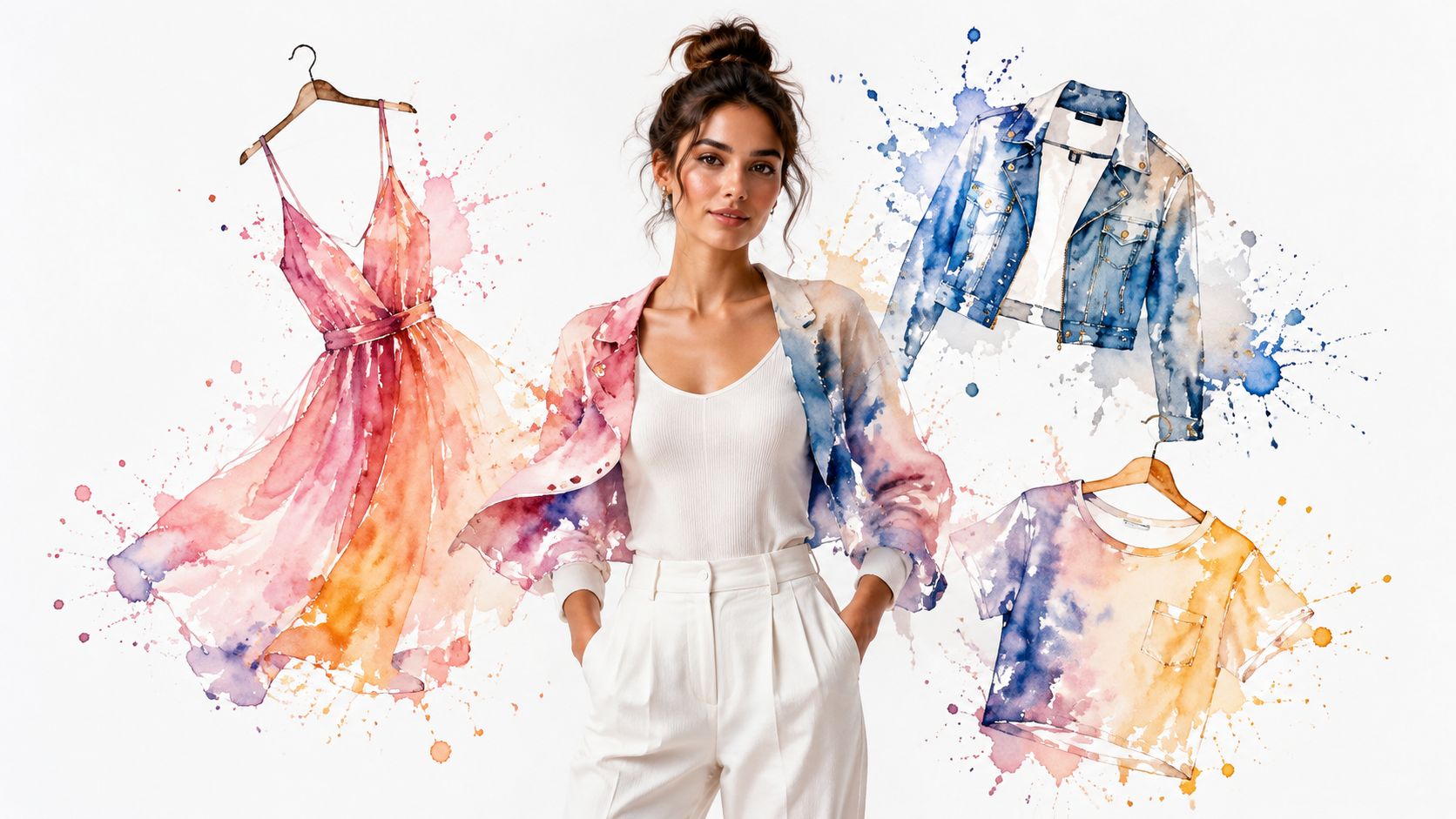
You're probably in the exact moment this tech was made for. You've found a jacket, dress, or vintage gem online, and your brain is doing that familiar loop: “Cute on the model. But would I like how it looks on me?”
That's where an AI clothes changer gets fun. Instead of guessing, you upload a photo and get a quick visual preview of the style on your own image, whether you're browsing Zara, scrolling Vinted at midnight, or hunting for a last-minute Halloween costume.
What Is an AI Clothes Changer
An AI clothes changer is a tool that lets you see how clothing looks on your photo before you buy or commit to a style. It doesn't tell you whether a size will fit your measurements. It helps you visualize the style, color, shape, and overall appearance.
That distinction matters. Shoppers aren't stuck because they can't read a size chart. They're stuck because they can't picture the final look.
What it actually does
This is a digital dressing room built for screenshots, product pages, and outfit experiments. You give it a photo of yourself and a clothing image, and it creates a new preview showing that item on your body in a realistic way.
You can use it for:
- Online shopping from stores like Zara, H&M, and Amazon fashion finds
- Secondhand browsing on Vinted and Depop
- Costume planning when you want to test a whole vibe before ordering
- Style discovery when you're curious about a color, silhouette, or trend
Big idea: the point is to preview the appearance, not to verify sizing.
That's also how the strongest tools in this category are built. According to the International Council of Fashion Retailers, 91% of successful virtual try-on implementations focus on appearance mapping rather than fit mapping, and 88% of users prefer seeing the visual outcome over receiving a sizing recommendation.
Why shoppers love it
An AI clothes changer answers the emotional question behind most fashion purchases: “Will I feel like myself in this?” That's why it's so useful when you're looking at a bold trench coat, a weirdly amazing printed shirt, or something from a curated edit like the Special8 clothing collection, where the pieces have personality but you still want to picture the look on your own photo first.
It also makes style experimentation less risky. You can try a new silhouette, preview a dramatic layer, or test a color you'd normally skip, all before spending money or dealing with a return.
How the Magic Behind AI Try-Ons Works
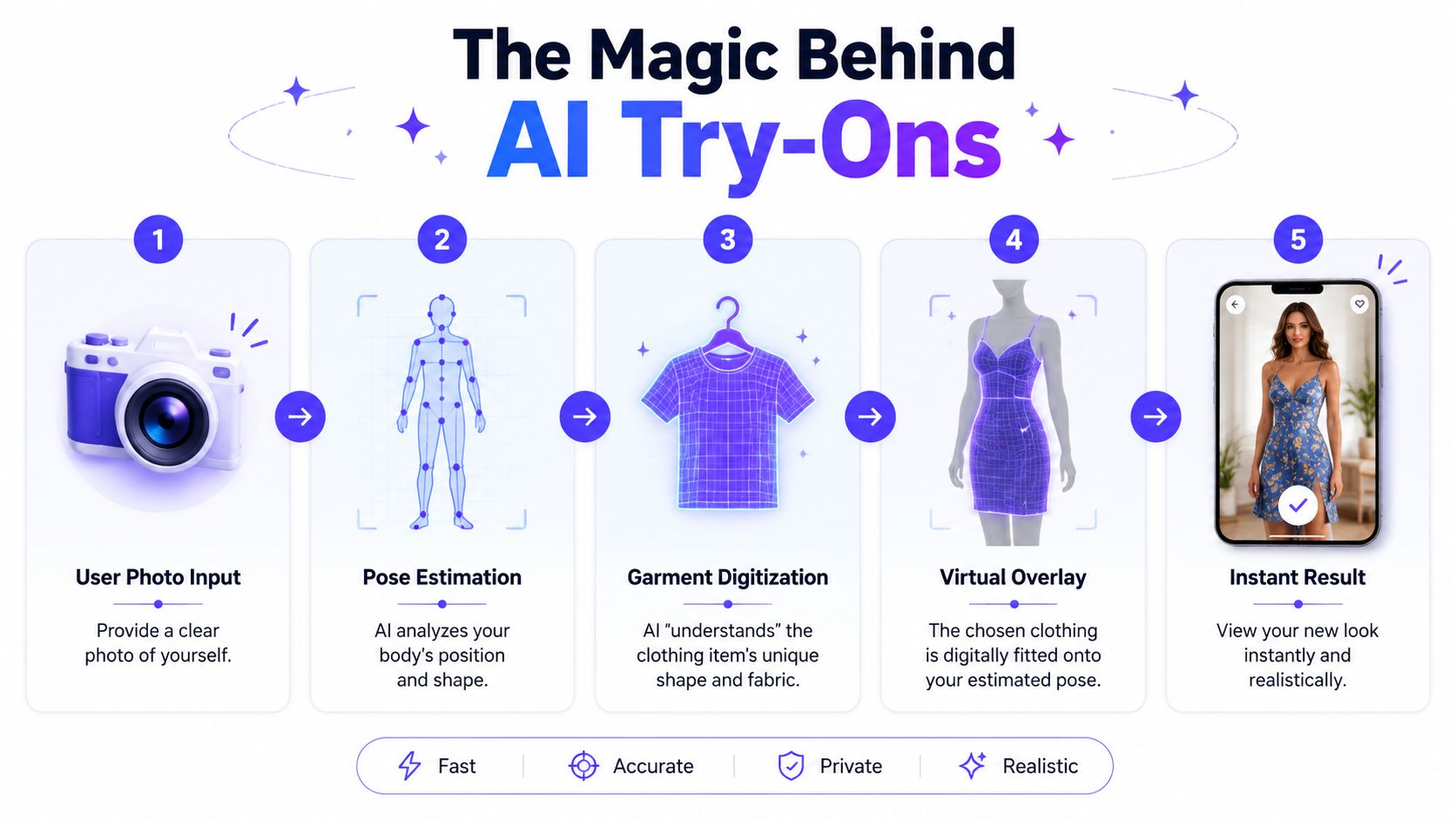
An AI try-on usually follows a simple chain of steps. It reads your photo, reads the clothing image, and generates a new picture that keeps your pose and background while swapping the outfit. The result feels fast on screen, but there is a lot happening under the hood.
Your photo is the foundation
The first job is figuring out where your body is positioned. That step is called pose estimation. It maps key points like your shoulders, elbows, waist, and hips so the new outfit follows your stance instead of sitting on top like a sticker.
Then the system sorts the image into regions. This is semantic segmentation. It separates you from your current clothes and from the background, which is how the tool knows what to keep and what to replace.
According to Bitstudio's explanation of AI clothes changer systems, these systems use pose estimation and semantic segmentation to preserve the person's pose, lighting, and background while replacing garments, while also analyzing body shape, proportions, and fabric textures for more realistic draping and shadows.
The clothing photo matters too
The garment image gets its own analysis. The AI looks for the outline of the item, the visible texture, the folds, and the way the fabric hangs. Cleaner input usually leads to cleaner output.
That explains why a plain product shot from an online store often works better than a messy resale photo. If a jacket is front-facing, well lit, and fully visible, the model has a clearer blueprint to work from. If part of the item is hidden by hair, hands, or dramatic styling, the preview can lose detail or distort the shape.
A browser-based workflow makes this especially fun in everyday shopping. You can go from a random Depop listing, a boutique product page, or a last-minute costume idea to a visual preview in seconds, because the AI is reading whatever clothing image is already in front of you.
Why the result can look so real
The final image is generated, not pasted together. The system tries to match the garment to your body position, preserve your proportions, and carry over lighting cues from the original photo so the outfit feels like it belongs in the scene.
That is also why the technology shines as a visual preview and not a sizing tool. It can show the vibe, silhouette, and overall appearance very well. It cannot promise exact fit, fabric weight in real life, or how a waistband will feel after a full day out.
If you want to see the broader kind of visual generation this comes from, AI image-to-image clothing transformation tools give a helpful reference point.
Instantly Try On Clothes from Any Online Store
You're three tabs deep into a late-night search. A Zara coat looks polished, an Amazon dress looks practical, and a Depop jacket looks like the kind of find that could become your whole personality for a month. The annoying part is familiar. Each store shows the item on someone else, in someone else's pose, with someone else's styling.
Right-click makes it feel natural
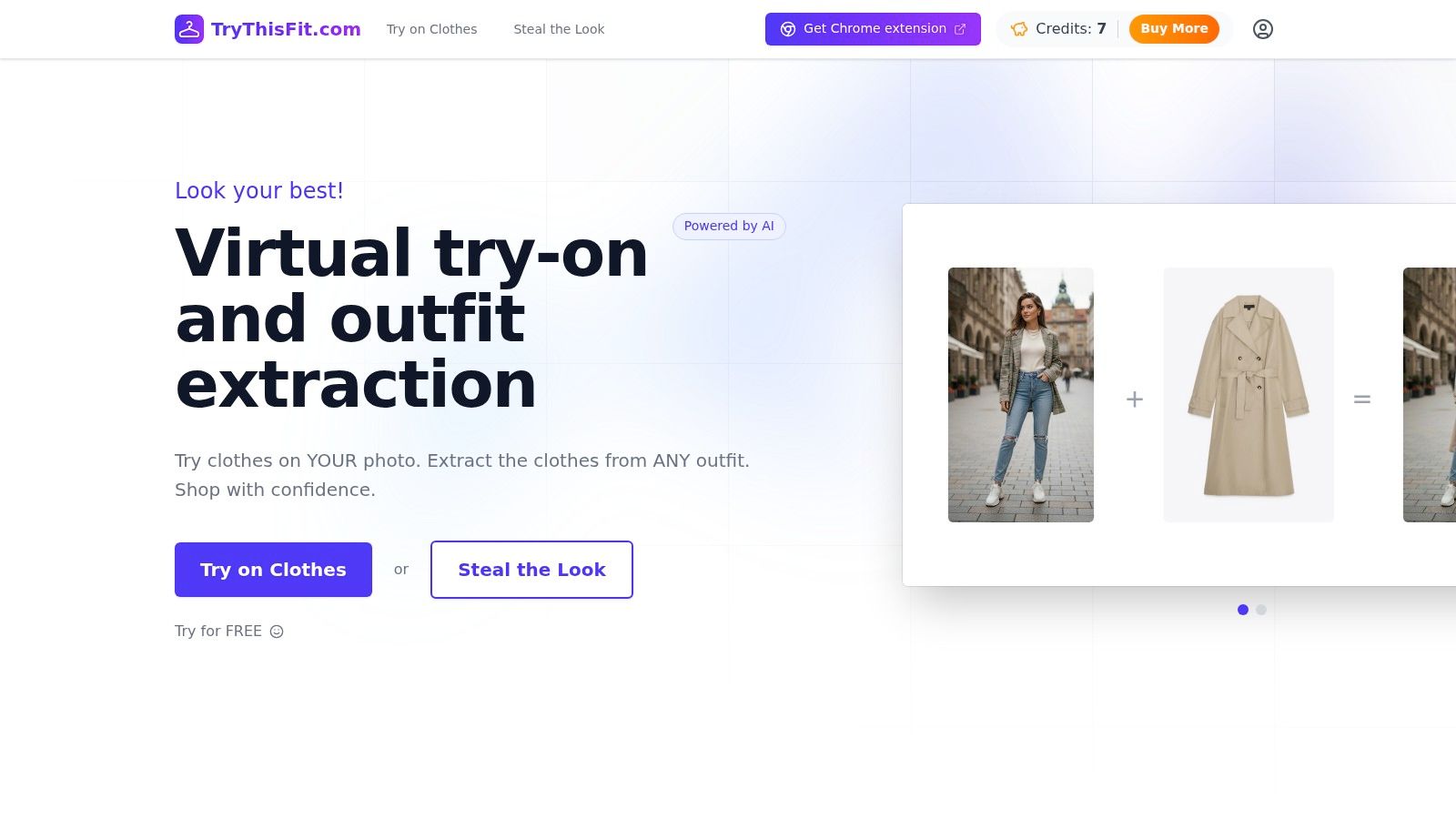
A browser extension matters because it meets you inside your normal shopping routine. You stay on the product page, right-click the clothing image, and preview the piece on your own photo instead of stopping to save files, switch tools, or rebuild the search somewhere else.
That sounds small until you try it once.
It works a lot like using "search image" or "open in new tab." The action becomes part of browsing, not a separate task. That is a big reason AI try-on feels more useful in a browser than in a standalone app for everyday shopping. You can test a trench coat during a quick lunch break, check a resale blazer while texting a friend, or see whether a last-minute party outfit has the right vibe before you buy anything.
Useful on polished stores and messy listings
The fun part is range. You are not limited to one brand's built-in catalog or a curated set of partner stores. If the page has a clear clothing image, you can usually try it in the moment.
A few places where that becomes handy fast:
- Zara and H&M: preview a new drop before you commit to a cart full of maybes
- Amazon: compare basics, occasionwear, or outerwear across multiple listings without downloading product shots
- Shein: sort through lots of fast-changing styles and narrow the pile to pieces that suit your look
- Vinted or Depop: check whether a one-off secondhand item feels cool on you or just cool on the model
- Costume and event shopping: test a dramatic jacket, sparkly top, or themed outfit before a rushed weekend order
If you want that workflow, the free Chrome extension installs in a couple of seconds, needs no account, and works on any site where you can right-click a clothing image.

Seeing it once makes the appeal obvious
A quick demo shows the speed better than a long explanation.
<iframe width="100%" style="aspect-ratio: 16 / 9;" src="https://www.youtube.com/embed/g9ICLvwyGgk" frameborder="0" allow="autoplay; encrypted-media" allowfullscreen></iframe>The practical win is simple. You can keep browsing the way you already browse. No image saving. No extra upload step. No jumping out of the shopping flow just to answer one basic question: "Would this look good on me?"
That convenience is what gives the tool its everyday value. It fits how people shop online, across big retailers, resale marketplaces, boutique sites, and those random tabs you swear you were going to close an hour ago.
Discover Your Style Beyond the Big Retailers
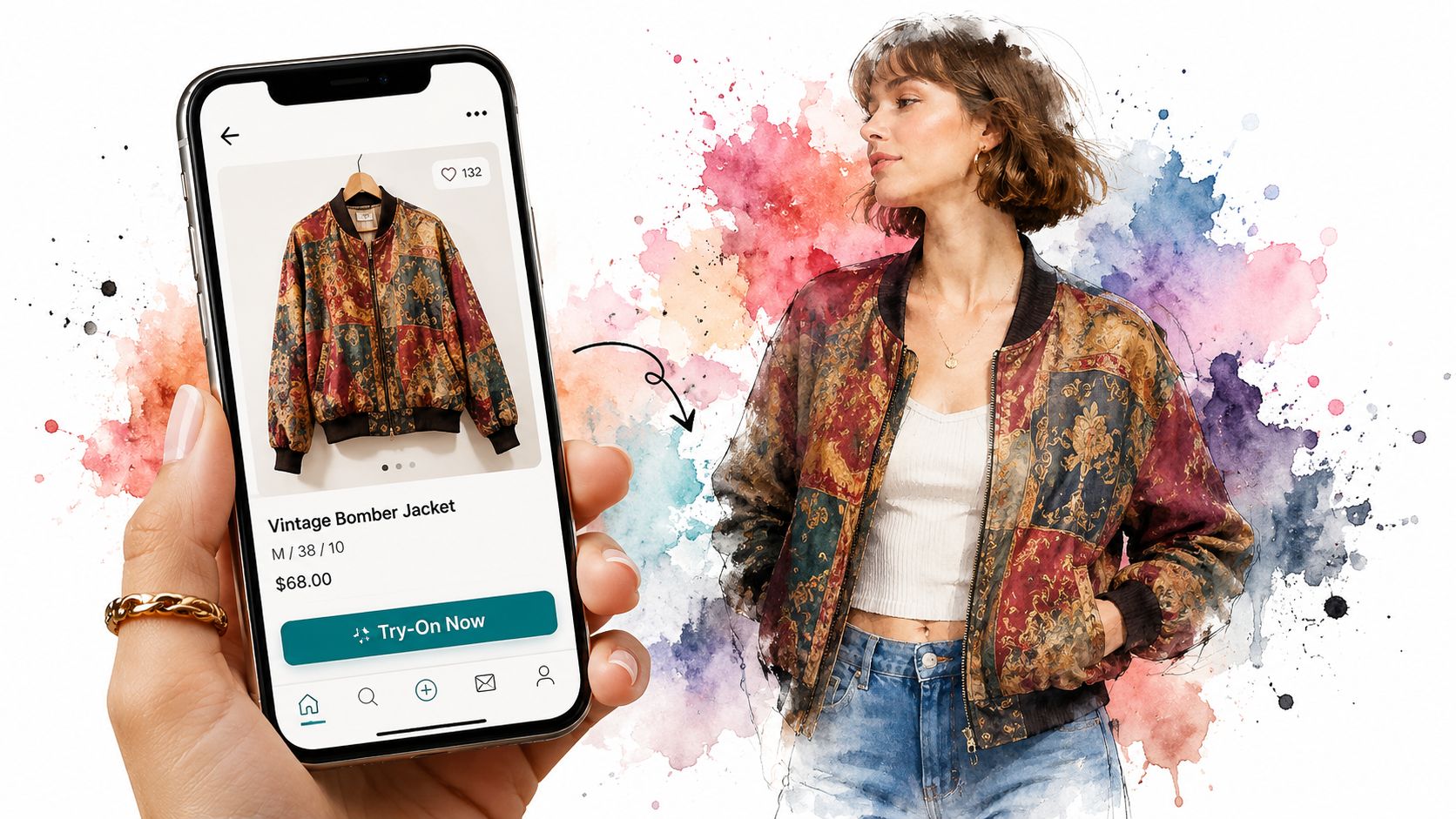
You spot a wild card piece at midnight. A vintage bomber on Depop. A velvet blazer from a tiny boutique. A last minute costume jacket that could look brilliant or completely off once it is on your body. Those are the moments when an AI clothes changer feels the most fun, because it helps with the messy, real-world shopping that polished retailer lookbooks rarely cover.
Secondhand shopping gets less guessy
Secondhand listings are full of maybes. You might get one mirror shot, one cropped product photo, and a caption that says "fits oversized" without showing what that means on someone shaped like you.
An AI try-on helps answer the style question fast. Will that jacket read cool and relaxed, or bulky and costume-like? Will the dress feel like a lucky find, or like something that only worked on the seller's pose and lighting?
A recent article about AI and fashion points to the same friction in resale shopping. People hesitate when they cannot picture the item on themselves. That is why this tool is so useful for one-off pieces. It gives you a visual gut check before you commit.
Costume planning gets easier fast
Costume shopping has its own chaos. You are often building an outfit from separate pieces, under time pressure, with a vague idea in your head and no clear way to test the full effect.
A quick preview can save you from buying parts that clash once they are together. A cape might look dramatic in the listing but overwhelm your frame. A retro blazer might suddenly make the whole concept click. The fun part is seeing the vibe show up on your own photo instead of trying to assemble it in your imagination.
Sometimes one try-on is enough.
Personal style experiments feel cheaper and more honest
This is also where AI clothes changers become more than a shopping trick. They turn into a style sandbox. You can test a leather trench, a bright knit, a softer neutral look, or something you would normally scroll past and never order.
That matters because your taste on a model is not always your taste on you. Seeing the outfit on your own image closes that gap quickly. It is like holding up different style identities against the same mirror.
If you want cleaner results while comparing different looks, a better full-body photo for virtual try-ons makes a noticeable difference.
The everyday appeal is simple. You can browse beyond Zara and ASOS, use a browser extension as part of the shopping flow, and test stranger, more personal finds without turning every purchase into a gamble. That is where AI clothes changers start to feel less like a novelty and more like a useful part of how you shop.
Your Guide to a Picture-Perfect Virtual Try-On
You find a great jacket at midnight, drop your photo into an AI clothes changer, and the result looks oddly off. Usually, the problem is not the jacket. It is the input photo.
Good try-ons work like a fitting room mirror with limited information. The AI has to guess where fabric should fall from the clues you give it. Clear clues lead to cleaner previews.
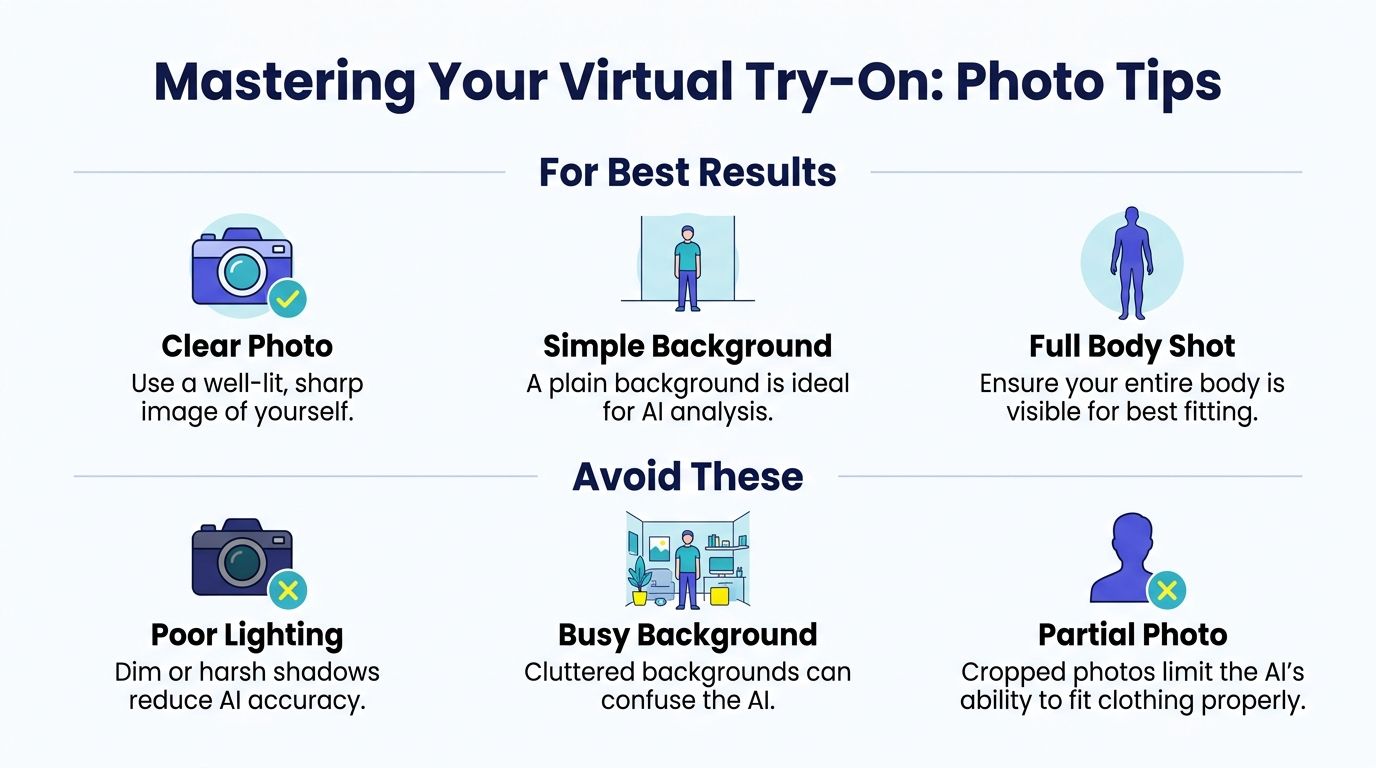
Start with your own photo
A polished studio shot is unnecessary. A bright, simple photo where your outline is easy to read usually gives the tool much better material to work with.
Here's the quick version:
- Use even lighting: daylight near a window or a well-lit room helps the AI read your shape
- Keep your pose open: arms across your torso or a bag covering your outfit area can confuse the overlay
- Choose a plain background: less clutter means fewer distractions for the model to sort through
- Show enough of your body: full-body shots often give the most convincing result, especially for dresses, coats, and wide-leg pants
If you want a cleaner starting image, this guide to taking a better full-body picture for virtual try-ons can help.
One small change can make a big difference.
Flat-lay clothing photos usually work best
The clothing image matters just as much as your selfie. Front-facing, laid-out product photos are usually the easiest for an AI clothes changer to interpret because the garment shape is visible from edge to edge.
According to a press release from iFoto about virtual try-on performance, flat-lay horizontal clothing photos tend to produce the most accurate style previews. That lines up with how these tools work. Clean shapes and fewer shadows give the model less to guess.
A shirt laid flat often works better than:
- a hanger photo taken at an angle
- a dramatic campaign image with lots of folds
- a seller photo where part of the item is cropped or covered
The basic rule is simple. The less visual noise in the clothing photo, the more believable the preview tends to look.
Where to find better clothing images while shopping
This matters most in everyday browsing. If you are using a browser extension during a normal shopping session, you do not need every listing to be perfect. You just need to spot the image that gives the AI the clearest view of the garment.
On big retail sites, check the alternate product photos and pick the one that shows the item straight-on. On resale sites like Depop or Vinted, the best image is often not the styled one. It is the boring one where the item is laid on a bed, hung neatly, or photographed against a blank wall.
That is often the difference between a rough preview and a real wow moment. You stop guessing, and you see the outfit on yourself.
What to Look For in an AI Clothes Changer
You are halfway through a late-night shopping spiral. One tab has a vintage jacket on Depop, another has boots from a big retailer, and a third has a last-minute party outfit that might work for Halloween. A useful AI clothes changer should let you test all three quickly, without turning that moment into homework.
The best tools feel less like a separate app and more like a fitting room that follows you around the web. You stay in your normal shopping flow, click on a product photo, and get a visual answer fast enough to keep your momentum.
The fast-check list
A good option usually gets a few basics right:
- Fast preview: the result should appear quickly, so you can compare looks while the item is still fresh in your mind
- Low setup: if you need to make an account, verify email, and upload five photos before one try-on, plenty of shoppers will give up
- Works beyond one store: its full value shows up when it can handle big retailers, resale listings, and random boutique sites in the same session
- Handles everyday product images well: marketplace photos, flat lays, and simple catalog shots should not confuse it
- Clear about its job: it should help you visualize the outfit on your body, not act like a tailor or promise exact fit predictions
That last point matters. An AI clothes changer is great at answering, "Would this look good on me?" It is much less reliable for, "Will this fit perfectly at the shoulders?" Those are different questions, and the better tools are honest about the difference.
A blog analysis from Style3D suggests that speed and visualization strongly affect whether shoppers keep going or leave. That tracks with real use. If a preview takes too long, the magic disappears, and the tab often closes.
What this looks like in practice
For everyday shopping, browser-based tools tend to be the most convenient. They fit the way people shop now, hopping from Zara to Amazon to Vinted to a resale listing sent by a friend in a group chat. If you want a broader checklist, this guide to shopping app features for visual try-on tools covers the details to compare.
A saved-history feature can help too. It works like a dressing room mirror for your past decisions. You can line up two jackets, revisit a costume idea, or compare a safe option with something bolder before buying.
One factual example in this category is TryThisFit, which offers browser-based try-ons and a no-account workflow.
The best AI clothes changer helps you make faster style decisions across the whole internet, not just inside one polished store. That is what turns the experience from a neat demo into something you will use.
Try Virtual Try-On Now
See how clothes look on you before you buy - works with any online store
Get Started Free