AI Image to Image Free: A Guide to Virtual Try-Ons (2026)
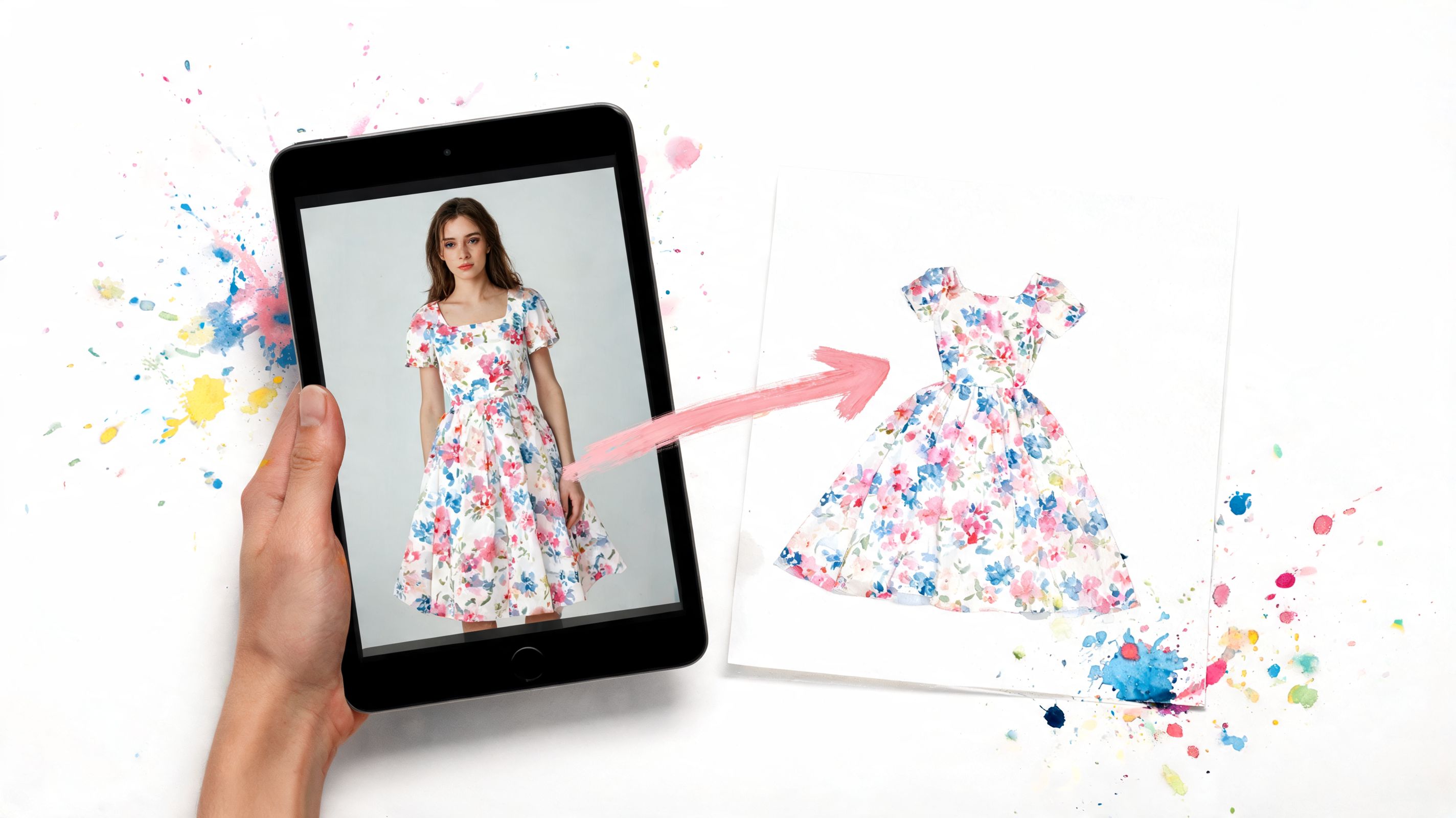
You’re browsing Zara, H&M, Vinted, or a random resale listing late at night. A coat stops your scroll. The cut is perfect, the color is right, and the product photo looks amazing. Then the essential question hits. Will it look polished on you, or was it just styled well for the listing?
That little moment of doubt explains why ai image to image free tools feel so exciting in fashion. They take a photo you already have, then generate a new version that helps you see the outfit on a person instead of guessing from a hanger shot or flat-lay. It feels a bit like holding up clothes to a mirror, except the mirror is digital and works before you buy.
For clothing, that difference matters more than it does in almost any other category. Generic AI image tools can create fun transformations, but fashion shoppers usually want something more specific. They want a believable preview, less upload friction, and better handling of real shopping images that were never shot in a studio. They also want to avoid tossing personal photos into tools that were built for broad image experimentation, not private try-on moments.
That’s why the fashion use case deserves its own guide. If you want broader context on how creators use AI across media, ClipCreator.ai's AI content guide is a helpful companion. Here, the focus is much narrower and more useful for shoppers. Seeing clothes on yourself before checkout is the part that feels like magic.
Your Guide to AI Image to Image Magic
A lot of online shopping frustration comes from one simple problem. Product pages show the item, but they don’t show you in the item.
That gap is why AI image generation has taken off so fast. The global AI image generator market was valued at USD 349.6 million in 2023 and is projected to reach USD 1.08 billion by 2030, while users are already creating about 34 million AI-generated images per day, according to Grand View Research’s AI image generator market report. That tells you this isn’t an experimental corner of the internet anymore. It’s becoming part of everyday creative life.
Why fashion shoppers care so much
If you’re browsing secondhand listings, the problem gets even sharper. A seller uploads a flat-lay blouse on Vinted or Depop, and now you have to mentally reconstruct how that blouse might look when worn.
Sometimes you can do it. Usually, you’re guessing.
Practical rule: Fashion shoppers don’t need more product photos. They need a believable style preview.
That’s where image-to-image AI gets exciting. You start with one image, like a photo of yourself, and another image, like a clothing photo. Then the AI creates a new image that helps you see how it looks, not just how it’s photographed.
If you want a wider view of how AI tools are changing creative work beyond shopping, ClipCreator.ai's AI content guide gives a useful overview of the bigger picture.
What makes this different from old styling apps
Older shopping tools often felt rigid. They gave you preset avatars, limited catalogs, or staged mockups that didn’t resemble real browsing.
AI image-to-image feels more fluid. It works with the images you encounter while shopping online. That means a Zara dress, a Shein jacket, a costume listing, or a secondhand flat-lay can all become part of the same style discovery process.
Here’s the fun part. Once you understand how the tech works, it stops feeling mysterious and starts feeling practical. You can tell which tools are just flashy demos and which ones are useful when you’re trying to decide what to wear, what to buy, or what to skip.
What Is AI Image to Image and How Does It Work
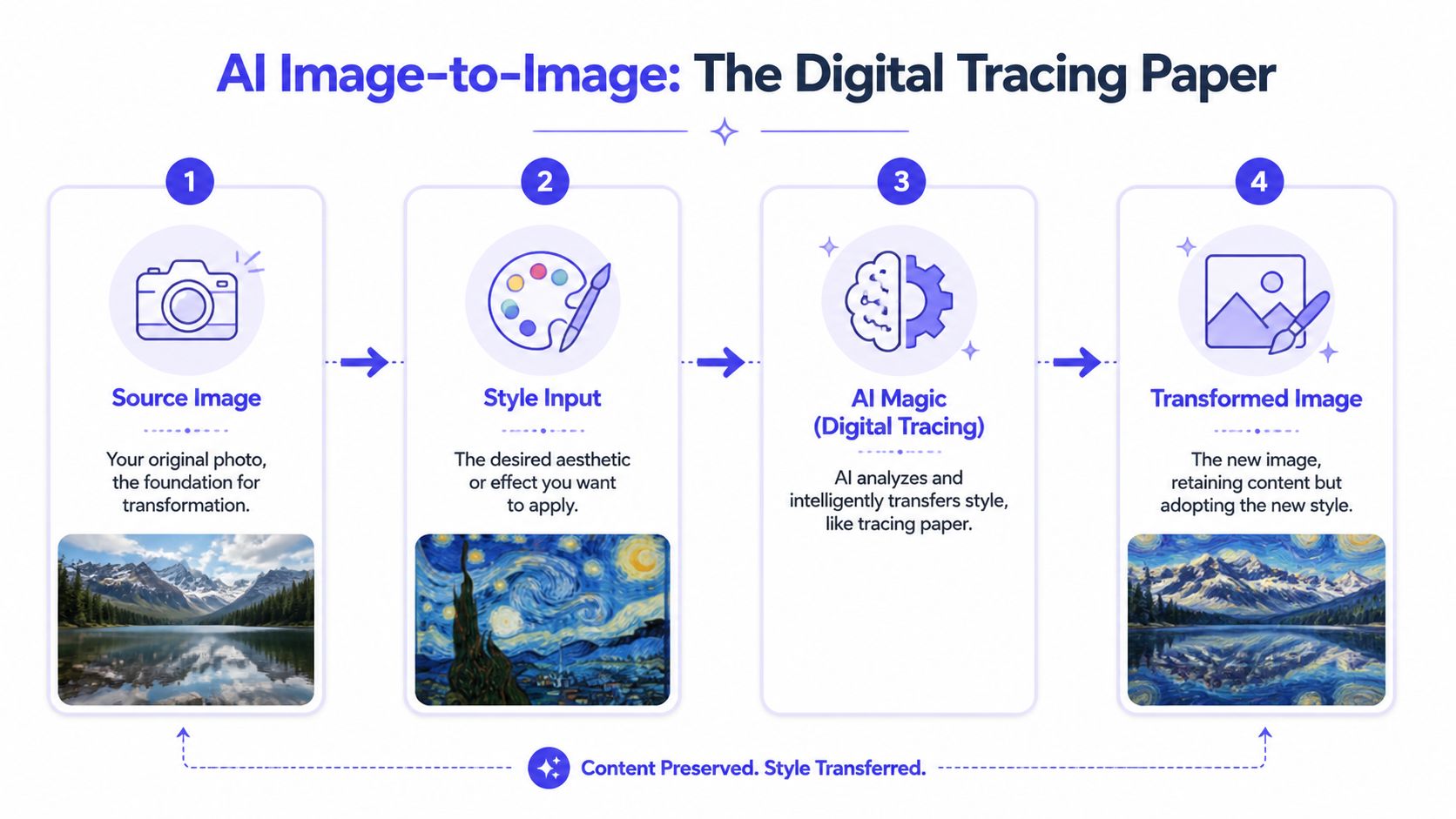
The simplest way to think about image-to-image AI is this. It’s like digital tracing paper.
The AI looks at one image for structure and another for visual change. Then it combines them into a new result. In fashion, that can mean keeping your pose and overall body image while changing the clothing appearance so you can preview the style.
The easiest mental model
A paper doll is a decent analogy. Your photo provides the person. The clothing image provides the garment idea. The AI tries to merge those in a way that keeps the scene coherent.
It doesn’t just paste one picture on top of another. It analyzes shapes, edges, and spatial relationships so the result looks more like a transformed image than a collage.
What the AI is actually paying attention to
For clothing previews, the AI has to make judgment calls. It needs to preserve enough of the original image to keep things recognizable, while changing the visible outfit details.
A good system usually pays attention to things like:
- Body position: Whether you’re standing straight, turned slightly, or leaning.
- Garment outline: Sleeves, neckline, hemline, jacket length.
- Surface details: Color, pattern, texture, and lighting.
- Scene consistency: Making the final image feel like one photo instead of two disconnected inputs.
The scale of AI image creation is already huge. Stable Diffusion accounts for roughly 80% of AI images created, and Midjourney has over 15 million users, according to Everypixel’s AI image statistics overview. That wide adoption is a big reason so many free tools now exist for everyday users.
Good image-to-image AI doesn’t replace the original photo. It reshapes it while keeping the visual logic intact.
Why fashion is a special case
Fashion makes image-to-image harder than many people expect. A chair, a mug, or a fantastical scene can tolerate weirdness. Clothing can’t. If a sleeve bends oddly or the fabric texture gets muddy, you notice immediately.
That’s why clothing try-on tools need more than generic image effects. They need a workflow tuned to garment visuals. If you want to see an example of a fashion-specific use case, this AI clothing try-on page shows how image-to-image AI gets applied to style previews rather than general art generation.
If you’re curious about the broader mechanics behind transformations like style transfer and visual edits, AI-powered image creation methods from AI Image Detector is a useful companion read.
Exploring Free AI Image to Image Options
The free tool range is broad, and it helps to sort it into a few buckets instead of treating every tool like it does the same job.
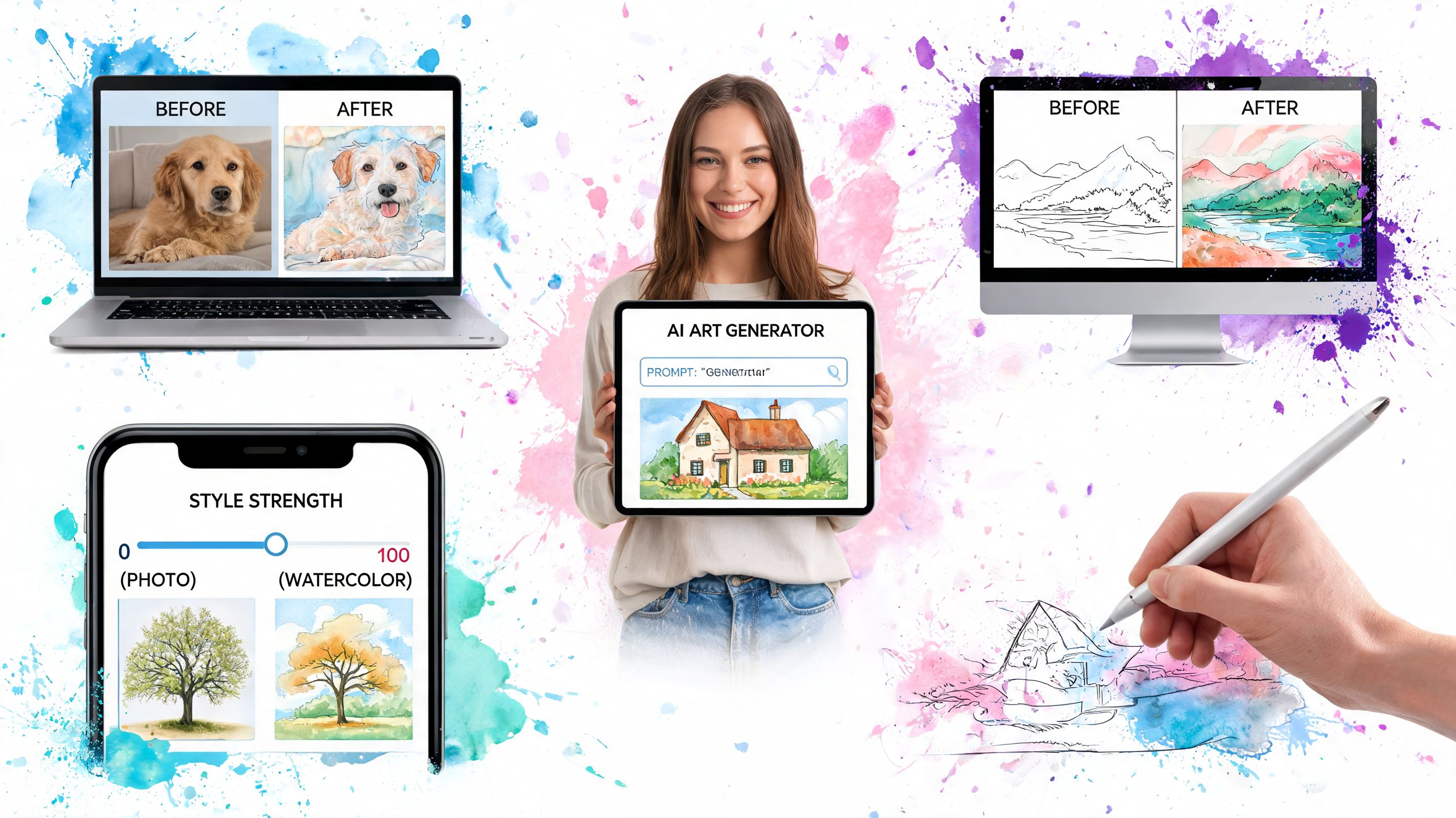
Some tools are built for artists. Some are built for quick experiments. A few try to fit into everyday browsing. That difference matters a lot when your goal is clothing visualization rather than abstract image play.
The three main types you’ll run into
| Type | What it feels like | Best for | Common friction |
|---|---|---|---|
| Open-source setups | More technical, more flexible | Tinkerers who want control | Setup time, prompt complexity |
| Free web demos | Fast to try in a browser | Casual experiments and quick edits | Upload limits, inconsistent results |
| Browser-based shopping tools | Built into browsing flow | Style previews while shopping | Quality depends on specialization |
Open-source systems can be powerful, especially if you like tweaking settings. But for most shoppers, they’re too much work for a simple question like “does this trench coat suit my style?”
Web demos are easier. You upload a picture, click generate, and get a taste of what image-to-image can do. These are fun for style transfer, aesthetic edits, or broad visual experiments.
Why free doesn’t always mean useful for clothes
Fashion creates a special test for free tools. A generic image transformer might turn a selfie into a painting, change lighting, or remix colors beautifully, yet still struggle with a cardigan from H&M or a flat-lay skirt from Vinted.
That doesn’t make those tools bad. It just means the category is mixed.
A quick way to evaluate any ai image to image free option is to ask:
- Does it work with shopping photos
- Can it handle clothing clearly
- Do I have to leave the site I’m browsing
- Does the result help me decide on style
Those questions cut through a lot of hype.
The Hidden Costs of Generic Free AI Image Tools
“Free” sounds great until the workflow gets clunky or the results don’t help you make a shopping decision.
That is the fundamental problem with many generic tools. The cost isn’t always money. Sometimes it’s your time, your confidence in the result, or your comfort with uploading personal photos into a system that feels vague about what happens next.
Clothing exposes quality problems fast
Generic AI tools often promise photorealistic output, but clothing is where those promises get tested hardest. A major gap is their inconsistent quality for fashion. They often fail to render fabric draping accurately, handle different body presentations cleanly, or preserve texture well during angle changes, as noted in Fotor’s discussion of AI photo angle changes.
That’s a big problem if you’re comparing satin, knitwear, oversized tailoring, or anything secondhand with imperfect photos. You don’t need a dramatic transformation. You need a believable preview of the style.
Friction adds up quickly
A lot of generic tools force you into a stop-start routine.
You find a clothing item. Download the image. Open another app. Upload the image. Upload your own photo. Adjust settings. Wait. Decide the result looks odd. Start over.
That might be fine once. It gets tiring when you’re checking multiple listings in one session.
The hidden price of a “free” tool is often workflow interruption.
For shopping, that interruption matters more than people think. If you lose momentum every time you want to test a look, you’ll stop using the tool.
The flat-lay problem most guides skip
Secondhand fashion creates one of the toughest challenges. A lot of listings show clothes laid flat on a bed, floor, or hanger. Generic tools often aren’t built with that input style in mind.
So the exact images shoppers need help with are often the ones these tools handle least gracefully.
If you want to see how camera-based try-on experiences differ from flat product-image workflows, this changing rooms camera page is a useful comparison point. The key difference is simple. Browsing images from real stores and resale listings demands a different kind of AI help than a generic photo effect app provides.
A Faster Safer Way to Visualize Your Style Online
You spot a great jacket while scrolling, tap into the listing, and want one simple answer right away. Would this suit you, or just look good on the model photo?
That question gets harder online than it should be. Fashion shopping moves fast, especially when you are comparing resale finds, trend pieces, and last-minute occasion outfits across different stores. A useful AI image to image workflow needs to keep up with that pace instead of pulling you into a separate editing project.
Why shopping-flow integration matters
A fashion-specific tool works more like a fitting room button than a general image editor. You stay on the product page, test the item, and keep browsing.
That difference matters because clothing photos are messy in actual scenarios. One item is shown on a model, the next is folded on a chair, and the next is hanging against a bedroom door. Generic tools can struggle with that mix because they were built for broad image transformations, not for the very specific job of turning a clothing photo into a believable style preview on your body.
A fashion-specific workflow that stays easy
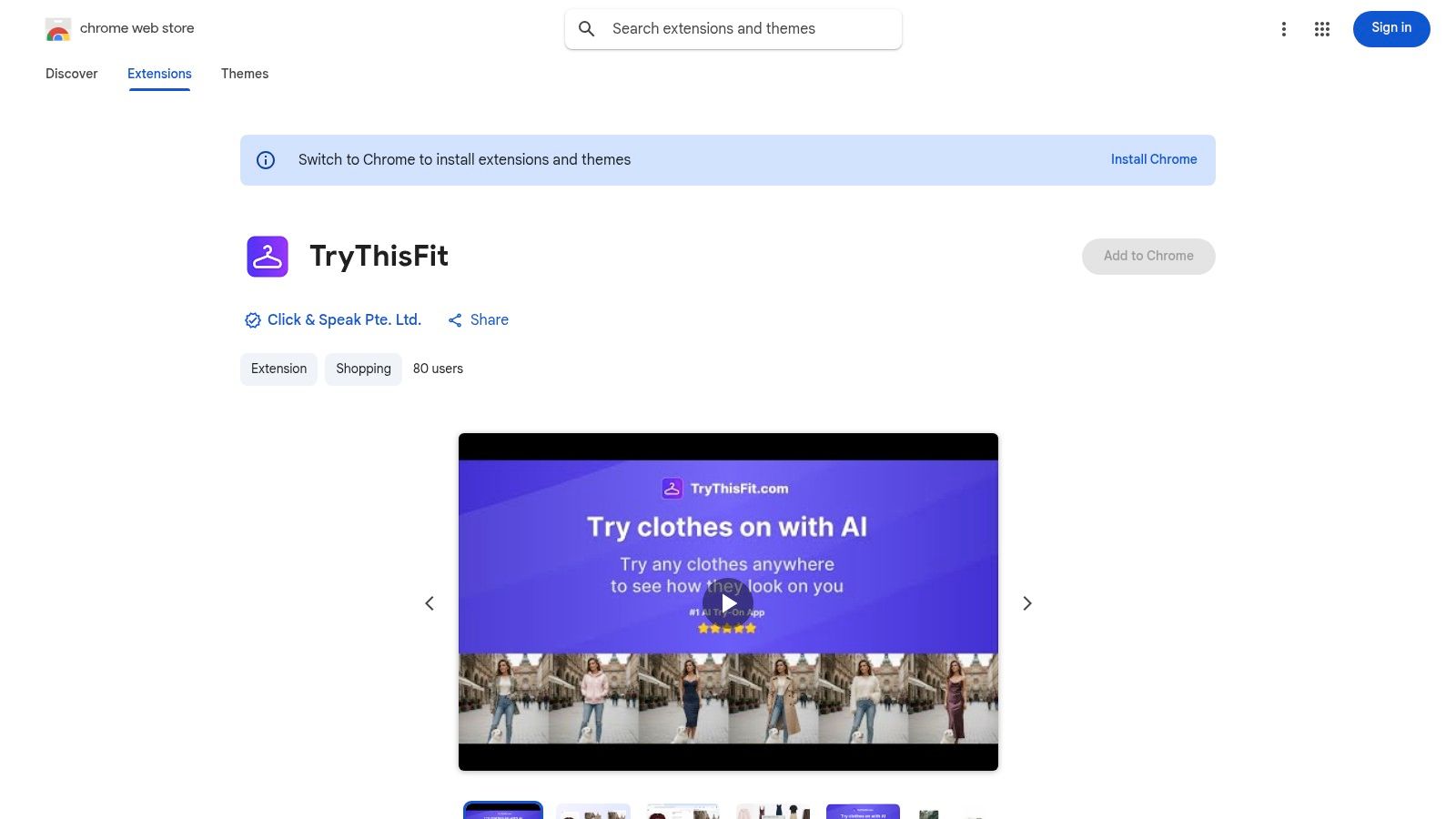
TryThisFit is built for that exact use case. It lets you preview clothing from shopping images on yourself, including the kinds of product and resale photos that make generic AI tools feel clumsy.
The practical benefit is speed. You do not have to keep saving screenshots, uploading them into another app, and repeating the same setup over and over. That makes a big difference when you are comparing several items in one session and trying to keep your eye on shape, proportion, and overall vibe.
It also helps to start with a clear photo of yourself. If you want better results, this guide on how to take a full-body picture for virtual try-on shows what kind of image gives the AI a cleaner canvas.
If you are curious about adjacent use cases in visual commerce, Glima AI’s guide to streamline product photography for footwear shows how specialized image workflows can solve category-specific shopping problems too.
For fashion, convenience decides whether you will actually use the tool.
Where this helps most
Some shopping moments benefit from this more than others:
- Resale browsing: Flat-lay and hanger photos can be hard to read at a glance, but a try-on preview makes the silhouette feel more real.
- Quick brand comparisons: Fast-fashion sites make everything look polished. A personal preview helps you judge whether the piece fits your style, not just the brand’s styling.
- Event and costume shopping: Visual impact matters fast, and you often want to test the look before worrying about every garment detail.
- Impulse control: Seeing the item on yourself can stop a weak purchase just as often as it confirms a good one.
The magic is simple. You stay in the flow of shopping, see the clothes on a version of you, and make decisions with more confidence and less friction.
Tips for Getting a Perfect Style Preview Every Time
You know that moment. You find a dress you love, the product shot looks promising, and then the preview lands somewhere between “close enough” and “what happened to the sleeves?” Good try-on results usually come down to one thing. Giving the AI clean visual ingredients to work with.
Fashion previews behave a lot like outfit draping on a mannequin. If the garment photo clearly shows shape, length, and edges, the result has a much better chance of looking believable on you. If the source image is crowded, cropped, or heavily styled, the tool has to guess.
For clothing images, flat-lay photos usually work best because they show the garment shape clearly. That gives the AI a cleaner starting point.
Start with the clearest clothing image you can find
A flat-lay image often beats a busy lifestyle shot for a simple reason. The garment is easier to read.
Choose the product photo with the cleanest outline and the least visual clutter. You want the sleeves, neckline, hem, and overall silhouette to be visible at a glance. Catalog shots with dramatic poses, layered jackets, handbags, or hair covering the shoulders can look stylish, but they often hide the exact clothing details the AI needs.
That matters even more in fashion than in general image editing. A generic image-to-image tool may treat the item like just another object in a scene. A clothing preview works best when the garment is the star.
Use a straightforward photo of yourself
Your own photo should be simple too. Clear lighting, a front-facing or slightly angled pose, and a full view of your body give the model a much better canvas for placing clothing naturally.
If your source photo needs work, this guide to taking a full-body picture for virtual try-on shows what kind of image tends to produce cleaner style previews.
A specialized try-on workflow can also preserve more of the garment’s visual character, which is especially helpful for prints, hemlines, and structure. Generic free tools may be fine for broad experimentation, but fashion previews need the clothing to stay readable.
Quick reminder: You’re using AI to preview appearance and styling. You’re not using it to confirm sizing or guarantee fit.
Small habits that improve results
A few habits can make a surprising difference:
- Choose simple backgrounds: Busy rooms, deep shadows, and clutter make it harder to separate you from the clothing.
- Prefer visible garment edges: If the product photo cuts off the hem, cuff, or shoulder line, the result can feel less convincing.
- Try a second product image: One angle may confuse the model, while another gives a much cleaner preview.
- Compare looks side by side: Often the main value is in seeing which silhouette, print, or vibe suits you best.
Here’s a good example of the kind of visual result shoppers usually want from a clothing preview.
If you want to see the process in motion, this walkthrough makes it easier to understand what a smooth try-on flow looks like during browsing.
<iframe width="100%" style="aspect-ratio: 16 / 9;" src="https://www.youtube.com/embed/D0SoqpUgp6E" frameborder="0" allow="autoplay; encrypted-media" allowfullscreen></iframe>Save the looks worth revisiting
The best style decisions are rarely made in one glance. It helps to compare a few previews, leave the tab, come back later, and see which look still feels like you.
That is especially helpful for occasionwear, resale finds, and trend-heavy pieces where the question is less “can I wear this?” and more “do I want this version of myself?” If you’re testing several outfits, keeping your results organized makes that comparison much easier on your saved try-on history page.
If you want a simple way to see how clothes look on you while you shop, TryThisFit lets you preview styles in the flow of browsing instead of bouncing between generic tools and extra tabs. You can use the main app without an account, or install the Chrome extension mentioned earlier for faster right-click try-ons.
Try Virtual Try-On Now
See how clothes look on you before you buy - works with any online store
Get Started Free