Full Body Shot Modeling Guide for Flawless Virtual Try-Ons
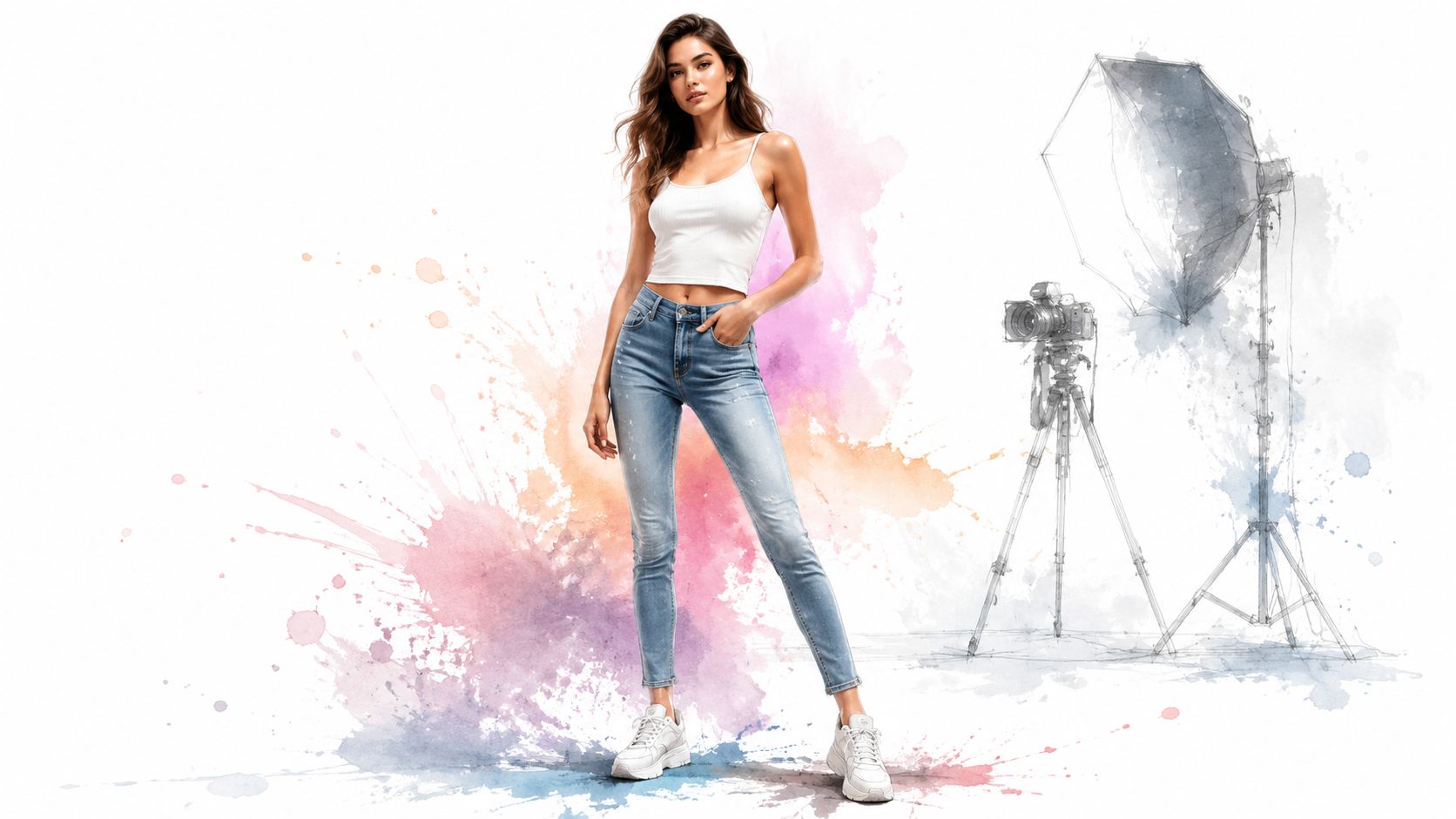
You're probably in one of two spots right now. You're either trying to update a modeling portfolio and keep realizing your current photos don't show your proportions clearly, or you're shopping online and getting stuck because a product page only shows the outfit on someone else.
That's where full body shot modeling earns its keep. A clean, well-shot full-length image helps an agency judge posture, proportions, and versatility, and it also gives virtual styling tools a much better base for showing how a look appears on your frame.
The demand for that kind of image isn't guesswork. In the global modeling industry valued at $13.3 billion in 2025, full-body shots are a mandatory portfolio standard for 58% of agencies reporting rising demand for broader representation across body types, ethnicities, and ages, according to this modeling industry summary. That same practicality carries into digital styling. If the body line is hidden, the preview usually is too.
Introduction to Full Body Shot Modeling
Full body shot modeling starts with clarity. When a booker, client, or casting director looks at a frame, they need to see your shape without visual noise, not a dramatic crop, not a slouched pose, not an oversized hoodie swallowing your silhouette.
Beginners often overcomplicate this. They chase dramatic locations, heavy edits, or trendy posing before they've nailed the one image that is most effective: a straightforward full-length frame with honest proportions and clean styling.
Why this shot matters
A strong full-body image does three jobs at once.
- It shows proportion: Torso length, leg line, shoulder width, and overall balance are visible fast.
- It shows posture: Even a simple stance reveals confidence, stiffness, or control.
- It shows styling discipline: Agencies and clients can tell when someone understands how clothes sit on the body.
Practical rule: If the viewer notices the background, camera gimmick, or edit before they notice your silhouette, the shot is working against you.
For shopping and digital previews, the logic is similar. If you want to visualize the style of a coat, dress, or costume on yourself, the base image has to show your body line clearly enough for the garment appearance to read naturally.
Preparing Your Space and Camera
Most weak full-body photos fail before the shutter clicks. The room is cluttered, the camera is too low or too close, and the subject blends into the background.
Start by clearing a shooting zone with enough space to stand naturally and step through a few poses without hitting furniture. Give yourself visible floor space, a plain wall if possible, and consistent light from one direction rather than random lamps from every corner.
Google's official guidance for virtual try-on asks for a “full-body image from head to toe” or a selfie with good lighting, a clean background, and hands visible and out of pockets, as stated in Google Shopping's virtual try-on help page. Even if you're not uploading anywhere, that's a solid baseline for good capture.
Build a reliable shooting area
A simple setup beats a fancy inconsistent one.
- Choose a clean backdrop: Plain white, gray, beige, or another non-distracting tone works well.
- Leave space around the body: Don't frame so tightly that your shoes or hair nearly touch the edge.
- Keep the floor visible: A little floor helps the viewer read stance and alignment.
Camera placement that works
Waist-level framing remains the safest starting point for most portfolio shots because it keeps proportions believable. Put your camera or phone on a tripod, straighten it, clean the lens, and avoid digital zoom.
If your only option is a phone, step back instead of pinching in. Distance usually improves the look of full-length photos because it reduces the exaggerated perspective that makes hands, feet, or hips look larger than they are.
A good full-body frame feels neutral first. Style comes after the body reads clearly.
Quick pre-shot checklist
| Check | What to look for |
|---|---|
| Framing | Head to toe is visible |
| Background | No clutter, no harsh distractions |
| Hands | Visible, relaxed, not stuffed into pockets |
| Lens | Clean and free of fingerprints |
| Quality | Use RAW or highest-quality JPEG if available |
Mastering Poses and Angles
Good posing in full body shot modeling isn't about doing more. It's about removing tension and keeping the body readable from head to toe.
The fastest fix for beginners is to stop pressing the arms flat against the torso. Once the arms disappear into the waistline, the silhouette collapses and the image loses shape.
Start with clean poses
Begin with neutral positions that keep the lines open.
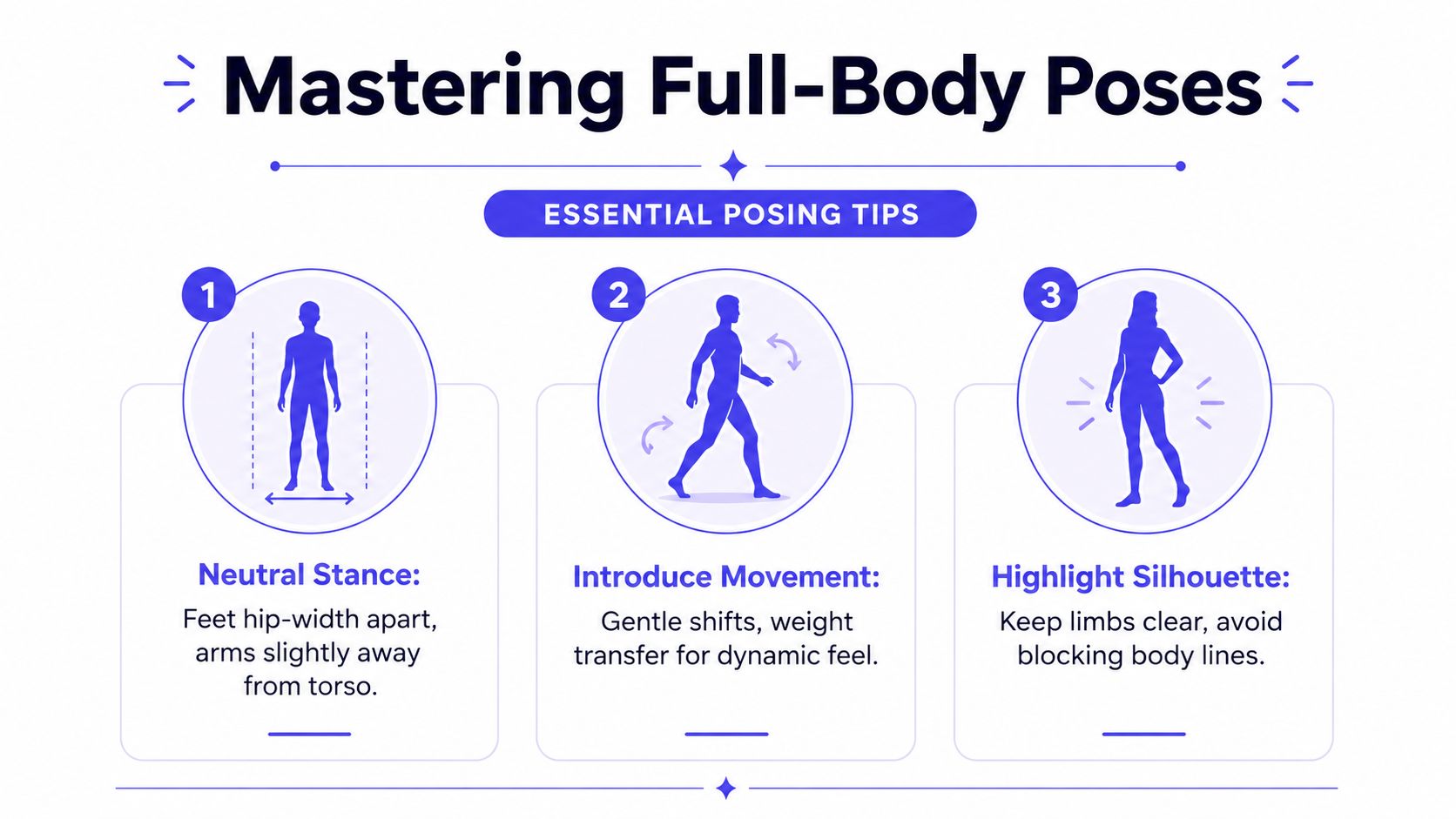
- Neutral stand: Feet about hip-width apart, shoulders relaxed, chin level.
- Arms slightly away from the torso: This creates visible separation at the waist.
- Weight shift: Put a little more weight into one leg so the stance doesn't look rigid.
If you want more examples of body-aware presentation, this guide on how to model clothes well in photos is useful for understanding what makes garments read cleanly on camera.
Use movement without losing control
Static doesn't have to mean stiff. A half-step forward, a gentle turn through the hips, or a mid-walk frame can make the image feel more natural.
The key is keeping the limbs readable. Don't cross them unless you're intentionally making a fashion image rather than a practical one.
One angle worth testing
A common approach involves shooting full length from waist height and stopping there. That works, but one less-used option deserves attention.
The Lens Lounge notes that low-angle knee-height shooting at roughly 45 degrees upward can elongate the legs without distortion, a useful approach for both stronger portraits and cleaner garment visualization, as described in this full-body portrait guide. Use it as a variation, not your only setup.
When a pose feels awkward in your body, it usually looks awkward in the frame.
Setting Up Lighting and Camera Settings
Lighting decides whether your full-body shot looks polished or accidental. Even great posing falls apart when the face is dark, the clothes throw glare, or the background is brighter than the subject.
For most indoor work, simple controlled light beats overhead room light every time. I'd rather use one window and one soft source than a ceiling fixture that carves shadows under the eyes and chin.
A practical lighting layout
A basic three-point setup gives you shape without making the image look harsh.
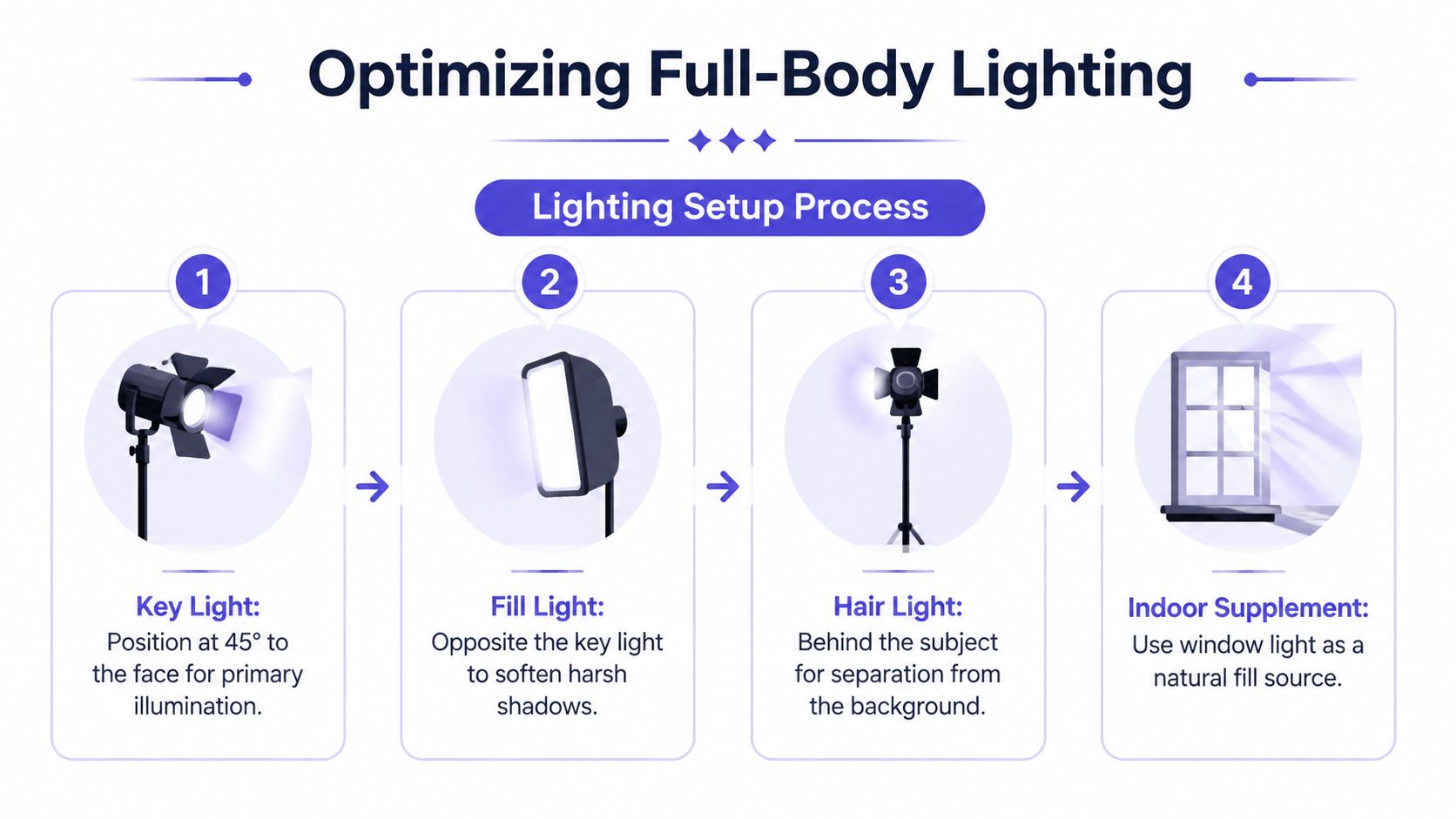
- Key light: Place it about 45 degrees off the face for your main illumination.
- Fill light: Put it on the opposite side to soften strong shadows.
- Hair or rim light: Add it behind the subject if you need separation from the background.
- Window support: If you have natural light, use it as a soft supplement instead of fighting it.
For clothing-specific image prep, photo tips for clothes that read well on AI try-on tools can help you avoid the common mistakes that make garments look muddy or misshapen.
Clothing texture matters under light
Some garments behave badly on camera. Reflective fabrics can kick back hot spots, and very dark light-absorbing clothing can lose detail.
According to Agisoft's capture guidance, light-absorbing or reflective clothing severely degrades mesh accuracy, while irregular textures like knitting or denim improve texture fidelity and help prevent reconstruction failures that can exceed 40% in some automated workflows, as explained in these full-body scanning capture tips. Even if you're not building a 3D model, the same principle applies. Texture helps the image read.
Camera settings to keep simple
Use settings that protect detail and consistency.
| Setting | Practical choice |
|---|---|
| ISO | Keep it low to avoid noise |
| Shutter speed | Fast enough to stop micro-movement |
| Aperture | Moderate so the whole body stays sharp |
| White balance | Set it manually if the light is mixed |
Don't over-edit your exposure in camera. It's better to keep highlights under control and lift shadows later than to lose detail in skin or fabric.
Selecting Wardrobe and Backgrounds
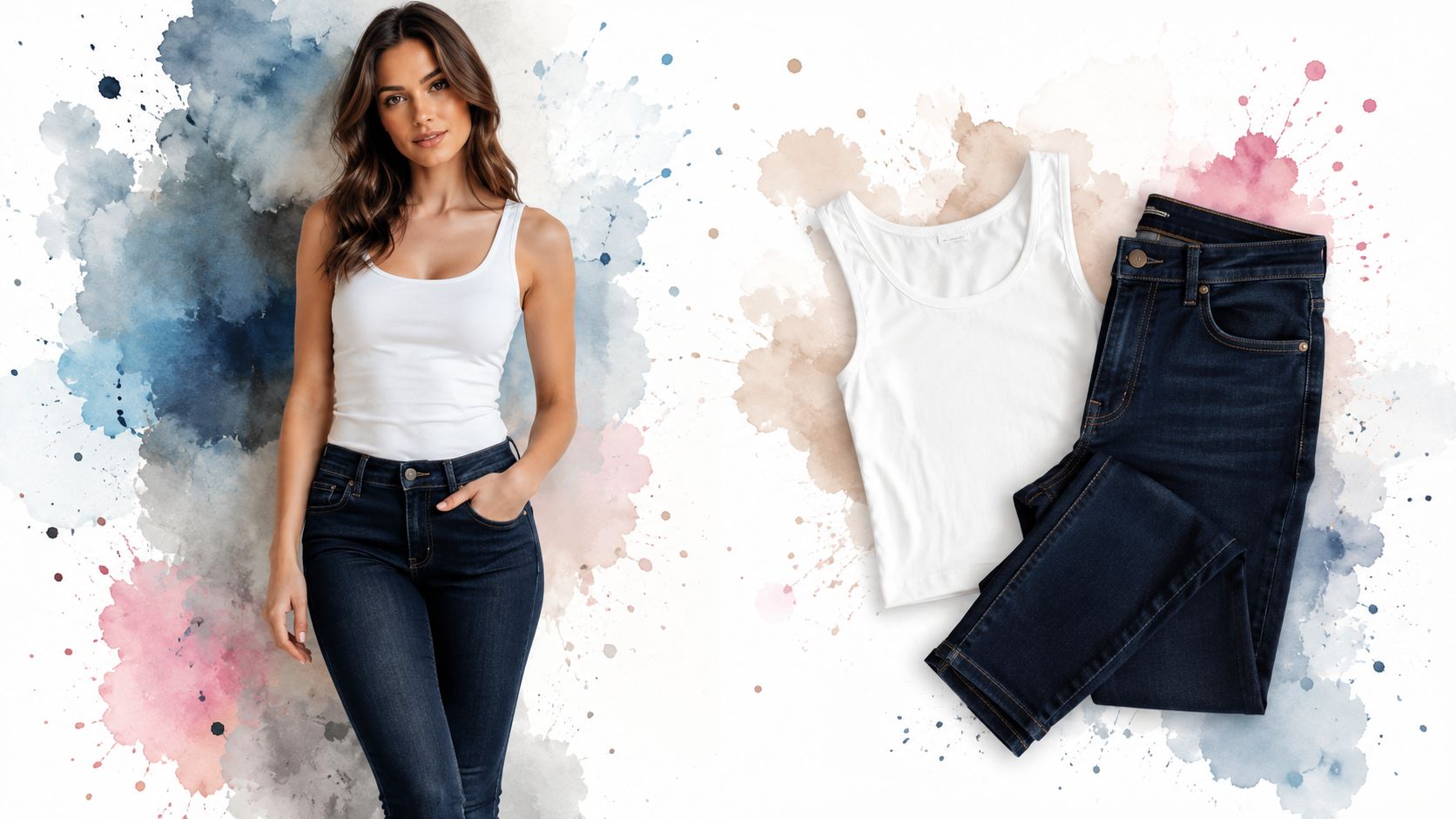
Wardrobe choices either clarify the body or hide it. For full body shot modeling, fitted basics usually win because they show line, posture, and proportion without distraction.
Think slim jeans, a tank, a clean tee, a simple dress, or a structured jacket. The goal isn't to look plain. The goal is to make the body easy to read.
What works better than baggy styling
Loose clothing has a place in editorial work, but it's a poor default when you need accurate body presentation. Oversized layers can make leg length, waist position, and shoulder shape harder to judge.
A cleaner approach looks like this:
Background and clothing should separate
Don't put a black outfit on a dark wall and expect definition. Pick a backdrop that contrasts with the garment enough to keep the outline obvious.
- Light outfit: Use a medium or slightly darker background.
- Dark outfit: Use a lighter neutral wall or continuous paper.
- Busy print: Keep the background extra quiet so the print doesn't compete.
For garment-only images
When the goal is virtual styling rather than a portfolio image, garment presentation changes. TryThisFit's guidance says the most accurate results come from flat-lay orientation, with clothes laid flat or on a hanger against a neutral background, because other presentations can distort the final appearance, according to its Chrome extension explainer.
That matters when you want to preview the appearance of a dress, coat, or costume before buying. A clean garment image gives the style a much better chance of reading correctly.
Executing Shoots with TryThisFit Integration
A strong full-body session often comes down to speed under control. The model is holding posture, the clothes are sitting correctly for a few seconds, and small shifts in chin angle or foot placement can change the whole frame. Work fast, but keep the variables tight.
Once the setup is dialed in, shoot a short series with a clear purpose. Start with a clean front-facing frame, then a slight turn, a side profile, a walking shot, and one lower-angle variation. That set usually gives enough range for a portfolio selection and a reliable base image for virtual try-on.
A smooth capture workflow
Use a repeatable order so your best frame is easy to identify later.
- Lock your base frame: Mark the floor position and leave the camera where it is.
- Shoot in short bursts: Minor changes in shoulders, hip line, and hand position often make the difference.
- Check silhouette before expression: If the body line is unclear, the shot will be weak for both casting and try-on use.
- Choose one anchor image: Keep one neutral, balanced full-length shot as your reference file.
That anchor image does more work than people expect.
After the shoot, a clean full-length photo makes the digital styling step far more useful. For portfolio use, it helps you compare posture, proportion, and garment fit across looks. For shopping, it gives you a realistic base to test clothes without guessing how a retailer's product shot might translate to your body.
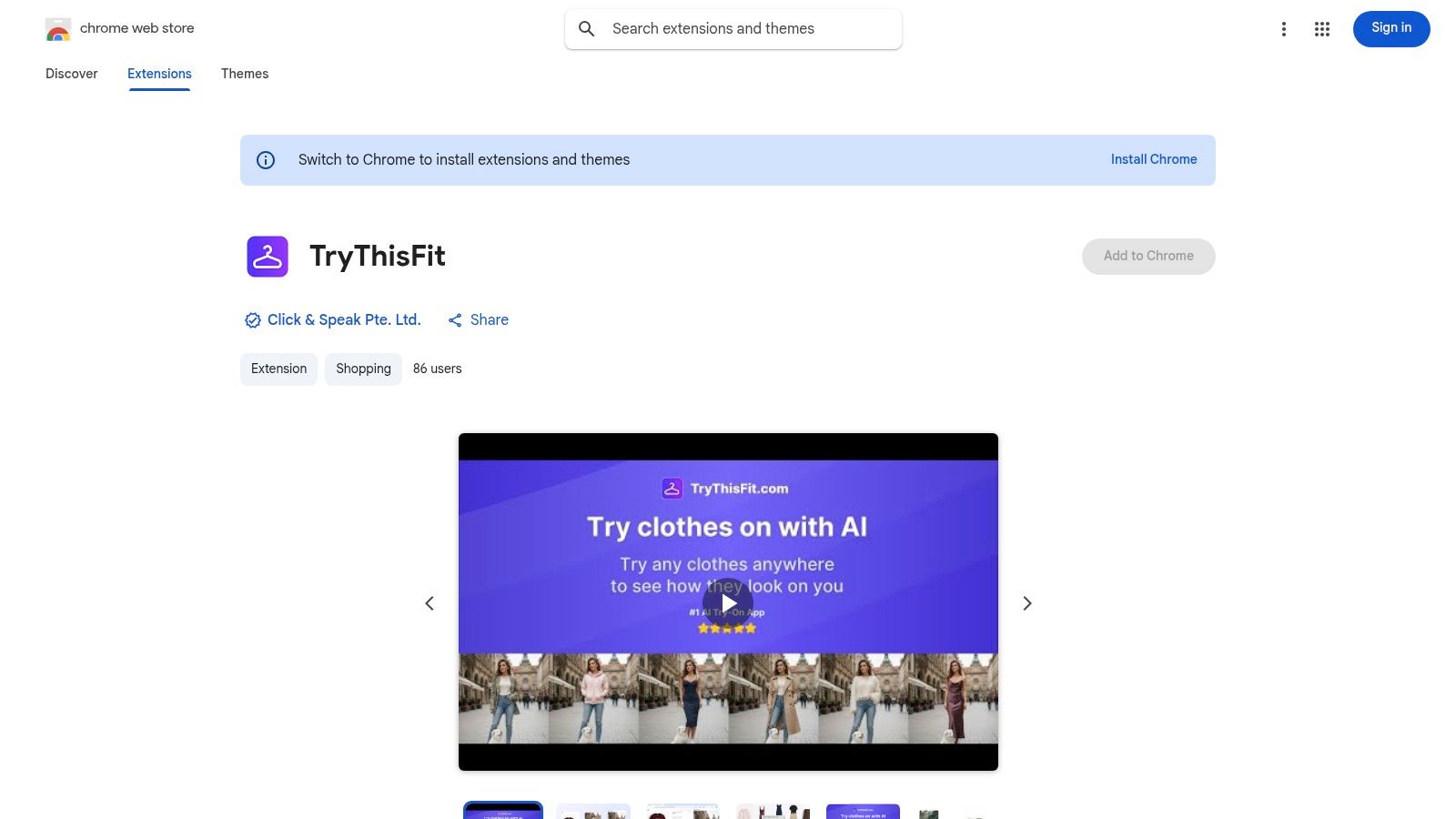
If you want to test outfit options after the session, upload your best neutral frame to TryThisFit's virtual try-on tool and pair it with a clear garment image. This works especially well for practical decisions like comparing dress lengths, checking whether a coat shape overwhelms your frame, or previewing secondhand finds before you commit.
The trade-off is simple. A more polished portfolio image can include movement, mood, or a stronger angle. A try-on base image should stay straighter and more neutral so the clothing reads correctly. Shoot both if you need both.
For marketplace shopping, especially on Amazon, use a descriptive route like browse fashion options on Amazon so you can compare styles more efficiently as you shop.
The Chrome extension makes that process easier during day-to-day browsing. It works across retail sites and lets you preview product images against your photo without building a separate folder of screenshots first. If you want that workflow, the TryThisFit Chrome extension is available.
A short demo makes the workflow clearer:
<iframe width="100%" style="aspect-ratio: 16 / 9;" src="https://www.youtube.com/embed/Kc7xo710I2U" frameborder="0" allow="autoplay; encrypted-media" allowfullscreen></iframe>Field note: Base photos fail for predictable reasons. Crooked stance, clipped feet, messy background, or hands covering the waist will all make outfit comparisons less trustworthy.
That speed matters most when you are sorting through volume. A vintage coat on a resale app, an event outfit from a fast-fashion retailer, and a last-minute costume can all look plausible on the product page. A clean full-body photo plus quick try-on preview helps narrow those options before you spend money or time on returns.
Editing Workflow and Final Tips
Editing should clean the image, not reinvent it. Straighten the frame, crop excess background, correct exposure, and keep skin and garment color believable.
Lightroom and Capture One both handle this well. A small contrast adjustment can sharpen the silhouette, but heavy presets usually hurt more than they help because they shift fabric tones and make the image less reliable for styling decisions.
Keep the final file practical
A polished export usually follows a simple standard.
- Straight horizon: A slight tilt makes a full-length body look off-balance fast.
- Natural color: Don't let a preset turn white fabric blue or skin orange.
- High-resolution JPEG: Easy to upload, review, and reuse.
Final checks before you keep or upload
Review the image on more than one screen if you can. What looks clean on a bright phone may show background distractions or odd color on a laptop.
If the full-body line reads clearly, the pose looks relaxed, and the clothing isn't swallowing the body, you've done the hard part. That one disciplined shot can support casting submissions, cleaner social posts, and far better style previews when you shop online.
If you want to turn a strong full-length photo into fast outfit previews, try TryThisFit. You can use the main app to see how clothing looks on you, check saved looks in your try-on history, or install the free Chrome extension in seconds for right-click try-ons on Zara, H&M, Amazon, Shein, Vinted, Depop, and more. It's a simple way to preview the appearance of outfits, find your style faster, and cut down on guesswork before you buy.
Try Virtual Try-On Now
See how clothes look on you before you buy - works with any online store
Get Started Free