Virtual Try on Reading Glasses: Find Your Perfect Pair

Online shopping for reading glasses usually starts with excitement and ends with tab overload. One pair looks polished, another looks artsy, a third looks like it belongs on someone much cooler than you, and suddenly you're trying to guess your face from a product thumbnail.
That's why virtual try on reading glasses has become such a useful part of buying eyewear online. Instead of wondering whether a frame will look sharp, soft, bold, or overwhelming, you can preview the appearance on your own face and narrow your choices fast.
See Your New Look Before You Buy
A good virtual try on turns a vague hunch into something visual. You stop asking “maybe?” and start reacting to what you see. A translucent blush frame might brighten your face. A heavy black rectangle might feel too strict. A rounded tortoiseshell pair might surprise you in the best way.

Why this became normal so quickly
Virtual try-on for eyewear became a mainstream retail capability in the late 2010s and accelerated significantly during the pandemic. Major retailers like Warby Parker, LensCrafters, and Target Optical now treat it as a standard part of digital eyewear shopping rather than a novelty.
That shift matters because glasses are unusually visual. You're not just buying an accessory. You're buying something that sits in the center of your face and changes your whole vibe.
What it helps you decide
Virtual try on reading glasses is best when you use it for style choices like:
- Shape: square, round, oval, cat-eye, browline
- Color: crystal, tortoise, black, navy, berry, clear
- Visual weight: delicate wire frames versus thicker acetate
- Overall personality: quiet, bookish, polished, playful, dramatic
Practical rule: Use virtual try-on to judge how frames look on you, not to make assumptions about exact optical measurements or comfort.
One of the smartest things about modern eyewear shopping is that it lets you try styles you might skip in person. People often reach for the same safe frame shape every time. On screen, with no sales pressure and no awkward mirror moment, it's easier to test something unexpected.
The biggest win is confidence
The best pair usually isn't the one that looked nicest floating on a white background. It's the one that works with your features, your coloring, and your style.
This is its appeal. Virtual try on reading glasses gives you a fast visual filter, so you can spend less time guessing and more time finding the pair that suits you.
Preparing for Your Virtual Fitting
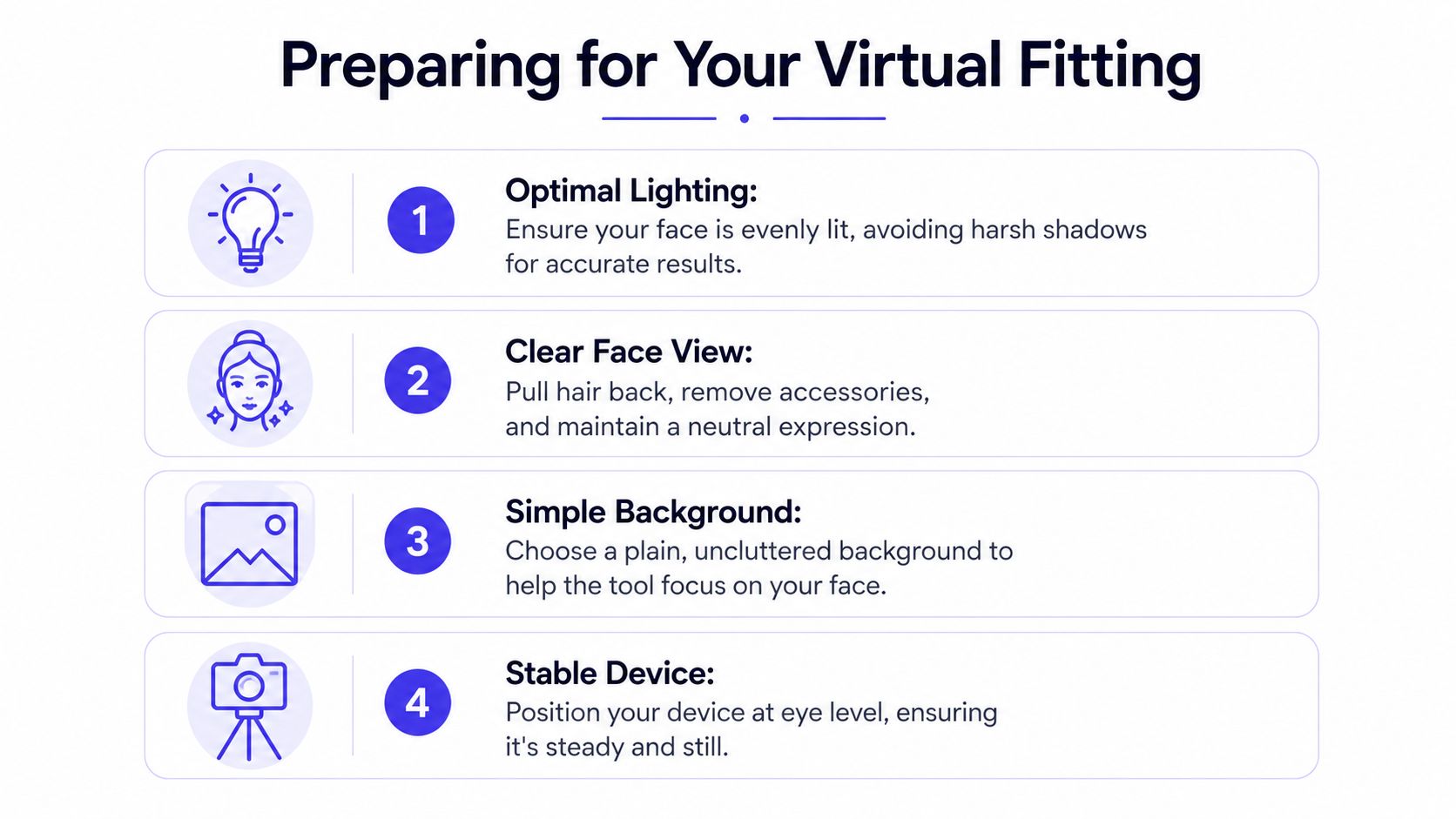
A better preview starts before you tap the camera button. If the lighting is bad or your face is partly hidden, even a strong tool can give you a weird result.
Set up your face like a clean canvas
Pull your hair back if it covers your temples or cheeks. Take off your current glasses. Keep your expression neutral so the frame overlay lands where it should and doesn't compete with a tilted smile or raised eyebrows.
Soft daylight is usually the sweet spot. Face a window if you can, and avoid overhead lighting that drops shadows across your eyes and nose bridge.
Small prep steps that improve the preview
A few details make a big difference:
- Use eye-level camera placement. If the phone is angled up from your lap, the frames can look distorted.
- Choose a plain background. A busy room can distract both you and the tool.
- Stay still for the first read. Once the preview locks in, then turn your head slowly.
- Upload a clear photo if live mode struggles. A sharp, front-facing image often gives a cleaner result than a dim webcam.
If you've ever used a style preview for accessories, the same logic applies. A neat setup gives the software a better shot at placing things convincingly. That's also why tools for other categories, like this virtual hat try-on guide, work best when the face is clear and evenly lit.
Clean input creates a cleaner preview. If your first result looks off, fix the lighting before you blame the tool.
One thing not to use it for
Expert guidance is clear on one point. Virtual try-on is excellent for style and aesthetics, but it shouldn't be used for a precise pupillary distance measurement. Lensmart's guidance on virtual try-on glasses recommends using VTO to choose a frame you love, then measuring PD separately before ordering prescription lenses.
That distinction matters. The app can help you see the look. It can't replace the measurement work needed for prescription accuracy.
Using Built-In Virtual Try On Tools
Most major eyewear sites have made the process pleasantly simple. If a retailer offers virtual try on reading glasses, the button is usually right on the product page and sometimes on collection pages too.
What the usual flow looks like
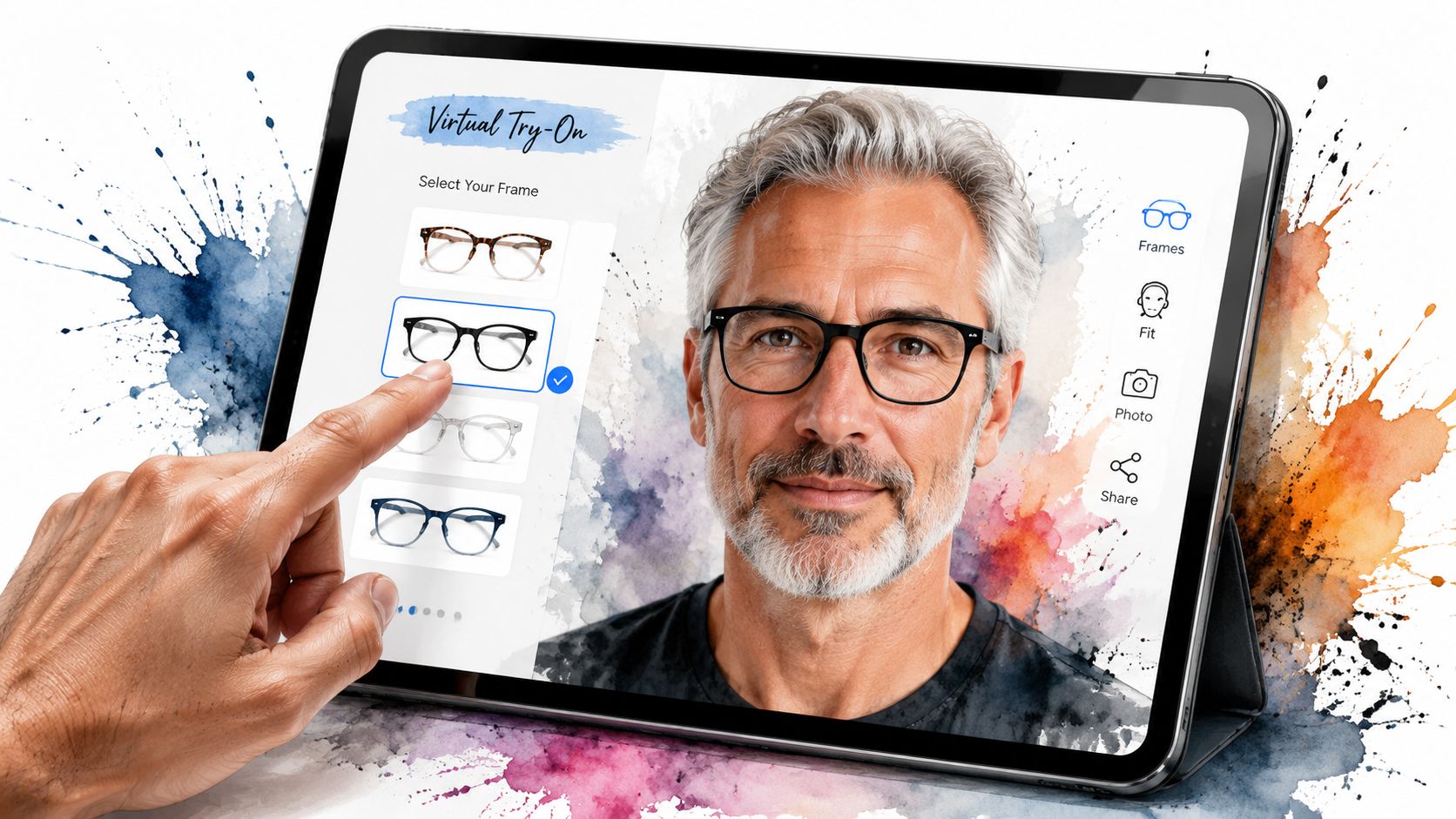
You pick a frame, tap something like “Virtual Try-On,” and give the site camera access. Some stores also let you upload a photo instead, which is handy if you want a calmer side-by-side comparison.
Then the fun part starts. You can switch colors, compare shapes, and see how the frames move with your face. On the better tools, the overlay tracks your head in real time, so the preview feels much closer to a mirror than an old pasted-on image.
Why this works so well for shoppers
The whole point is to reduce hesitation. Fittingbox's discussion of eyewear virtual try-on describes that lower-friction approach clearly, and brands like ReadingGlasses.com push the idea further by advertising try-on on any device with no app or signup needed.
That convenience changes behavior. Instead of bookmarking ten pairs and promising yourself you'll come back later, you can make a visual decision in the moment.
Here's what built-in tools tend to do especially well:
- Fast elimination: you can reject a shape instantly if it throws off your proportions
- Color testing: frame colors that seem subtle on the page can look very different against your skin tone
- Style comparison: you can move between classic and adventurous options without resetting your whole search
What to look for on the page
Not every retailer labels the feature the same way. Scan for terms like:
| What you might see | What it usually means |
|---|---|
| Virtual Try-On | Live camera or uploaded-photo preview |
| Try On in 3D | More immersive tracking and angle changes |
| Virtual Mirror | A mirror-style style preview |
| See on Your Face | Usually the same idea with simpler branding |
If you want to experiment outside dedicated eyewear stores, a broader virtual try-on tool can also help you preview style visually across categories.
Built-in VTO is at its best when you're narrowing options, not when you're trying to answer every buying question at once.
The sweet spot is quick visual sorting. Open a few likely candidates, compare them in the same sitting, and save screenshots of your top contenders before the styles start blending together.
Your Secret Weapon for Any Shopping Site
Built-in VTO is great when a retailer offers it. The problem is that plenty of interesting reading glasses live on sites that don't.
That includes marketplace listings, smaller boutique shops, and broad retail sites where the product image is all you get.
When the store gives you no try-on button
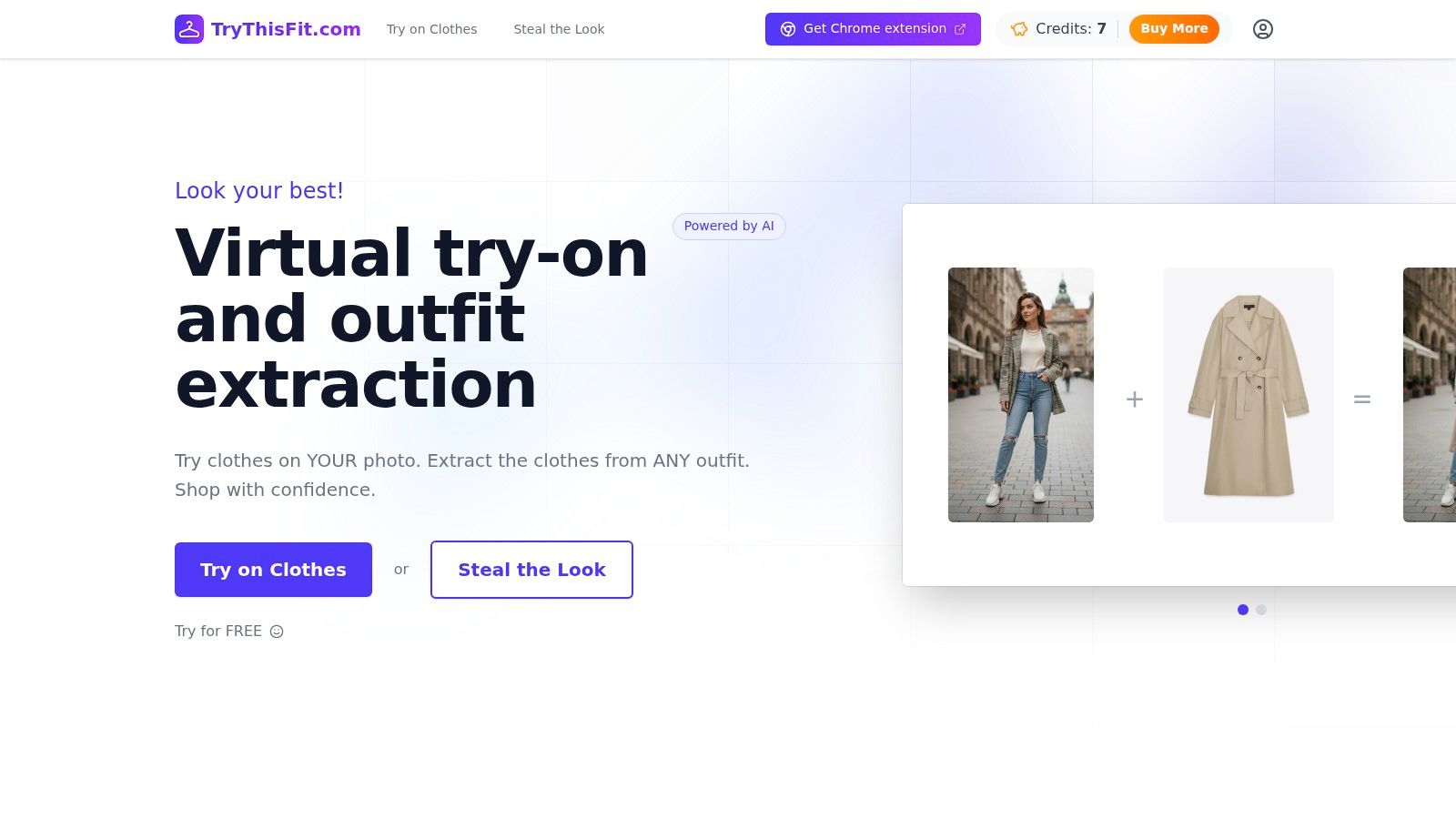
A universal tool becomes valuable. Instead of staying limited to whatever a retailer built into its product page, you can use a browser-based method to preview how an item looks from almost anywhere you shop.
That matters most when you're browsing places like Amazon eyewear listings, secondhand marketplaces, or smaller brands with beautiful frames but no virtual mirror. Style discovery shouldn't stop just because the site is basic.
Why visual preview changes online shopping behavior
Visualization isn't just a gimmick. One industry report says Shopify Plus merchants have seen conversion rates improve by up to 250% when shoppers interact with AR and 3D models. That stat comes from a broader AR and 3D commerce context, but the logic applies cleanly to reading glasses too. People buy faster when they can picture the look.
A universal browser tool is especially useful for three situations:
- Secondhand finds: one-off frames on resale platforms don't usually come with polished try-on tech
- Retailer comparison: you can keep your style judgment consistent across multiple stores
- Impulse discoveries: when you stumble onto a great frame, you can preview it instead of guessing
If you want the browser workflow, this guide to using the Chrome extension shows how the right-click process works.
A quick demo makes that much easier to picture:
<iframe width="100%" style="aspect-ratio: 16 / 9;" src="https://www.youtube.com/embed/2mQ02JfHNlM" frameborder="0" allow="autoplay; encrypted-media" allowfullscreen></iframe>What works best when you use a universal tool
The strongest results come from clean product images. For accessories and apparel tools generally, flat product shots tend to be easiest for the software to interpret visually.
That doesn't mean lifestyle photos are useless. It just means you'll usually get a tidier appearance preview from a straightforward product image than from a dramatic editorial angle.
The universal approach is less about perfect simulation and more about unlocking more places to shop with visual confidence.
If you love hunting for unusual frames, that flexibility is a big deal. You're no longer restricted to the handful of eyewear sites with dedicated VTO. You can explore more, compare more, and still make a visually informed choice.
Pro Tips for Choosing the Perfect Frames
Once the tech has shown you the options, taste takes over. Virtual try on reading glasses then ceases to be solely a convenience tool, transforming into a styling tool.
Use contrast, then break the rule if it looks good
A simple starting point is contrast. Rounder faces often look great with sharper, more angular frames. Stronger jawlines can look excellent in softer round or oval shapes.
But those are guidelines, not commandments. If a bold geometric frame lights up your whole face, trust your eyes more than the chart.
Check proportion before color
A lot of shoppers obsess over tortoise versus clear versus black before checking the bigger issue, which is scale. If the frame dominates your features, the prettiest color in the world won't save it.
Look for these visual cues:
- Eye placement: your eyes should sit nicely within the lens area, not too cramped or oddly low
- Frame width: the glasses should look balanced with your face, not stretched far beyond it
- Brow harmony: some frames look best when they follow the line of the brows rather than fighting them
Reading glasses need one extra layer of judgment
This is the part many guides skip. A key question with reading glasses is not just style, but how the frame behaves during near-vision use.
ReadingGlasses.com's virtual try-on page highlights an important gap. Most tools are good at general frame preview, but few simulate the functional positioning of reading glasses, especially for half-readers or the angle you use when looking down at text.
So use VTO for what it does best. Confirm the style, shape, and visual feel. Don't expect it to guarantee comfort during prolonged reading or screen work.
A beautiful preview can still leave open questions about reading posture, lens height, and all-day ease.
That's not a flaw in the concept. It's just the real trade-off. Style can be previewed well. Functional reading behavior still needs a little judgment.
Next Steps After Your Virtual Try On
Once you've narrowed it down, pause before checkout. A stylish preview is useful, but the final purchase still deserves a quick reality check.
Your short pre-buy checklist
- Review the return policy: this is your backup plan if the pair looks better on screen than in daily life
- Confirm your prescription details: especially if you're ordering anything beyond simple non-prescription readers
- Verify your PD separately: if prescription lenses are involved, don't rely on the style preview for that
- Revisit your saved finalists: compare your top two or three when you're fresh, not after an hour of scrolling
If you took screenshots during your try-ons, look at them side by side. The best choice usually becomes obvious once the noise of browsing is gone.
You've already done the hard part. You've seen the style, ruled out the maybes, and found the pairs that suit your face.
Try visual shopping beyond eyewear with TryThisFit, an AI try-on app that lets you preview how items look on you in seconds with no account needed. For faster browsing, install the free Chrome extension, which adds a right-click try-on option on shopping sites and installs in a couple of seconds. If you want to revisit past looks, open your saved try-on history and compare styles before you buy.
Try Virtual Try-On Now
See how clothes look on you before you buy - works with any online store
Get Started Free