Master Zara Shopping Online: Your 2026 Expert Guide
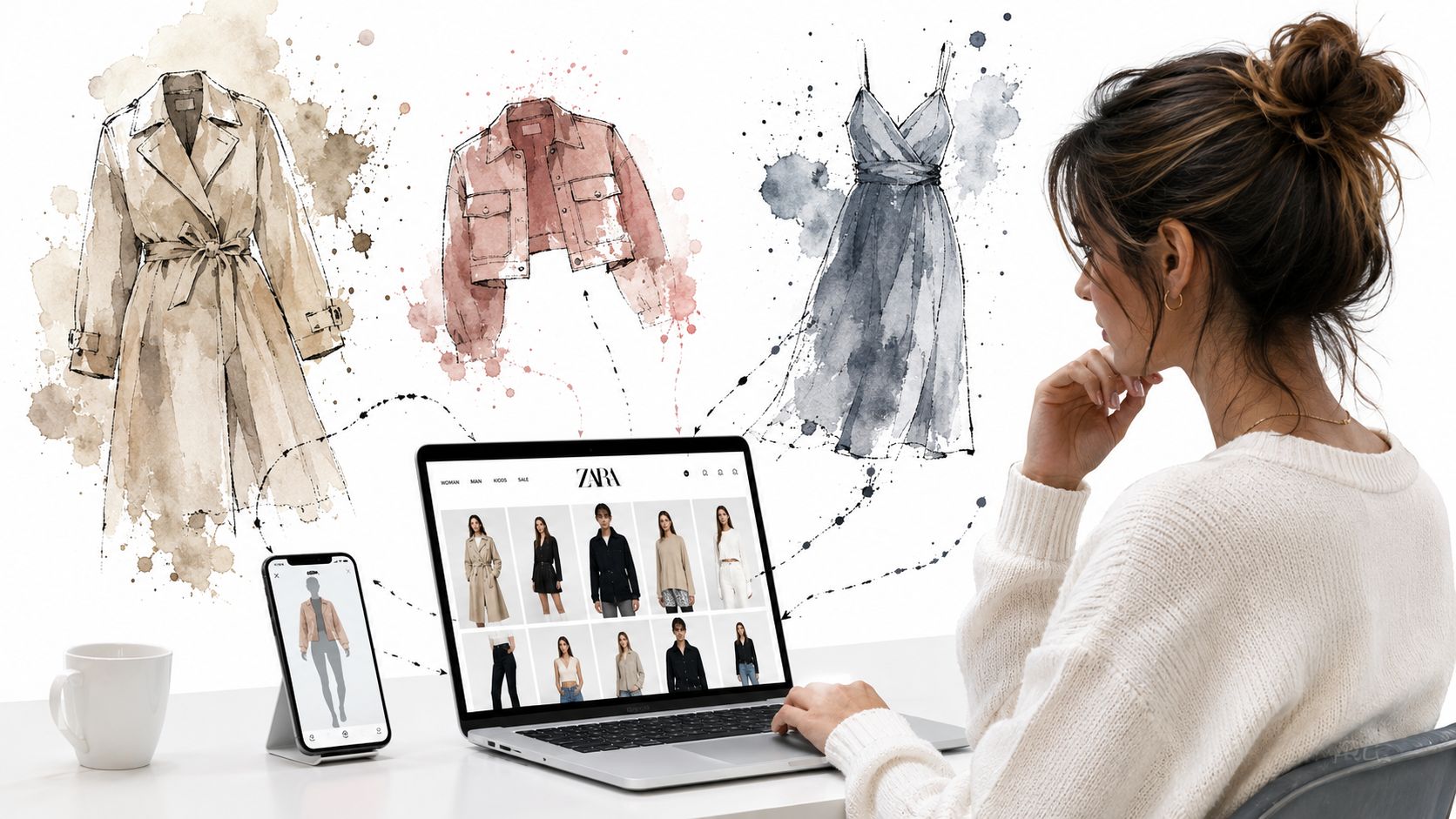
You've done this before. You open Zara, add a blazer, a dress, maybe a pair of trousers, then stop with that familiar question: will this look good on me, or just good on Zara's model?
That's the core tension in Zara shopping online. The site makes style feel immediate and disposable, but your money, time, and returns queue aren't disposable at all. You don't need another generic guide telling you where the cart icon is. You need a sharper way to decide what deserves a place in your haul.
The Thrill and Doubt of a Full Zara Cart
A full Zara cart creates a very specific kind of optimism. The pieces look polished, the styling is strong, and suddenly you're convinced this cropped jacket or satin skirt is exactly what your wardrobe was missing.
Then the doubt shows up.
You start zooming into product photos, flipping between color options, checking the fabric composition, and trying to decode whether the item will look sleek, awkward, oversized, or just flat on your own body. That gap between the screen and the mirror is where most bad buys happen.
Zara is built for speed. It's the flagship fast fashion brand of Inditex, founded in 1975 in Arteixo, A Coruña, Spain, and it sells clothing, accessories, beauty products, and perfumes through a massive global online operation. That scale is obvious when you shop the site. Newness is constant, choice is endless, and hesitation gets expensive fast.
To put it in perspective, Zara's online platform hit a peak of nearly 102 million web visits in a single month in 2024, which shows how many people are dealing with this exact style gamble every day, according to Statista's Zara traffic data.
You're not bad at online shopping. You're reacting to an incomplete picture.
That's why the usual advice falls short. “Check the size guide” is useful, but it doesn't answer the only question that matters when you're staring at a nearly-finished checkout: do I like how this style will look on me?
A smarter Zara routine starts with navigation, but it can't end there.
Mastering the Zara Website Like a Pro
Zara's site rewards shoppers who move with intent. If you browse passively, you'll drown in options. If you use the site like a tool, you'll spot stronger pieces faster and skip a lot of mediocre impulse buys.
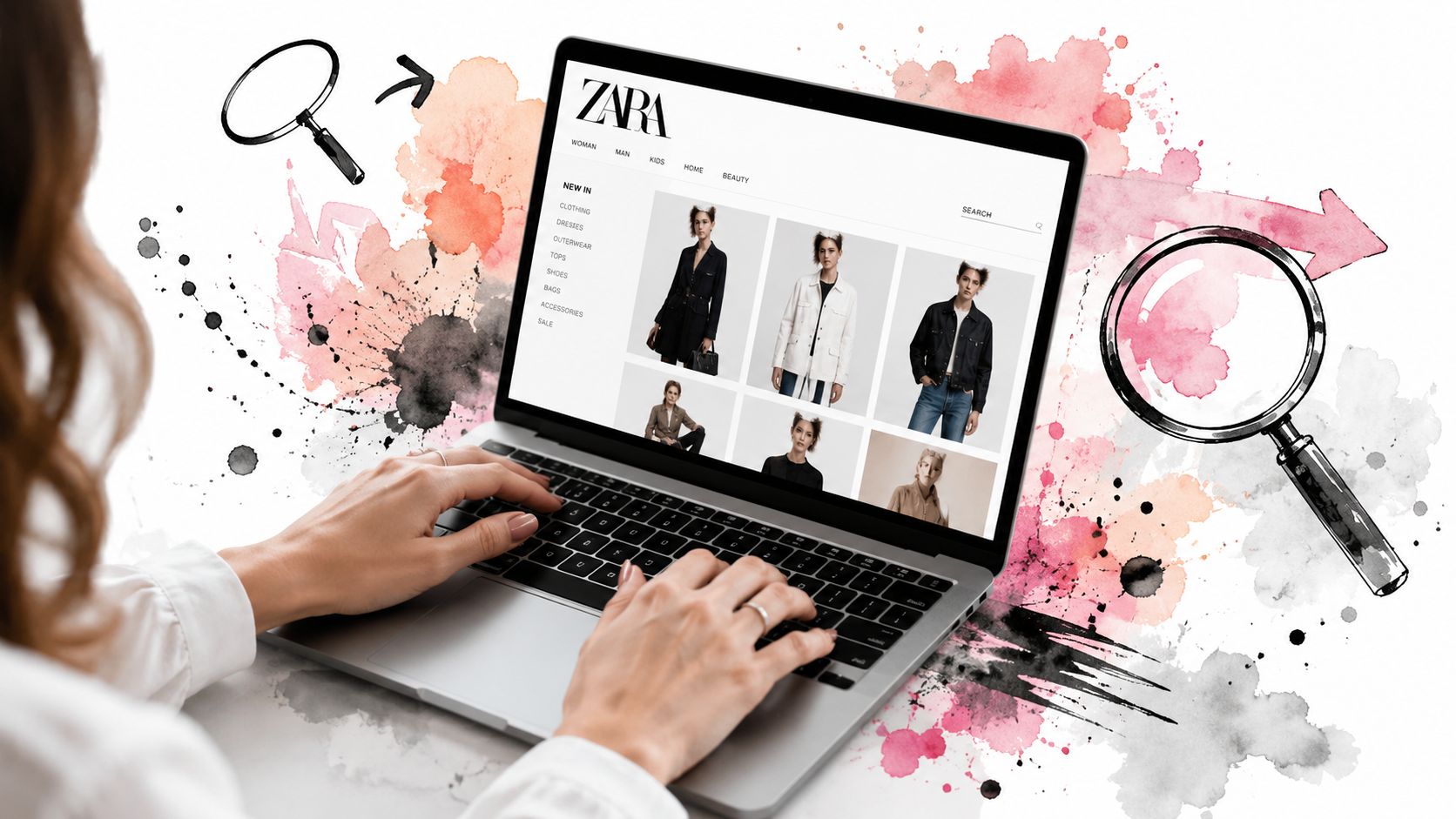
Set up your shopping flow
First, sign in before you do anything serious. Keeping a wishlist matters because Zara stock moves fast, and saved items make side-by-side decisions easier when you come back later.
Then stop scrolling the homepage like social media. Go straight to category pages and use filters aggressively.
A good routine looks like this:
- Start with New In if you want the freshest drop and don't want to sift through older stock.
- Search by specific words like “linen,” “structured,” “pleated,” “cropped,” or “suede effect” instead of broad terms like “pants” or “jacket.”
- Filter early by color, size, and category so you're only comparing realistic options.
- Open promising pieces in separate tabs so you can compare styling and fabric details without losing your place.
Practical rule: Zara gets easier the second you stop browsing for “something cute” and start searching for a silhouette, fabric, or mood.
Use product pages like an insider
A Zara product page usually gives you enough clues if you know what to scan for. Don't focus only on the hero image. Check every alternate image, especially the ones that show movement, side angles, or a closer crop of the fabric.
Also pay attention to the styling context. Zara often styles pieces in a very editorial way, which is great for inspiration but not always useful for everyday wear. If the item only looks compelling because it's layered under three other pieces, that's a signal.
Here's the fast read I use:
| What to check | Why it matters |
|---|---|
| Product name | It often reveals the actual cut or finish |
| Composition | It hints at drape, stiffness, and shine |
| Alternate photos | They expose shape better than the first image |
| Available colors | A strong cut in the wrong color can mislead you |
| Wishlist vs cart | Wishlist keeps options open, cart should stay selective |
For outfit ideas, Zara's styling gets more useful when you treat it like inspiration rather than instruction. A good complement to that is browsing a shop-by-the-look archive to think in full outfits instead of isolated pieces.
Don't let the interface rush you
The biggest mistake in Zara shopping online is moving too fast because the site creates urgency. Slow down right before checkout, not after the package arrives.
Use your cart as a short list, not a holding pen for every maybe. If a piece still feels vague after you've checked the photos, details, and styling, that uncertainty usually means one thing. You still don't know how it will look on you.
Visualizing Your Style Beyond the Size Chart
Your Zara cart looks strong until the doubt hits. The blazer seemed sharp on the model. The dress looked effortless in the first image. Then the familiar question shows up. Will this work on me, or am I paying to run another return experiment?
That question matters more than the size chart.
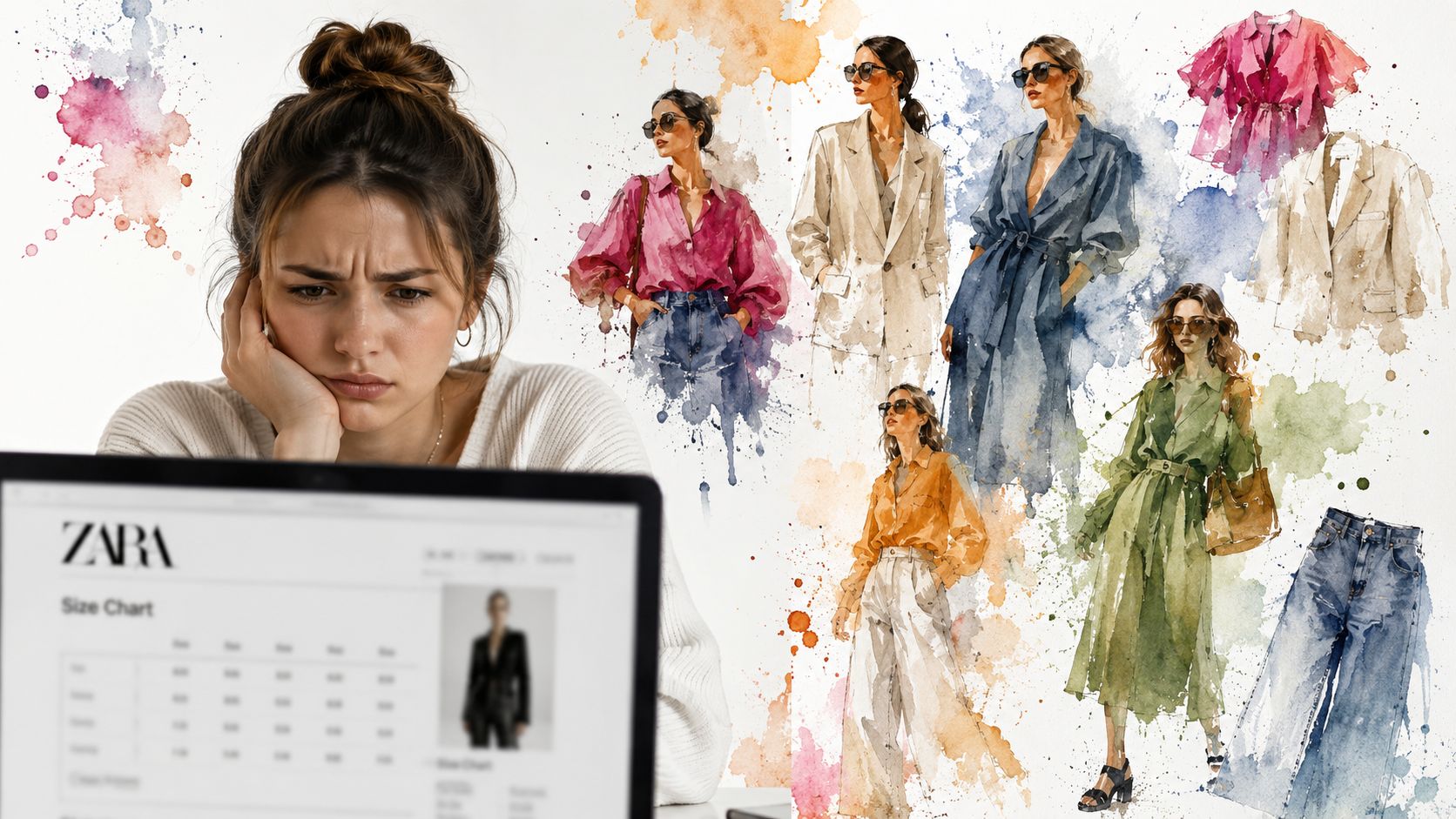
Why size charts don't solve the real problem
Size charts give you numbers. They do not show proportion, attitude, balance, or whether a piece feels polished or awkward on your frame. Zara shopping online gets expensive when you mistake measurement info for style clarity.
The bigger problem is visual uncertainty. You are trying to judge drape, volume, and outfit potential from polished product shots that were built to sell. Analysts in an IJRPR paper on online apparel returns and visualization found that returns often come back to fit expectations and weak visualization before purchase.
That is the gap to fix first.
What helps
I do not need a chart to tell me I might be between sizes. I need to know whether the piece suits my proportions, my wardrobe, and the version of my style I want to build.
That is why tools like TryThisFit matter. It lets you preview clothing on your photo, which is far more useful than guessing from Zara's styling alone. It is especially helpful for trend pieces, final-sale items, and those maybe purchases that usually turn into regret. If you want a clearer breakdown of sizing limits versus visual preview, the measurement accuracy guide for clothing previews explains where measurements help and where they stop being enough.
Image quality decides how useful the preview will be. Flat-lay photos usually give the cleanest read because the garment shape stays visible instead of getting distorted by poses, pins, or camera angles.
Size charts narrow the options. Visual preview tells you whether the look is worth buying.
A better way to choose Zara pieces
Use a stricter filter before you add anything to cart.
- Would I want this if it looked on me the way I expect right now? If the answer is vague, keep browsing.
- Is the photo selling the item more than the item sells itself? Strong styling can hide a weak piece.
- Can I place it into my real wardrobe fast? If you cannot pair it with your own shoes, coat, bag, or routine, it is fantasy shopping.
- Do I have a clean product image or flat-lay to preview first? If yes, your decision gets much easier.
This is the shift that makes Zara more fun. You stop treating online shopping like a coin flip and start using it as a style-building tool.
That leads to better carts, fewer returns, and far fewer pieces that looked exciting on the site but never had a real place in your closet.
The Secret Weapon for Instant Zara Try-Ons
Your Zara cart looks strong until the doubt hits. That blazer looked sharp on the model. The dress felt like a yes five minutes ago. Now you are guessing again.
The fix is speed plus visual proof on the product page.
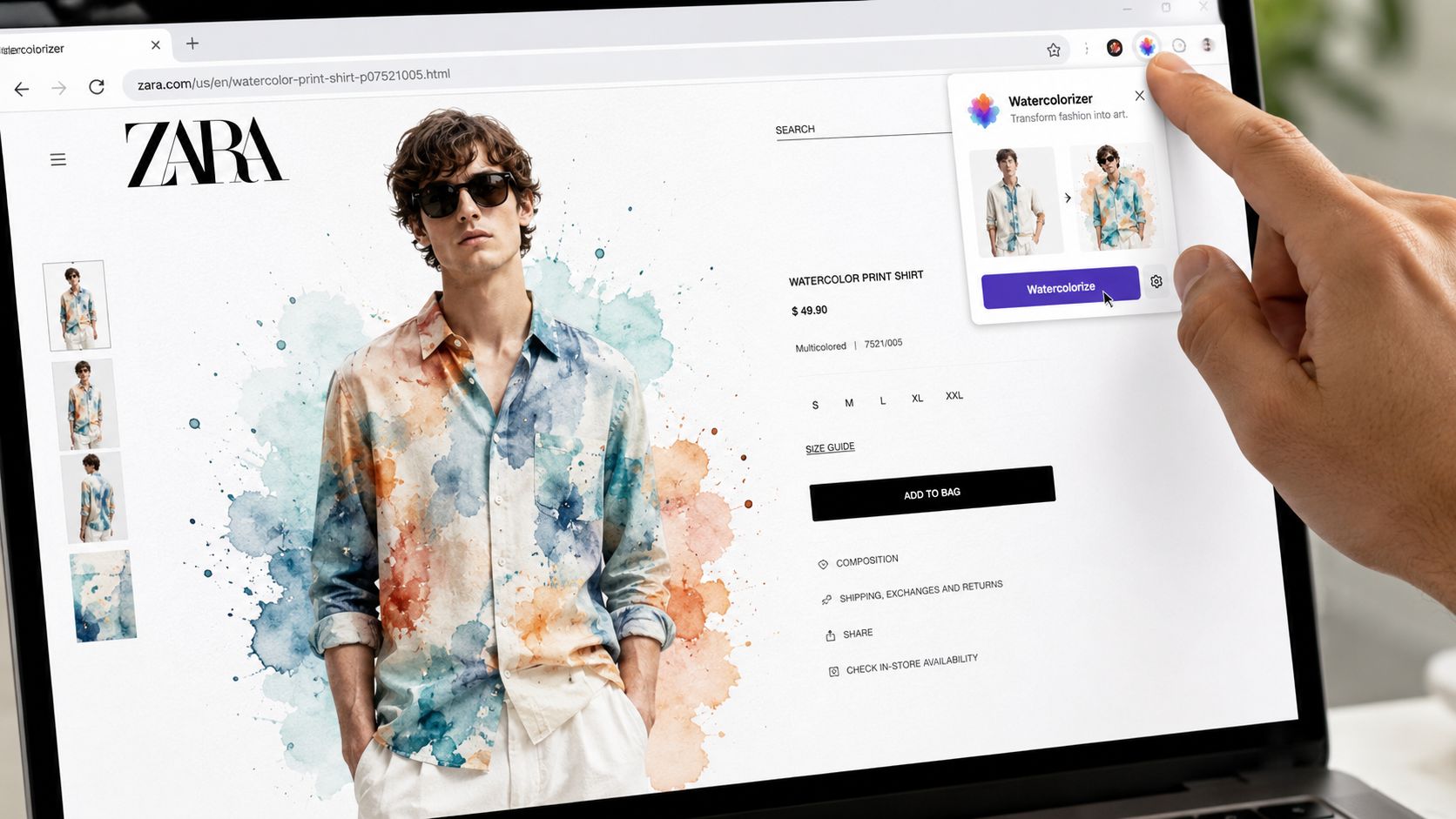
A browser extension does the job better than the usual routine of saving photos, opening tabs, and trying to remember what looked good. TryThisFit lets you right-click a clothing image and preview the style while you are still shopping. You stay on Zara, keep your momentum, and make the decision while the item is in front of you.
How to use it on Zara
If you shop online often, install the free Chrome extension once and keep it ready here: TryThisFit Chrome extension.
Then use it like this:
- Open the Zara product page for any piece that catches your eye.
- Right-click the product image and generate a preview.
- Check the actual look, not just the product styling or model pose.
- Compare fast with the next item before anything goes in your cart.
That small right-click habit changes the whole process. You stop treating Zara like a gamble and start using it as a style lab. Good pieces stand up fast. Weak ones fall apart fast.
It also works beyond Zara. You can use the same flow on H&M, Shein, secondhand listings, and fashion finds on Amazon when you want a quick visual decision before checkout.
If you want to see the workflow in action, this walkthrough shows how direct the process is.
<iframe width="100%" style="aspect-ratio: 16 / 9;" src="https://www.youtube.com/embed/dcUzyUb9-Fo" frameborder="0" allow="autoplay; encrypted-media" allowfullscreen></iframe>Where it pays off fastest
This tool earns its place when the purchase has more risk than usual:
- Secondhand pieces, where returns may not exist
- Impulse Zara finds, where trend pressure pushes rushed decisions
- Occasion wear or costumes, where one bad pick wastes the whole budget
No account setup makes it even better. You install it, use it, and get a clearer read before you spend. That is the whole point.
If online fashion usually leaves you with too many maybes, keep this tool in your browser and use it the moment a Zara item starts looking tempting.
Smart Checkout and Post-Purchase Strategy
Once you've narrowed your picks, checkout should feel boring. That's a good sign. Boring checkout means you already made your primary decision earlier, when you chose pieces with intention instead of relying on a return label as part of the plan.
Check out like a selective buyer
Before you pay, do one last pass on each item page. I'd verify the color, the selected size, and the delivery details, then remove anything that still feels like a maybe.
Use this final filter:
- Keep the obvious yes items that already work in your wardrobe.
- Drop the “interesting but unclear” pieces because those become clutter fast.
- Save edge-case items to your wishlist instead of forcing a decision under cart pressure.
This is also where Zara's speed can work against you. Because the catalog changes often, shoppers tend to buy defensively. That usually leads to extra purchases, not better ones.
Treat returns as backup, not strategy
The old online shopping habit is simple. Buy multiple versions, keep one, return the rest.
I think that's lazy shopping.
A better habit is to make your strongest visual decision before checkout, then use returns only if the item still misses in real life. That saves time, cuts hassle, and keeps your wardrobe from filling up with “almost” pieces.
A return should be a rescue plan, not the first step in your styling process.
For post-purchase sanity, save screenshots or previews of the looks you were choosing between. That way, when the order arrives, you can compare the actual item against the style direction you wanted, not just the rush you felt on the product page.
If you shop this way consistently, Zara becomes much more enjoyable. Less roulette, more editing.
Your Smartest Zara Haul Awaits
You know the feeling. Your Zara cart looks great on screen, then a few days later the package shows up and half the pieces feel wrong for your body, your style, or both.
That's the gap most Zara guides never fix.
They explain filters, accounts, and checkout. Useful, yes. But smart Zara shopping online comes down to one question: can you tell how a piece will look on you before you buy it? If you can, the whole experience changes. You stop shopping on hope and start making deliberate style choices.
Use Zara for what it does well. Fast trend discovery, strong styling ideas, and a huge volume of options. Then bring in a visual decision process that helps you judge the actual look, not just the product photo. That's where TryThisFit earns its place. It turns browsing into outfit testing, which is a much better way to shop.
Keep the momentum after checkout, too. Save your strongest combinations in a wardrobe planning system so your haul fits into real outfits, not just a pile of individual purchases that looked exciting for five minutes.
Shop this way and Zara gets a lot more fun. Fewer bad surprises. Better outfits. A cart that looks like you meant it.
Try Virtual Try-On Now
See how clothes look on you before you buy - works with any online store
Get Started Free